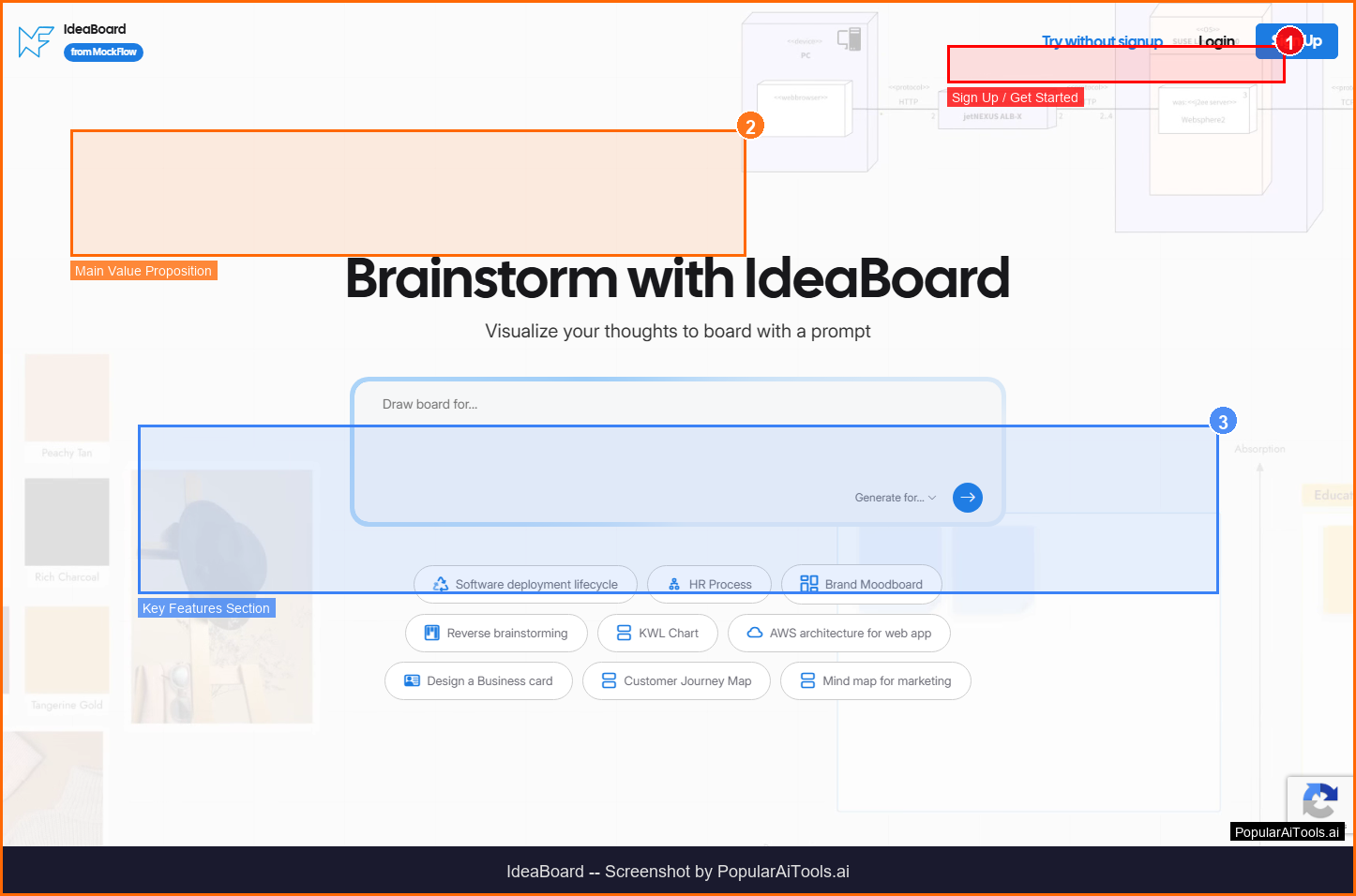

TL;DR -- IdeaBoard Review
Rating: 4.0/5
Best For: Teams needing quick AI-generated whiteboards for brainstorming, planning, and collaborative ideation
Pricing: Free plan available. Paid plans from $7/month with AI features and collaboration.
Verdict: IdeaBoard brings AI generation to the familiar whiteboard format. At $7/month, it is one of the most affordable AI-enhanced collaboration tools available. The prompt library removes the friction of crafting prompts, making it accessible for teams new to AI tools. Best for teams that need quick brainstorming templates rather than detailed technical diagrams.
Table of Contents
What is IdeaBoard?
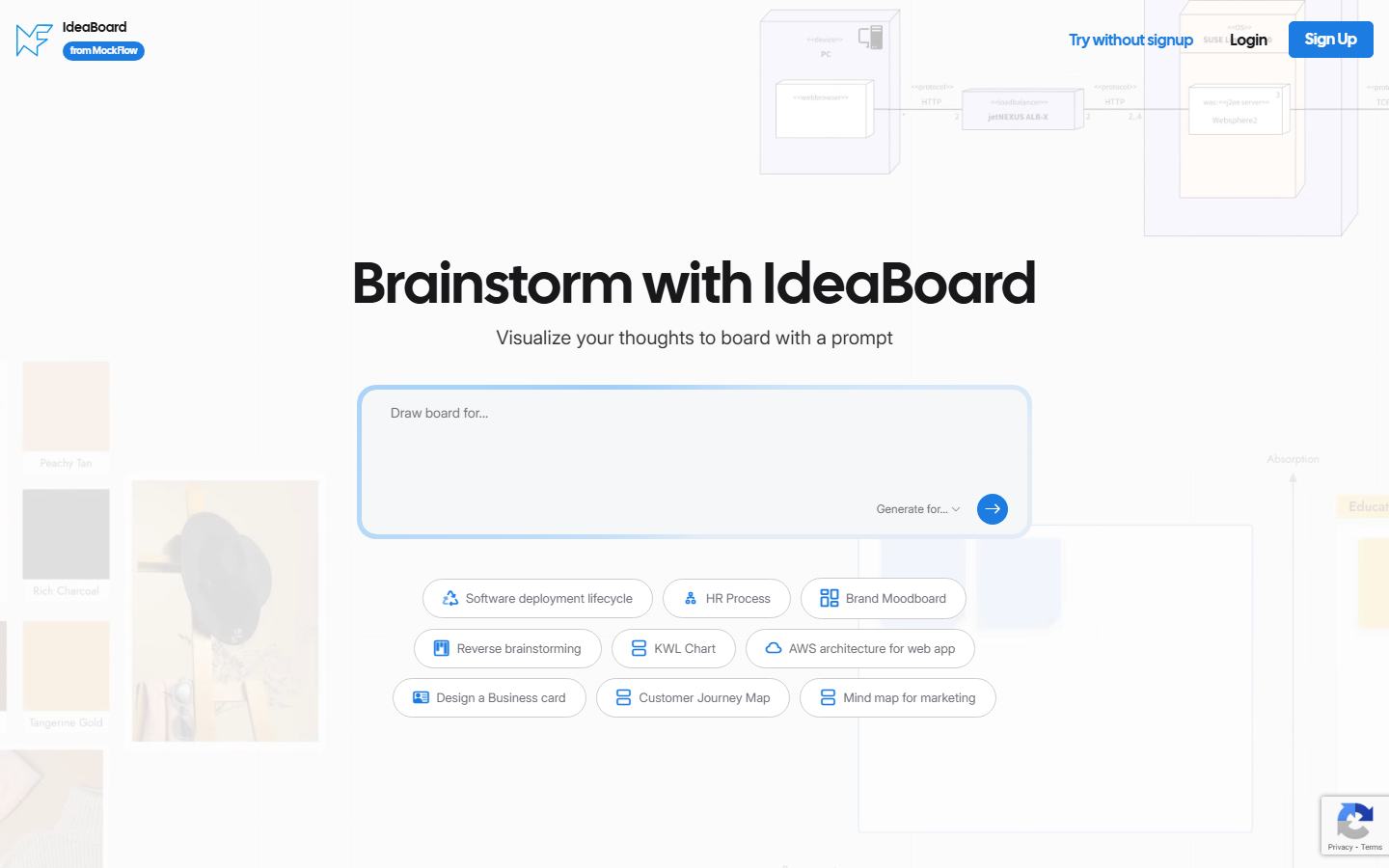
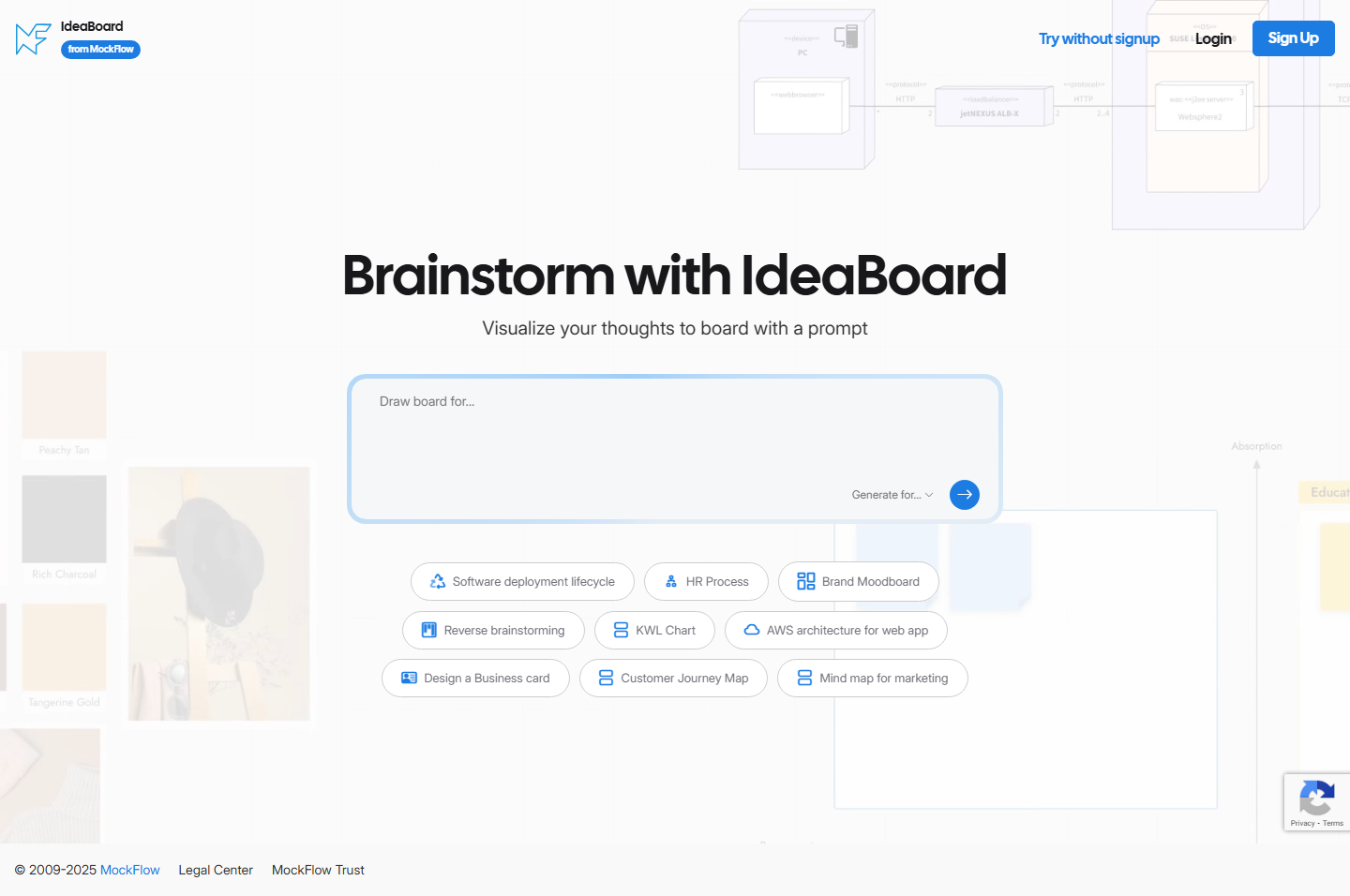
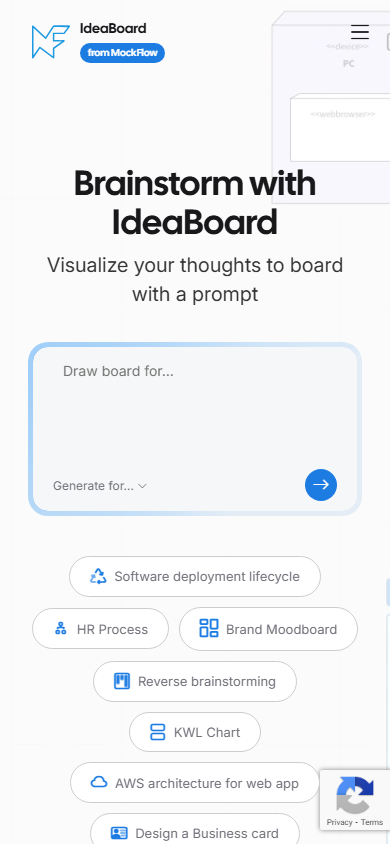
IdeaBoard is an AI-powered online whiteboard from MockFlow that generates custom templates for brainstorming sessions, strategy meetings, flowcharts, Kanban boards, and technical diagrams from simple text prompts. It combines real-time collaboration with AI-generated content to supercharge team planning.

IdeaBoard falls into the AI Collaboration category and is designed for teams needing quick ai-generated whiteboards for brainstorming, planning, and collaborative ideation. In this review, we will explore its features, pricing, pros and cons, and how it compares to alternatives in the market.
Key Features
Here are the standout features that make IdeaBoard worth considering:
AI Template Generation
Generate ready-to-use templates for brainstorming, strategy, flowcharts, and more from text prompts.
Prompt Library
Built-in library of pre-written, editable prompts tailored for different use cases.
Real-Time Collaboration
Team members add, move, and comment on ideas simultaneously from anywhere.
Expansive Canvas
Unlimited workspace for free-form idea expansion mimicking physical whiteboard experience.
AI Credits System
Monthly AI credits that refresh with subscription, with option to purchase additional credits.
How to Use IdeaBoard
Getting started with IdeaBoard is straightforward. Here is the typical workflow:
1
Visit the Website
Go to https://mockflow.com/ideaboard/ and create your account. Most tools offer a free tier or trial to get started.
2
Explore the Dashboard
Familiarize yourself with IdeaBoard's interface, settings, and available features. The onboarding flow will guide you through initial setup.
3
Configure Your Workflow
Set up IdeaBoard for your specific use case. Connect integrations, customize settings, and configure any automations.
4
Start Using & Iterate
Begin using IdeaBoard for real tasks. Monitor results, adjust settings, and scale usage as you become comfortable.
Pricing Plans
Free plan available. Paid plans from $7/month with AI features and collaboration.

| Plan | Price | Includes |
|---|---|---|
| Free | $0 | Basic whiteboard features |
| Pro | $7/mo | AI tools, collaboration, more templates |
| Team | $14/mo | Team features, advanced AI, priority support |
Pros and Cons
Pros
- ✓ Affordable starting at just $7/month
- ✓ AI generates templates from text prompts instantly
- ✓ Built-in prompt library for quick start
- ✓ Real-time collaboration for distributed teams
Cons
- ✗ Part of MockFlow ecosystem -- not standalone
- ✗ AI credits have monthly limits
- ✗ Less powerful than dedicated diagramming tools
IdeaBoard Alternatives
If IdeaBoard does not fit your needs, here are some alternatives worth considering:
| Alternative | Description |
|---|---|
| Miro | Collaborative whiteboard platform |
| FigJam | Figma's whiteboard tool |
| Whimsical | Visual collaboration tool |
| Excalidraw | Open-source whiteboard |
Final Verdict
IdeaBoard brings AI generation to the familiar whiteboard format. At $7/month, it is one of the most affordable AI-enhanced collaboration tools available. The prompt library removes the friction of crafting prompts, making it accessible for teams new to AI tools. Best for teams that need quick brainstorming templates rather than detailed technical diagrams.

Frequently Asked Questions
What is IdeaBoard?
IdeaBoard is an AI-powered online whiteboard from MockFlow that generates templates and supports real-time team collaboration.
How does AI template generation work?
Describe what you need in a text prompt, and AI generates a ready-to-use whiteboard template instantly.
How much does IdeaBoard cost?
Free plan available, with paid plans starting at $7/month for AI features and collaboration.
Can teams collaborate in real time?
Yes, team members can add, move, and comment on ideas simultaneously from different locations.
What types of templates can AI generate?
Brainstorming boards, strategy frameworks, flowcharts, Kanban boards, meeting agendas, and technical diagrams.
Is there a prompt library?
Yes, a built-in library of pre-written, editable prompts tailored for different use cases.
Do AI credits expire?
Monthly credits refresh with your subscription, and purchased additional credits never expire.
Is IdeaBoard part of MockFlow?
Yes, IdeaBoard is a product within the MockFlow suite of design and planning tools.
Review by PopularAiTools.ai | Last updated: March 21, 2026
Get Premium AI Tool Insights
Subscribe to get weekly curated AI tool recommendations, exclusive deals, and early access to new tool reviews.
Related Tools
Google Gemini 3.1 Flash Live
ai-chatbots
Google Gemini 3.1 Flash Live is a fast, affordable multimodal AI model with real-time streaming. Handles text, images, audio, video, and code at a fraction of the cost of GPT-5.
P
Pulse Ai
ai-chatbots
Pulse AI is an always-on AI business intelligence analyst that builds dashboards, answers plain-language queries, detects trends and anomalies, and turns data into actionable insights.
Paperclip
ai-chatbots
Paperclip: A self-hosted platform that orchestrates autonomous AI-driven companies by hiring, organizing, and coordinating LLM- or agent-based workers.

flompt
ai-chatbots
Related Articles
10 Claude Code Skills, Plugins & CLIs to Install on Day One (April 2026)
Starting Claude Code from scratch in 2026? Install these 10 skills, plugins, and CLIs on day one — Codex CLI, Obsidian, Autoresearch, Firecrawl, Playwright, NotebookLM, Skill Creator, RAG-Anything, Google Workspace CLI, and awesome-design-md. Full install commands included.
We Tested 24 AI Models Inside Claude Code: The 2026 Tier List
We swapped 24 different AI models into Claude Code and ran identical tool-call tests on each. Here's the S-tier-to-D-tier ranking, real cost comparison, and the single best Claude Sonnet 4.6 alternative for 2026 — including the GLM 4.6 sleeper pick that matched Sonnet at 15% the cost.
Claude as a Creative Studio: Make Ads, Images, and Video From One Chat (2026)
Claude doesn't generate raster images natively, but in 2026 it's the smartest creative director on Earth — orchestrating Nano Banana 2, Sora 2, Runway, Higgsfield, Remotion, and VEED into a single ad-and-video factory. The full stack, the variant matrix trick, and how to build a YouTube Shorts factory.