
Kiro Review 2026: Features, Pricing, Pros & Cons
Updated March 2026 · 14 min read · By PopularAiTools.ai
TL;DR
Kiro represents Amazon's bold bet on structured AI-assisted development. The spec-driven approach — generating requirements, designs, and task lists before writing code — solves the real problem with AI coding tools: they generate code fast but produce fragile software that is hard to maintain. By forcing clarity upfront, Kiro helps developers build software that is correct by design. The Claude Sonnet 4.5 integration delivers excellent code quality, and the agent hooks genuinely automate tedious development tasks. The main trade-off is speed — Kiro's structured approach is slower than Cursor's rapid-fire generation for quick prototyping. For production software development, especially on AWS, Kiro is the most thoughtful AI IDE available. Rating: 4.4/5 Rating: 4.4/5
What is Kiro?
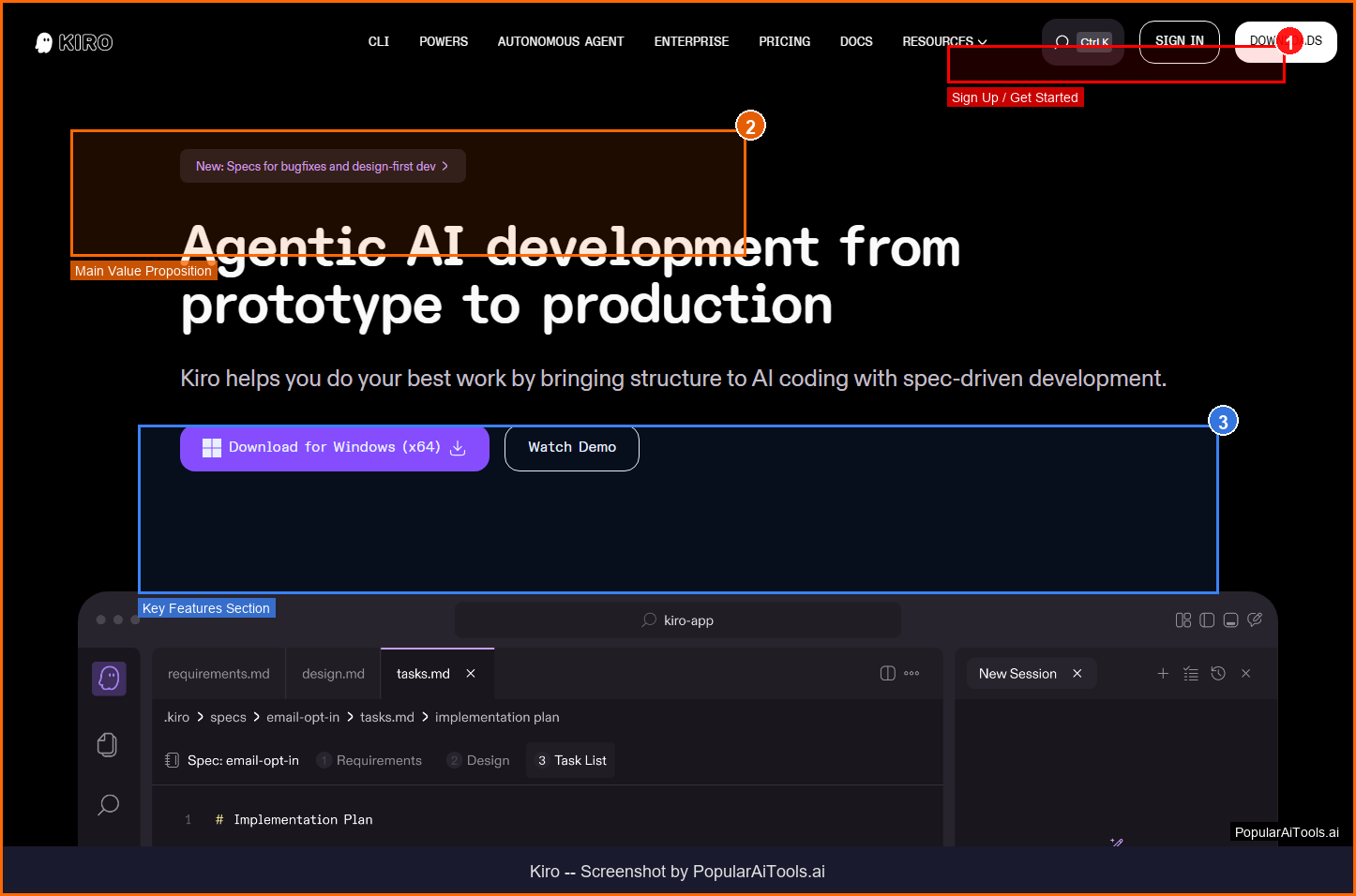
Kiro is Amazon's spec-driven AI IDE that bridges the gap between prototype and production code. Built on Amazon Bedrock and powered by Claude Sonnet, Kiro transforms natural language prompts into structured specifications — requirements in EARS notation, technical designs, and sequenced implementation tasks — before generating any code. This spec-first approach eliminates the biggest problem with AI coding: vibe coding that produces fragile, hard-to-maintain software.
Kiro operates in the AI IDE & Development space, which has seen explosive growth in 2026 as businesses and creators increasingly rely on AI-powered tools to streamline workflows and reduce costs. What sets Kiro apart from competitors is its focused approach to solving specific pain points that users encounter daily.
The platform has gained significant traction with a monthly search volume of 450,880 for its primary keyword, indicating strong market demand and user interest. With Free (50 credits + 500 bonus) pricing available, Kiro is accessible to individuals and teams at various budget levels.
Key Features
1. Spec-Driven Development
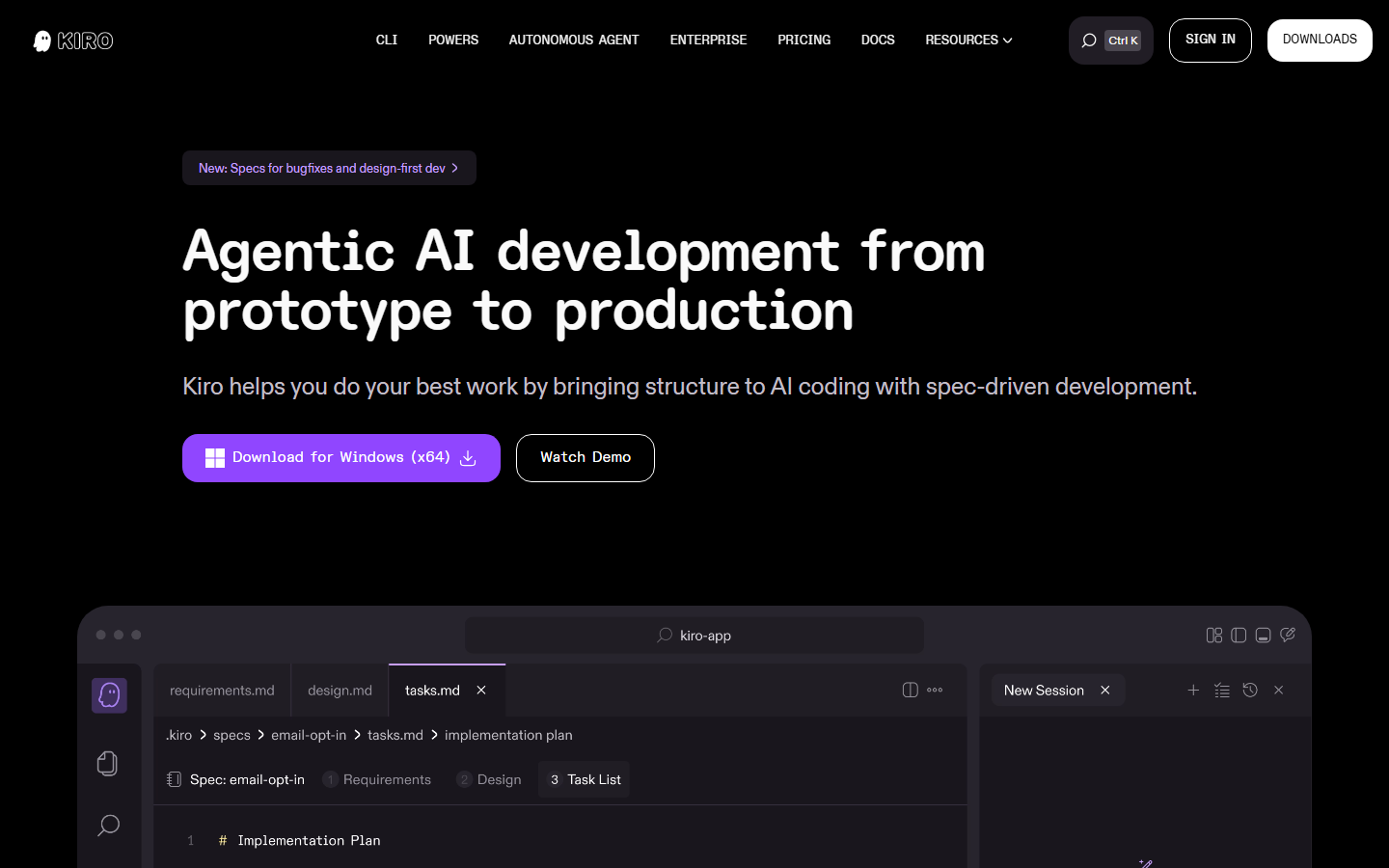
Converts prompts into structured Requirements.md, Design.md, and Tasks.md before writing any code — ensuring intent is clear before implementation
2. EARS Notation Requirements
Uses Easy Approach to Requirements Syntax for unambiguous acceptance criteria that both humans and AI can validate
3. Agent Hooks
Automated triggers that respond to file changes — auto-generate documentation, run tests, optimize code, and enforce conventions on every save
4. Agentic Chat
Build features through natural conversation with full project context. Kiro understands your codebase architecture and dependencies
5. Autopilot Mode
Autonomous task execution where Kiro works through implementation plans independently, checking in only when decisions are needed
6. Multi-Language Support
Supports Python, JavaScript, TypeScript, Java, C#, Go, Rust, PHP, Ruby, Kotlin, C++, SQL, and more
7. Native MCP Integration
Model Context Protocol support for connecting to external tools, databases, APIs, and data sources during development
8. AWS Service Integration
Deep integration with Lambda, CDK, CloudFormation, and CodeCatalyst for AWS-native development workflows
How to Use Kiro (Step-by-Step)
Step 1: Download Kiro
Install Kiro from kiro.dev. It is compatible with VS Code themes, plugins, and settings for a familiar development experience.
Step 2: Describe Your Feature
Use natural language to describe what you want to build. Kiro converts this into a structured spec with requirements, design, and tasks.
Step 3: Review the Spec
Examine the generated Requirements.md, Design.md, and Tasks.md. Approve, modify, or add additional requirements before code generation.
Step 4: Generate Code
Kiro works through the task list sequentially, generating code that aligns with the approved spec. Review diffs and approve changes.
Step 5: Set Up Hooks
Configure agent hooks to automate routine tasks — documentation updates, test generation, and code optimization on file changes.
Pricing Plans
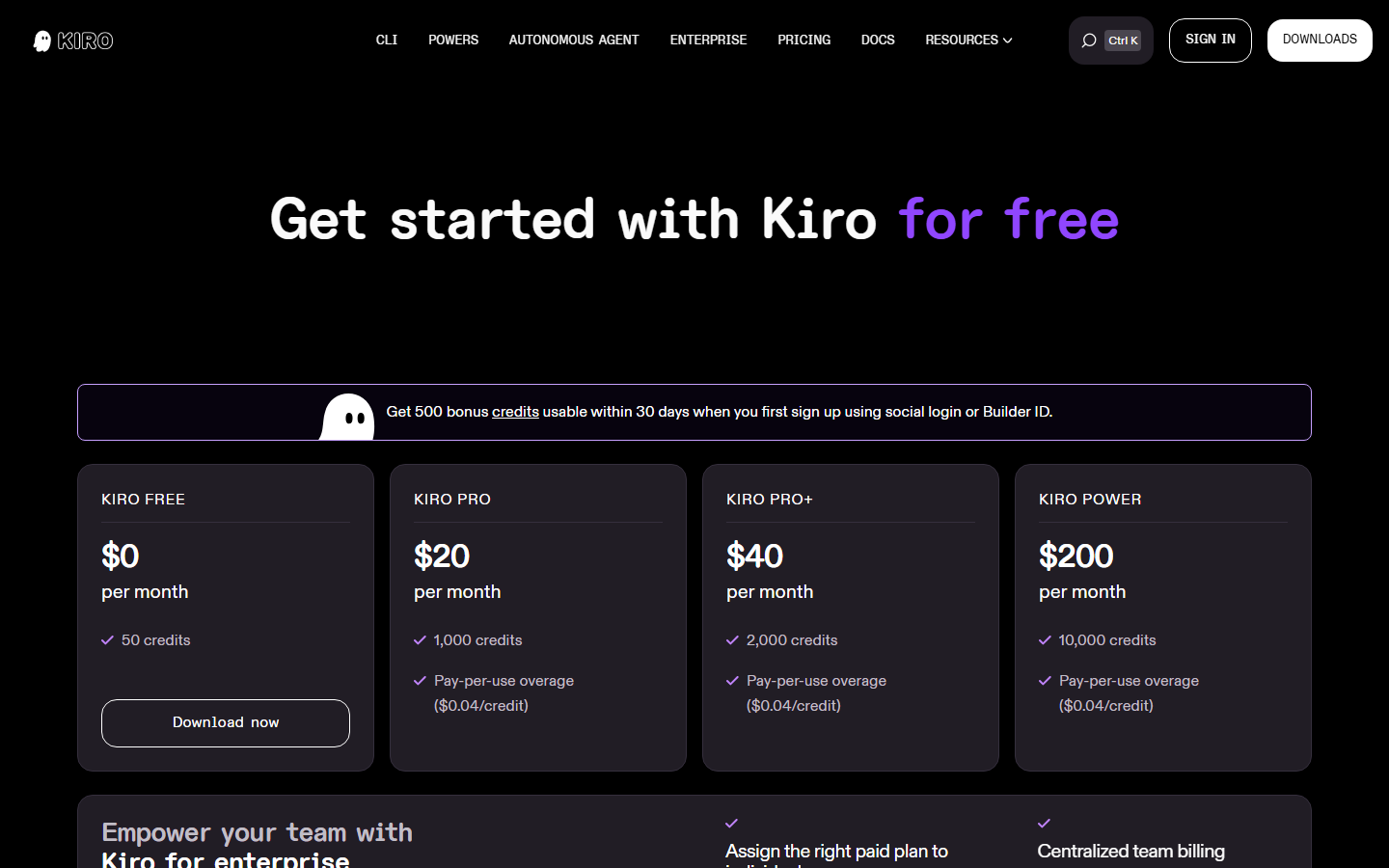
Pricing Summary: Free (50 credits + 500 bonus) | Pro $20/mo | Pro+ $40/mo | Power $200/mo

Pros and Cons
Pros
- ✓ Spec-driven approach eliminates fragile vibe coding — every line of code traces to requirements
- ✓ Claude Sonnet 4.5 produces industry-leading code quality
- ✓ Agent hooks automate documentation, testing, and code optimization
- ✓ Deep AWS integration makes it the natural choice for AWS-native development
- ✓ VS Code compatible — familiar environment with minimal migration friction
- ✓ Free tier with 550 total credits is generous enough for meaningful evaluation
Cons
- ✗ Power plan at $200/month is expensive for individual developers
- ✗ Spec-driven workflow adds overhead for quick prototyping and simple scripts
- ✗ Heavily optimized for AWS — less advantageous for GCP or Azure shops
- ✗ Autopilot mode requires Pro+ ($40/mo) — not available on lower tiers
- ✗ Credit consumption varies by task complexity — costs can be unpredictable
Best Kiro Alternatives
Final Verdict
Kiro represents Amazon's bold bet on structured AI-assisted development. The spec-driven approach — generating requirements, designs, and task lists before writing code — solves the real problem with AI coding tools: they generate code fast but produce fragile software that is hard to maintain. By forcing clarity upfront, Kiro helps developers build software that is correct by design. The Claude Sonnet 4.5 integration delivers excellent code quality, and the agent hooks genuinely automate tedious development tasks. The main trade-off is speed — Kiro's structured approach is slower than Cursor's rapid-fire generation for quick prototyping. For production software development, especially on AWS, Kiro is the most thoughtful AI IDE available. Rating: 4.4/5
Our Rating: 4.4/5
Have You Tried Kiro?
Share your experience with the PopularAiTools.ai community. Your review helps other users make informed decisions.
Submit Your ReviewFrequently Asked Questions
Is Kiro free?
Yes, Kiro offers a free tier with 50 monthly credits plus a 500-credit bonus for new users. This is enough to evaluate the platform on a real project. Paid plans start at $20/month.
Who makes Kiro?
Kiro is built by Amazon Web Services (AWS). It runs on Amazon Bedrock and is powered by Claude Sonnet from Anthropic.
What is spec-driven development?
Spec-driven development means Kiro converts your natural language prompt into structured Requirements.md, Design.md, and Tasks.md documents before generating any code. This ensures clarity and traceability.
Does Kiro work with VS Code extensions?
Yes, Kiro is compatible with VS Code themes, plugins, and settings. You can migrate your existing VS Code setup with minimal friction.
What AI model does Kiro use?
Kiro is powered by Claude Sonnet 4.5 from Anthropic, with an Auto mode that balances quality, latency, and cost across different tasks.
What is autopilot mode?
Autopilot lets Kiro work through implementation plans autonomously, generating code and running tasks independently. It checks in with you only when human decisions are needed.
How much do credits cost?
Monthly credits are included in your plan (50 free, 1,000 Pro, 3,000 Pro+, 15,000 Power). Overage credits cost $0.04 each on paid plans.
Is Kiro only for AWS development?
No, Kiro supports any development workflow. However, it has deep native integration with AWS services like Lambda, CDK, and CloudFormation that give it an advantage for AWS-native projects.
Get Premium AI Tool Insights
Subscribe to get weekly curated AI tool recommendations, exclusive deals, and early access to new tool reviews.
Related Tools
V
VideoProc Converter AI
ai-coding

Relia
ai-coding
AI-powered Chrome extension that audits code flow, catches hallucinations in AI-generated code, and flags security vulnerabilities before they ship.

Git AutoReview
ai-coding
Updated March 2026 · 12 min read · By PopularAiTools.ai

Parallel Code
ai-coding
Free open-source desktop app that dispatches 10+ AI coding agents simultaneously across isolated git branches. Supports Claude Code, Codex CLI, and Gemini CLI. Keyboard-first Electron app with diff review workflow and QR code mobile monitoring. macOS + Linux. MIT license.
Related Articles
10 Claude Code Skills, Plugins & CLIs to Install on Day One (April 2026)
Starting Claude Code from scratch in 2026? Install these 10 skills, plugins, and CLIs on day one — Codex CLI, Obsidian, Autoresearch, Firecrawl, Playwright, NotebookLM, Skill Creator, RAG-Anything, Google Workspace CLI, and awesome-design-md. Full install commands included.
We Tested 24 AI Models Inside Claude Code: The 2026 Tier List
We swapped 24 different AI models into Claude Code and ran identical tool-call tests on each. Here's the S-tier-to-D-tier ranking, real cost comparison, and the single best Claude Sonnet 4.6 alternative for 2026 — including the GLM 4.6 sleeper pick that matched Sonnet at 15% the cost.
Claude as a Creative Studio: Make Ads, Images, and Video From One Chat (2026)
Claude doesn't generate raster images natively, but in 2026 it's the smartest creative director on Earth — orchestrating Nano Banana 2, Sora 2, Runway, Higgsfield, Remotion, and VEED into a single ad-and-video factory. The full stack, the variant matrix trick, and how to build a YouTube Shorts factory.