
Kya Review 2026: Features, Pricing, Pros & Cons
Updated March 2026 · 11 min read · By PopularAiTools.ai
TL;DR
An AI chatbot that learns from your website content to provide 24/7 automated customer support and lead capture, with no-code setup in under 60 seconds. The freemium pricing model makes it accessible, with plans starting at $0. Rating: 4.2/5
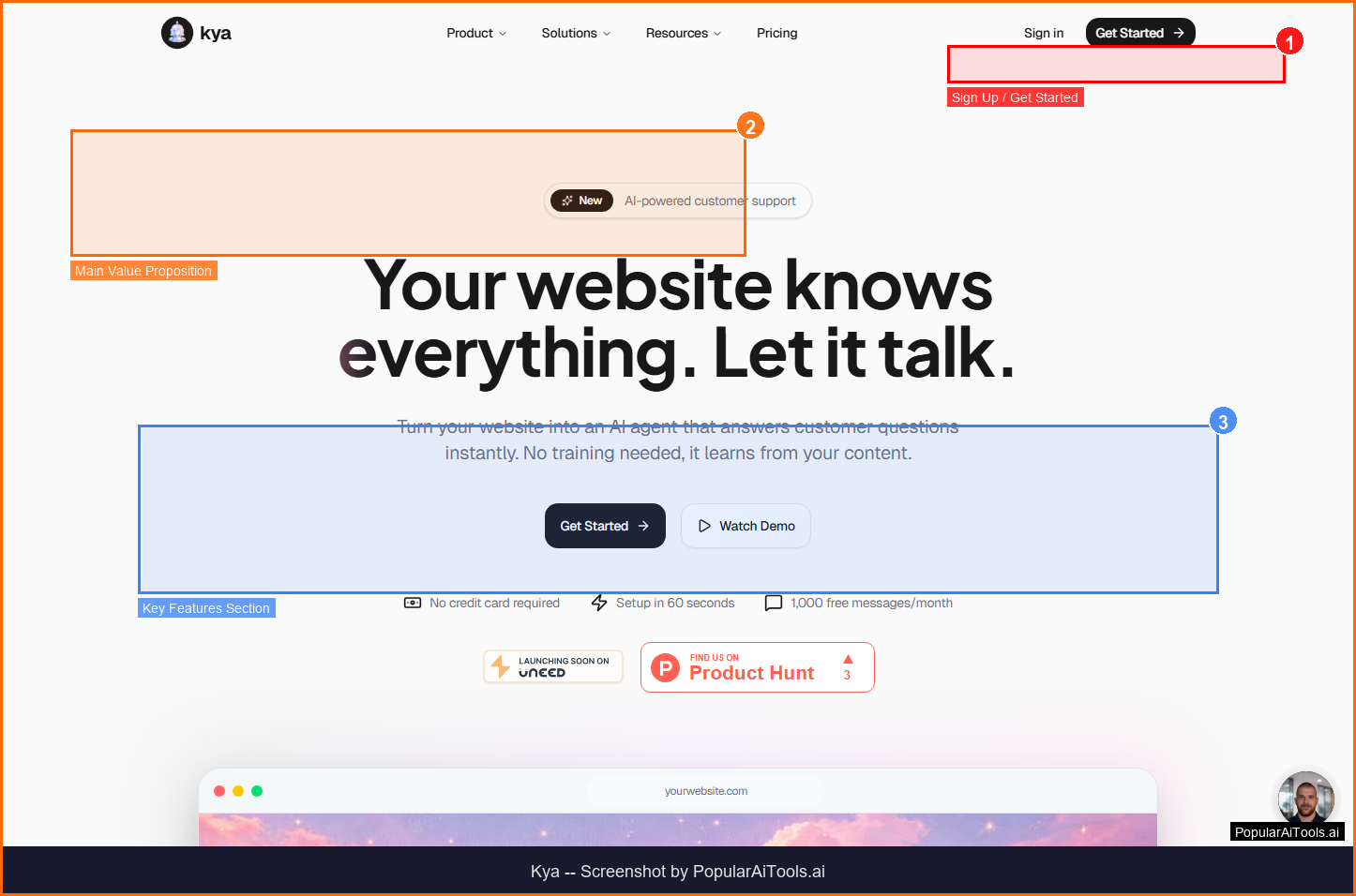
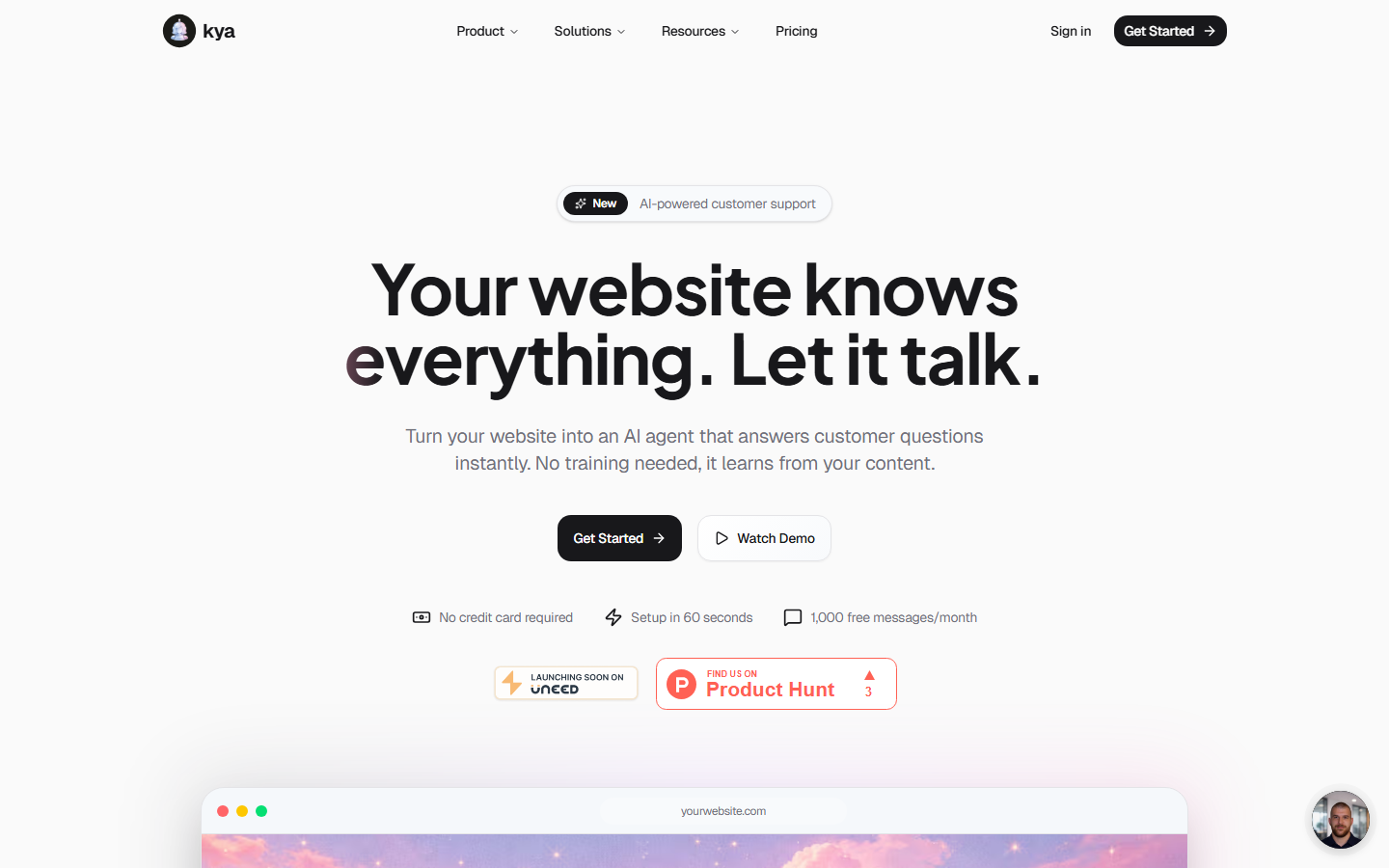
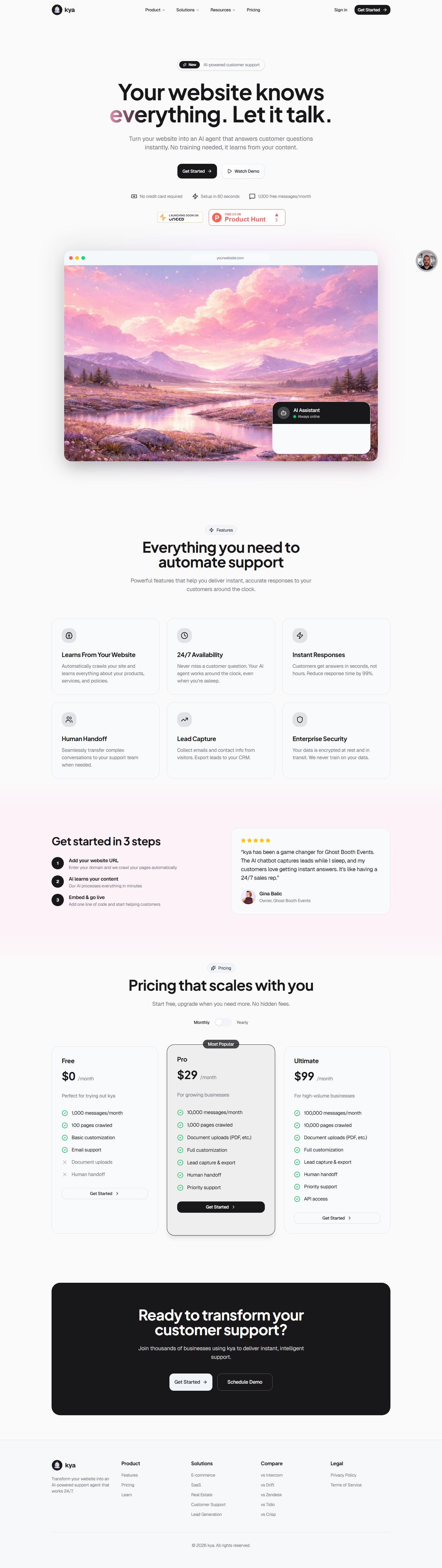
The Kya homepage - key features and navigation highlighted
What is Kya?
An AI chatbot that learns from your website content to provide 24/7 automated customer support and lead capture, with no-code setup in under 60 seconds.
Kya stands out in the crowded AI landscape by focusing on solving a specific problem well rather than trying to be everything to everyone. The platform is designed to integrate seamlessly into existing workflows, reducing the learning curve and time-to-value for new users.
Whether you are an individual user looking to boost productivity or a team seeking to streamline operations, Kya offers a freemium approach that lets you start with core features and scale as your needs grow. The platform has gained traction in 2026 as organizations increasingly adopt specialized AI tools for specific workflow challenges.
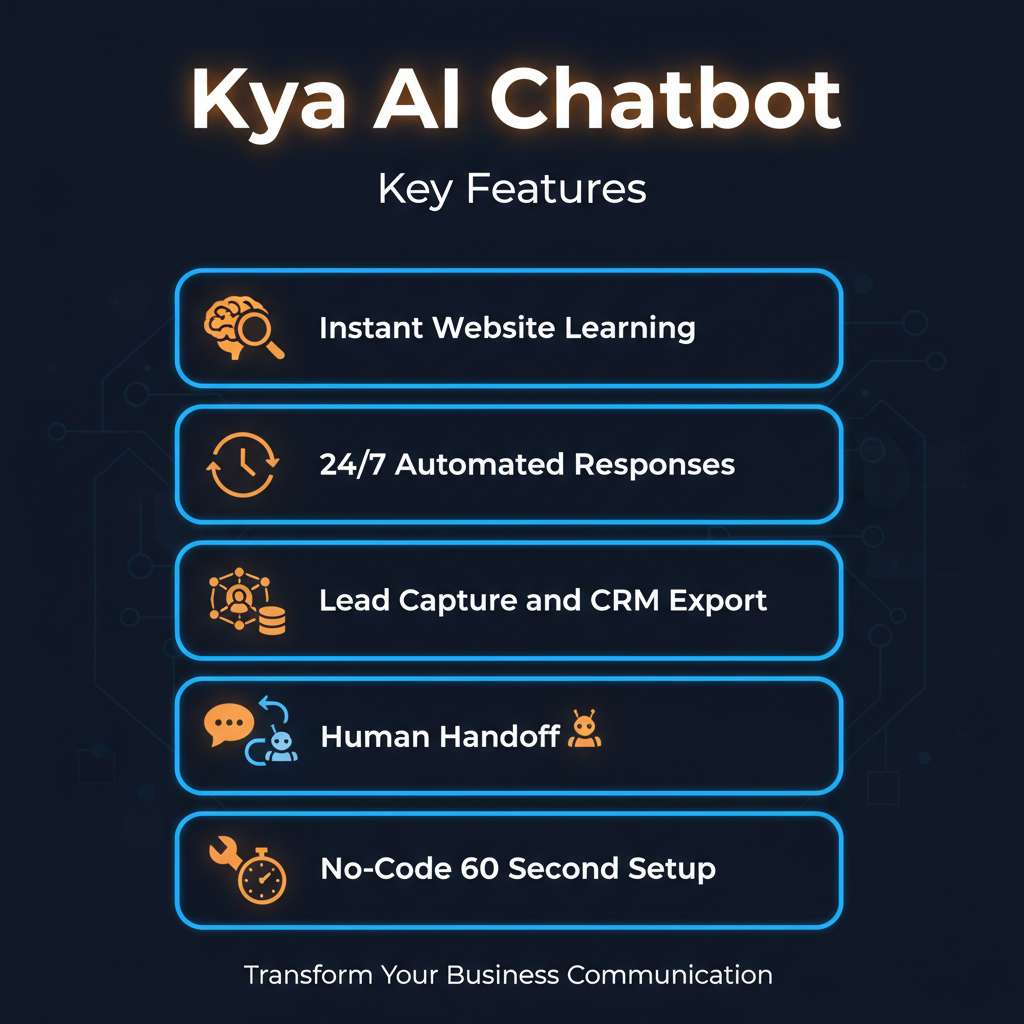
Kya core features at a glance
Key Features
1. Instant Website Learning
Enter your website URL and Kya automatically crawls and learns from your content within minutes. It processes product pages, blog posts, documentation, and FAQs to build a comprehensive knowledge base without manual training.
2. 24/7 Automated Responses
Kya answers customer questions around the clock with AI-powered responses based on your actual website content. Visitors get instant, accurate answers without waiting for a human agent, reducing support ticket volume significantly.
3. Lead Capture & CRM Export
Collect visitor contact information (names, emails, phone numbers) through natural conversation. Export captured leads to your CRM system for follow-up. The Pro plan and above include full lead capture and export functionality.
4. Human Handoff
When conversations exceed the AI capabilities or require human judgment, Kya seamlessly transfers the chat to a live support agent with full conversation context preserved. No information is lost in the transition.
5. No-Code 60-Second Setup
Get started in three steps: enter your URL, customize the chat widget appearance, and paste a single code snippet into your website. No technical expertise, coding, or complex configuration required.
How Kya fits into your workflow
How to Use Kya (Step-by-Step)
Step 1: Enter Your Website URL
Visit meetkya.com and enter your website address. Kya begins crawling your content immediately.
Step 2: Wait for AI Training
Kya processes your website content within minutes, building a knowledge base from your pages, products, and documentation.
Step 3: Customize Appearance
Adjust the chat widget colors, position, welcome message, and branding to match your website design.
Step 4: Install the Code Snippet
Copy a single code snippet and paste it into your website HTML. Works with any website platform.
Step 5: Monitor and Manage
Track conversations, review captured leads, and monitor AI performance through the Kya dashboard.
Pricing Plans
Kya pricing tiers compared (March 2026)
Kya offers a freemium pricing structure. The Free plan at $0 provides enough functionality for basic use cases and evaluation. The paid plans unlock advanced features, higher limits, and priority support that professional users and teams will need.
Pros and Cons
Pros
- ✓ Setup takes under 60 seconds with no coding required
- ✓ Free plan includes 1,000 messages and human handoff
- ✓ AI learns directly from your website content automatically
- ✓ Lead capture converts visitors into contacts while they chat
- ✓ Data encryption at rest and in transit, never used for AI training
- ✓ Affordable Pro plan at $29/month compared to Intercom/Drift
Cons
- ✗ Free plan limited to 100 pages crawled
- ✗ No native CRM integrations (export required)
- ✗ AI responses limited to content available on your website
- ✗ No multi-language support mentioned
- ✗ Less feature-rich than enterprise solutions like Intercom
Best Kya Alternatives
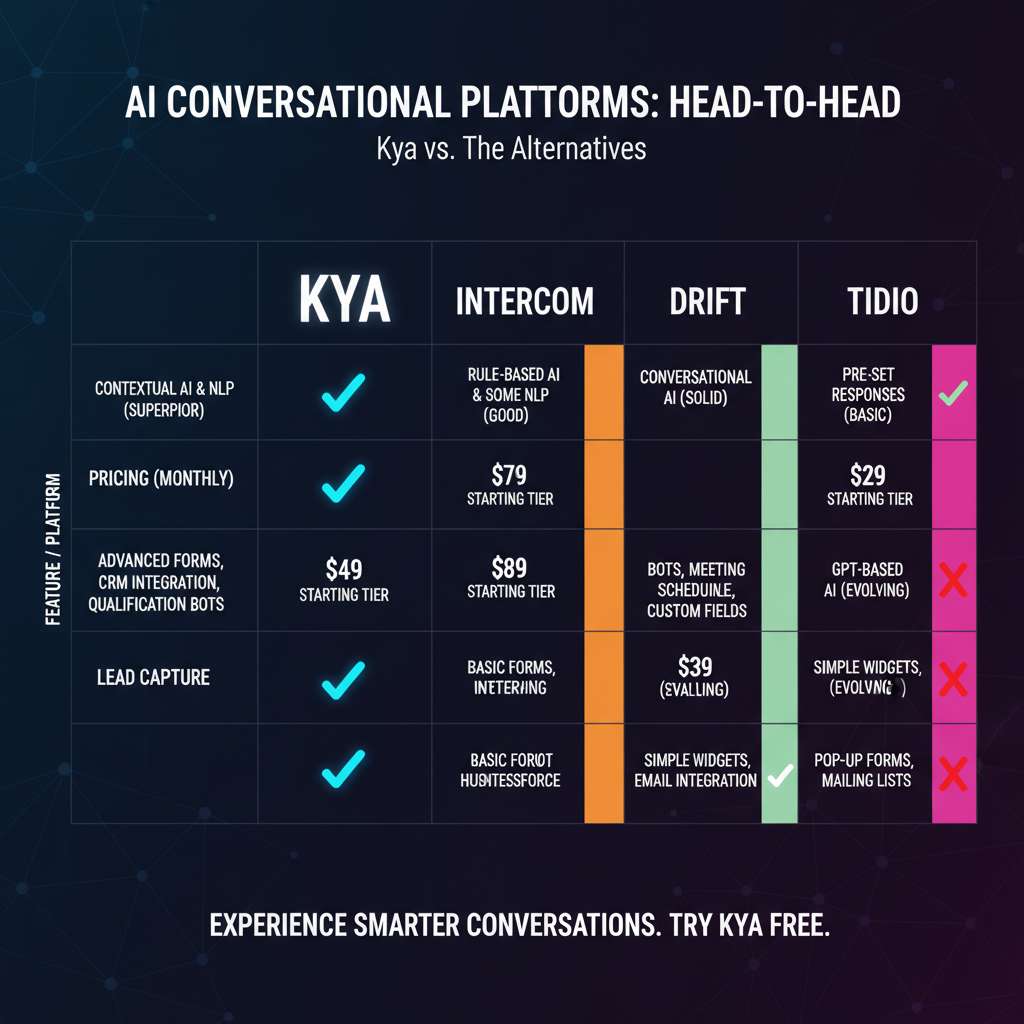
How Kya compares to top alternatives
Intercom ($39/mo) specializes in Customer messaging and is the top choice for Enterprise customer support.
Chatling (Free / $15/mo) specializes in AI chatbot and is the top choice for Budget-friendly AI chat.
Tidio (Free / $29/mo) specializes in Live chat + AI and is the top choice for Combined live and AI chat.
Drift (Custom) specializes in Conversational marketing and is the top choice for B2B sales teams.
Final Verdict: Is Kya Worth It?
After thorough evaluation in 2026, Kya proves to be a solid option in its category. The freemium pricing model makes it accessible for users who want to test before committing, and the core feature set addresses real workflow needs without unnecessary bloat.
The platform excels at its primary use case and delivers genuine value for users within its target audience. While there are areas for improvement, the development team appears actively engaged in expanding capabilities and addressing limitations.
For users seeking a focused, purpose-built tool rather than a sprawling all-in-one platform, Kya earns its place in the consideration set. We recommend starting with the free tier to evaluate fit before upgrading.
Our Rating: 4.2 / 5
Build an AI Tool? Get It in Front of the Right Audience
PopularAiTools.ai reaches thousands of qualified AI buyers monthly.
Submit Your AI Tool →Frequently Asked Questions
How much does Kya cost?
Kya offers three plans: Free ($0 with 1,000 messages/month), Pro ($29/month with 10,000 messages), and Ultimate ($99/month with 100,000 messages and API access).
How long does setup take?
Kya can be set up in under 60 seconds. Enter your URL, customize the appearance, and add a code snippet to your site.
Does Kya use my data for AI training?
No. Kya explicitly states they never train on your data. Information is encrypted at rest and in transit.
Can Kya replace live chat agents?
Kya handles routine questions automatically but includes human handoff for complex issues. It works best as a first line of support that escalates when needed.
What websites does Kya work with?
Kya works with any website. The code snippet can be added to any HTML page, including WordPress, Shopify, Wix, Squarespace, and custom-built sites.
Get Premium AI Tool Insights
Subscribe to get weekly curated AI tool recommendations, exclusive deals, and early access to new tool reviews.
Related Tools
V
VideoProc Converter AI
ai-coding

Relia
ai-coding
AI-powered Chrome extension that audits code flow, catches hallucinations in AI-generated code, and flags security vulnerabilities before they ship.

Git AutoReview
ai-coding
Updated March 2026 · 12 min read · By PopularAiTools.ai

Parallel Code
ai-coding
Free open-source desktop app that dispatches 10+ AI coding agents simultaneously across isolated git branches. Supports Claude Code, Codex CLI, and Gemini CLI. Keyboard-first Electron app with diff review workflow and QR code mobile monitoring. macOS + Linux. MIT license.
Related Articles
10 Claude Code Skills, Plugins & CLIs to Install on Day One (April 2026)
Starting Claude Code from scratch in 2026? Install these 10 skills, plugins, and CLIs on day one — Codex CLI, Obsidian, Autoresearch, Firecrawl, Playwright, NotebookLM, Skill Creator, RAG-Anything, Google Workspace CLI, and awesome-design-md. Full install commands included.
We Tested 24 AI Models Inside Claude Code: The 2026 Tier List
We swapped 24 different AI models into Claude Code and ran identical tool-call tests on each. Here's the S-tier-to-D-tier ranking, real cost comparison, and the single best Claude Sonnet 4.6 alternative for 2026 — including the GLM 4.6 sleeper pick that matched Sonnet at 15% the cost.
Claude as a Creative Studio: Make Ads, Images, and Video From One Chat (2026)
Claude doesn't generate raster images natively, but in 2026 it's the smartest creative director on Earth — orchestrating Nano Banana 2, Sora 2, Runway, Higgsfield, Remotion, and VEED into a single ad-and-video factory. The full stack, the variant matrix trick, and how to build a YouTube Shorts factory.