
Leni Review March 2026: Features, Pricing, Pros & Cons
Updated March 2026 · 10 min read · By PopularAiTools.ai
TL;DR
Leni is an AI-powered user research assistant that helps product teams conduct, analyze, and synthesize user research more efficiently. The platform automates interview transcription, identifies themes and patterns across multiple interviews, generates research insights, and creates shareable reports. Leni reduces the time from raw research data to actionable insights, making user research accessible to teams that lack dedicated research resources. Pricing model: Freemium. Rating: 4.1/5
What is Leni?
Leni is an AI-powered user research assistant that helps product teams conduct, analyze, and synthesize user research more efficiently. The platform automates interview transcription, identifies themes and patterns across multiple interviews, generates research insights, and creates shareable reports. Leni reduces the time from raw research data to actionable insights, making user research accessible to teams that lack dedicated research resources.
Who Should Use Leni?
- Product teams conducting user interviews
- UX researchers analyzing qualitative data at scale
- Startup founders doing customer discovery
- Design teams gathering user feedback
- Product managers building research repositories
Key Features
1. Interview Transcription
Automatically transcribe user interviews with speaker identification and timestamp marking for easy reference.
2. Theme Identification
AI analyzes transcripts across multiple interviews to identify recurring themes, patterns, and sentiments without manual coding.
3. Insight Generation
Generate actionable research insights from interview data, highlighting user needs, pain points, and opportunities.
4. Research Repository
Build a searchable repository of all research data, transcripts, and insights. Access past research findings quickly.
5. Shareable Reports
Create professional research reports with key findings, quotes, and recommendations that can be shared with stakeholders.
6. Collaboration Tools
Tag team members, share insights, and collaborate on research analysis within the platform.

How to Use Leni
Step 1: Sign Up or Install
Visit the official Leni website and create your account or download the application. Most plans offer a free trial or free tier so you can explore the platform before committing.
Step 2: Configure Your Workspace
Set up your workspace according to your needs. Leni provides onboarding guides or tutorials to help you get started quickly with the core features.
Step 3: Explore Core Features
Start using the main capabilities of Leni. Take advantage of any templates, presets, or quick-start options to accelerate your workflow and see results faster.
Step 4: Integrate with Your Stack
Connect Leni with your existing tools and workflows. Check for available integrations with popular platforms and APIs to maximize productivity.
Step 5: Scale and Optimize
As you become more familiar with Leni, explore advanced features and settings. Monitor your usage and results to optimize your workflow and determine if upgrading makes sense.
Pricing Plans
Leni offers a free tier for individual researchers. Team plans provide collaborative features, unlimited interviews, and advanced analysis.

Pros and Cons
Pros
- ✓ Automates the most time-consuming parts of user research
- ✓ Theme identification across multiple interviews saves days
- ✓ Makes user research accessible to non-researchers
- ✓ Searchable repository preserves institutional research
- ✓ Professional reports communicate findings effectively
- ✓ Free tier for individual researchers
Cons
- ✗ AI theme identification may miss nuanced insights
- ✗ Cannot replace skilled human researchers for complex studies
- ✗ Premium needed for team collaboration
- ✗ Interview quality still depends on human facilitation
- ✗ Newer tool with smaller community than established platforms
Best Leni Alternatives

Final Verdict: Is Leni Worth It?
Leni dramatically reduces the time from raw interview data to actionable insights. For product teams that know they should do more user research but are constrained by the time required for analysis, Leni removes the biggest bottleneck. The theme identification across multiple interviews is particularly valuable, as this cross-interview synthesis is where the most important insights emerge. The free tier makes it accessible for individual researchers to evaluate before proposing to their teams.
Our Rating: 4.1 / 5
Build an AI Tool? Get It in Front of the Right Audience
PopularAiTools.ai reaches thousands of qualified AI buyers monthly.
Submit Your AI Tool →Frequently Asked Questions
Is Leni free?
Leni offers a free tier for individual researchers. Team plans provide collaborative features and unlimited interviews.
Can Leni replace a user researcher?
Leni automates analysis tasks but cannot replace the skills of conducting interviews, designing studies, and interpreting nuanced findings. It augments rather than replaces researchers.
How does theme identification work?
The AI analyzes transcripts from multiple interviews to identify patterns, recurring topics, and sentiments, surfacing themes that appear across participants.
Can I share research findings with my team?
Yes, Leni generates shareable reports and provides collaboration tools for team-based research analysis.
What interview formats does Leni support?
Check the platform for supported audio and video formats for interview recording and transcription.
Does Leni work with remote interviews?
Yes, Leni processes recordings from remote interview tools. Upload recordings or connect with video conferencing platforms.
How accurate is the theme identification?
AI theme identification captures major patterns effectively. Researchers should review and refine AI-identified themes with their domain expertise.
Can I build a research repository?
Yes, Leni provides a searchable repository for all research data, transcripts, and insights, preserving institutional research knowledge.

Get Premium AI Tool Insights
Subscribe to get weekly curated AI tool recommendations, exclusive deals, and early access to new tool reviews.
Related Tools

Chartcastr
ai-data
Updated March 2026 · 11 min read · By PopularAiTools.ai
openProd.io
ai-data
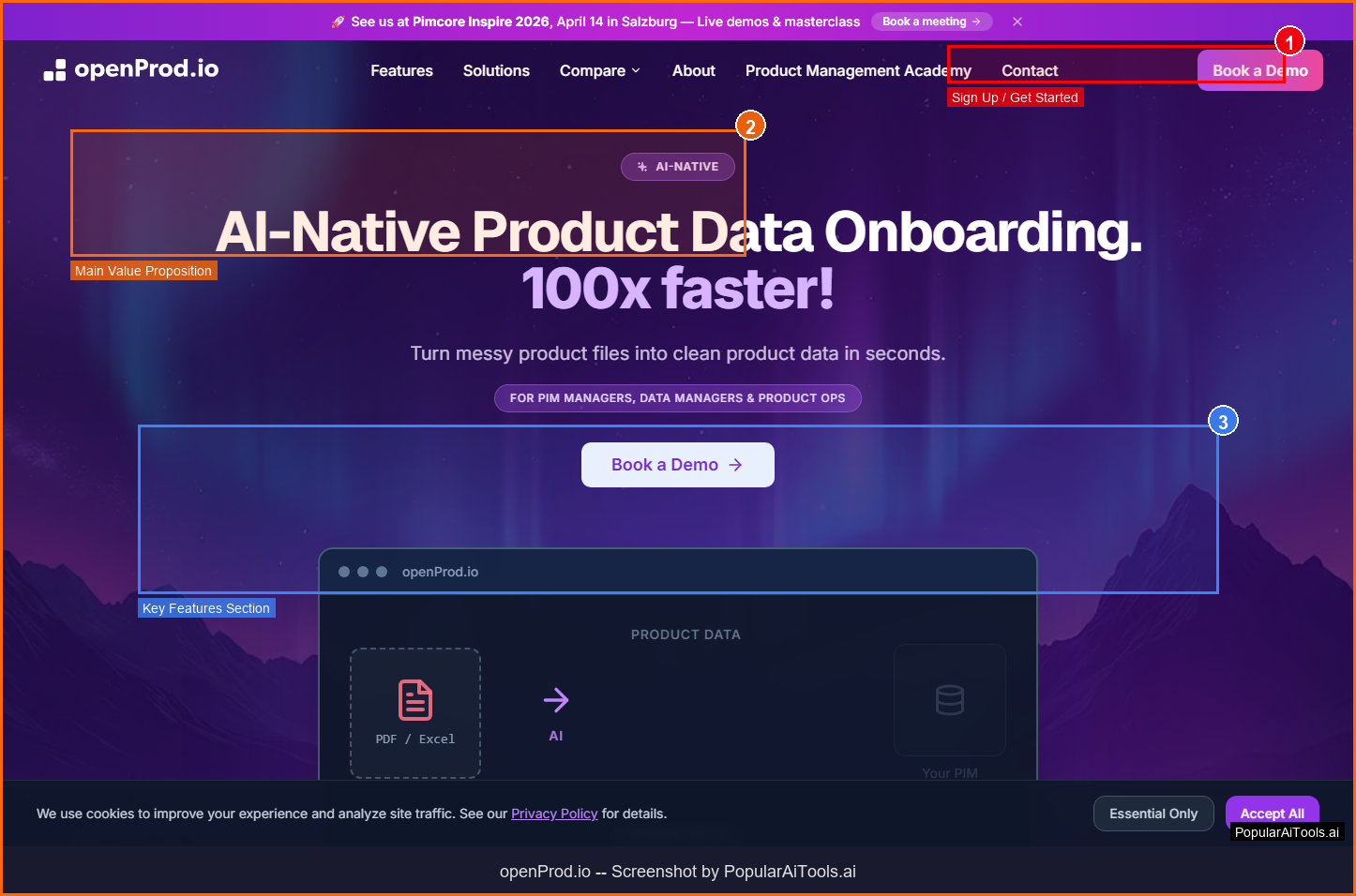
openProd.io: AI-native platform that extracts, cleans, normalizes, and enriches product data from supplier files and exports validated data to PIMs.
TubeSpark
ai-data
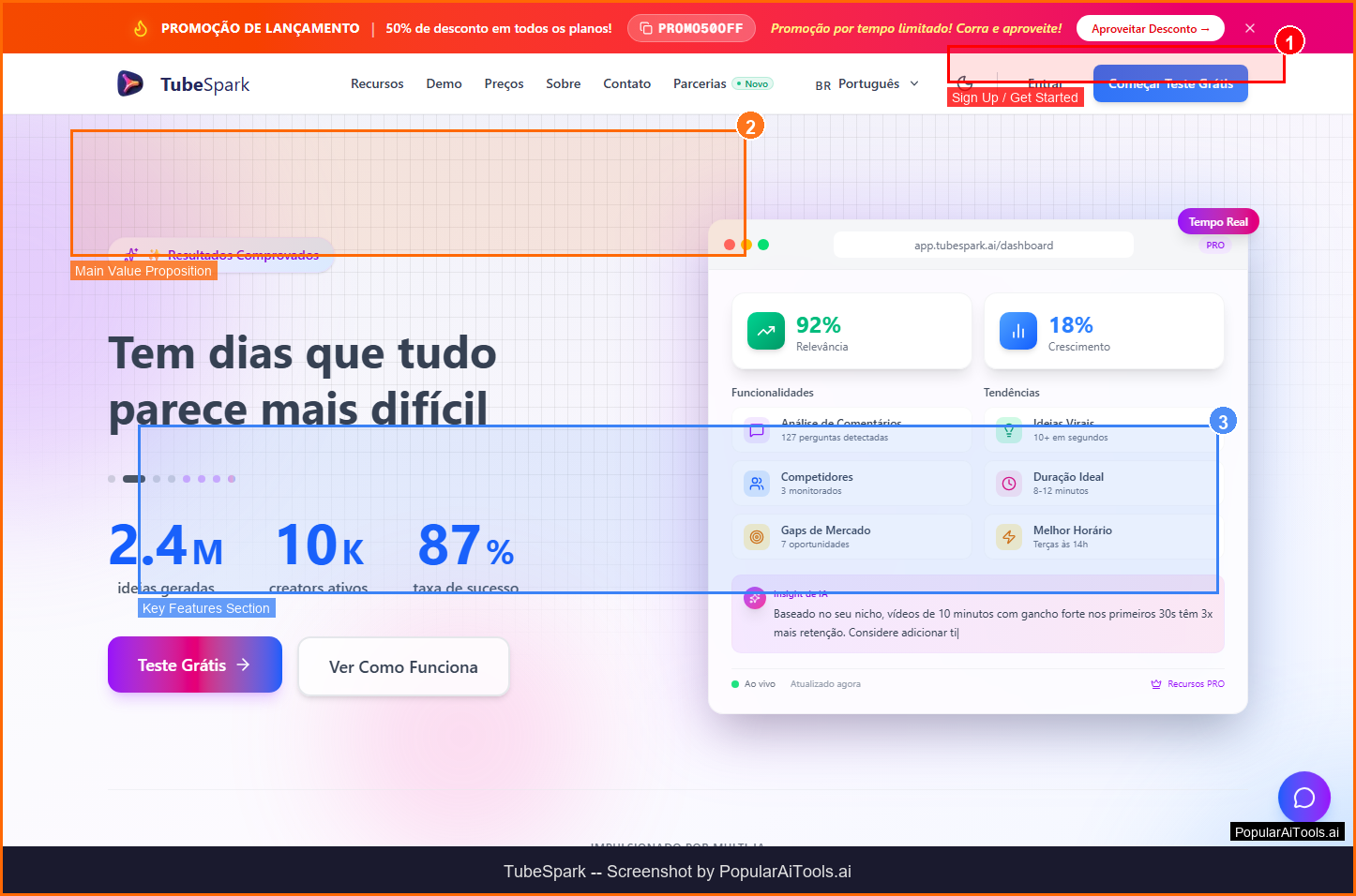
A tool to generate YouTube ideas, scripts, analytics.
mia
ai-data
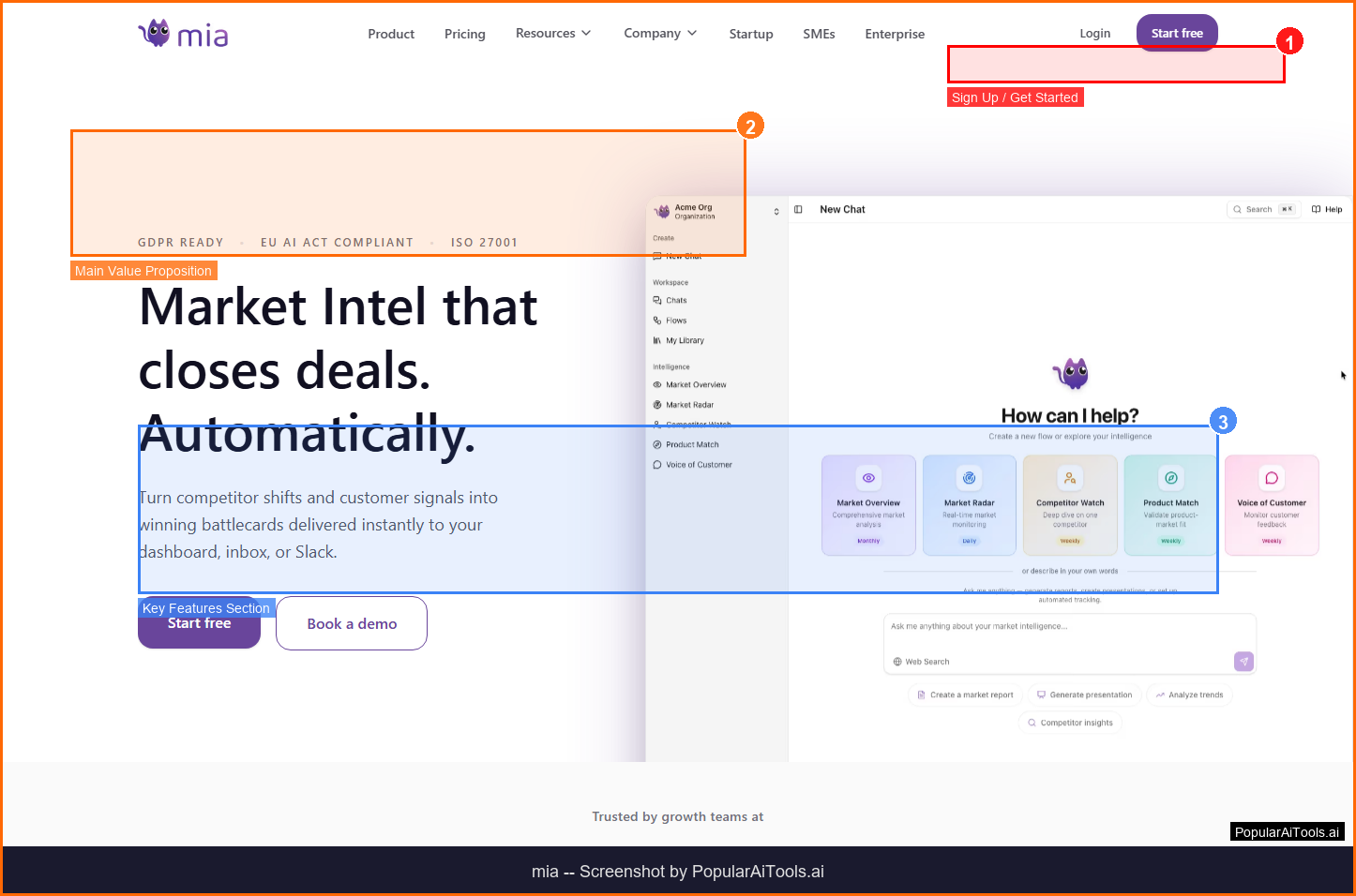
A tool to monitor competitors and generate market insights.
Related Articles
SuperSet Review 2026: Run 10+ AI Coding Agents in Parallel (Free)
SuperSet is a free, open-source desktop editor that runs 10+ AI coding agents (Claude Code, Codex, Cursor Agent, Gemini CLI) in parallel on isolated Git worktrees. Plus a 10-slide NotebookLM deck explaining the architecture.
Claude Code 100% Free in 2026: GLM 4.6, Kimi K2 & OpenRouter Setup
Run real Claude Code for $0/month. Claude Code Router + OpenRouter's free tier gets you GLM 4.6, Kimi K2, and DeepSeek V3.2 — all skills, MCP, and subagents intact. Full 10-minute setup, working config, and quality comparison vs paid Sonnet 4.6.
Gemma 4 Review: Google's Free Multimodal AI Model Runs on Your Phone (2026)
Google DeepMind released Gemma 4 on April 2, 2026 — four open-weight sizes, multimodal input on every model, 256K context, Apache 2.0. We tested all four sizes for a week. Here's the honest review.