
Noteey Review 2026
Noteey is a visual note-taking application designed for connecting dots on complicated topics. Built on an infinite canv
AI Image
Freemium
4.1/5 Rating
TL;DR
Noteey is an offline-first visual note-taking platform built on an infinite canvas. It supports PDFs, videos, audio, mind maps, sketches, and AI-powered summarization, all stored locally on your device for privacy and fast access. No account required. It stands out for researchers, students, and creative thinkers who want spatial organization of complex topics without cloud dependency.
Table of Contents

What Is Noteey?
Noteey is a visual note-taking application designed for connecting dots on complicated topics. Built on an infinite canvas, it lets you organize thoughts spatially using a combination of text, images, sticky notes, web links, PDFs, mind maps, videos, and sketches, all unified in one workspace.
What makes Noteey distinctive is its offline-first architecture. All data is stored locally on your device, meaning you can access notes without an internet connection, and there is no mandatory account registration required. This approach prioritizes privacy and speed over cloud convenience, making it ideal for users who handle sensitive research or simply prefer to own their data.
The platform includes AI-powered tools for YouTube video summarization, PDF reading and annotation, and research assistance. Deep linking between notes allows you to create a web of interconnected knowledge, while the presentation mode lets you turn your canvas into a shareable presentation. The drawing tools and sketch capabilities add a creative dimension that pure text-based note apps lack.
Key Features
Infinite Canvas
An unlimited spatial workspace where you arrange and connect notes visually. Perfect for mind mapping, research organization, and seeing relationships between ideas.
Offline-First Storage
All data stored locally on your device for fast access, privacy, and no internet dependency. Local backup and sharing capabilities included.
AI YouTube Summarizer
Paste a YouTube URL and get an AI-generated summary with key points and timestamps. Create time-stamped notes and drag highlights directly onto your canvas.
PDF Annotation & Reader
Built-in PDF reader with annotation tools. Highlight, annotate, and break down content from PDFs, then drag highlights onto the canvas for visual organization.
Multi-Content Support
Supports text, images, sticky notes, web links, PDFs, mind maps, videos, sketches, and audio, all on a single canvas for comprehensive knowledge management.
Presentation Mode
Transform your visual canvas into a presentation. Navigate through organized sections of your canvas as slides without needing a separate presentation tool.

Pricing Plans
POPULAR
Free
$0
Full features
- Infinite canvas
- Offline storage
- PDF annotations
- Basic AI features
Pro
TBA
Coming soon
- Enhanced AI tools
- Advanced features
- Priority updates
- Extended storage
Pros & Cons
Pros
- Offline-first means total data privacy
- No account required to start using
- Supports diverse content types on one canvas
- AI YouTube summarizer is genuinely useful
- Spatial organization aids comprehension
- Free with full core features
Cons
- Offline-first means no cloud sync between devices
- Less collaborative than cloud-based alternatives
- AI features are supplementary, not core
- Smaller community than established competitors
- Mobile experience may lag behind desktop

Top Alternatives
Ideal Workflows with Noteey
Academic researchers find Noteey particularly valuable for literature reviews. They can import multiple PDFs, annotate key passages, and spatially arrange findings on the canvas to visually map relationships between different papers and ideas. The deep linking feature lets them create a web of interconnected references that mirrors how academic knowledge actually relates.
Creative professionals use the infinite canvas for mood boards, project planning, and brainstorming sessions. The ability to mix sketches, images, text notes, and web links in one spatial workspace supports the kind of non-linear thinking that creative work demands. The presentation mode then lets them transform this research into shareable outputs.
Students studying complex subjects benefit from the spatial organization approach. Topics like history, biology, or philosophy involve interconnected concepts that are difficult to represent in linear notes. Noteey's canvas lets students create visual knowledge maps that aid comprehension and retention far better than traditional note-taking.

Visual vs. Linear Note-Taking
Research in cognitive science consistently shows that spatial organization aids memory and comprehension. When information is arranged visually rather than linearly, the brain creates stronger associations between related concepts. Noteey leverages this principle by providing an infinite canvas where the spatial arrangement of notes itself becomes a form of knowledge representation.
Traditional note-taking apps like Notion, Evernote, and OneNote use hierarchical structures: notebooks, pages, and sub-pages. This works well for organized, sequential information but struggles with complex, interconnected topics where relationships between ideas matter as much as the ideas themselves. Noteey's canvas approach naturally represents these relationships through proximity, grouping, and visual connections.
The trade-off is structure. Linear note-taking apps enforce organization, which can be helpful for maintaining order. Canvas-based tools like Noteey provide freedom that can lead to either creative insight or disorganized chaos, depending on the user. The best approach depends on your thinking style and the nature of the content you are working with.
Getting Started with Noteey
Start with a small project to learn Noteey's canvas approach. Create a canvas for a current research topic or learning goal. Add a few PDFs, relevant YouTube videos, and your own text notes. Experiment with spatial organization by grouping related items and using the drawing tools to create visual connections.
The YouTube summarizer is the fastest way to see Noteey's value. Find an educational video on a topic you are studying, paste the URL, and examine the AI-generated summary with timestamps. Drag key points onto your canvas and arrange them alongside other source materials. This multi-source integration on a single canvas is what makes Noteey powerful.
Back up your work regularly since Noteey is offline-first with local storage. Create a backup schedule (weekly is recommended) and store backups on an external drive or cloud service of your choice. This protects your knowledge base from device failures without compromising the privacy benefits of local-only storage.

Frequently Asked Questions
Is Noteey free to use?
Yes, Noteey is currently free with full core features including the infinite canvas, offline storage, PDF annotations, and basic AI tools. A Pro plan with enhanced features is expected in the future.
Does Noteey require an internet connection?
No. Noteey is offline-first, meaning all data is stored locally on your device. You can use it without any internet connection. AI features like YouTube summarization require internet access.
Do I need to create an account?
No. Noteey does not require mandatory account registration. You can start using the tool immediately with local storage.
Can Noteey sync across devices?
Currently, Noteey is offline-first with local storage. Cross-device sync is not a core feature due to the offline-first architecture, but local backup and sharing options are available.
What content types does Noteey support?
Noteey supports text, images, sticky notes, web links, PDFs, mind maps, videos, sketches, and audio, all on a single infinite canvas.
How does the AI YouTube summarizer work?
Paste a YouTube URL and Noteey generates an AI-powered summary with key points and timestamps. You can create time-stamped notes and drag relevant highlights onto your canvas.
Is Noteey good for academic research?
Yes. The combination of PDF annotation, spatial organization, and the ability to connect diverse content types makes Noteey well-suited for academic research and literature review.
How does Noteey compare to Obsidian?
Both are offline-first, but Noteey emphasizes visual/spatial organization on an infinite canvas, while Obsidian focuses on text-based markdown notes with a graph view of connections. Noteey is more visual; Obsidian is more text-centric.
Final Verdict
Noteey occupies a unique space as an offline-first visual note-taking platform. Its infinite canvas approach, combined with support for diverse content types and AI-powered tools, makes it genuinely useful for researchers, students, and creative thinkers who prefer to see and organize their knowledge spatially rather than in linear documents.
The offline-first architecture is both its greatest strength and limitation. You get total data privacy and fast local access, but sacrifice cloud sync and seamless multi-device usage. For users who prioritize privacy and primarily work on one device, Noteey is an excellent free tool. For those needing cross-device sync and collaboration, cloud-based alternatives like Heptabase may be more practical.
Rating: 4.1 / 5
Best for: Researchers and students who value privacy and visual organization

Get Premium AI Tool Insights
Subscribe to get weekly curated AI tool recommendations, exclusive deals, and early access to new tool reviews.
Related Tools
Google Imagen
ai-image
Updated March 2026 · 11 min read · By PopularAiTools.ai
Picsart
ai-image
Updated March 2026 · 11 min read · By PopularAiTools.ai
Adobe Firefly
ai-image
Updated March 2026 · 12 min read · By PopularAiTools.ai
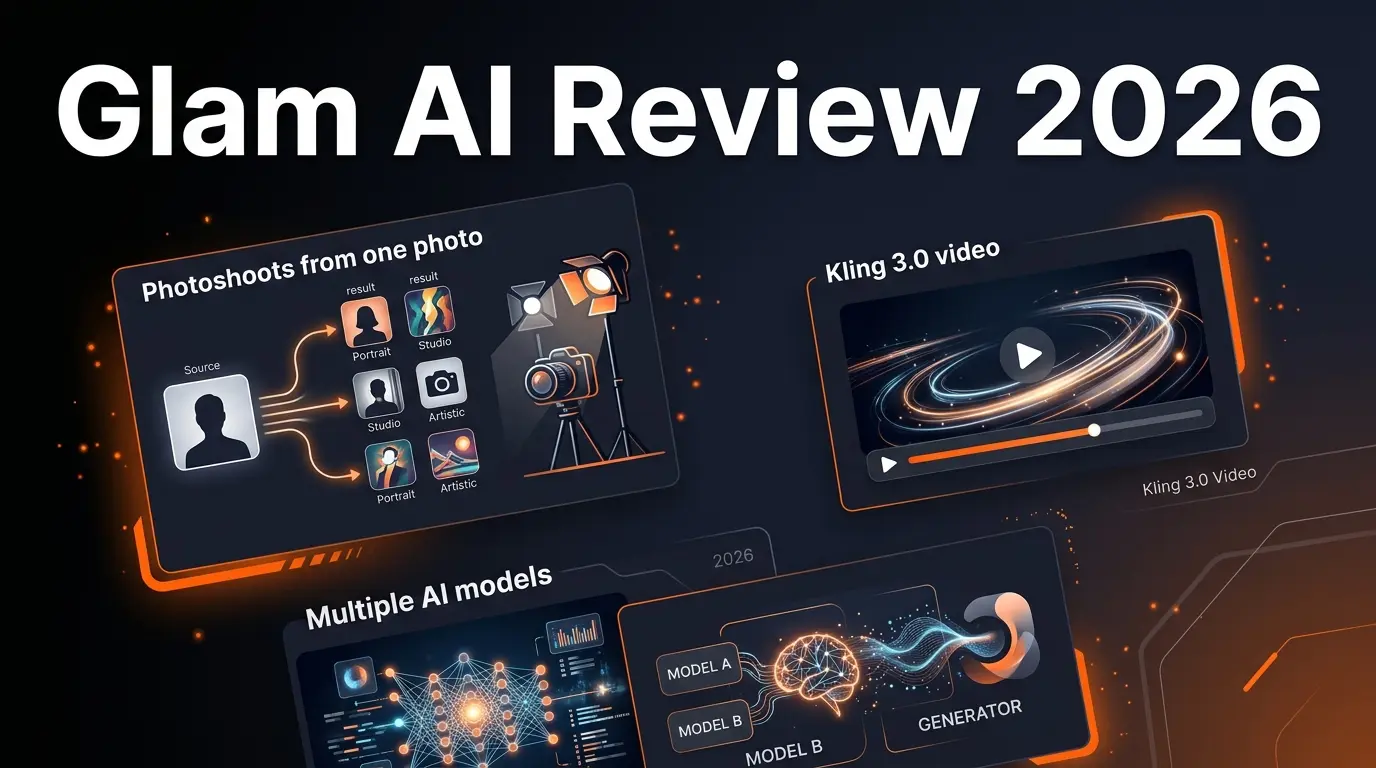
Glam AI
ai-image
AI-powered photo and video generation platform that creates professional photoshoots from single photos, face-swapped lifestyle videos, 15-second realistic video with lip sync (Kling 3.0), and cinema-level video with sound (GROK IMAGINE). Features multiple AI models including Nano Banana 2, SEEDREAM 5.0, and Recraft v4 Pro.
Related Articles
10 Claude Code Skills, Plugins & CLIs to Install on Day One (April 2026)
Starting Claude Code from scratch in 2026? Install these 10 skills, plugins, and CLIs on day one — Codex CLI, Obsidian, Autoresearch, Firecrawl, Playwright, NotebookLM, Skill Creator, RAG-Anything, Google Workspace CLI, and awesome-design-md. Full install commands included.
We Tested 24 AI Models Inside Claude Code: The 2026 Tier List
We swapped 24 different AI models into Claude Code and ran identical tool-call tests on each. Here's the S-tier-to-D-tier ranking, real cost comparison, and the single best Claude Sonnet 4.6 alternative for 2026 — including the GLM 4.6 sleeper pick that matched Sonnet at 15% the cost.
Claude as a Creative Studio: Make Ads, Images, and Video From One Chat (2026)
Claude doesn't generate raster images natively, but in 2026 it's the smartest creative director on Earth — orchestrating Nano Banana 2, Sora 2, Runway, Higgsfield, Remotion, and VEED into a single ad-and-video factory. The full stack, the variant matrix trick, and how to build a YouTube Shorts factory.