
TL;DR — Google Opal Review
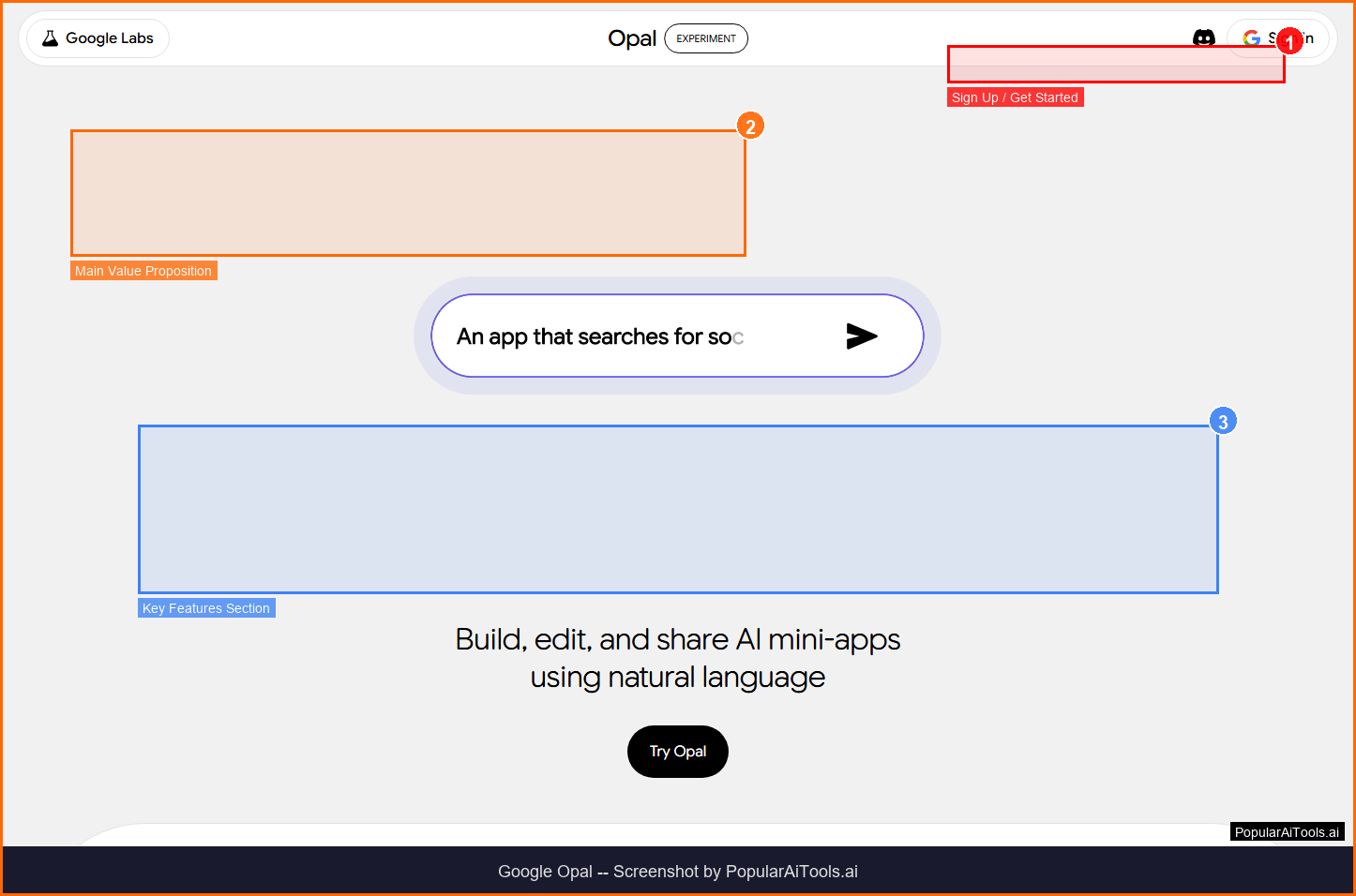
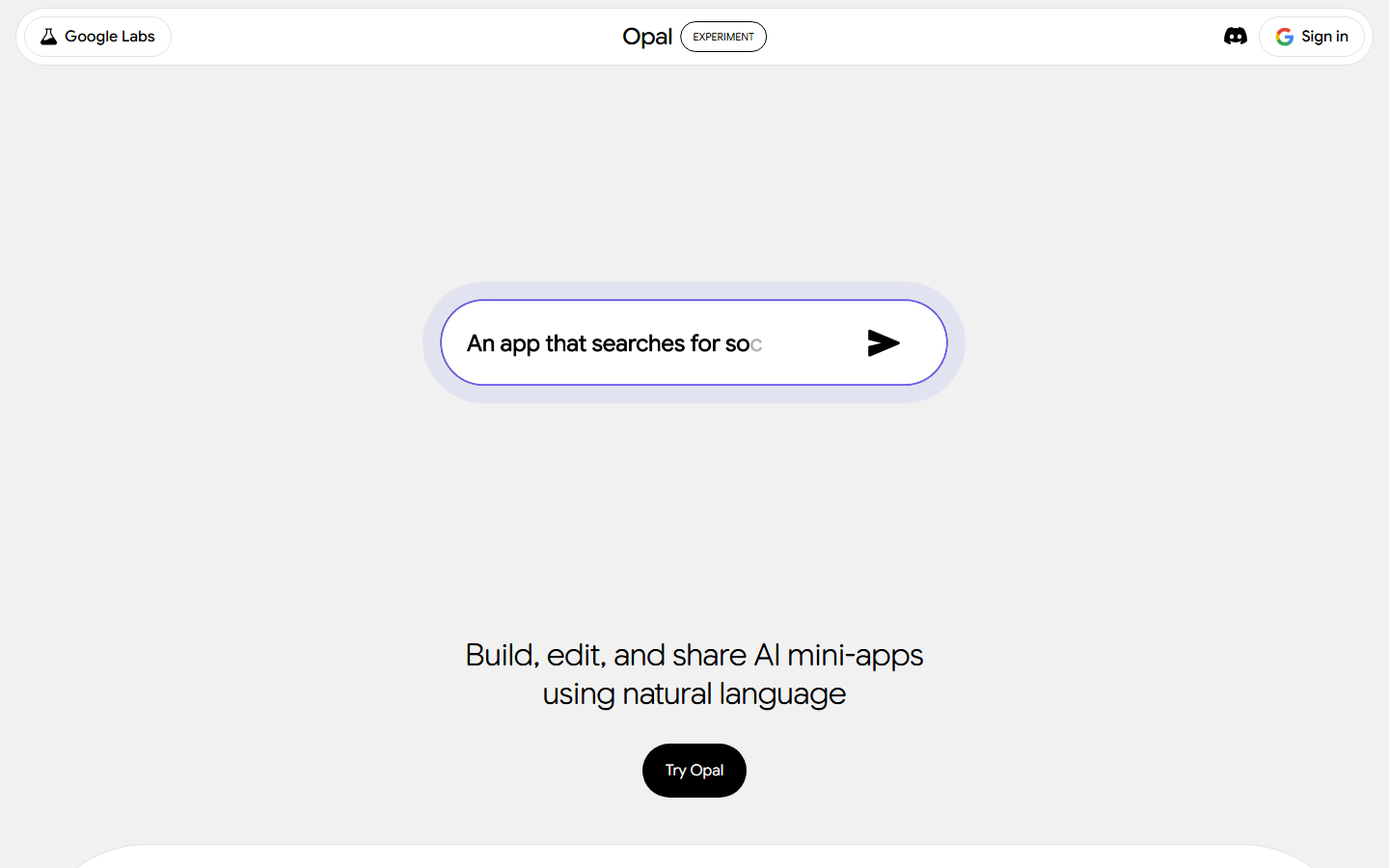
Google Opal is an experimental no-code platform from Google Labs that lets anyone build and share AI-powered mini apps using natural language and visual workflows. It chains together prompts, Gemini models, and tools like Sheets and Imagen — all without writing code.
Table of Contents
What is Google Opal?
Google Opal is an experimental no-code platform from Google Labs that lets anyone build and share AI-powered mini apps using natural language and visual workflows. It chains together prompts, Gemini models, and tools like Sheets and Imagen — all without writing code.
Google Opal falls into the AI No-Code App Builder category. We tested it hands-on to evaluate its real-world performance, pricing value, and how it compares to alternatives in the space. Here's everything you need to know.
Key Features
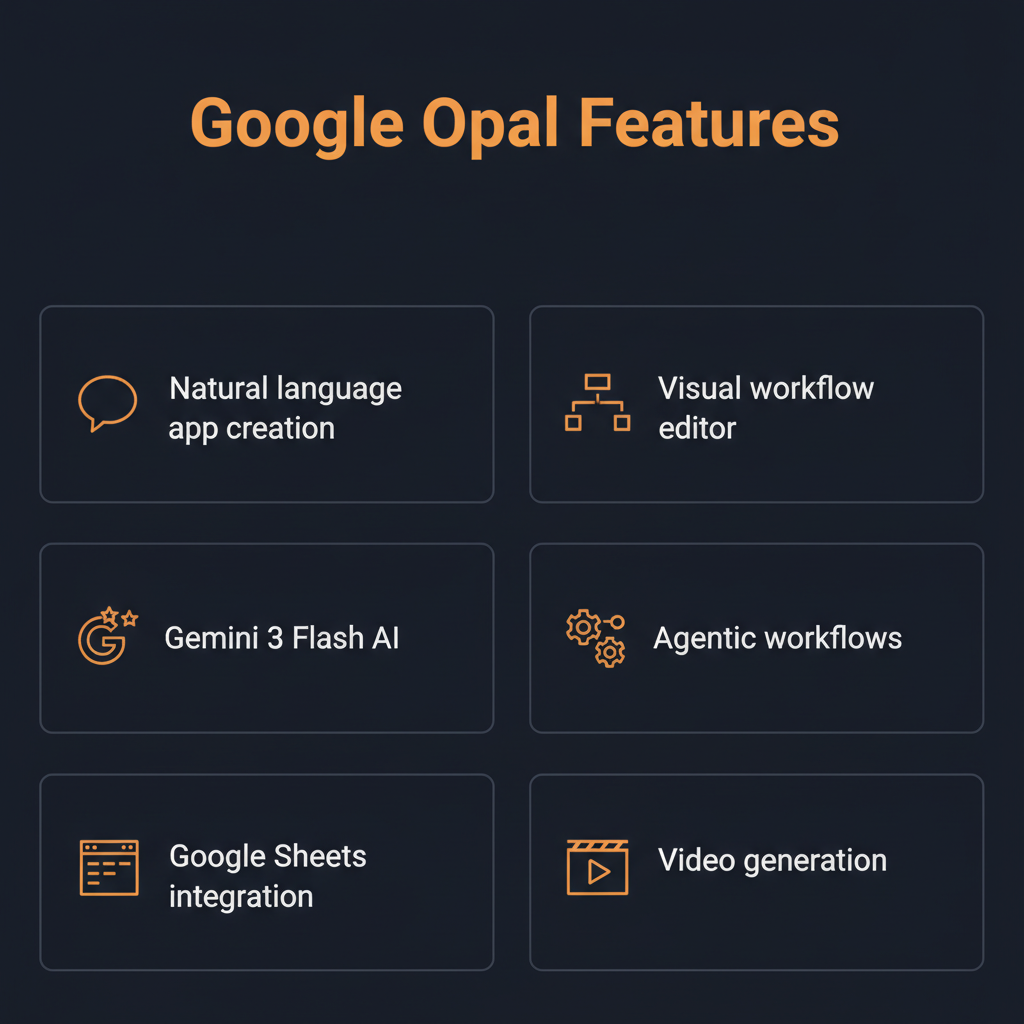
Natural Language App Building
Describe what you want your app to do in plain English, and Opal translates your instructions into a visual workflow with connected AI components
Multi-Model AI Integration
Chain together Gemini for text/reasoning, Imagen for image generation, and Veo 3 for video — all within a single app workflow
Visual Workflow Editor
Fine-tune your app logic with a visual drag-and-drop interface that shows exactly how data flows between AI components and tools
Gemini 3 Flash Agent
AI agent powered by Gemini 3 Flash autonomously plans tasks, selects tools, and builds interactive automated workflows from text prompts
Google Workspace Integration
Connect to Google Sheets, Docs, and other Workspace tools to read and write data directly from your mini apps
Template Gallery
Browse and remix pre-built templates from the Opal gallery — use them as-is or customize them for your specific needs
Instant Hosting & Sharing
Opal handles all hosting automatically. Share your mini apps with a link — no web servers or deployment needed
Cross-Platform Access
Available as a standalone tool and integrated into the Gemini web app, accessible from any browser on any device

How to Use Google Opal
1
Describe Your App
Go to opal.google and describe what you want to build in plain English. For example: 'Create a quiz app that generates questions from a Google Sheet.'
2
Refine the Workflow
Opal generates a visual workflow. Adjust the logic, add AI model calls, or connect Google Workspace tools using the drag-and-drop editor.
3
Test & Iterate
Preview your app in real-time. Chat with the AI agent to make changes or add new features without starting over.
4
Share Your App
When ready, share your mini app with a link. Opal handles hosting and scaling automatically — no deployment steps needed.
Pricing
Opal is currently free during its Google Labs experimental phase. Future pricing will likely tie into Gemini or Google Workspace subscriptions.
Pros & Cons
✓ Pros
- ✓ Completely free during beta with no usage limits
- ✓ True no-code — build entire apps in plain English
- ✓ Multi-model AI: text, image, and video generation in one workflow
- ✓ Google Workspace integration for real business use cases
- ✓ Instant hosting and sharing with no deployment hassle
- ✓ Backed by Google with access to frontier AI models
✗ Cons
- ✗ Still experimental — features may change or be discontinued
- ✗ No guaranteed long-term pricing or availability
- ✗ Limited to mini apps — not suitable for complex enterprise software
- ✗ Requires Google account for access
- ✗ Available in limited countries (expanded to ~35 as of 2026)
Best Google Opal Alternatives
Bolt.new
Full-stack web app builder with more complex app capabilities
Replit Agent
AI coding agent that builds complete applications with backend logic
Glide
No-code app builder focused on data-driven business apps from spreadsheets
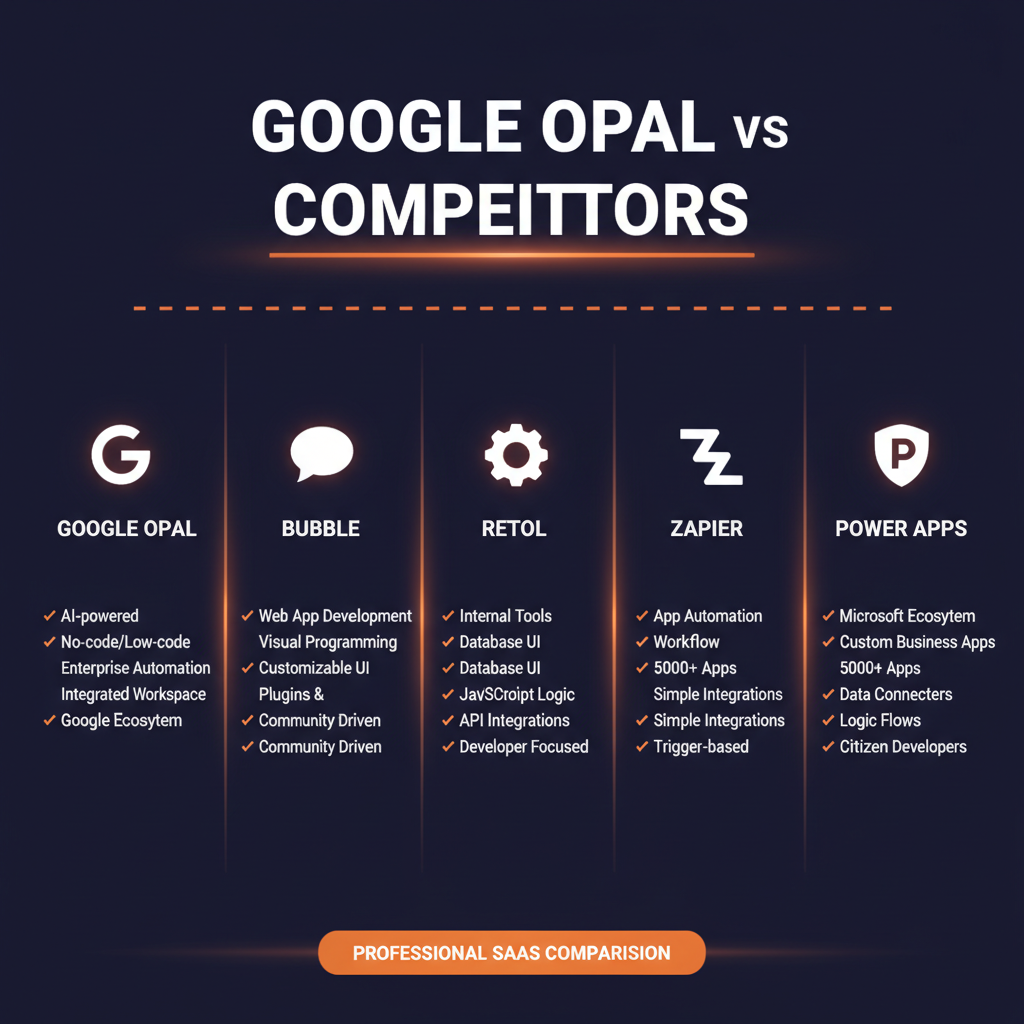
Bubble
More powerful no-code platform for complex web applications, but steeper learning curve
Our Verdict
Google Opal is the most accessible AI app builder on the market right now — and it's free. The ability to chain Gemini, Imagen, and Veo 3 into a single workflow using natural language is genuinely impressive. It's perfect for prototyping AI ideas, building internal tools, and creating interactive demos without any coding knowledge. The main risk is that it's still an experiment — Google could change pricing, limit features, or shut it down. For anything mission-critical, you'd want a more established platform. But for exploring what's possible with AI app building, Opal is unmatched. Rating: 4.3/5
★★★★☆
4.3/5
Try Google Opal Now →
Visit the official Google Opal website to get started
Frequently Asked Questions
Is Google Opal free?
Yes, Opal is currently free during its Google Labs experimental phase. There are no usage limits announced. Future pricing will likely be tied to Gemini or Google Workspace subscriptions once it exits beta.
What can I build with Google Opal?
Opal is designed for AI-powered mini apps — think quiz generators, content creators, data analyzers, image generators, and workflow automators. It's not meant for complex enterprise software or full web applications.
What AI models does Opal use?
Opal integrates Gemini for text and reasoning, Imagen for image generation, and Veo 3 for video and audio content. You can chain these models together in a single app workflow.
Do I need to know how to code?
No. Opal is a true no-code platform. You describe your app in plain English, and the AI builds the visual workflow for you. You can fine-tune with the visual editor, but no programming knowledge is required.
Is Google Opal available in my country?
Opal expanded to about 35 countries as of early 2026, including the US, Canada, UK, India, Brazil, and most of Europe. Check opal.google for current availability.
Can I connect Opal to Google Sheets?
Yes, Opal integrates with Google Workspace tools including Sheets, Docs, and more. You can read data from and write data to Google Sheets directly within your app workflows.
Will Google shut down Opal?
As a Google Labs experiment, there's no guarantee of long-term availability. However, Google has been actively expanding Opal and integrating it into Gemini, which suggests continued investment. We recommend not building mission-critical systems on it until it exits beta.
How does Opal compare to Bolt.new?
Opal is simpler and focused on AI mini apps with no-code workflows. Bolt.new is a full-stack app builder that generates complete codebases. Choose Opal for quick AI prototypes; choose Bolt.new for production web applications.
Know an AI Tool We Should Review?
Submit your favorite AI tools and we'll add them to our review queue.
Submit a Tool →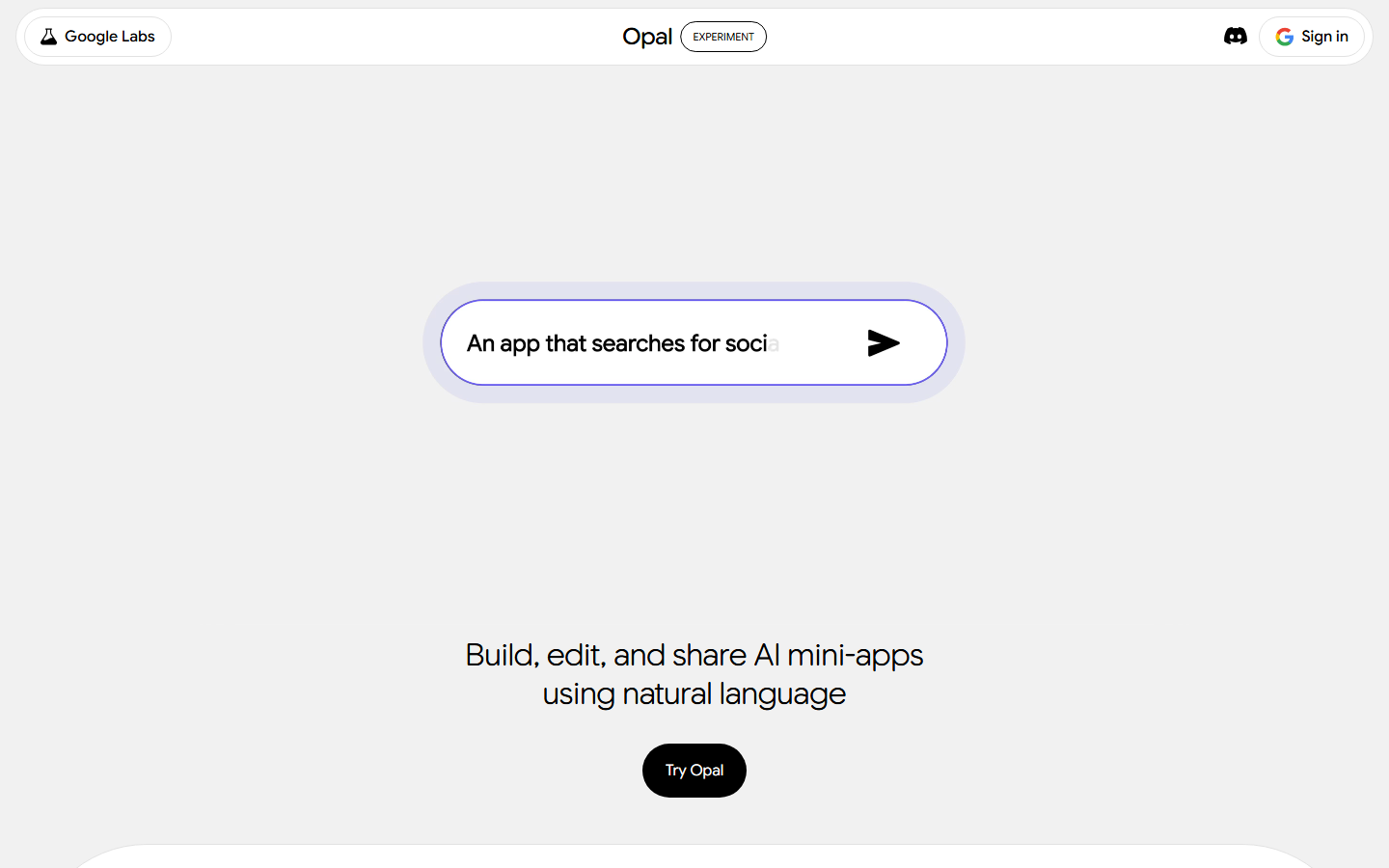
Get Premium AI Tool Insights
Subscribe to get weekly curated AI tool recommendations, exclusive deals, and early access to new tool reviews.
Related Tools
V
VideoProc Converter AI
ai-coding

Relia
ai-coding
AI-powered Chrome extension that audits code flow, catches hallucinations in AI-generated code, and flags security vulnerabilities before they ship.

Git AutoReview
ai-coding
Updated March 2026 · 12 min read · By PopularAiTools.ai

Parallel Code
ai-coding
Free open-source desktop app that dispatches 10+ AI coding agents simultaneously across isolated git branches. Supports Claude Code, Codex CLI, and Gemini CLI. Keyboard-first Electron app with diff review workflow and QR code mobile monitoring. macOS + Linux. MIT license.
Related Articles
10 Claude Code Skills, Plugins & CLIs to Install on Day One (April 2026)
Starting Claude Code from scratch in 2026? Install these 10 skills, plugins, and CLIs on day one — Codex CLI, Obsidian, Autoresearch, Firecrawl, Playwright, NotebookLM, Skill Creator, RAG-Anything, Google Workspace CLI, and awesome-design-md. Full install commands included.
We Tested 24 AI Models Inside Claude Code: The 2026 Tier List
We swapped 24 different AI models into Claude Code and ran identical tool-call tests on each. Here's the S-tier-to-D-tier ranking, real cost comparison, and the single best Claude Sonnet 4.6 alternative for 2026 — including the GLM 4.6 sleeper pick that matched Sonnet at 15% the cost.
Claude as a Creative Studio: Make Ads, Images, and Video From One Chat (2026)
Claude doesn't generate raster images natively, but in 2026 it's the smartest creative director on Earth — orchestrating Nano Banana 2, Sora 2, Runway, Higgsfield, Remotion, and VEED into a single ad-and-video factory. The full stack, the variant matrix trick, and how to build a YouTube Shorts factory.