
Pencil Review 2026: AI Design-to-Code IDE Tool — Features, Pricing & Alternatives
Updated March 2026 · 13 min read · By PopularAiTools.ai
TL;DR
Pencil (pencil.dev) embeds an infinite vector design canvas directly inside VS Code and Cursor, letting engineers design UI components visually and generate pixel-perfect HTML, CSS, or React code via MCP integration. It eliminates the traditional design-to-developer handoff by treating design files as Git-native code artifacts. Currently free during early access in 2026, Pencil is the leading "vibe coding" tool for frontend development teams who want design speed without sacrificing code quality. Rating: 4.4/5
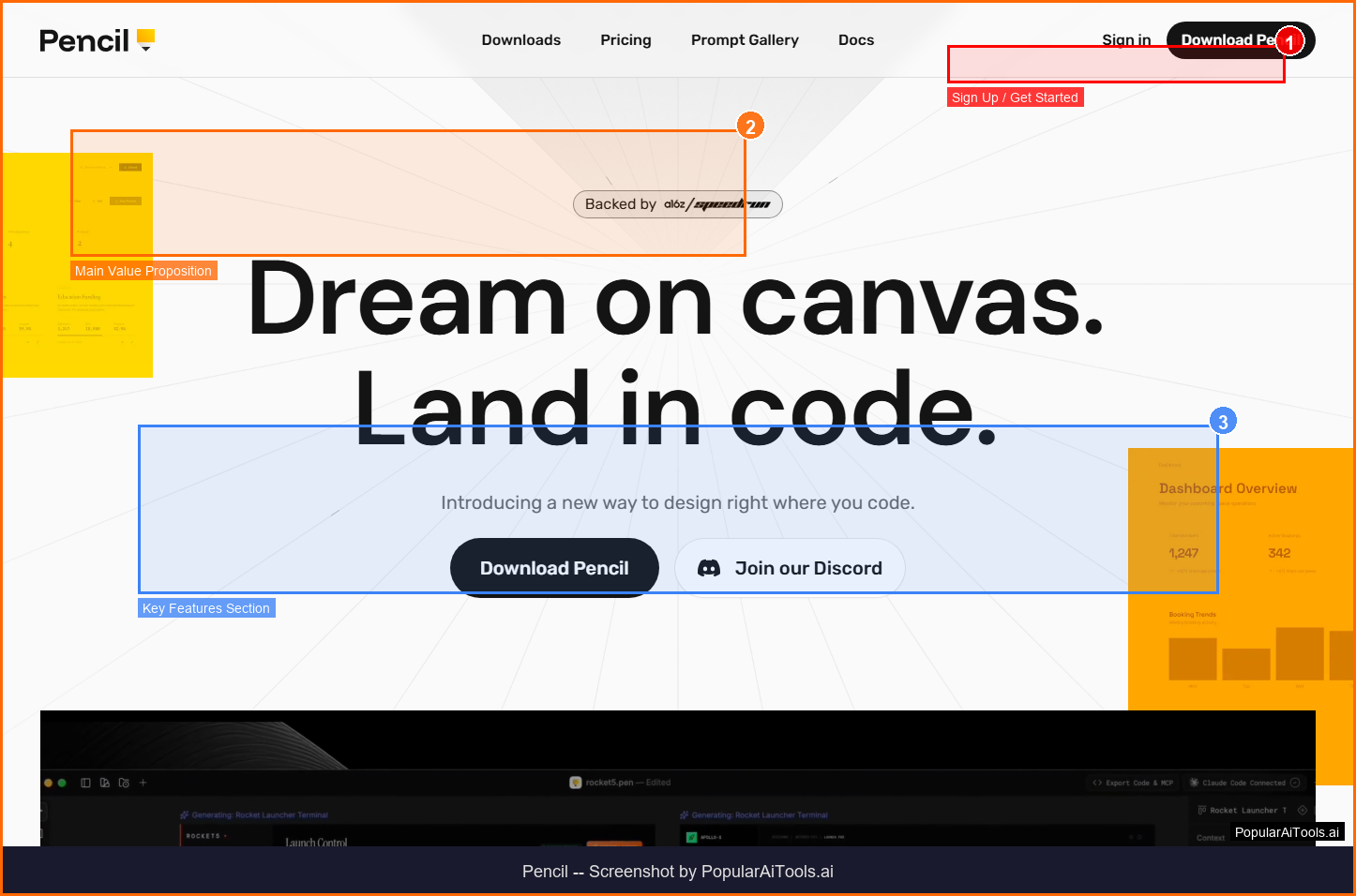
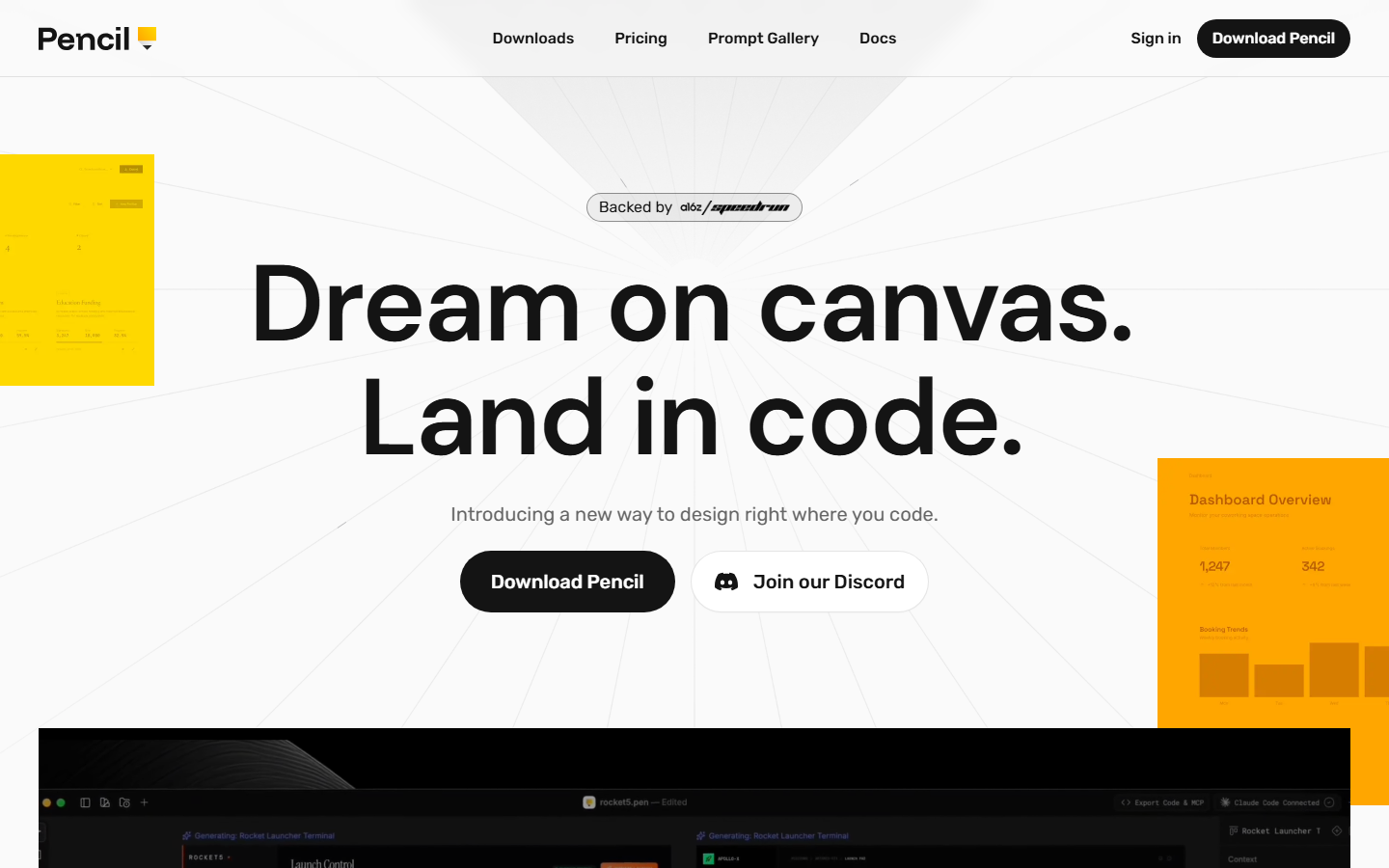
Pencil homepage — design on canvas, land in code
What is Pencil?
Pencil is an AI-native frontend design tool that lives directly inside your IDE. Instead of switching between Figma and your code editor, you design UI components on an infinite vector canvas within VS Code or Cursor, and Pencil's AI generates production-ready HTML, CSS, or React code that matches your design pixel-for-pixel.
The traditional design-to-code workflow is broken. A designer creates mockups in Figma, exports them with specifications, and a developer interprets those specs into code — often losing fidelity in translation. Pencil eliminates this handoff entirely. Your design IS your code source. When you draw a button on Pencil's canvas, the AI doesn't guess what it looks like from a screenshot — it feeds exact vector coordinates, spacing values, and token data through Model Context Protocol (MCP) to generate precise code.
This MCP integration is what distinguishes Pencil from "image-to-code" tools that analyze screenshots. Those tools produce approximations. Pencil produces exact implementations because it works with the underlying design data, not pixel approximations. The difference is immediately visible in output quality — proper padding values, exact border radii, correct font sizes, and responsive layouts that actually work.
Pencil supports importing designs from Figma, so you can bring existing design system components into the IDE canvas and generate code from them. The design files themselves are stored as Git-native artifacts — they live in your repository alongside your code, versioned and reviewable in pull requests. This means designers and developers share a single source of truth.
In 2026, Pencil has emerged as the flagship "vibe coding" tool — a new category of development tools that blur the line between visual design and code generation. It went viral among engineers who discovered they could design and ship UI 3-5x faster by working visually while retaining full code control.
Pencil's core capabilities
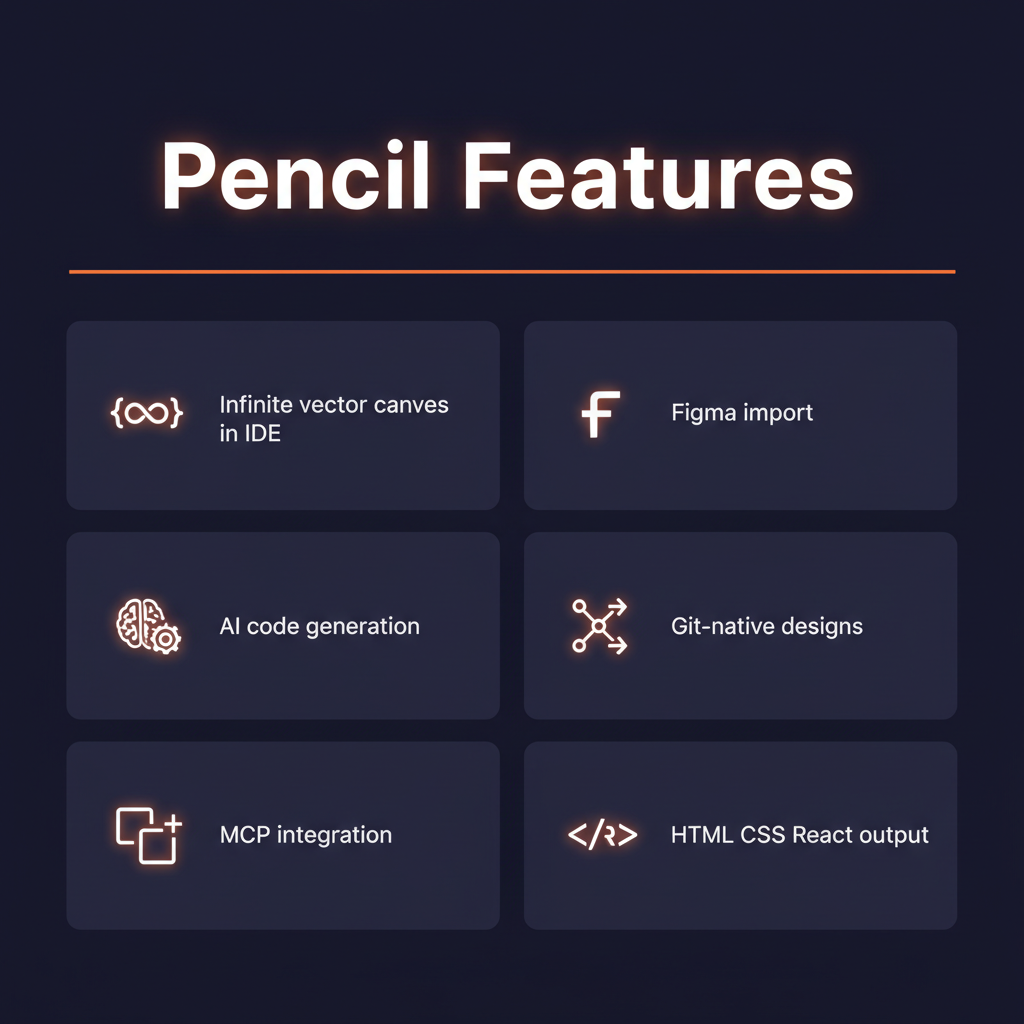
Key Features
1. Infinite Vector Canvas in Your IDE
Pencil adds a visual design canvas directly inside VS Code and Cursor. It's a full vector editor — not a preview pane or wireframe tool. You can draw shapes, add text, create components, set up design tokens, build layouts with grids and flexbox, and manipulate elements with the precision of a professional design tool. The canvas is infinite, so you can lay out entire pages, component libraries, or design systems in one view. Switching between canvas and code is instant — they're tabs in the same editor.
2. AI Code Generation via MCP
When you're ready to turn your design into code, Pencil uses Model Context Protocol to feed the exact vector data — coordinates, dimensions, colors, typography, spacing, and layout relationships — to the AI model. This produces remarkably accurate code because the AI isn't guessing from a screenshot; it's working with precise design data. The output is clean, semantic HTML with well-structured CSS or React components with proper prop interfaces and responsive breakpoints.
3. Figma Import
Already have designs in Figma? Import them directly into Pencil's canvas. Components, layers, styles, and layout constraints transfer over, letting you generate code from existing design work without re-creating anything. This makes Pencil a practical addition to teams already invested in Figma, rather than requiring a complete workflow change.
4. Git-Native Design Files
Pencil design files are stored in your repository as code artifacts. They're tracked by Git, included in commits, visible in diffs, and reviewable in pull requests. A reviewer can see both the visual design and the generated code in the same PR. This eliminates the "where's the latest design?" problem and creates a true single source of truth for visual decisions.
5. Multi-Framework Output
Generate code in HTML/CSS, React (JSX/TSX), or other supported frameworks. The AI adapts its output to match your project's conventions, including CSS-in-JS, Tailwind classes, CSS modules, or plain CSS depending on your codebase configuration. Component props, state management patterns, and accessibility attributes are included automatically.
6. Design Token System
Define your design tokens (colors, spacing, typography, shadows) once on the canvas, and they propagate through all generated code. Change a brand color token, and every component that uses it updates automatically. This ensures consistency across your entire UI without manual find-and-replace operations.
The Pencil design-to-code workflow
How to Use Pencil (Step-by-Step)
Step 1: Install the Extension
Install Pencil from the VS Code or Cursor extension marketplace. The extension adds the design canvas as a new tab type in your editor. No separate application to install or account to create.
Step 2: Create or Import a Design
Open a new Pencil canvas and start designing from scratch, or import existing components from Figma. Set up your design tokens (colors, fonts, spacing) to match your project's design system.
Step 3: Design Your UI
Use the vector tools to create UI components — buttons, cards, forms, navigation bars, layouts. The canvas supports layers, groups, constraints, and responsive breakpoints. Design at the fidelity level you want the code to match.
Step 4: Generate Code
Select a component or layout on the canvas and trigger code generation. Pencil feeds the exact design data through MCP to the AI, which produces clean, production-ready code. Review the output and accept or modify as needed.
Step 5: Commit to Git
Both the Pencil design file and generated code live in your repository. Commit them together so the design source and code implementation stay in sync. Reviewers can see both in the PR.
Pricing
Pencil is free during early access
Pencil is completely free during its 2026 early access phase. All features — the infinite canvas, AI code generation, Figma import, and Git integration — are available at no cost. Future pricing has not been announced, but given the tool's position as a developer productivity tool, it will likely follow a freemium model similar to other IDE extensions. Lock in your early access now while it's free.
Pros and Cons
Pros
- ✓ Design canvas lives inside your IDE — no context switching
- ✓ MCP produces pixel-perfect code, not approximations
- ✓ Git-native design files create single source of truth
- ✓ Figma import bridges existing workflows
- ✓ Completely free during early access
- ✓ 3-5x faster UI development speed reported by users
Cons
- ✗ Early access — expect bugs and missing features
- ✗ Future pricing unknown — could become expensive
- ✗ Only supports VS Code and Cursor currently
- ✗ Limited framework support compared to hand-coded solutions
- ✗ Requires designers to learn an IDE or engineers to design
Best Pencil Alternatives
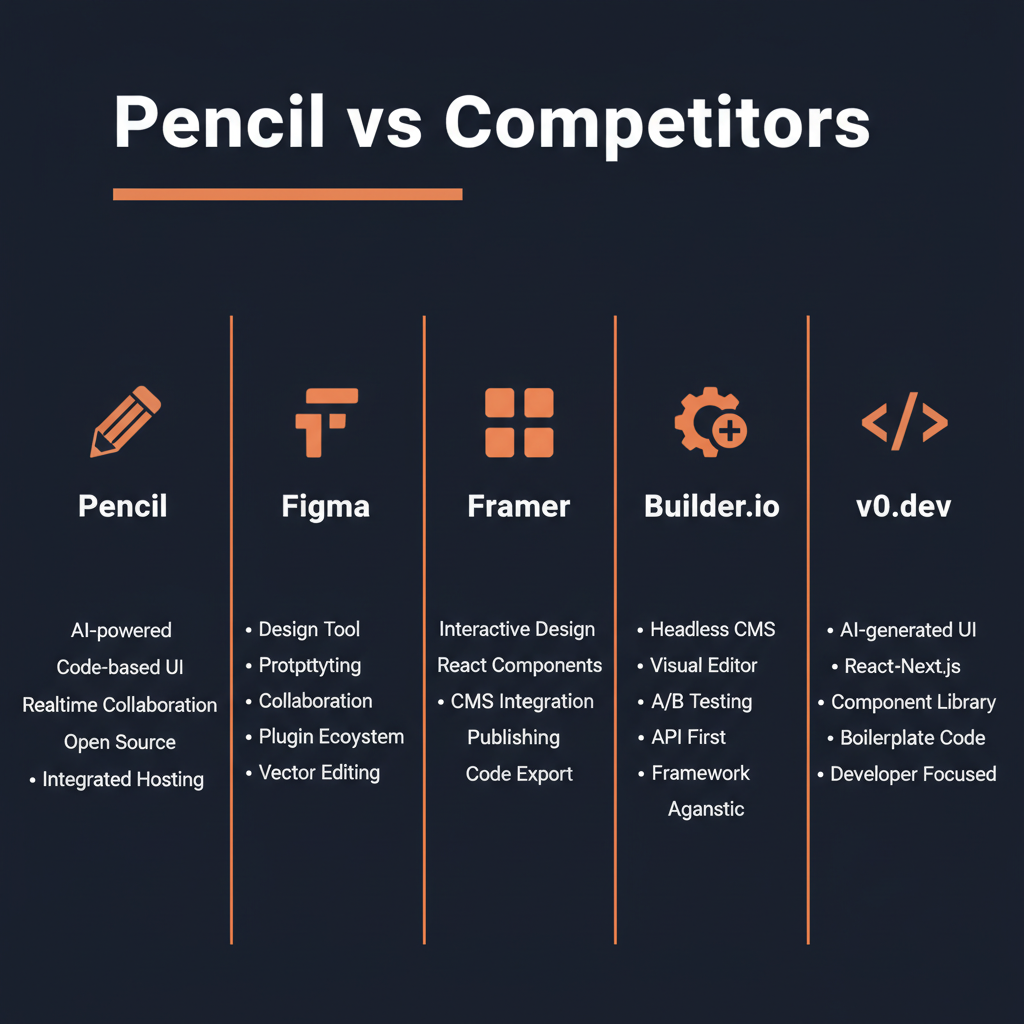
How Pencil compares to design-to-code alternatives
Figma remains the industry-standard design tool with the richest feature set and largest ecosystem. However, it's a separate application from your code editor, requiring a handoff that inevitably loses fidelity. Pencil's in-IDE approach eliminates this gap entirely.
v0 by Vercel generates UI from text prompts, which is fast for prototyping but less precise than visual design. Pencil gives you visual control over every pixel while still leveraging AI for code generation — the best of both worlds.
Final Verdict: Is Pencil Worth It?
Pencil represents a genuine paradigm shift in frontend development. By embedding a professional design canvas inside the IDE and connecting it to AI code generation through MCP, it eliminates the most painful bottleneck in frontend work: the design-to-code translation gap. The code quality is remarkably high because the AI works with exact design data rather than screenshot approximations.
During its free early access period, there's no reason not to try Pencil if you work on frontend UI in VS Code or Cursor. Even as a complement to your existing Figma workflow (via import), it can dramatically speed up the implementation phase of UI development.
The uncertainty around future pricing and the early access stability caveats are real considerations. But for frontend engineers and small teams looking to ship UI faster without sacrificing code quality, Pencil is the most exciting tool to emerge in 2026.
Our Rating: 4.4 / 5
Build an AI Tool? Get It in Front of the Right Audience
PopularAiTools.ai reaches thousands of qualified AI buyers monthly.
Submit Your AI Tool →Frequently Asked Questions
Is Pencil free?
Yes, Pencil is completely free during its 2026 early access phase. All features are available at no cost. Future pricing has not been announced.
What IDEs does Pencil support?
Currently, Pencil supports VS Code and Cursor. Support for additional IDEs may be added in the future.
Can I import Figma designs?
Yes, Pencil supports importing designs from Figma, including components, layers, styles, and layout constraints.
What code does Pencil generate?
Pencil generates HTML/CSS and React (JSX/TSX) code. It adapts to your project conventions including Tailwind, CSS modules, or CSS-in-JS.
How is Pencil different from image-to-code tools?
Pencil uses MCP to feed exact vector coordinates and design tokens to the AI, producing pixel-perfect code. Image-to-code tools work from screenshots and can only approximate dimensions and styles.
Are Pencil designs stored in Git?
Yes, Pencil design files are Git-native artifacts that live in your repository alongside your code, versioned and reviewable in pull requests.
Do I need to be a designer to use Pencil?
No, but basic visual design sense helps. Pencil is designed for engineers who want to create UI visually. The canvas tools are simpler than Figma and focused on what engineers need for component design.
What is MCP and why does it matter?
Model Context Protocol is a standard for providing structured context to AI models. Pencil uses MCP to send exact design data (coordinates, colors, typography) to the AI, which produces far more accurate code than screenshot-based tools.

Get Premium AI Tool Insights
Subscribe to get weekly curated AI tool recommendations, exclusive deals, and early access to new tool reviews.
Related Tools
V
VideoProc Converter AI
ai-coding

Relia
ai-coding
AI-powered Chrome extension that audits code flow, catches hallucinations in AI-generated code, and flags security vulnerabilities before they ship.

Git AutoReview
ai-coding
Updated March 2026 · 12 min read · By PopularAiTools.ai

Parallel Code
ai-coding
Free open-source desktop app that dispatches 10+ AI coding agents simultaneously across isolated git branches. Supports Claude Code, Codex CLI, and Gemini CLI. Keyboard-first Electron app with diff review workflow and QR code mobile monitoring. macOS + Linux. MIT license.
Related Articles
Suno v6 Intro and Ending Prompts: Unwanted Humming, Long Outros and Cut-Off Lyrics (2026)
Fix the edges of a Suno v6 track: three pasteable intro and outro templates, the documented Exclude field for unwanted humming, the arithmetic behind cut-off lyrics, and when to edit in Studio instead.
Suno v6 Keeps Changing Your Prompt? Variety, Style Influence and Weirdness Explained (2026)
Suno v6 rewrites your style prompt through the new Variety slider, and Suno documents the fix. What Variety, Style Influence, Weirdness and Max Mode each do, with a one-control-at-a-time worksheet.
Suno v6 Rock Prompts: Keep Guitar Riffs and Drums Alive Through the Verse (2026)
Why a strong Suno v6 rock intro turns into an empty verse, and how to fix it with a section-by-section instrument map, the Exclude field, pasteable rock and metal prompts and an A/B rubric.