
PostSyncer Review March 2026: Features, Pricing, Pros & Cons
Updated March 2026 · 10 min read · By PopularAiTools.ai
TL;DR
PostSyncer is an AI-powered social media cross-posting and synchronization tool that lets you publish content across multiple social media platforms simultaneously while optimizing each post for the specific platform. The tool adapts content format, hashtags, image sizes, and character limits automatically for each platform. PostSyncer supports scheduling, analytics, and AI-powered content suggestions to help individuals and small businesses maintain consistent social media presence. Pricing model: Freemium. Rating: 3.8/5
What is PostSyncer?
PostSyncer is an AI-powered social media cross-posting and synchronization tool that lets you publish content across multiple social media platforms simultaneously while optimizing each post for the specific platform. The tool adapts content format, hashtags, image sizes, and character limits automatically for each platform. PostSyncer supports scheduling, analytics, and AI-powered content suggestions to help individuals and small businesses maintain consistent social media presence.
Who Should Use PostSyncer?
- Solo entrepreneurs maintaining social media presence
- Small businesses posting across multiple platforms
- Content creators distributing content efficiently
- Freelancers managing social media for multiple clients
- Anyone wanting consistent social posting with minimal effort
Key Features
1. Cross-Platform Publishing
Post to multiple social media platforms simultaneously from a single interface. Supported platforms typically include Twitter/X, Facebook, LinkedIn, Instagram, and others.
2. Platform-Specific Optimization
AI automatically adapts your content for each platform, adjusting format, hashtags, image dimensions, and character limits.
3. Smart Scheduling
Schedule posts for optimal engagement times on each platform. The AI analyzes audience behavior to suggest the best posting times.
4. AI Content Suggestions
Get AI-powered suggestions for improving post content, hashtags, and engagement. The system learns from your best-performing content.
5. Analytics Dashboard
Track engagement metrics across all platforms in a unified dashboard. See which content performs best on which platforms.
6. Content Calendar
Visual content calendar for planning and organizing your social media posting schedule across all platforms.

How to Use PostSyncer
Step 1: Sign Up or Install
Visit the official PostSyncer website and create your account or download the application. Most plans offer a free trial or free tier so you can explore the platform before committing.
Step 2: Configure Your Workspace
Set up your workspace according to your needs. PostSyncer provides onboarding guides or tutorials to help you get started quickly with the core features.
Step 3: Explore Core Features
Start using the main capabilities of PostSyncer. Take advantage of any templates, presets, or quick-start options to accelerate your workflow and see results faster.
Step 4: Integrate with Your Stack
Connect PostSyncer with your existing tools and workflows. Check for available integrations with popular platforms and APIs to maximize productivity.
Step 5: Scale and Optimize
As you become more familiar with PostSyncer, explore advanced features and settings. Monitor your usage and results to optimize your workflow and determine if upgrading makes sense.
Pricing Plans
PostSyncer offers a free tier with basic cross-posting features. Premium plans provide more platforms, scheduling, and analytics.

Pros and Cons
Pros
- ✓ Cross-posting saves time versus posting on each platform individually
- ✓ Platform-specific optimization ensures content fits each platform
- ✓ AI content suggestions improve engagement
- ✓ Free tier available for basic use
- ✓ Unified analytics across platforms
- ✓ Visual content calendar for planning
Cons
- ✗ Cross-posted content may feel less authentic than native posts
- ✗ Platform API changes can affect functionality
- ✗ Free tier has platform and posting limits
- ✗ Less feature-rich than enterprise social media tools
- ✗ AI suggestions may not match brand voice precisely
Best PostSyncer Alternatives

Final Verdict: Is PostSyncer Worth It?
PostSyncer provides practical value for individuals and small businesses that need consistent social media presence across multiple platforms but lack the time to post natively on each one. The platform-specific optimization ensures cross-posted content does not look out of place, and the AI suggestions help improve engagement over time. For serious social media marketing, combine PostSyncer with some platform-native content for the best results.
Our Rating: 3.8 / 5
Build an AI Tool? Get It in Front of the Right Audience
PopularAiTools.ai reaches thousands of qualified AI buyers monthly.
Submit Your AI Tool →Frequently Asked Questions
Is PostSyncer free?
Yes, PostSyncer offers a free tier with basic cross-posting features. Premium plans unlock more platforms and features.
What platforms does PostSyncer support?
PostSyncer supports major social media platforms. Check the current platform list for the latest supported networks.
Does PostSyncer optimize posts for each platform?
Yes, the AI automatically adapts content format, hashtags, image dimensions, and character limits for each target platform.
Can I schedule posts?
Yes, PostSyncer includes scheduling with AI-suggested optimal posting times for maximum engagement.
Does PostSyncer provide analytics?
Yes, a unified analytics dashboard tracks engagement metrics across all connected platforms.
Can I plan content in advance?
Yes, the visual content calendar helps plan and organize your posting schedule across all platforms.
Is cross-posting effective?
Cross-posting saves time, but the most effective approach combines cross-posting with some platform-specific native content.
Does PostSyncer suggest content improvements?
Yes, AI-powered suggestions help improve post content, hashtags, and engagement based on performance data.

Get Premium AI Tool Insights
Subscribe to get weekly curated AI tool recommendations, exclusive deals, and early access to new tool reviews.
Related Tools
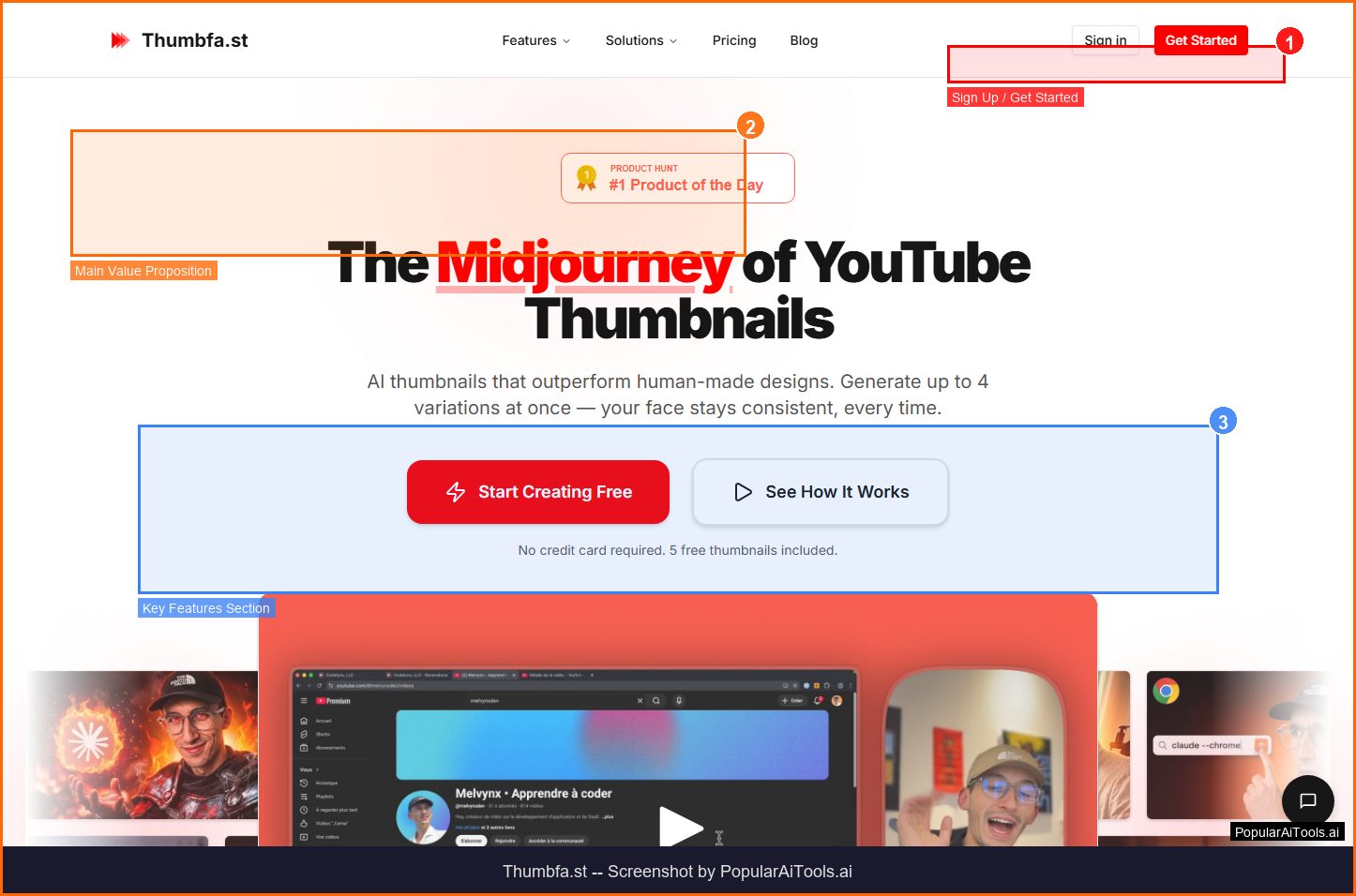
Thumbfa.st
ai-social
A tool to generate YouTube thumbnails from references.
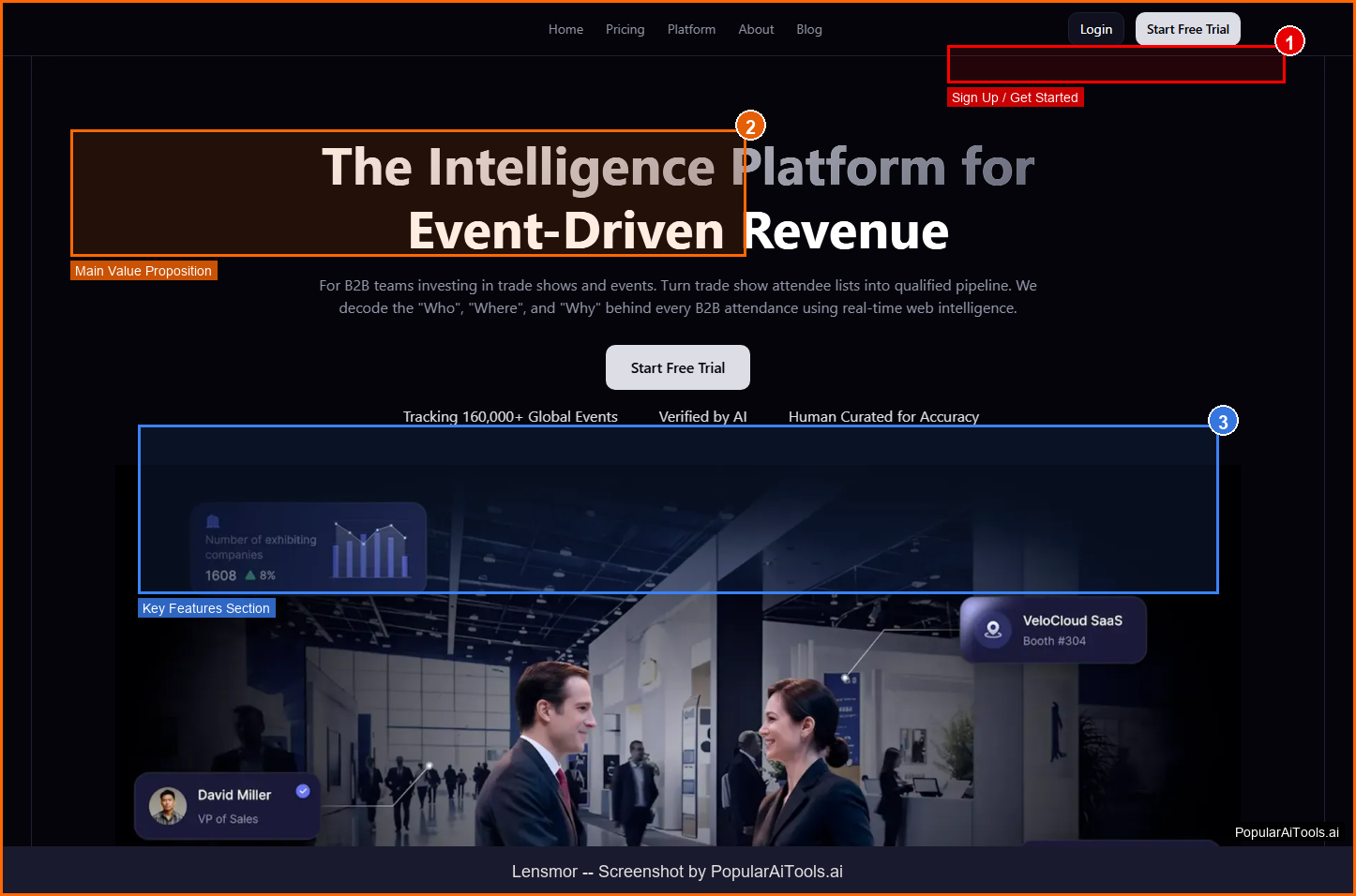
Lensmor
ai-social
A platform that monitors competitor activities across websites and social media to deliver alerts and action plans.
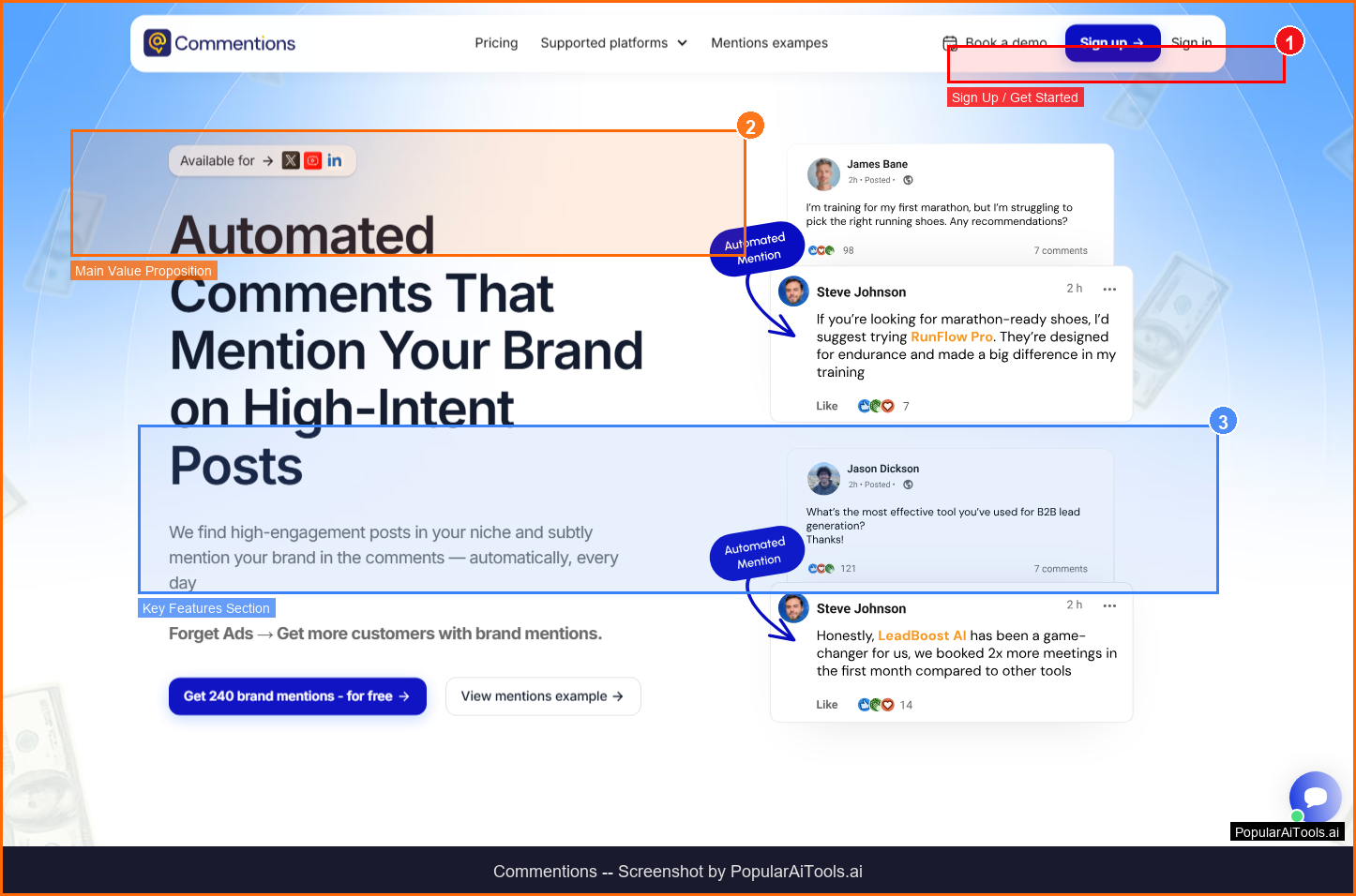
Commentions
ai-social
A tool that posts contextual, comments on X, LinkedIn, and YouTube to mention your brand and drive traffic.
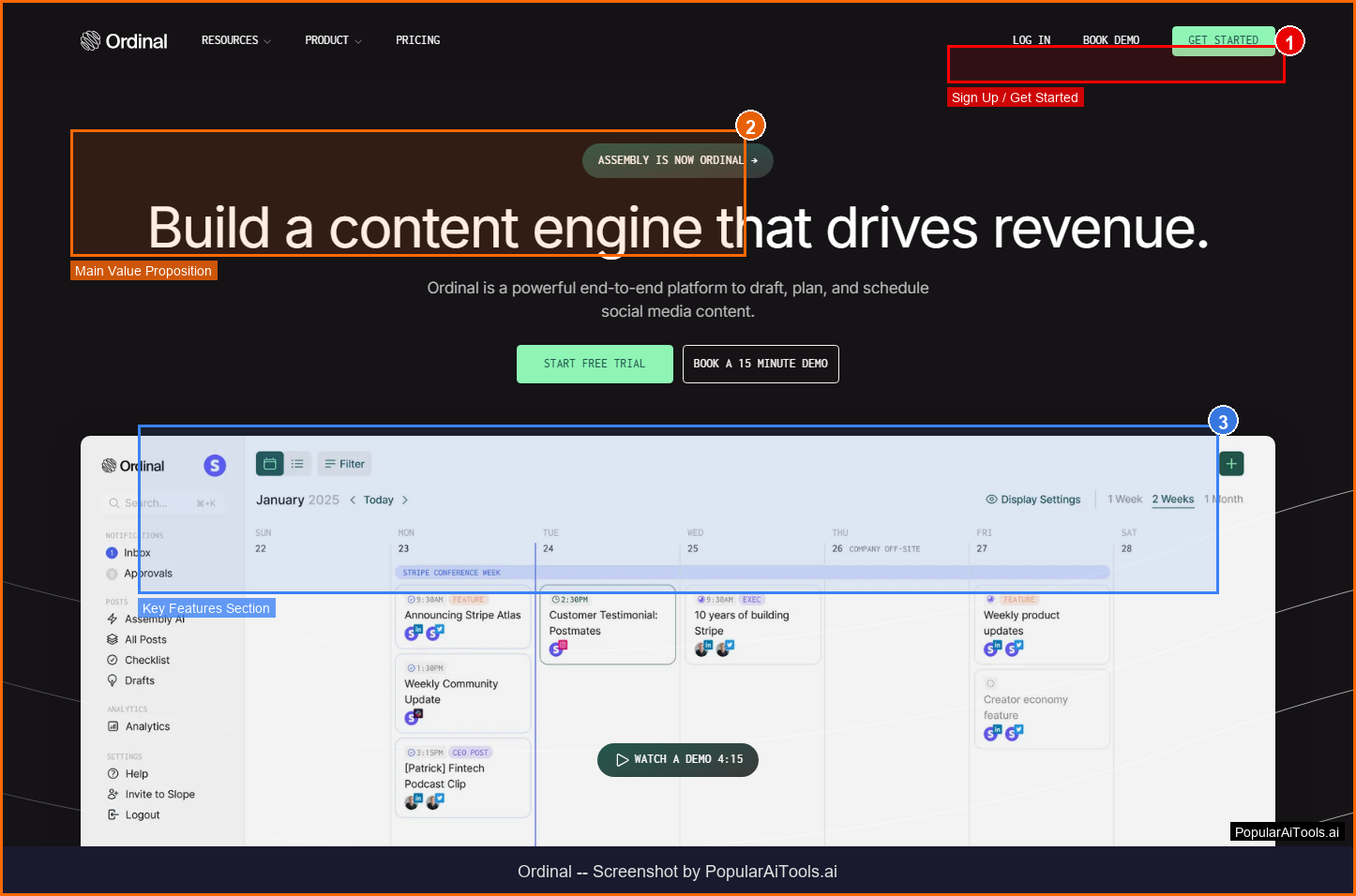
ordinal
ai-social
A tool to draft, plan, and schedule social media content.
Related Articles
SuperSet Review 2026: Run 10+ AI Coding Agents in Parallel (Free)
SuperSet is a free, open-source desktop editor that runs 10+ AI coding agents (Claude Code, Codex, Cursor Agent, Gemini CLI) in parallel on isolated Git worktrees. Plus a 10-slide NotebookLM deck explaining the architecture.
Claude Code 100% Free in 2026: GLM 4.6, Kimi K2 & OpenRouter Setup
Run real Claude Code for $0/month. Claude Code Router + OpenRouter's free tier gets you GLM 4.6, Kimi K2, and DeepSeek V3.2 — all skills, MCP, and subagents intact. Full 10-minute setup, working config, and quality comparison vs paid Sonnet 4.6.
Gemma 4 Review: Google's Free Multimodal AI Model Runs on Your Phone (2026)
Google DeepMind released Gemma 4 on April 2, 2026 — four open-weight sizes, multimodal input on every model, 256K context, Apache 2.0. We tested all four sizes for a week. Here's the honest review.