
Rafter Review 2026: Features, Pricing, Pros & Cons
Updated March 2026 · 11 min read · By PopularAiTools.ai
TL;DR
Rafter is a free, developer-friendly security scanner built specifically for AI-generated code. It connects to your GitHub repo with read-only permissions, scans for vulnerabilities like leaked API keys, SQL injection, and insecure dependencies, then generates AI-ready fix prompts you can paste directly into your code editor. The one-click setup and plain-English results make security accessible to solo developers and vibe coders who would never touch enterprise SAST tools. The main limitation is depth: it handles common vulnerabilities well but is not a substitute for comprehensive penetration testing. Rating: 4.2/5

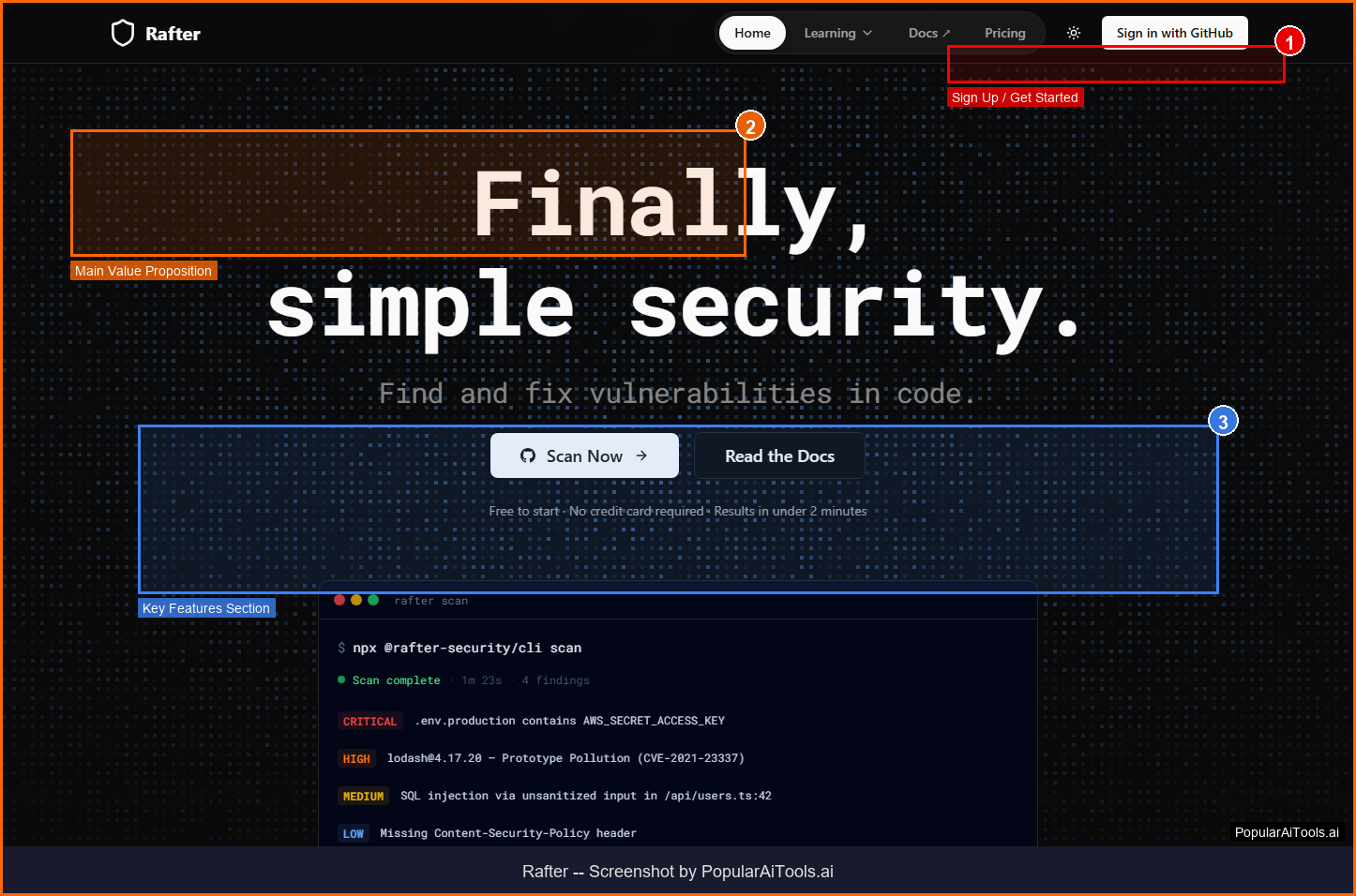
The Rafter homepage — key features and navigation highlighted
What is Rafter?
Rafter is a security scanning tool designed to make vulnerability detection simple and accessible, especially for developers using AI code generation tools like Cursor, Lovable, Replit, and Bolt. The tool connects to any GitHub repository with one click and runs static analysis to identify security issues in AI-written code.
What makes Rafter different from traditional SAST (Static Application Security Testing) tools is its focus on simplicity and actionability. Instead of dumping cryptic vulnerability reports, Rafter explains issues in plain English and generates copy-paste fix prompts that work directly in AI coding assistants. It catches leaked secrets (API keys, tokens, credentials), dependency vulnerabilities from CVE databases, and common injection flaws.
Rafter integrates into CI/CD pipelines to automatically check every commit and pull request, catching security issues before code reaches production. The tool uses read-only permissions, meaning it cannot modify, delete, or push code to your repository. For the growing wave of developers building with AI tools, Rafter provides a safety net that requires zero security expertise to use.

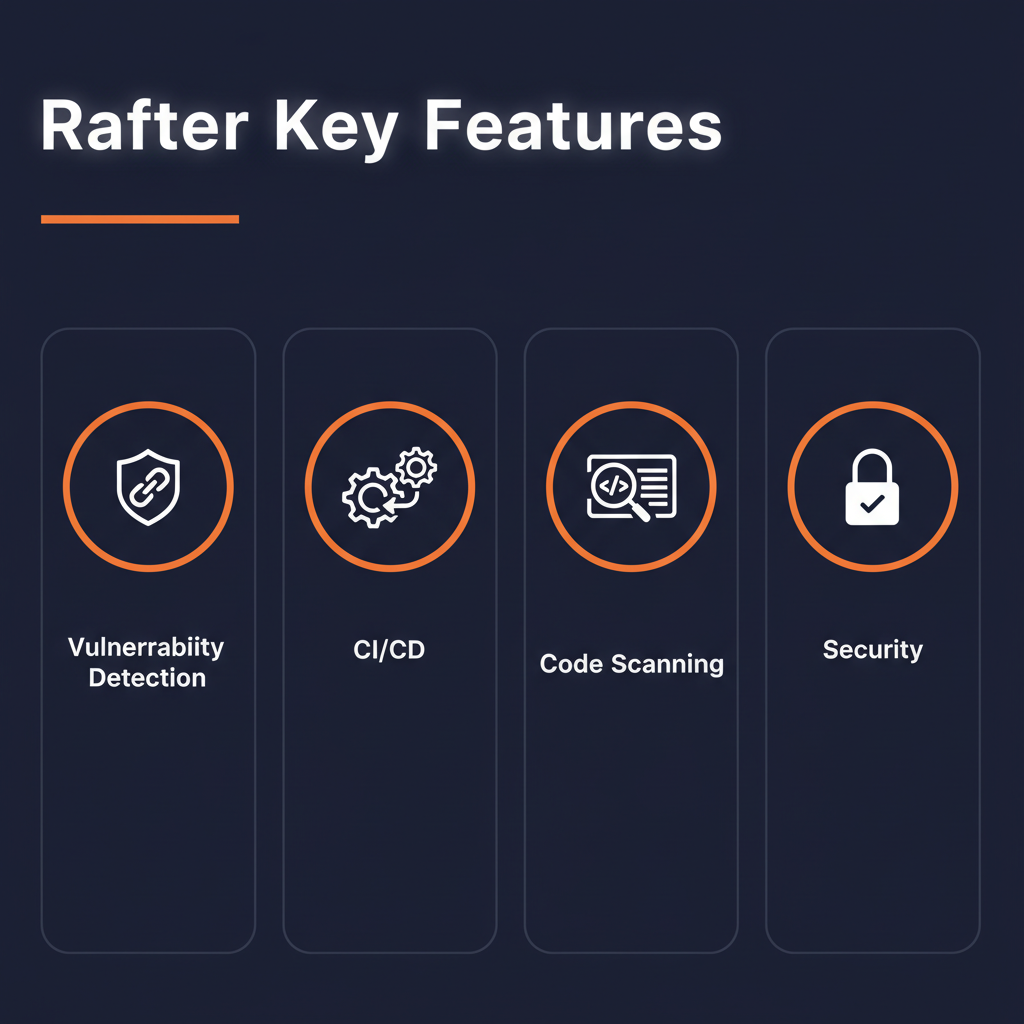
Rafter key features overview
Key Features
1. One-Click GitHub Setup
Connect any GitHub repository with a single click. Rafter uses read-only permissions and cannot modify your code. No complex configuration or YAML files required.
2. Plain-English Vulnerability Reports
Instead of cryptic security jargon, Rafter explains every vulnerability in clear, actionable language. Each report includes what the issue is, why it matters, and exactly how to fix it.
3. AI-Ready Fix Prompts
For every vulnerability detected, Rafter generates a fix prompt you can paste directly into Cursor, Lovable, Replit, or any AI coding assistant to resolve the issue automatically.
4. Secret Detection
Automatically finds hardcoded API keys, tokens, credentials, and other sensitive data that should never be committed to version control.
5. Dependency Scanning
Checks your dependencies against known CVE databases to identify vulnerable packages and suggests updated versions.
6. CI/CD Pipeline Integration
Add your Rafter API key as a GitHub secret to automatically scan every commit and pull request before code reaches production.
7. Dashboard and CLI
Monitor your security posture through a web dashboard or use the CLI for local scanning during development.
8. SAST and SCA Combined
Combines Static Application Security Testing with Software Composition Analysis in a single unified platform.

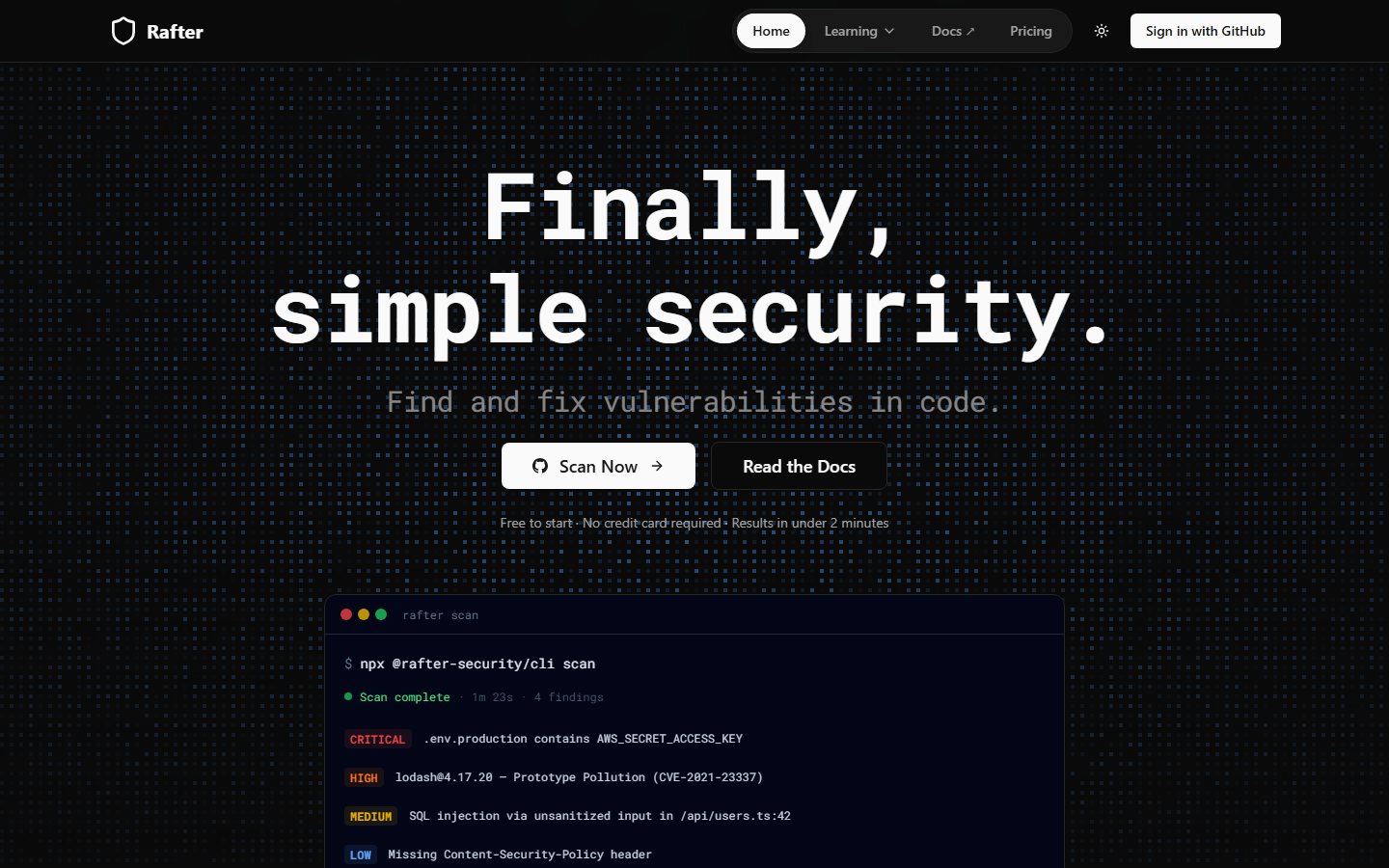
Rafter homepage (March 2026)
How to Use Rafter (Step-by-Step)
Step 1: Connect GitHub
Sign up at rafter.so and connect your GitHub account. Select the repositories you want to scan. Rafter requests only read-only access.
Step 2: Run Initial Scan
Rafter automatically scans your codebase and categorizes vulnerabilities by severity: critical, high, medium, and low.
Step 3: Review Results
Read plain-English explanations of each vulnerability. Understand the risk and see the exact file and line number where the issue exists.
Step 4: Apply Fixes
Copy the AI-ready fix prompt and paste it into your AI coding tool. The prompt is structured to generate the correct fix for your specific codebase.
Step 5: Set Up CI/CD
Add your Rafter API key as a GitHub repository secret to automatically scan every future commit and pull request.

How Rafter works — step by step
Pricing Plans
Pricing Summary: Free to start | Free tier includes core scanning | Paid plans for teams and advanced features

Rafter pricing overview

Pros and Cons
Pros
- ✓ Completely free to start with core scanning capabilities
- ✓ One-click GitHub setup with no configuration files needed
- ✓ Plain-English reports make security accessible to non-experts
- ✓ AI-ready fix prompts work directly with Cursor, Lovable, and Replit
- ✓ Read-only permissions mean zero risk to your codebase
- ✓ CI/CD integration catches issues before code ships to production
Cons
- ✗ Limited to static analysis and cannot replace dynamic testing or penetration testing
- ✗ Focused on common vulnerabilities and may miss complex or business-logic flaws
- ✗ Newer tool with a smaller track record compared to Snyk or SonarQube
- ✗ Advanced features and team management may require paid plans
- ✗ GitHub-centric design means less support for GitLab or Bitbucket workflows

Rafter compared to alternatives
Best Rafter Alternatives
Final Verdict
Rafter nails a specific use case: making security scanning dead simple for developers who build with AI coding tools. If you use Cursor, Lovable, or Replit to generate code and want a safety net that catches leaked secrets and common vulnerabilities without requiring security expertise, Rafter is an excellent choice. The free tier, one-click setup, and AI-ready fix prompts remove every barrier to adoption. It is not a replacement for enterprise security tooling, but for the growing wave of AI-assisted developers, it is exactly the right level of protection.
Our Rating: 4.2/5
Have You Tried Rafter?
Share your experience with the PopularAiTools.ai community.
Submit Your Review
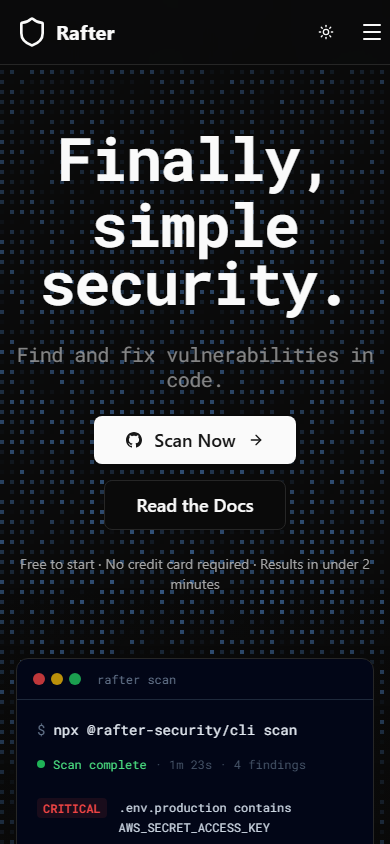
Rafter mobile experience (March 2026)
Frequently Asked Questions
Is Rafter free?
Yes, Rafter is free to start with core scanning capabilities. The tool is designed to be accessible to individual developers and small teams.
Can Rafter modify my code?
No. Rafter uses read-only GitHub permissions and cannot modify, delete, or push code to your repository.
What types of vulnerabilities does Rafter detect?
Rafter detects leaked secrets (API keys, tokens), SQL injection, XSS, insecure dependencies from CVE databases, and other common security flaws.
Does Rafter work with AI coding tools?
Yes. Rafter generates fix prompts specifically designed to work with AI coding assistants like Cursor, Lovable, Replit, and Bolt.
How do I set up CI/CD scanning?
Add your Rafter API key as a GitHub repository secret. Rafter will automatically scan every commit and pull request in your CI/CD pipeline.
Get Premium AI Tool Insights
Subscribe to get weekly curated AI tool recommendations, exclusive deals, and early access to new tool reviews.
Related Tools
V
VideoProc Converter AI
ai-coding

Relia
ai-coding
AI-powered Chrome extension that audits code flow, catches hallucinations in AI-generated code, and flags security vulnerabilities before they ship.

Git AutoReview
ai-coding
Updated March 2026 · 12 min read · By PopularAiTools.ai

Parallel Code
ai-coding
Free open-source desktop app that dispatches 10+ AI coding agents simultaneously across isolated git branches. Supports Claude Code, Codex CLI, and Gemini CLI. Keyboard-first Electron app with diff review workflow and QR code mobile monitoring. macOS + Linux. MIT license.
Related Articles
10 Claude Code Skills, Plugins & CLIs to Install on Day One (April 2026)
Starting Claude Code from scratch in 2026? Install these 10 skills, plugins, and CLIs on day one — Codex CLI, Obsidian, Autoresearch, Firecrawl, Playwright, NotebookLM, Skill Creator, RAG-Anything, Google Workspace CLI, and awesome-design-md. Full install commands included.
We Tested 24 AI Models Inside Claude Code: The 2026 Tier List
We swapped 24 different AI models into Claude Code and ran identical tool-call tests on each. Here's the S-tier-to-D-tier ranking, real cost comparison, and the single best Claude Sonnet 4.6 alternative for 2026 — including the GLM 4.6 sleeper pick that matched Sonnet at 15% the cost.
Claude as a Creative Studio: Make Ads, Images, and Video From One Chat (2026)
Claude doesn't generate raster images natively, but in 2026 it's the smartest creative director on Earth — orchestrating Nano Banana 2, Sora 2, Runway, Higgsfield, Remotion, and VEED into a single ad-and-video factory. The full stack, the variant matrix trick, and how to build a YouTube Shorts factory.