
TL;DR -- ThumbnailCreator Review
Rating: 4.0/5
Best For: YouTube creators who want professional-quality thumbnails without spending time on manual design
Pricing: Freemium model with trial available. Paid plans for unlimited generation.
Verdict: ThumbnailCreator solves a real pain point for YouTube creators: generating eye-catching thumbnails quickly. The AI's understanding of which styles work for different video types gives it an edge over generic design tools. At 30 seconds per thumbnail, it saves significant time compared to Canva or Photoshop workflows.
Table of Contents
What is ThumbnailCreator?
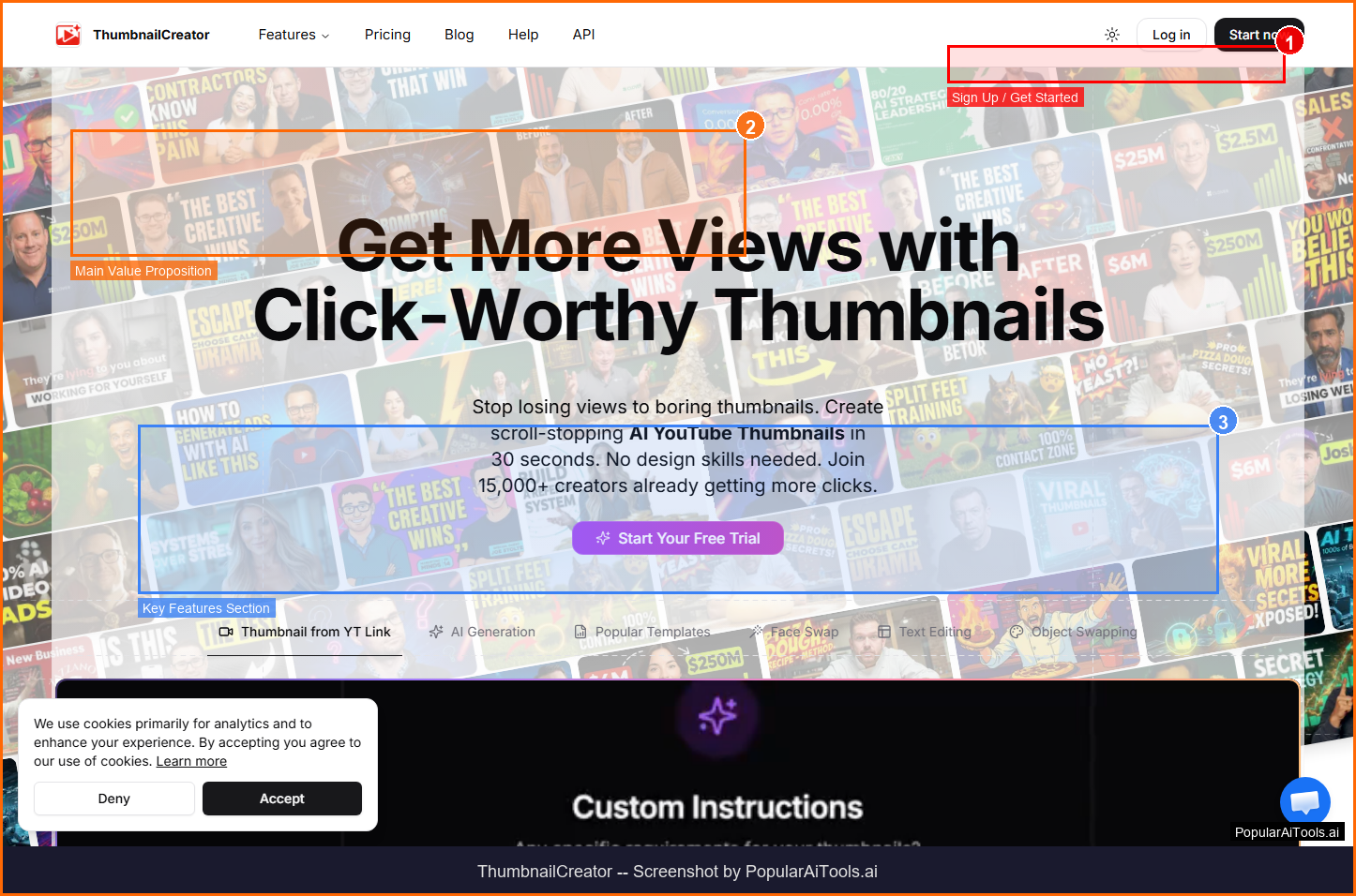
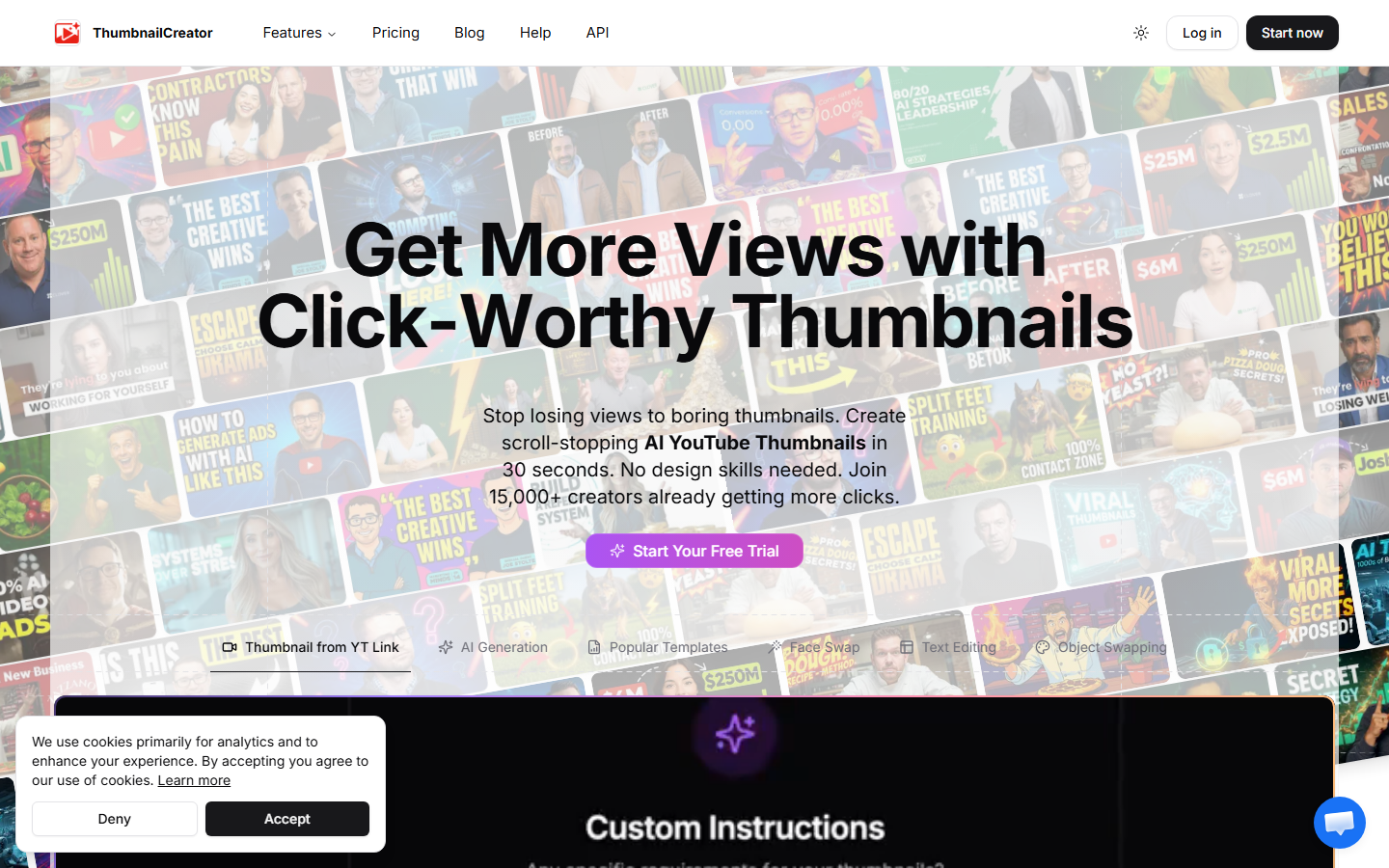
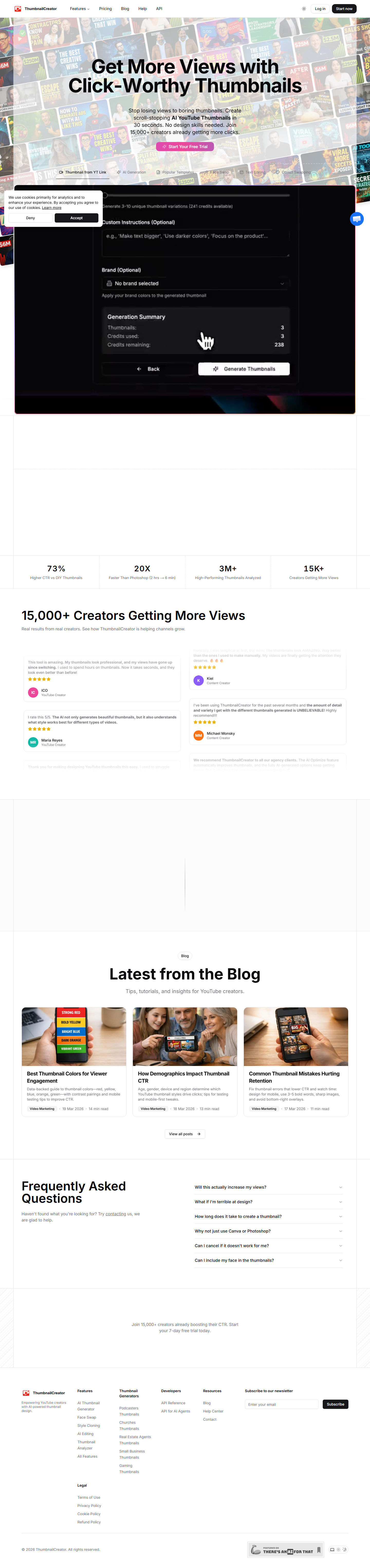
ThumbnailCreator is an AI-powered tool that generates scroll-stopping YouTube thumbnails in 30 seconds with no design skills required. Used by 15,000+ creators, it combines AI understanding of video styles with data-backed design guidance to optimize click-through rates.

ThumbnailCreator falls into the AI Design category and is designed for youtube creators who want professional-quality thumbnails without spending time on manual design. In this review, we will explore its features, pricing, pros and cons, and how it compares to alternatives in the market.
Key Features
Here are the standout features that make ThumbnailCreator worth considering:
AI Style Analysis
The AI understands what thumbnail styles work best for different types of videos.
30-Second Generation
Create professional-quality thumbnails in under 30 seconds from video descriptions.
Data-Backed Design
Design guidance based on performance data to optimize click-through rates.
Multiple Variations
Generate multiple thumbnail options for A/B testing and comparison.
No Design Skills Needed
Purpose-built interface that requires zero design or Photoshop experience.
How to Use ThumbnailCreator
Getting started with ThumbnailCreator is straightforward. Here is the typical workflow:
1
Visit the Website
Go to https://www.thumbnailcreator.com and create your account. Most tools offer a free tier or trial to get started.
2
Explore the Dashboard
Familiarize yourself with ThumbnailCreator's interface, settings, and available features. The onboarding flow will guide you through initial setup.
3
Configure Your Workflow
Set up ThumbnailCreator for your specific use case. Connect integrations, customize settings, and configure any automations.
4
Start Using & Iterate
Begin using ThumbnailCreator for real tasks. Monitor results, adjust settings, and scale usage as you become comfortable.
Pricing Plans
Freemium model with trial available. Paid plans for unlimited generation.

| Plan | Price | Includes |
|---|---|---|
| Free Trial | 7 days | Limited generations, explore all features |
| Creator | ~$15/mo | Unlimited thumbnails, all styles |
| Pro | ~$30/mo | Priority generation, advanced AI features |
Pros and Cons
Pros
- ✓ 15,000+ creators already using the platform
- ✓ 30-second generation speed
- ✓ AI understands genre-specific thumbnail styles
- ✓ 7-day free trial available
Cons
- ✗ Limited to YouTube thumbnails
- ✗ Exact pricing not publicly listed
- ✗ Less control than manual design tools

ThumbnailCreator Alternatives
If ThumbnailCreator does not fit your needs, here are some alternatives worth considering:
| Alternative | Description |
|---|---|
| Pikzels | AI YouTube thumbnail optimization |
| vidIQ | YouTube growth platform with thumbnail tools |
| Canva | General design tool with thumbnail templates |
| Thumbmagic | AI thumbnail maker |
Final Verdict
ThumbnailCreator solves a real pain point for YouTube creators: generating eye-catching thumbnails quickly. The AI's understanding of which styles work for different video types gives it an edge over generic design tools. At 30 seconds per thumbnail, it saves significant time compared to Canva or Photoshop workflows.

Frequently Asked Questions
What is ThumbnailCreator?
ThumbnailCreator is an AI tool that generates YouTube thumbnails in 30 seconds with no design skills required.
How many creators use it?
Over 15,000 creators use ThumbnailCreator for their YouTube thumbnails.
Do I need design skills?
No, the tool is built for creators without any design or Photoshop experience.
How fast can I create a thumbnail?
Most thumbnails are generated in under 30 seconds.
Is there a free trial?
Yes, ThumbnailCreator offers a 7-day free trial to explore all features.
Can I generate multiple variations?
Yes, you can generate multiple thumbnail options for A/B testing.
Does the AI understand video styles?
Yes, the AI analyzes what thumbnail styles work best for different types of videos.
Is it only for YouTube?
The tool is primarily designed for YouTube thumbnails but outputs can be used elsewhere.
Review by PopularAiTools.ai | Last updated: March 21, 2026
Get Premium AI Tool Insights
Subscribe to get weekly curated AI tool recommendations, exclusive deals, and early access to new tool reviews.
Related Tools
Related Articles
Suno v6 Intro and Ending Prompts: Unwanted Humming, Long Outros and Cut-Off Lyrics (2026)
Fix the edges of a Suno v6 track: three pasteable intro and outro templates, the documented Exclude field for unwanted humming, the arithmetic behind cut-off lyrics, and when to edit in Studio instead.
Suno v6 Keeps Changing Your Prompt? Variety, Style Influence and Weirdness Explained (2026)
Suno v6 rewrites your style prompt through the new Variety slider, and Suno documents the fix. What Variety, Style Influence, Weirdness and Max Mode each do, with a one-control-at-a-time worksheet.
Suno v6 Rock Prompts: Keep Guitar Riffs and Drums Alive Through the Verse (2026)
Why a strong Suno v6 rock intro turns into an empty verse, and how to fix it with a section-by-section instrument map, the Exclude field, pasteable rock and metal prompts and an A/B rubric.