
Try Tindlo today
TL;DR
Tindlo is a refreshingly focused team scheduling tool that layers your calendar, tasks, and documents on a single timeline. The multi-layer concept is genuinely clever — instead of flipping between Google Calendar, Asana, and Notion, you see everything stacked in one view anchored to time. At $7/mo per user for the paid plan (with a functional free tier), the pricing is among the cheapest in the project management space. It works best for small teams under 20 people who want to reduce status meetings and ship faster. It does not try to replace your existing tools — it sits on top of them. The main limitation is that it is still young, with a smaller feature set than established alternatives.
4.2
/5 rating
Try Tindlo Free →
Table of Contents
What is Tindlo?
Tindlo is a time-driven workflow OS that unifies your calendars, tasks, and documents into one multi-layer timeline. Instead of switching between Google Calendar for meetings, Asana for tasks, and Notion for docs, Tindlo stacks them all on a single view anchored to time. You see your day, week, or sprint laid out with every piece of context right where you need it.
The concept is simple but the execution is thoughtful. Your Google Calendar events form layer one. Imported tasks from Asana, Notion, or tasks you create directly become layer two. Documents linked to time blocks form layer three. And your team's activities sit on top of everything. The result is that you can look at any hour of any day and see exactly what is happening, what needs doing, and what context is available — all without opening a single additional tab.
Tindlo is backed by the Techstars Perks Program and runs on AWS infrastructure. It targets small to mid-sized teams — startups, agencies, remote squads, and engineering teams who want fewer status meetings and more execution. The tagline "Schedule. Execute. Ship Together." captures the philosophy: time is the connective tissue of teamwork, and every tool should be organized around it.

Key Features
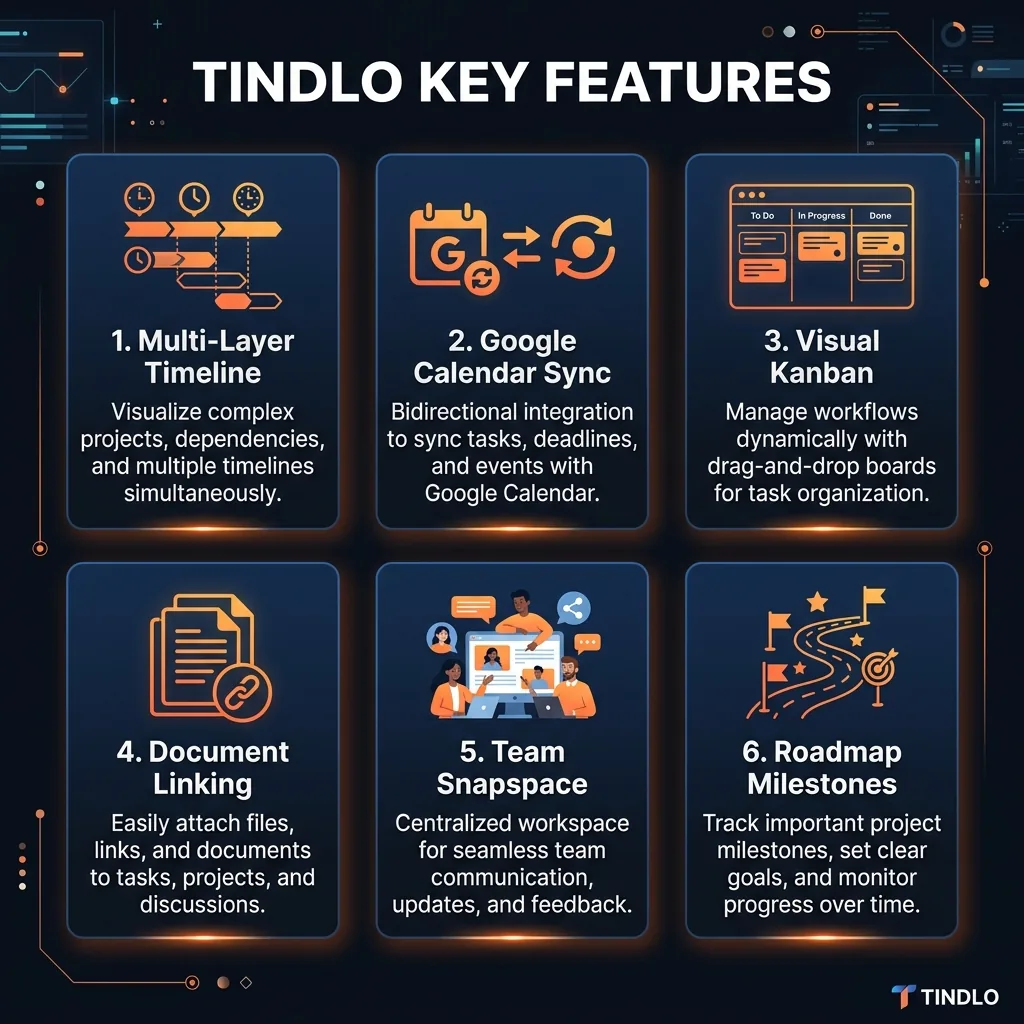
Multi-Layer Timeline
The signature feature. See your entire team's work stacked by hour, day, or week — calendar events, tasks, comments, and documents in one view. I found the right piece of information in about 5 seconds flat, which lived up to their claim. This is the feature that makes you wonder why every tool does not work this way.
Google Calendar Sync
One-click connection to Google Calendar. Your meetings appear as the first layer, and changes sync bidirectionally. This is the foundation everything else builds on — no migration needed, your existing schedule just shows up.
Visual Kanban Cards
Not your standard Kanban board. Tindlo shows related tasks as visual thumbnails so you can instantly spot connections between cards. It adds a spatial dimension to task management that flat lists cannot match.
Document Tree (Branch)
Attach hierarchies to any word and grow text documents like trees. This is a unique approach to documentation — instead of flat pages, you build branching structures with infinite depth. Great for specs, meeting notes, and knowledge bases.
Snapspace
A shared whiteboard for brainstorming, sketching, and building together. Think of it as a lightweight FigJam or Miro built into your scheduling tool. Useful for sprint planning, retrospectives, and quick ideation sessions without switching apps.
Roadmap with Milestones
Set milestones, track blockers, and align the team on goals. The roadmap view sits alongside your timeline so you can see how daily work connects to quarterly objectives. Milestone tracking helps flag when you are off track before it becomes a crisis.
How to Use Tindlo
Step-by-Step Guide
1Link Your Google Calendar
Sign up at tindlo.com and connect your Google Calendar in one click. Your meetings immediately populate the first layer of the timeline. No manual entry or migration required.
2Import or Create Tasks
Import tasks from Asana or Notion, or create them directly in Tindlo. Tasks become the second layer in your timeline, sitting alongside your calendar events so you see both commitments and deliverables together.
3Link Documents to Time Blocks
Attach documents, links, video calls, and reference materials to specific time blocks. When you open any slot on the timeline, everything you need to execute is right there. No hunting through Slack or email for context.
4Invite Your Team
Add team members to see the full picture together. Everyone's timeline stacks so you can spot overlaps, gaps, and dependencies. This is where Tindlo's value multiplies — the shared view eliminates most "what are you working on?" conversations.
5Execute and Ship
Work through your timeline. Use Snapspace for brainstorming, Kanban for task flow, and the roadmap to track progress against milestones. The integrated view means fewer context switches and faster execution.


Pricing Plans
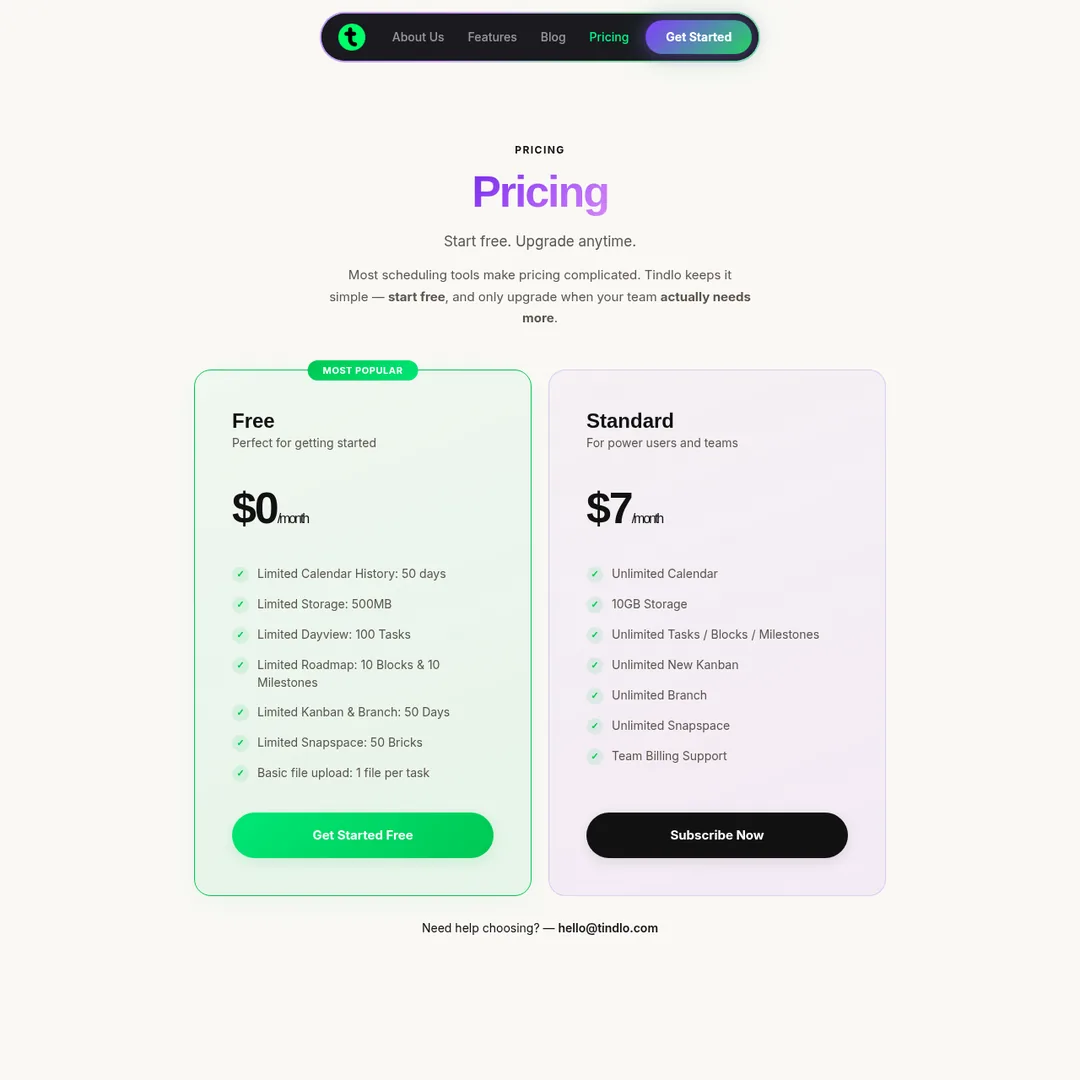
MOST POPULAR
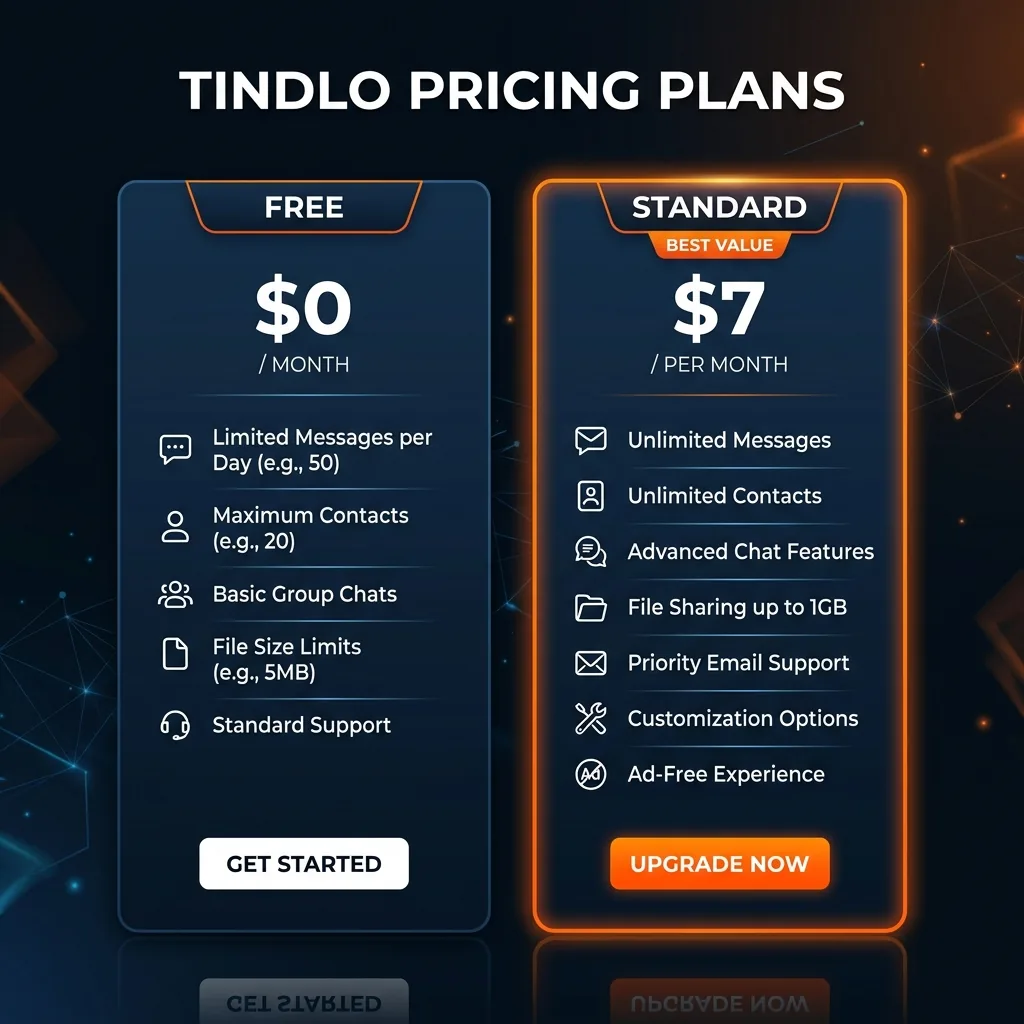
Free
$0/mo
Perfect for getting started
- 50-day calendar history
- 500 MB storage
- 100 tasks per day view
- 10 roadmap blocks & milestones
- 50 Snapspace bricks
- 1 file per task
Standard
$7/mo
Power users & teams
- Unlimited calendar history
- 10 GB storage
- Unlimited tasks / blocks / milestones
- Unlimited Kanban & Branch
- Unlimited Snapspace
- Team billing support
Dead Simple Pricing: Tindlo keeps it to two tiers. Free gets you started with reasonable limits. $7/mo per user unlocks everything. No confusing enterprise tiers, no per-feature upsells. For a team of 10, that is $70/month total — significantly cheaper than Asana ($10.99/user), Linear ($8/user), or Notion's team plan. The value-per-dollar here is outstanding.
Pros and Cons
✓Pros
Unique Multi-Layer View
No other tool gives you this stacked timeline perspective. Seeing calendar, tasks, and documents unified by time is genuinely useful and reduces context switching dramatically.
Incredibly Affordable
$7/mo per user with no feature gating on the paid tier. Everything is unlimited. For teams on a budget, this is one of the best deals in the project management category.
No Migration Required
Tindlo layers on top of your existing tools rather than replacing them. Keep using Google Calendar, Asana, and Notion — Tindlo just gives you a better view of everything. Low risk to try.
Fast Onboarding
Their claim of 10x faster onboarding checks out. Connecting Google Calendar takes seconds, importing tasks is straightforward, and the interface is intuitive enough that team members can start using it without a training session.
✗Cons
Google Calendar Only
No Outlook or Apple Calendar support yet. If your team runs on Microsoft 365, Tindlo's calendar layer is unavailable to you. This is a significant limitation for enterprise teams.
Limited Integrations
Beyond Google Calendar, Asana, and Notion, the integration list is thin. No Jira, no Monday.com, no Slack integration. Teams using other stacks will need to create tasks manually.
Early-Stage Product
Tindlo is still young. Some features feel unfinished, documentation is sparse, and the mobile experience needs work. If you need a rock-solid tool today, established alternatives are safer.
Free Tier Limits Bite
50-day calendar history and 100 tasks per day view mean the free plan becomes frustrating quickly for any real project. It is enough to test, but you will need the $7/mo plan within a week or two of serious use.

Alternatives Comparison
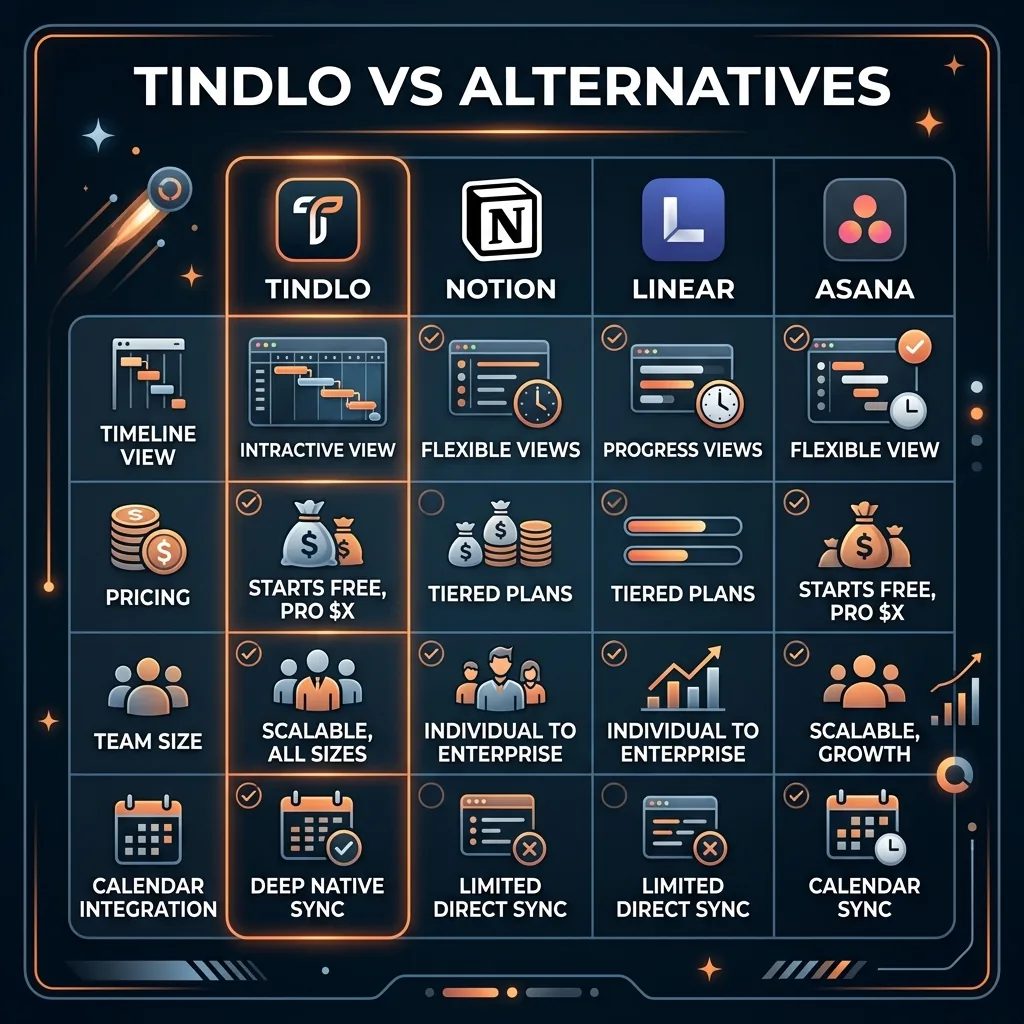
Notion is the document-first workspace that can do almost anything with enough configuration. But it lacks a native timeline view and calendar integration is bolted on. Choose Notion if docs and wikis are your priority; choose Tindlo if time is your organizing principle.
Linear is the developer-favorite issue tracker with fast UI and cycle-based planning. Excellent for engineering teams, but it has no calendar integration and is focused on issues rather than execution timelines. Choose Linear for bug tracking; choose Tindlo for cross-functional visibility.
Asana is the established project management tool with the broadest feature set. It has timeline views and calendar sync, but at $10.99/user it costs 57% more than Tindlo and does not offer the multi-layer perspective that makes Tindlo unique.
Final Verdict
Tindlo nails a concept that should exist in every team tool: organize everything by time. The multi-layer timeline is not a gimmick — it fundamentally changes how you see your team's work. Meetings, tasks, and documents stacked in one view eliminates the constant tab-switching that eats hours every week.
At $7/mo per user with no feature gating, the value is exceptional. For a 10-person team, you are paying $70/month for unlimited everything. That is less than a single Asana or Notion team license in many cases.
The limitations are real — Google Calendar only, limited integrations, and early-stage polish. But if your team uses Google Workspace and wants a better way to see the full picture without replacing existing tools, Tindlo is worth the free signup. Give it a week. I think you will find it hard to go back to switching between five tabs.

Ready to Try Tindlo?
See your team's work in a new dimension with multi-layer scheduling. Free to start.
Try Tindlo Free →Frequently Asked Questions
Is Tindlo free to use?
Yes, Tindlo has a free plan with limited calendar history (50 days), 500MB storage, and caps on tasks, roadmap blocks, and Kanban views. It is enough to test the platform for small projects.
How much does Tindlo cost?
Tindlo's paid plan is $7 per month per user, which unlocks unlimited calendar history, 10GB storage, unlimited tasks, Kanban boards, Snapspace, and team billing support.
Does Tindlo integrate with Google Calendar?
Yes, Google Calendar integration is a core feature. Link your calendar in one click and your meetings become the first layer of the multi-layer timeline view.
Can I import tasks from Asana or Notion?
Yes, Tindlo supports importing tasks from Asana and Notion. These imported tasks become the second layer in your timeline, sitting alongside your calendar events.
What makes Tindlo different from Notion?
Notion is document-first. Tindlo is time-first. Tindlo layers your calendar, tasks, and documents on a unified timeline so everything is anchored to when it needs to happen, not where it is stored.
Is Tindlo good for remote teams?
Yes, Tindlo is built for remote and hybrid teams. The shared timeline gives everyone visibility into what is happening across the team without requiring status meetings. They claim 40% fewer status meetings for teams using the platform.
What is Tindlo's multi-layer scheduling?
Multi-layer scheduling means your calendar events, tasks, documents, and team activities are stacked as separate layers on a single timeline view. You can see everything by hour, day, or week without switching between different apps.
Is Tindlo backed by Techstars?
Tindlo is an internal partner in the Techstars Perks Program, which gives it access to Techstars resources and network. The platform is also an AWS Startup partner, running on AWS infrastructure.

Get Premium AI Tool Insights
Subscribe to get weekly curated AI tool recommendations, exclusive deals, and early access to new tool reviews.
Related Tools

GoldMine AI
ai-business
Updated March 2026 · 11 min read · By PopularAiTools.ai
Chronicle 2.0
ai-business
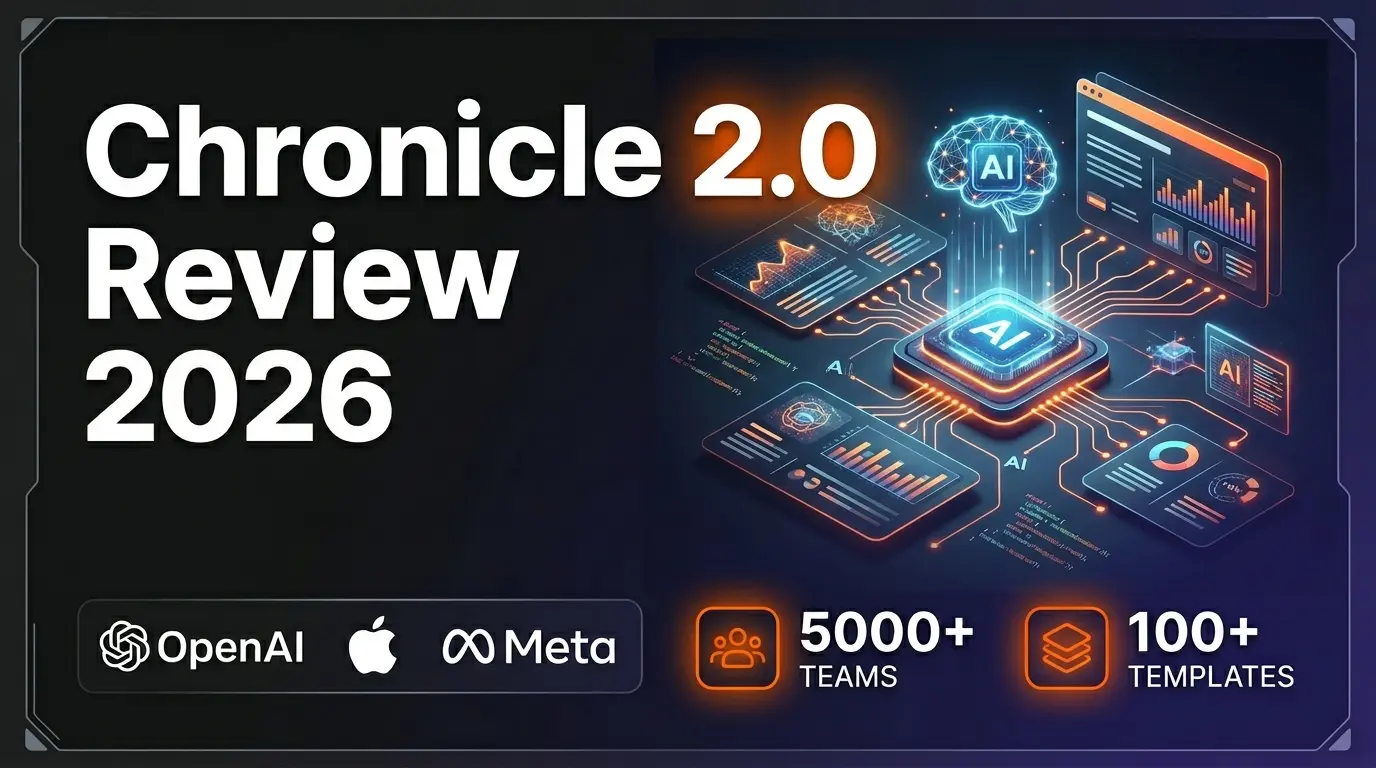
Chronicle 2.0 is an AI-powered presentation maker that converts notes, outlines, and meeting docs into professionally designed slide decks with diagrams, freeform canvas, 100+ designer templates, and 100+ integrations. Trusted by 5,000+ teams including OpenAI, Apple, Meta, Figma, and Vercel.
Lightfield
ai-business
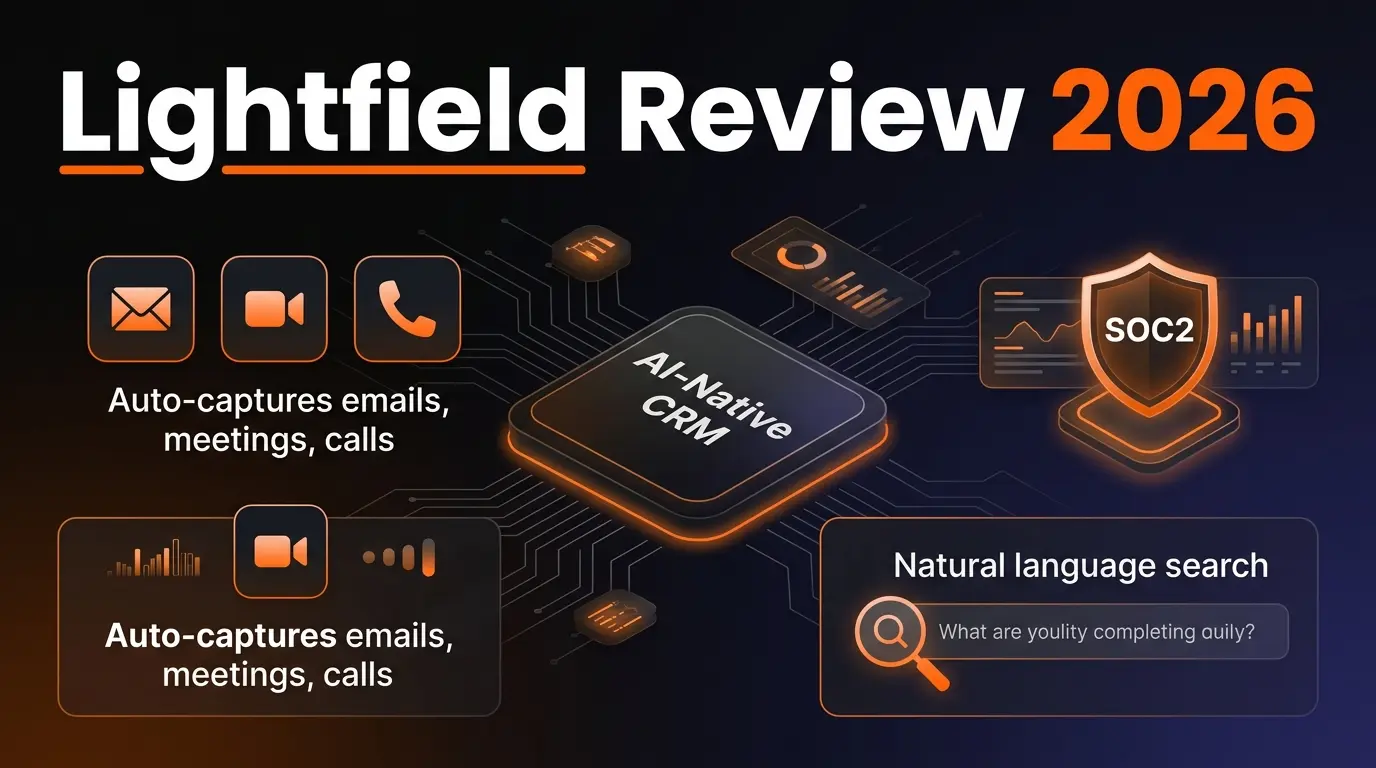
AI-native CRM with complete customer memory. Auto-captures emails, meetings, and calls. Natural language search with source citations. Schema-less data model for startups and high-growth companies.
G
Get Sheet Done
Related Articles
Ollama + Claude Code: How to Run It 99% Cheaper (Or Free)
Two proven methods to run Claude Code for free or nearly free. Use local models with Ollama for unlimited private usage, or point Claude Code at OpenRouter free cloud models. Step-by-step setup with config files and honest trade-offs.
How to Automate Social Media Posts From Google Drive With Blotato
Build a hands-free social media pipeline: drop photos into Google Drive and let Blotato auto-post to LinkedIn, Instagram, Facebook, and TikTok using Make.com, n8n, or Claude Code.
How to Run OpenClaw Free Forever: 3 Methods With Local and Free Models
Run OpenClaw with zero monthly costs using Ollama local models, Atomic Chat, or free APIs on OpenRouter. Step-by-step setup for Gemma 4, GLM 4.7, and Qwen 3.6 Plus.