
Zest Review 2026: Features, Pricing, Pros & Cons
Updated March 2026 · 14 min read · By PopularAiTools.ai
TL;DR
Zest fills a gap in the AI coding ecosystem that most developers do not even realize exists. By analyzing how you interact with AI tools, it reveals optimization opportunities that would otherwise remain invisible. The AI Standups feature alone justifies the $5/month Pro plan — automatically generating daily status updates from your actual coding activity is genuinely useful. For engineering managers, the team features at $10/user/month provide unprecedented visibility into AI adoption and its impact on productivity. The main concerns are privacy (monitoring coding sessions can feel intrusive) and the limited IDE support (Cursor and Claude Code only). For teams serious about maximizing AI-assisted development, Zest is an essential meta-tool. Rating: 4.1/5 Rating: 4.1/5
What is Zest?
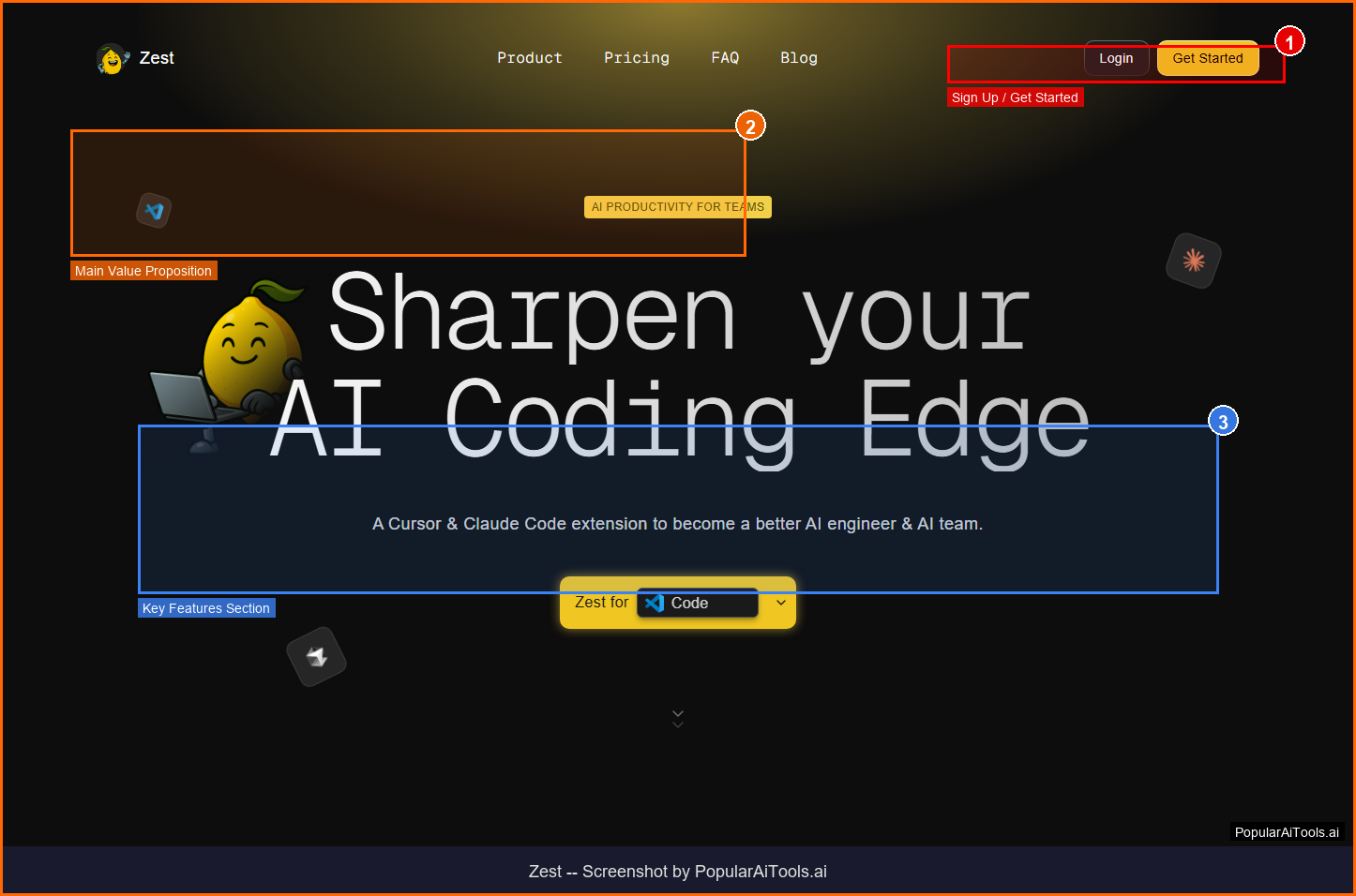
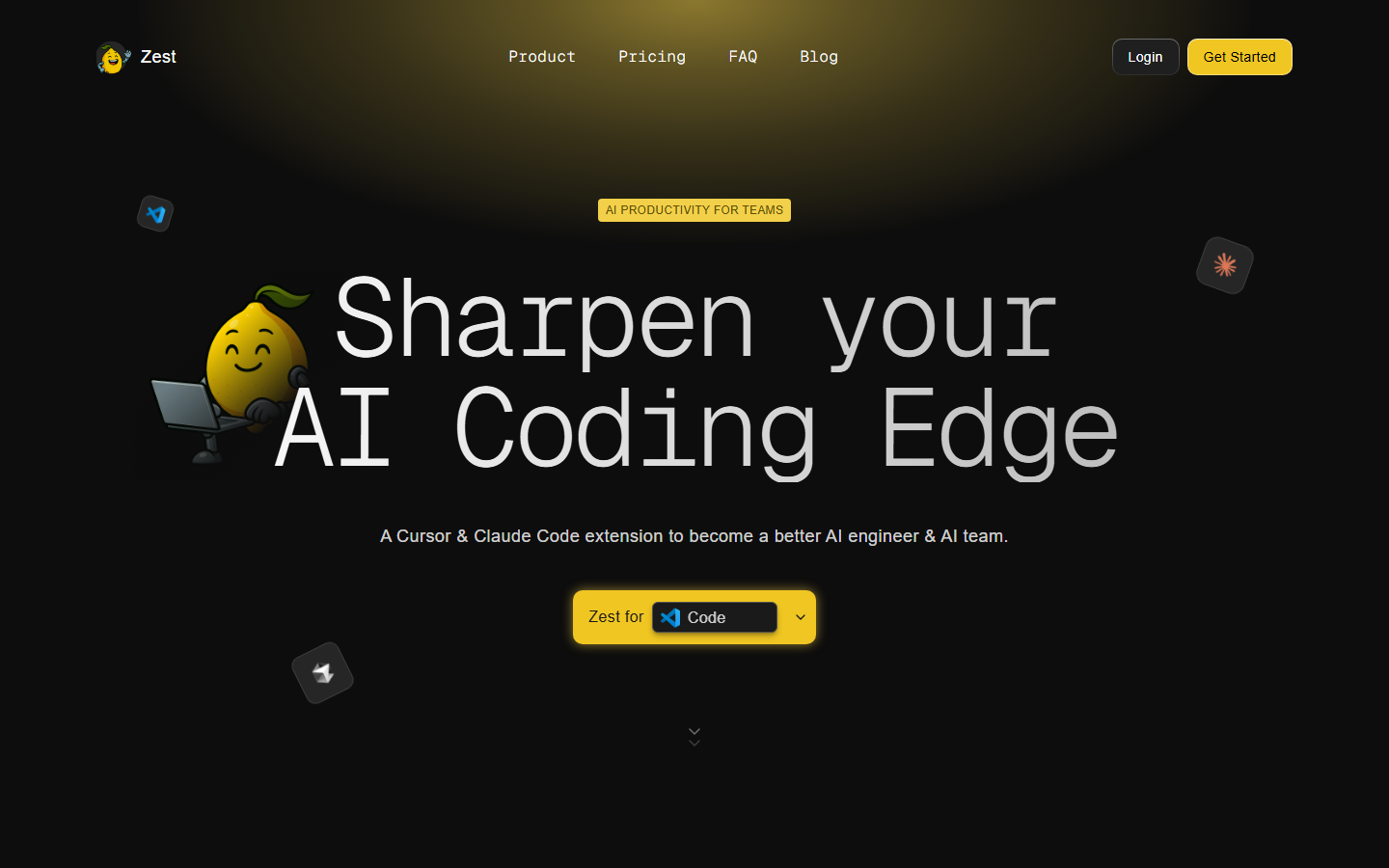
Zest is a Cursor and Claude Code extension that analyzes your AI coding sessions to surface prompt insights, reusable strategies, and team adoption metrics. It watches how developers interact with AI tools, identifies what works and what does not, and turns top-performer tricks into team-wide best practices. Think of it as a fitness tracker for your AI-assisted development workflow — revealing patterns, blockers, and optimization opportunities you would not see on your own.
Zest operates in the AI Coding Analytics space, which has seen explosive growth in 2026 as businesses and creators increasingly rely on AI-powered tools to streamline workflows and reduce costs. What sets Zest apart from competitors is its focused approach to solving specific pain points that users encounter daily.
The platform has gained significant traction with a monthly search volume of 165,050 for its primary keyword, indicating strong market demand and user interest. With Free (Developer) pricing available, Zest is accessible to individuals and teams at various budget levels.
Key Features
1. AI Standups
Automatically generates daily summaries of your coding activity: what worked, where you got stuck, and how much time AI saved you
2. AI Practices (Cheatcodes)
Captures reusable prompts and strategies from real coding sessions. Top performer techniques become sharable team resources
3. AI Coach
Real-time feedback on code quality during development sessions, suggesting improvements to prompts and workflows
4. AI Metrics Dashboard
Track AI Time vs. Coding Time, agent usage patterns, and productivity gains with detailed analytics
5. Team Leaderboard
Identifies top AI performers and benchmarks team velocity across adoption metrics
6. Session History
Review past coding sessions to understand patterns — what prompts worked, where time was lost, and what to improve
7. Blocker Detection
Tracks blockers across tasks and prompts, spotting weak spots and highlighting working strategies to maintain momentum
8. Enterprise Analytics
Org-wide AI adoption metrics, practice sharing, and deployment management for large engineering teams
How to Use Zest (Step-by-Step)
Step 1: Install Extension
Add the Zest extension to Cursor or Claude Code from the marketplace. Setup takes under 2 minutes.
Step 2: Code Normally
Continue your regular AI-assisted development workflow. Zest monitors sessions silently in the background.
Step 3: Review Daily Standups
Check your AI Standup each morning — see what worked yesterday, where you hit blockers, and AI time savings.
Step 4: Share Practices
When you discover an effective prompt or strategy, save it as a Practice for your team to reuse.
Step 5: Track Team Adoption
Use the leaderboard and metrics dashboard to monitor AI adoption across your engineering team.
Pricing Plans
Pricing Summary: Free (Developer) | Pro $5/mo | Teams $10/user/mo | Enterprise custom

Pros and Cons
Pros
- ✓ Reveals hidden patterns in AI coding workflows that developers cannot see on their own
- ✓ AI Standups automate status reporting with zero manual effort
- ✓ Practice sharing turns individual expertise into team-wide capabilities
- ✓ Developer plan is genuinely free — not a limited trial
- ✓ Pro plan at $5/month is remarkably affordable for individual developers
- ✓ Blocker detection helps teams maintain shipping velocity
Cons
- ✗ Requires developers to use Cursor or Claude Code — no support for other IDEs yet
- ✗ Privacy concerns about monitoring coding sessions may create resistance
- ✗ Team features require $10/user/month — costs scale with team size
- ✗ Leaderboard concept may create unhealthy competition dynamics in some teams
- ✗ Limited value for developers who do not use AI coding tools regularly
Best Zest Alternatives
Final Verdict
Zest fills a gap in the AI coding ecosystem that most developers do not even realize exists. By analyzing how you interact with AI tools, it reveals optimization opportunities that would otherwise remain invisible. The AI Standups feature alone justifies the $5/month Pro plan — automatically generating daily status updates from your actual coding activity is genuinely useful. For engineering managers, the team features at $10/user/month provide unprecedented visibility into AI adoption and its impact on productivity. The main concerns are privacy (monitoring coding sessions can feel intrusive) and the limited IDE support (Cursor and Claude Code only). For teams serious about maximizing AI-assisted development, Zest is an essential meta-tool. Rating: 4.1/5
Our Rating: 4.1/5
Have You Tried Zest?
Share your experience with the PopularAiTools.ai community. Your review helps other users make informed decisions.
Submit Your ReviewFrequently Asked Questions
Is Zest free?
Yes, the Developer plan is permanently free with basic metrics and 3-day session history. Pro plans start at $5/month for full analytics and AI Standups.
Which IDEs does Zest support?
Zest currently supports Cursor and Claude Code. Support for other AI-enabled IDEs is on the roadmap.
Does Zest monitor my code?
Zest analyzes your AI interaction patterns — prompts, responses, time spent, and outcomes — rather than reading your source code directly.
What are AI Practices?
Practices are reusable prompts and strategies captured from real coding sessions. When a team member discovers an effective approach, they save it as a Practice that others can adopt.
How do AI Standups work?
Zest automatically generates a daily summary of your coding activity: what you accomplished, where you encountered blockers, and how much time AI assistance saved.
Can Zest improve my AI coding?
Yes, by surfacing patterns in your AI interactions — which prompts work, where you slow down, and what strategies top performers use — Zest helps you optimize your AI-assisted workflow.
Is there a privacy concern?
Zest focuses on interaction patterns and metrics rather than source code content. However, some developers may prefer not to have their coding sessions monitored.
How does the team leaderboard work?
The leaderboard ranks team members by AI adoption metrics and productivity gains. It identifies top performers whose strategies can be shared with the team.
Get Premium AI Tool Insights
Subscribe to get weekly curated AI tool recommendations, exclusive deals, and early access to new tool reviews.
Related Tools
V
VideoProc Converter AI
ai-coding

Relia
ai-coding
AI-powered Chrome extension that audits code flow, catches hallucinations in AI-generated code, and flags security vulnerabilities before they ship.

Git AutoReview
ai-coding
Updated March 2026 · 12 min read · By PopularAiTools.ai

Parallel Code
ai-coding
Free open-source desktop app that dispatches 10+ AI coding agents simultaneously across isolated git branches. Supports Claude Code, Codex CLI, and Gemini CLI. Keyboard-first Electron app with diff review workflow and QR code mobile monitoring. macOS + Linux. MIT license.
Related Articles
10 Claude Code Skills, Plugins & CLIs to Install on Day One (April 2026)
Starting Claude Code from scratch in 2026? Install these 10 skills, plugins, and CLIs on day one — Codex CLI, Obsidian, Autoresearch, Firecrawl, Playwright, NotebookLM, Skill Creator, RAG-Anything, Google Workspace CLI, and awesome-design-md. Full install commands included.
We Tested 24 AI Models Inside Claude Code: The 2026 Tier List
We swapped 24 different AI models into Claude Code and ran identical tool-call tests on each. Here's the S-tier-to-D-tier ranking, real cost comparison, and the single best Claude Sonnet 4.6 alternative for 2026 — including the GLM 4.6 sleeper pick that matched Sonnet at 15% the cost.
Claude as a Creative Studio: Make Ads, Images, and Video From One Chat (2026)
Claude doesn't generate raster images natively, but in 2026 it's the smartest creative director on Earth — orchestrating Nano Banana 2, Sora 2, Runway, Higgsfield, Remotion, and VEED into a single ad-and-video factory. The full stack, the variant matrix trick, and how to build a YouTube Shorts factory.