
CanvasGPT Review March 2026: Features, Pricing, Pros & Cons
Updated March 2026 · 10 min read · By PopularAiTools.ai
TL;DR
CanvasGPT is a spatial AI workspace that lets you build, brainstorm, and prototype on an infinite canvas. Unlike traditional chat interfaces, CanvasGPT displays everything at once, allowing architecture, code, and ideas to connect visually. You can offload rough notes, voice memos, and complex PDFs onto the canvas, and the AI instantly structures your input, surfacing connections you might have missed. The platform can render functional artifacts from descriptions, letting you test, tweak, and export code directly from the canvas. Voice input is supported with sub-second response times. Pricing model: Freemium. Rating: 4.2/5
What is CanvasGPT?
CanvasGPT is a spatial AI workspace that lets you build, brainstorm, and prototype on an infinite canvas. Unlike traditional chat interfaces, CanvasGPT displays everything at once, allowing architecture, code, and ideas to connect visually. You can offload rough notes, voice memos, and complex PDFs onto the canvas, and the AI instantly structures your input, surfacing connections you might have missed. The platform can render functional artifacts from descriptions, letting you test, tweak, and export code directly from the canvas. Voice input is supported with sub-second response times.
CanvasGPT combines an infinite spatial canvas with powerful AI capabilities. You place ideas, documents, and prompts anywhere on the canvas and the AI processes them contextually, understanding the spatial relationships between elements. You can type prompts, speak commands by holding spacebar, or drag in files. The AI generates code, diagrams, summaries, and interactive artifacts that you can manipulate directly on the canvas. Everything is connected spatially so you can see how ideas relate to each other.
Who Should Use CanvasGPT?
- Developers prototyping complex systems and architectures
- Product managers mapping out feature requirements
- Researchers analyzing multiple documents simultaneously
- Designers brainstorming and iterating on concepts
- Students organizing research and writing papers
Key Features
1. Infinite Canvas Workspace
A boundless spatial workspace where you can place ideas, code, documents, and AI outputs anywhere. Unlike linear chat interfaces, the canvas lets you see everything at once and understand relationships between concepts visually.
2. AI-Powered Structuring
Drop rough notes, voice memos, PDFs, and unstructured content onto the canvas. CanvasGPT automatically structures your input, creates summaries, and surfaces connections between disparate pieces of information.
3. Real-Time Artifact Rendering
Describe a tool, workflow, or user interface and watch it render into a functional artifact directly on the canvas. Test, tweak, and export the generated code without leaving the workspace.
4. Voice Input
Hold spacebar and speak to interact with the AI. CanvasGPT listens, responds in under a second, and builds what you need. This hands-free mode is perfect for rapid brainstorming and ideation sessions.
5. Multi-Format Input Support
Import PDFs, images, code files, text documents, and voice recordings. CanvasGPT processes all formats and integrates them into your spatial workspace for unified analysis and development.
6. Code Export
Generated artifacts and code can be exported directly from the canvas. Build prototypes, test concepts, and export production-ready code without switching between tools.

How to Use CanvasGPT
Step 1: Sign Up
Visit the official CanvasGPT website and create your account. Most plans offer a free trial or free tier so you can explore the platform before committing to a paid subscription.
Step 2: Configure Your Workspace
Once logged in, set up your workspace according to your needs. CanvasGPT typically offers onboarding guides or tutorials to help you get started quickly with the core features.
Step 3: Explore Core Features
Start using the main capabilities of CanvasGPT. Take advantage of any templates, presets, or quick-start options to accelerate your workflow and see results faster.
Step 4: Integrate with Your Stack
Connect CanvasGPT with your existing tools and workflows. Check for available integrations with popular platforms and APIs to maximize productivity.
Step 5: Scale and Optimize
As you become more familiar with CanvasGPT, explore advanced features and settings. Monitor your usage and results to optimize your workflow and determine if upgrading to a higher tier makes sense.
Pricing Plans
CanvasGPT offers all features across all plans. You can upgrade, downgrade, or cancel at any time. Custom enterprise solutions are available. Visit canvasgpt.com for specific pricing tiers.

Pros and Cons
Pros
- ✓ Unique spatial canvas approach to AI interaction
- ✓ Voice input with sub-second response times
- ✓ Renders functional artifacts from descriptions
- ✓ Supports multiple input formats including PDFs and voice
- ✓ All features available on every plan
- ✓ Privacy-first with data private by default
- ✓ Excellent for visual thinkers and complex projects
Cons
- ✗ Learning curve for users accustomed to traditional chat interfaces
- ✗ Spatial interface may feel overwhelming for simple tasks
- ✗ Newer tool with limited community resources
- ✗ May require significant screen real estate for best experience
- ✗ Export capabilities may be limited for complex artifacts
Best CanvasGPT Alternatives

Final Verdict: Is CanvasGPT Worth It?
CanvasGPT represents a genuinely new approach to AI interaction. The spatial canvas paradigm is more intuitive than linear chat for complex projects involving multiple documents, code bases, and interconnected ideas. Visual thinkers and developers working on complex systems will find it transformative. However, for simple Q&A or straightforward writing tasks, a traditional chat interface is still more efficient. CanvasGPT is best for power users who need to see the big picture while working with AI.
Our Rating: 4.2 / 5
Build an AI Tool? Get It in Front of the Right Audience
PopularAiTools.ai reaches thousands of qualified AI buyers monthly.
Submit Your AI Tool →Frequently Asked Questions
What is CanvasGPT?
CanvasGPT is a spatial AI workspace that combines an infinite canvas with AI capabilities. You can brainstorm, code, prototype, and analyze documents all in one visual environment.
Is CanvasGPT free?
CanvasGPT offers plans at multiple price points with all features included in every plan. Visit canvasgpt.com for current pricing details and free trial information.
How does voice input work in CanvasGPT?
Hold the spacebar and speak. CanvasGPT processes your speech in under a second and generates responses, code, or artifacts based on your voice commands. You can also type if you prefer.
Can I export code from CanvasGPT?
Yes, CanvasGPT lets you export generated code and artifacts directly from the canvas. You can test and tweak before exporting to ensure everything works as expected.
Is my data private on CanvasGPT?
Yes, your data is private by default on CanvasGPT. The platform prioritizes user privacy and does not share your workspace content.
Can CanvasGPT process PDFs?
Yes, you can drag PDFs onto the canvas and CanvasGPT will analyze them, extract key information, and integrate the content into your spatial workspace for further work.
What makes CanvasGPT different from ChatGPT?
While ChatGPT uses a linear chat interface, CanvasGPT provides a spatial canvas where you can see all your AI interactions, documents, and artifacts at once. This makes it better for complex projects that involve multiple connected ideas.
Does CanvasGPT support collaboration?
Check the latest features on canvasgpt.com for collaboration capabilities. The platform is designed for individual power users but may offer team features on enterprise plans.

Get Premium AI Tool Insights
Subscribe to get weekly curated AI tool recommendations, exclusive deals, and early access to new tool reviews.
Related Tools

GoldMine AI
ai-business
Updated March 2026 · 11 min read · By PopularAiTools.ai
Chronicle 2.0
ai-business
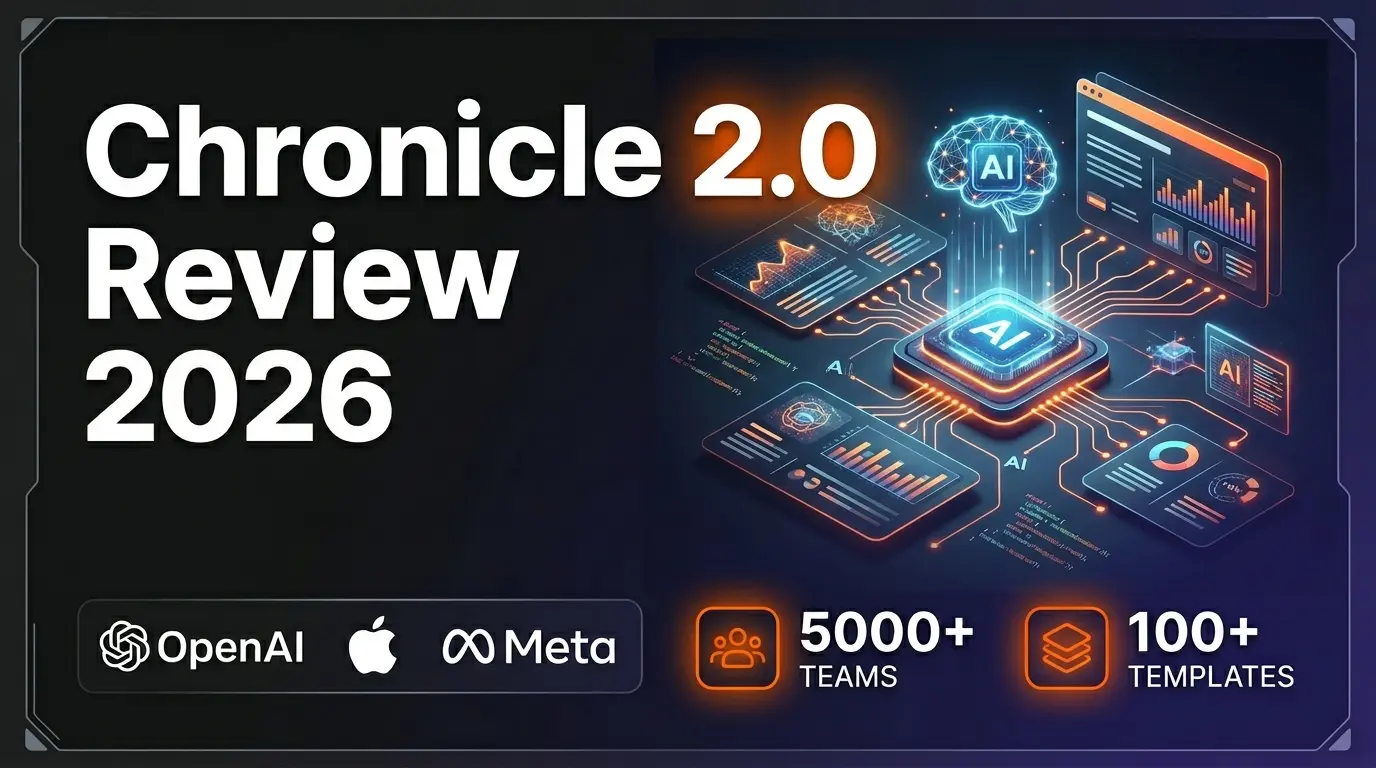
Chronicle 2.0 is an AI-powered presentation maker that converts notes, outlines, and meeting docs into professionally designed slide decks with diagrams, freeform canvas, 100+ designer templates, and 100+ integrations. Trusted by 5,000+ teams including OpenAI, Apple, Meta, Figma, and Vercel.
Lightfield
ai-business
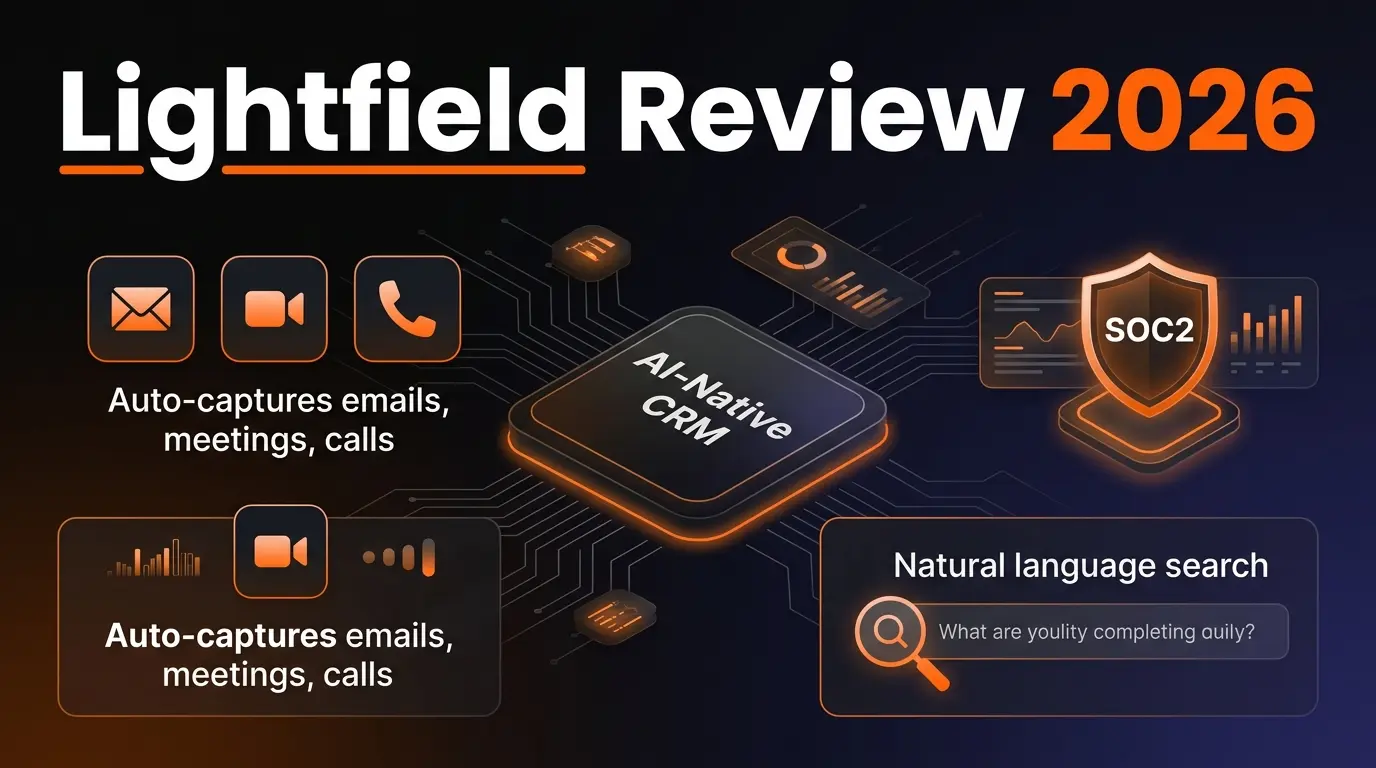
AI-native CRM with complete customer memory. Auto-captures emails, meetings, and calls. Natural language search with source citations. Schema-less data model for startups and high-growth companies.
G
Get Sheet Done
Related Articles
10 Claude Code Skills, Plugins & CLIs to Install on Day One (April 2026)
Starting Claude Code from scratch in 2026? Install these 10 skills, plugins, and CLIs on day one — Codex CLI, Obsidian, Autoresearch, Firecrawl, Playwright, NotebookLM, Skill Creator, RAG-Anything, Google Workspace CLI, and awesome-design-md. Full install commands included.
We Tested 24 AI Models Inside Claude Code: The 2026 Tier List
We swapped 24 different AI models into Claude Code and ran identical tool-call tests on each. Here's the S-tier-to-D-tier ranking, real cost comparison, and the single best Claude Sonnet 4.6 alternative for 2026 — including the GLM 4.6 sleeper pick that matched Sonnet at 15% the cost.
Claude as a Creative Studio: Make Ads, Images, and Video From One Chat (2026)
Claude doesn't generate raster images natively, but in 2026 it's the smartest creative director on Earth — orchestrating Nano Banana 2, Sora 2, Runway, Higgsfield, Remotion, and VEED into a single ad-and-video factory. The full stack, the variant matrix trick, and how to build a YouTube Shorts factory.