
Frontman Review 2026: Features, Pricing, Pros & Cons
Updated March 2026 · 11 min read · By PopularAiTools.ai
TL;DR
An open-source AI coding agent that lives in your browser, letting you click UI elements and describe changes in plain English to edit production code with live preview. The free pricing model makes it accessible, with plans starting at $0. Rating: 4.3/5
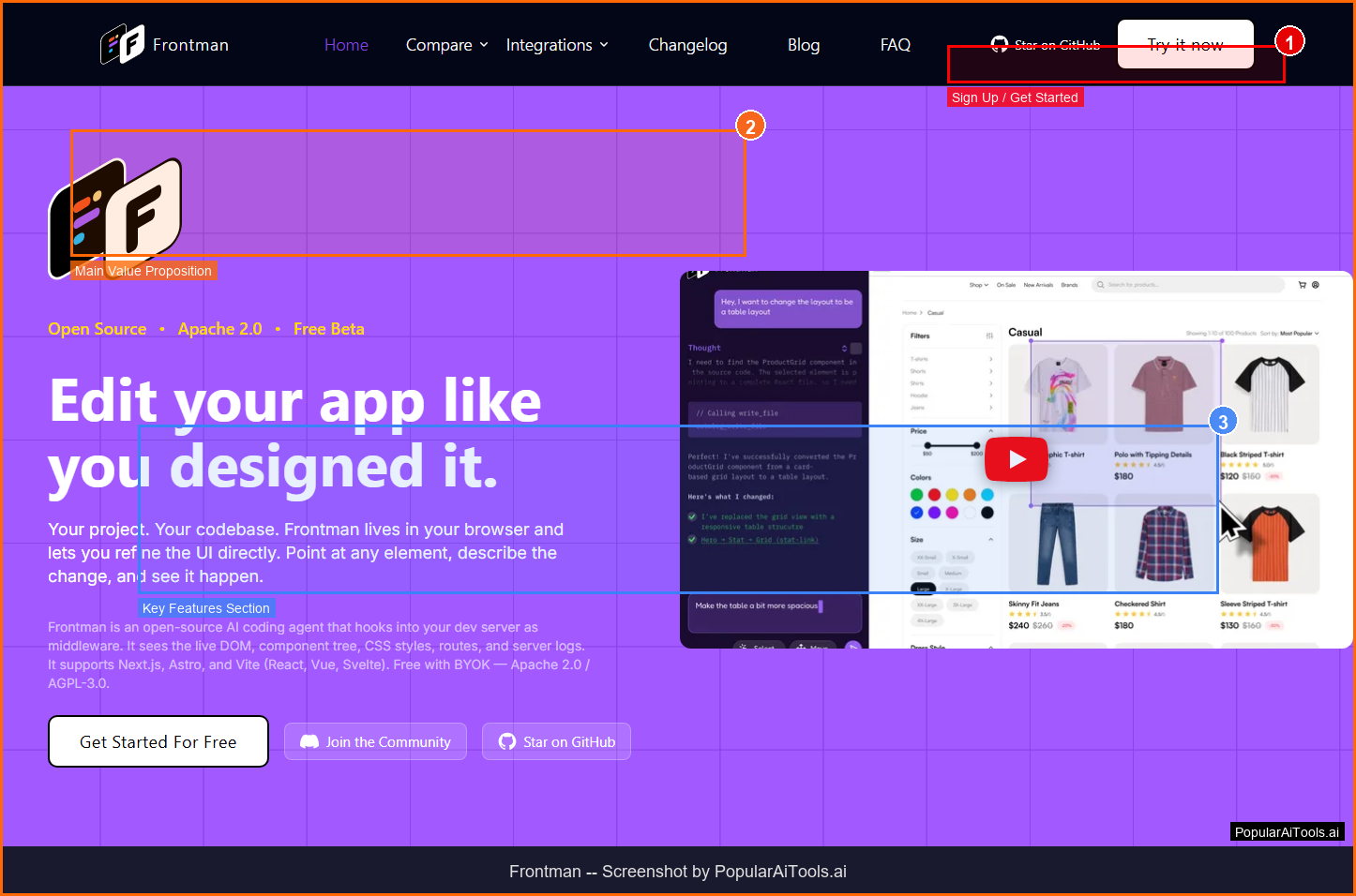
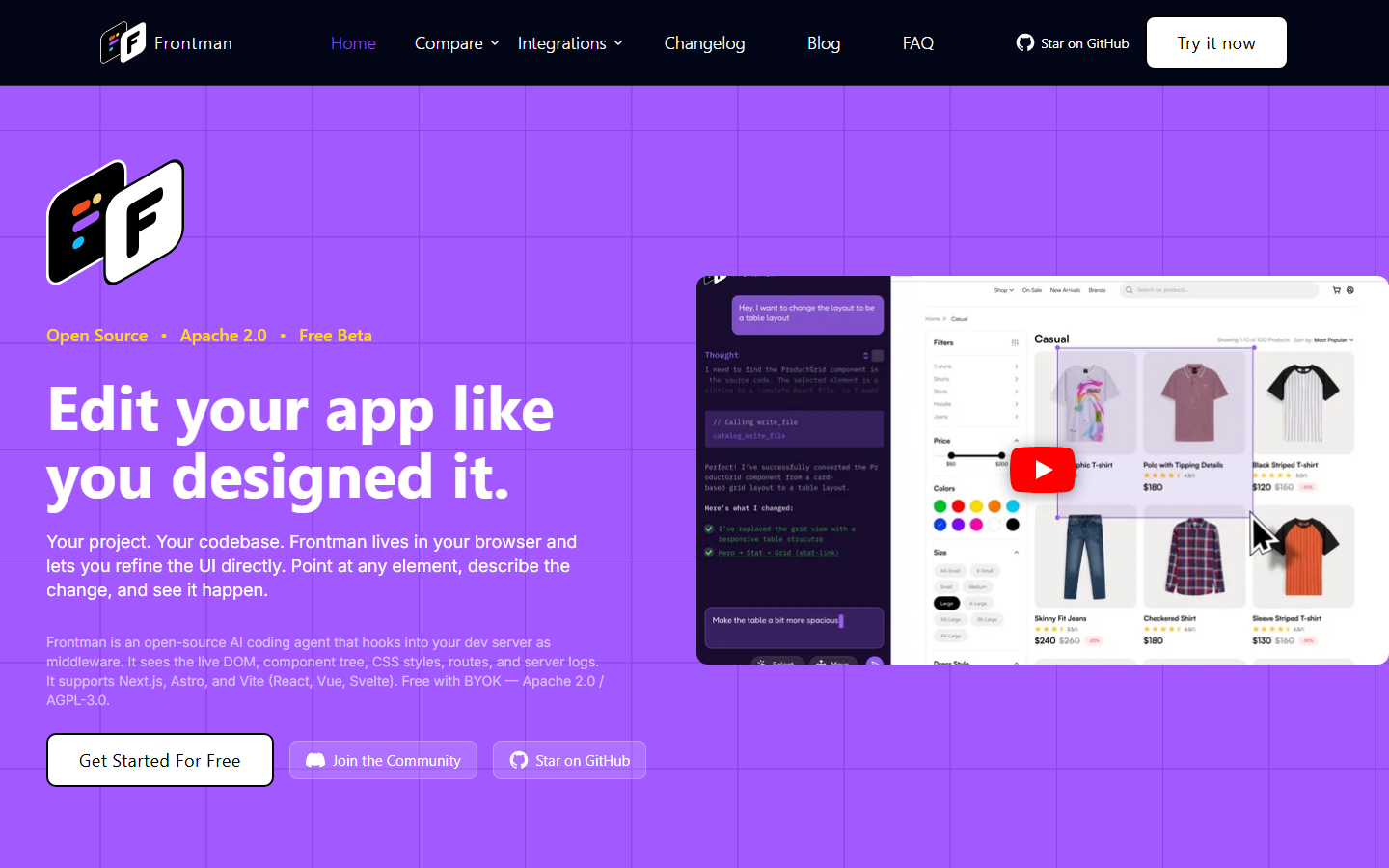
The Frontman homepage - key features and navigation highlighted
What is Frontman?
An open-source AI coding agent that lives in your browser, letting you click UI elements and describe changes in plain English to edit production code with live preview.
Frontman stands out in the crowded AI landscape by focusing on solving a specific problem well rather than trying to be everything to everyone. The platform is designed to integrate seamlessly into existing workflows, reducing the learning curve and time-to-value for new users.
Whether you are an individual user looking to boost productivity or a team seeking to streamline operations, Frontman offers a free approach that lets you start with core features and scale as your needs grow. The platform has gained traction in 2026 as organizations increasingly adopt specialized AI tools for specific workflow challenges.
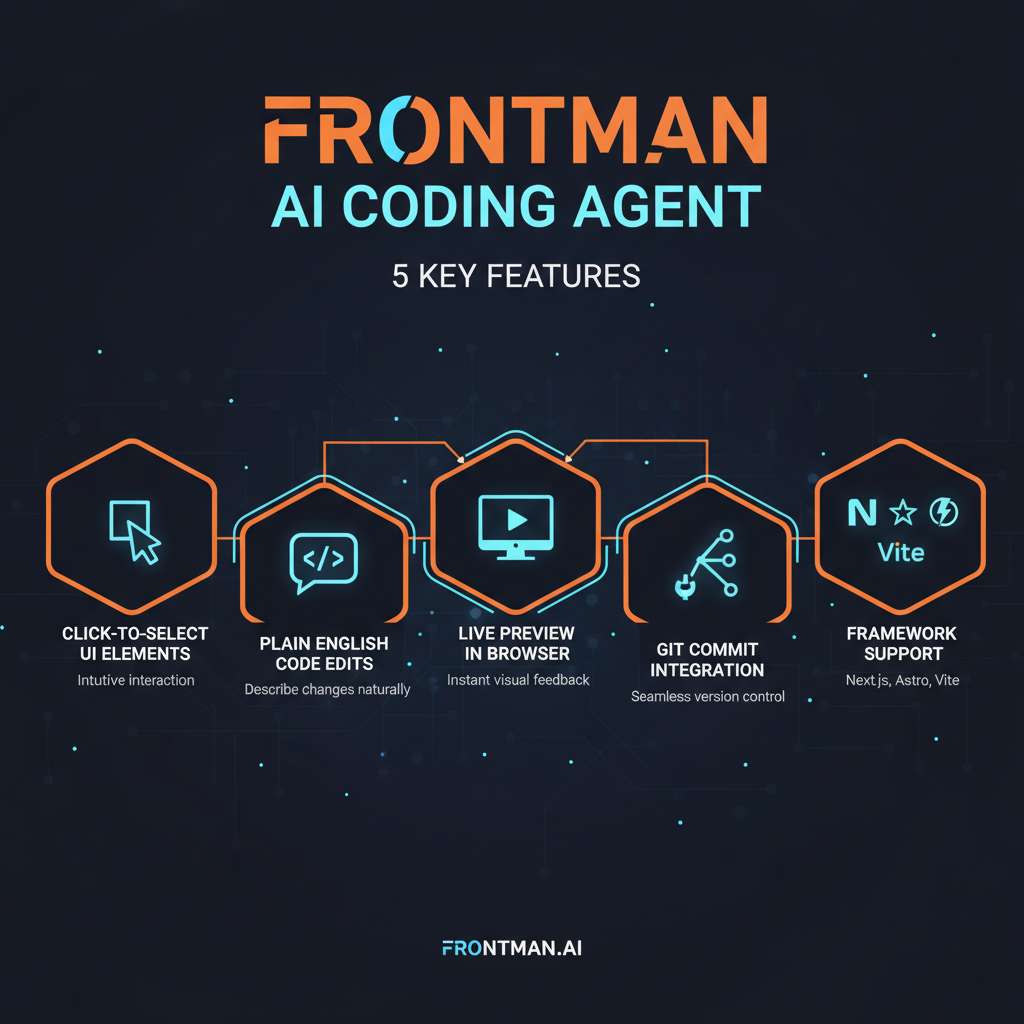
Frontman core features at a glance
Key Features
1. Click-to-Select UI Elements
Point and click on any element in your running application directly in the browser. Frontman sees your component tree, routes, and DOM structure, providing precise context for code changes. No file hunting or line number searching required.
2. Plain English Code Edits
Describe the change you want in natural language. Frontman understands your running application context and generates the corresponding code changes. The AI is framework-aware, so it produces idiomatic code for your specific stack.
3. Live Preview
See your changes rendered in real-time as Frontman updates the code. The live preview eliminates the traditional edit-save-refresh cycle, making iteration dramatically faster.
4. Git Integration
When satisfied with your changes, commit and push to Git without leaving the browser. Frontman handles the entire workflow from visual selection to code change to version control.
5. Framework-Aware Intelligence
Frontman is wired into your app runtime, not just your files. It sees component trees, server logs, query performance, and application state. This runtime awareness produces better code changes than file-level AI tools because it understands how your app actually works.
How Frontman fits into your workflow
How to Use Frontman (Step-by-Step)
Step 1: Install with One Command
Add Frontman to your project with a single terminal command. It supports Next.js, Astro, and Vite out of the box.
Step 2: Configure Your API Key
Frontman uses BYOK (Bring Your Own Key). Connect your preferred AI provider API key for the intelligence layer.
Step 3: Open Your App
Start your development server normally. Frontman appears alongside your app in the browser, providing a Figma-like editing interface.
Step 4: Select and Describe
Click on any UI element to select it, then describe the change you want in plain English. Frontman generates the code change and shows a live preview.
Step 5: Review and Commit
Review the generated code, make any adjustments, and commit directly to Git from the browser interface.
Pricing Plans
Frontman pricing tiers compared (March 2026)
Frontman offers a free pricing structure. The Free plan at $0 provides enough functionality for basic use cases and evaluation. The single plan includes all features needed for production use.
Pros and Cons
Pros
- ✓ Completely free and open-source
- ✓ BYOK model means no vendor lock-in
- ✓ In-browser editing eliminates IDE context-switching
- ✓ Runtime awareness produces better code than file-level tools
- ✓ Accessible to designers and PMs, not just developers
- ✓ One-command installation for supported frameworks
Cons
- ✗ Limited to Next.js, Astro, and Vite frameworks currently
- ✗ BYOK means you need your own API key and pay API costs
- ✗ Newer project with smaller community than Cursor or Copilot
- ✗ Browser-based approach may not suit all development workflows
- ✗ Complex refactoring still requires traditional development tools
Best Frontman Alternatives
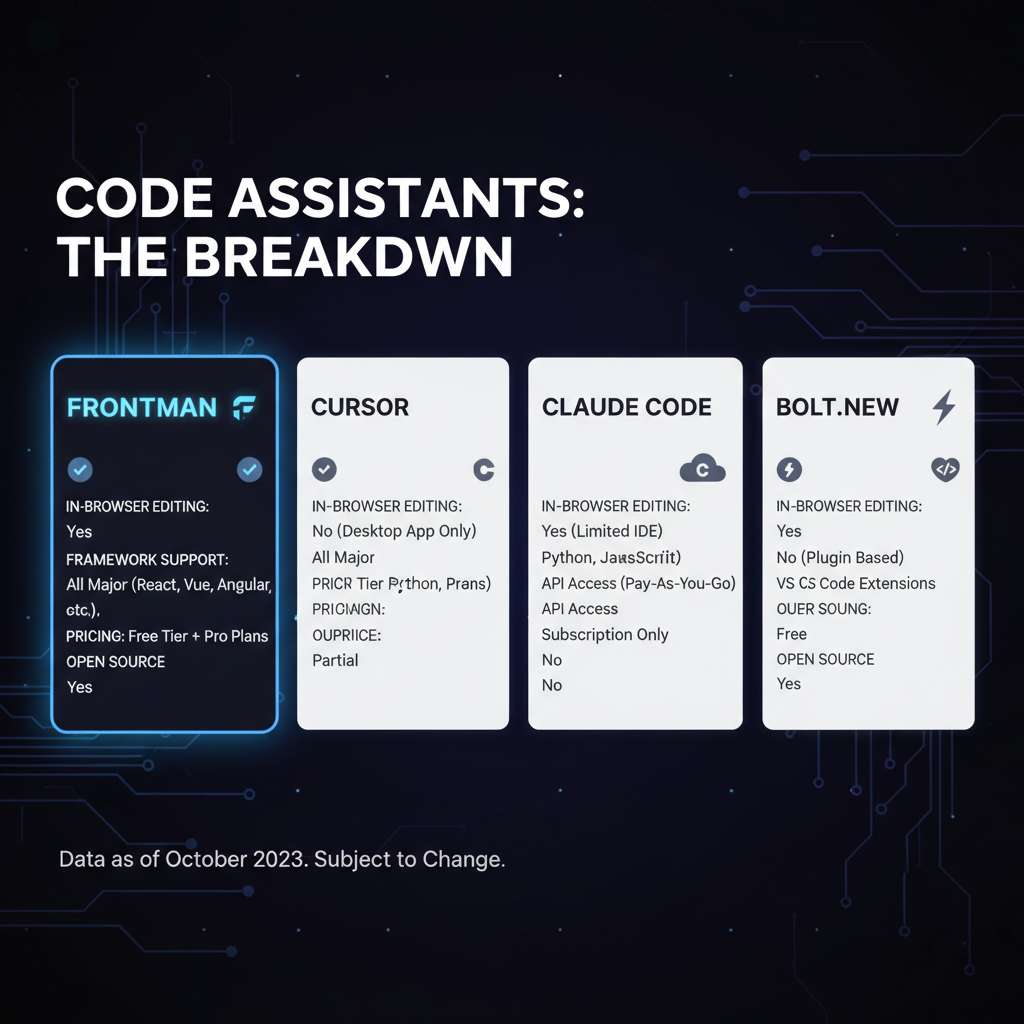
How Frontman compares to top alternatives
Cursor ($20/mo) specializes in AI code editor and is the top choice for Full IDE replacement with AI.
Claude Code ($20/mo (API)) specializes in CLI AI agent and is the top choice for Terminal-based code editing.
Bolt.new (Free / $20/mo) specializes in AI full-stack and is the top choice for Complete app generation.
Lovable ($20/mo) specializes in AI builder and is the top choice for Visual full-stack development.
Final Verdict: Is Frontman Worth It?
After thorough evaluation in 2026, Frontman proves to be a solid option in its category. The free pricing model makes it accessible for users who want to test before committing, and the core feature set addresses real workflow needs without unnecessary bloat.
The platform excels at its primary use case and delivers genuine value for users within its target audience. While there are areas for improvement, the development team appears actively engaged in expanding capabilities and addressing limitations.
For users seeking a focused, purpose-built tool rather than a sprawling all-in-one platform, Frontman earns its place in the consideration set. We recommend starting with the free tier to evaluate fit before upgrading.
Our Rating: 4.3 / 5
Build an AI Tool? Get It in Front of the Right Audience
PopularAiTools.ai reaches thousands of qualified AI buyers monthly.
Submit Your AI Tool →Frequently Asked Questions
Is Frontman free?
Yes, Frontman is completely free and open-source. You bring your own AI API key (BYOK), so the only cost is your API usage with your chosen provider.
What frameworks does Frontman support?
Frontman currently supports Next.js, Astro, and Vite. Additional framework support is planned.
How is Frontman different from Cursor?
Cursor works at the file level inside an IDE. Frontman lives in your browser alongside your running application, seeing the component tree and runtime context for more accurate code changes.
Can non-developers use Frontman?
Yes. Designers, product managers, and other semi-technical team members can make UI changes by clicking elements and describing changes in plain English without opening an IDE.
Does Frontman store my code?
No. Frontman is open-source and runs locally. Your code stays on your machine, and API calls go directly to your chosen AI provider via your own API key.

Get Premium AI Tool Insights
Subscribe to get weekly curated AI tool recommendations, exclusive deals, and early access to new tool reviews.
Related Tools
V
VideoProc Converter AI
ai-coding

Relia
ai-coding
AI-powered Chrome extension that audits code flow, catches hallucinations in AI-generated code, and flags security vulnerabilities before they ship.

Git AutoReview
ai-coding
Updated March 2026 · 12 min read · By PopularAiTools.ai

Parallel Code
ai-coding
Free open-source desktop app that dispatches 10+ AI coding agents simultaneously across isolated git branches. Supports Claude Code, Codex CLI, and Gemini CLI. Keyboard-first Electron app with diff review workflow and QR code mobile monitoring. macOS + Linux. MIT license.
Related Articles
Suno v6 Intro and Ending Prompts: Unwanted Humming, Long Outros and Cut-Off Lyrics (2026)
Fix the edges of a Suno v6 track: three pasteable intro and outro templates, the documented Exclude field for unwanted humming, the arithmetic behind cut-off lyrics, and when to edit in Studio instead.
Suno v6 Keeps Changing Your Prompt? Variety, Style Influence and Weirdness Explained (2026)
Suno v6 rewrites your style prompt through the new Variety slider, and Suno documents the fix. What Variety, Style Influence, Weirdness and Max Mode each do, with a one-control-at-a-time worksheet.
Suno v6 Rock Prompts: Keep Guitar Riffs and Drums Alive Through the Verse (2026)
Why a strong Suno v6 rock intro turns into an empty verse, and how to fix it with a section-by-section instrument map, the Exclude field, pasteable rock and metal prompts and an A/B rubric.