
⚡ TL;DR — Orchids Review
Orchids is an AI-powered full-stack app builder that converts natural language prompts into complete, production-ready web projects. Build and deploy anything — websites, mobile apps, Chrome extension...
📝 Table of Contents
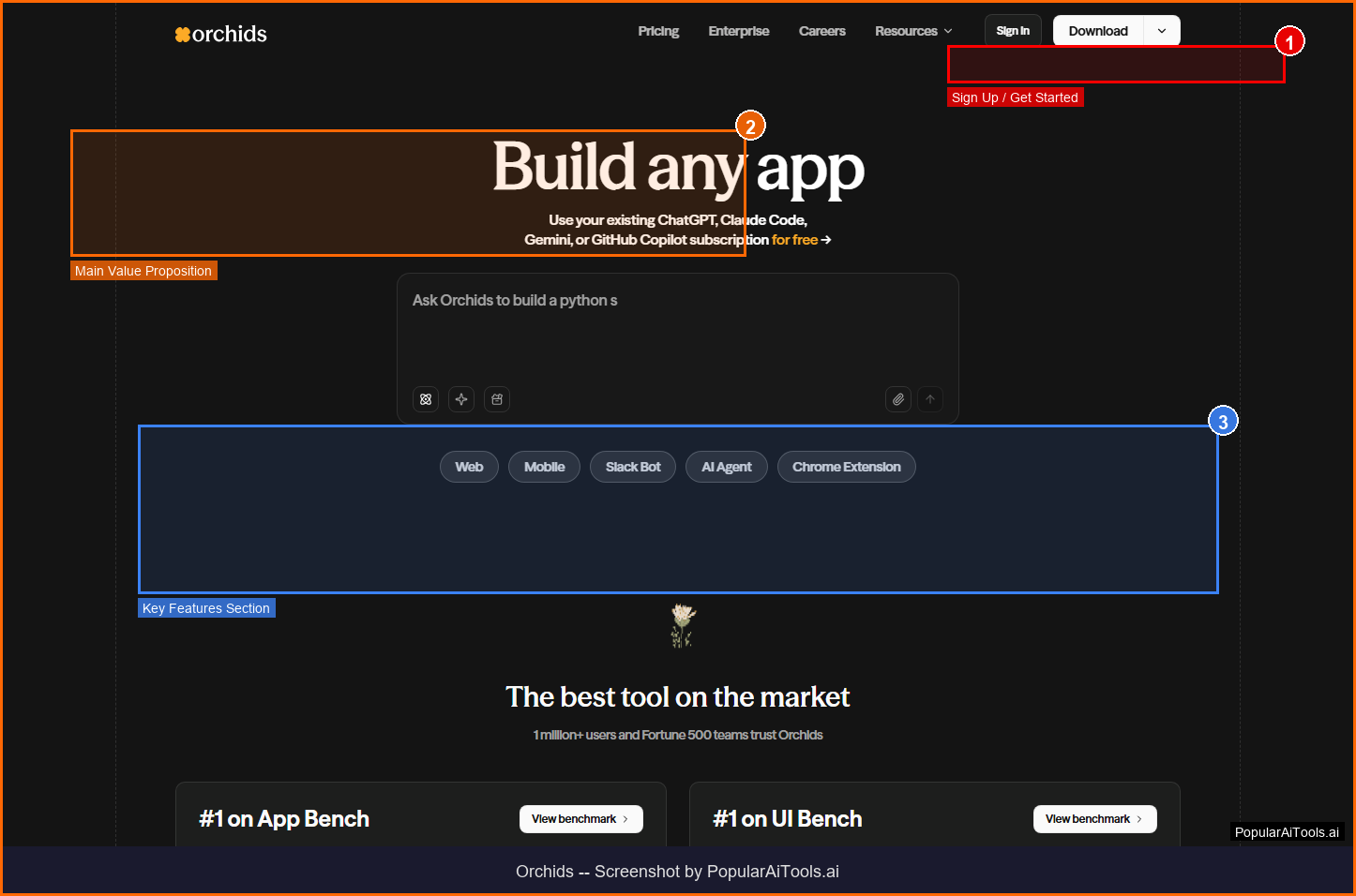
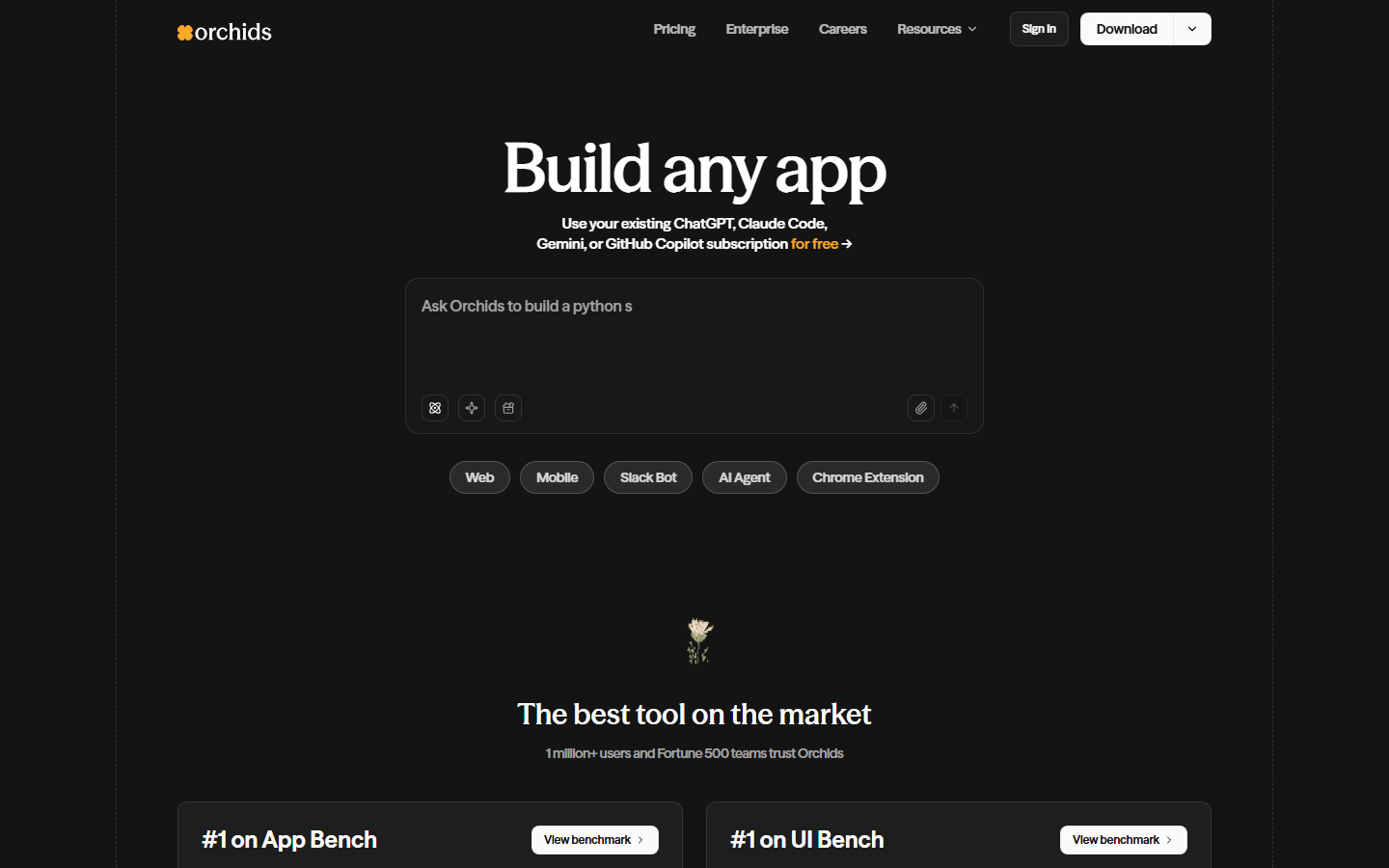
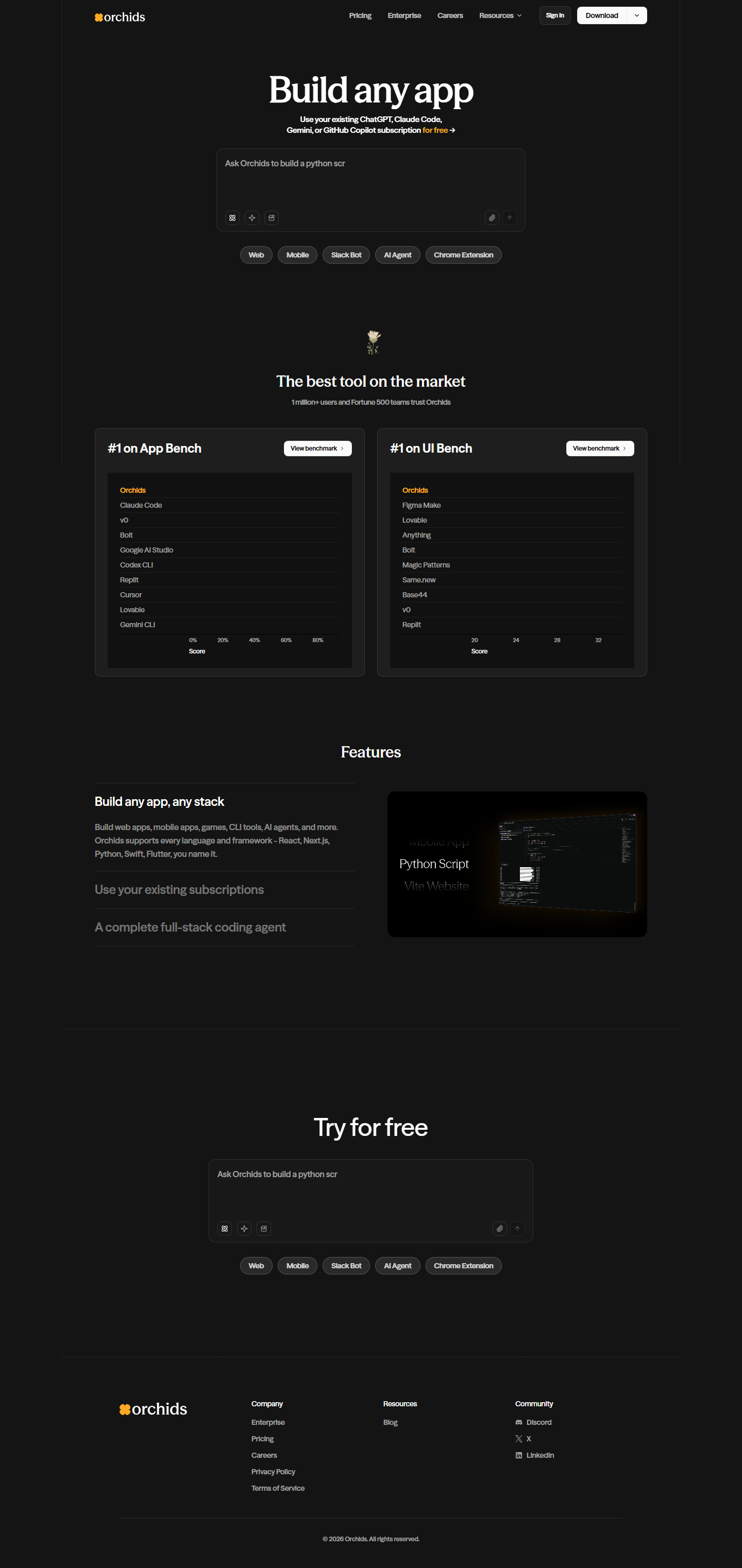
Orchids homepage — Screenshot by PopularAiTools.ai
What is Orchids?
Orchids is an AI-powered full-stack app builder that converts natural language prompts into complete, production-ready web projects. Build and deploy anything — websites, mobile apps, Chrome extensions, Slack bots, AI agents — all through a chat interface. It's the first AI app builder that handles any stack with one-click deployment.
As an AI-powered tool in the AI Coding category, Orchids is designed to streamline workflows and boost productivity for its target users. Whether you're a startup founder, content creator, developer, or marketer, Orchids aims to eliminate repetitive tasks and let you focus on what matters most.
Key Features of Orchids
Here are the standout features that make Orchids worth your attention:
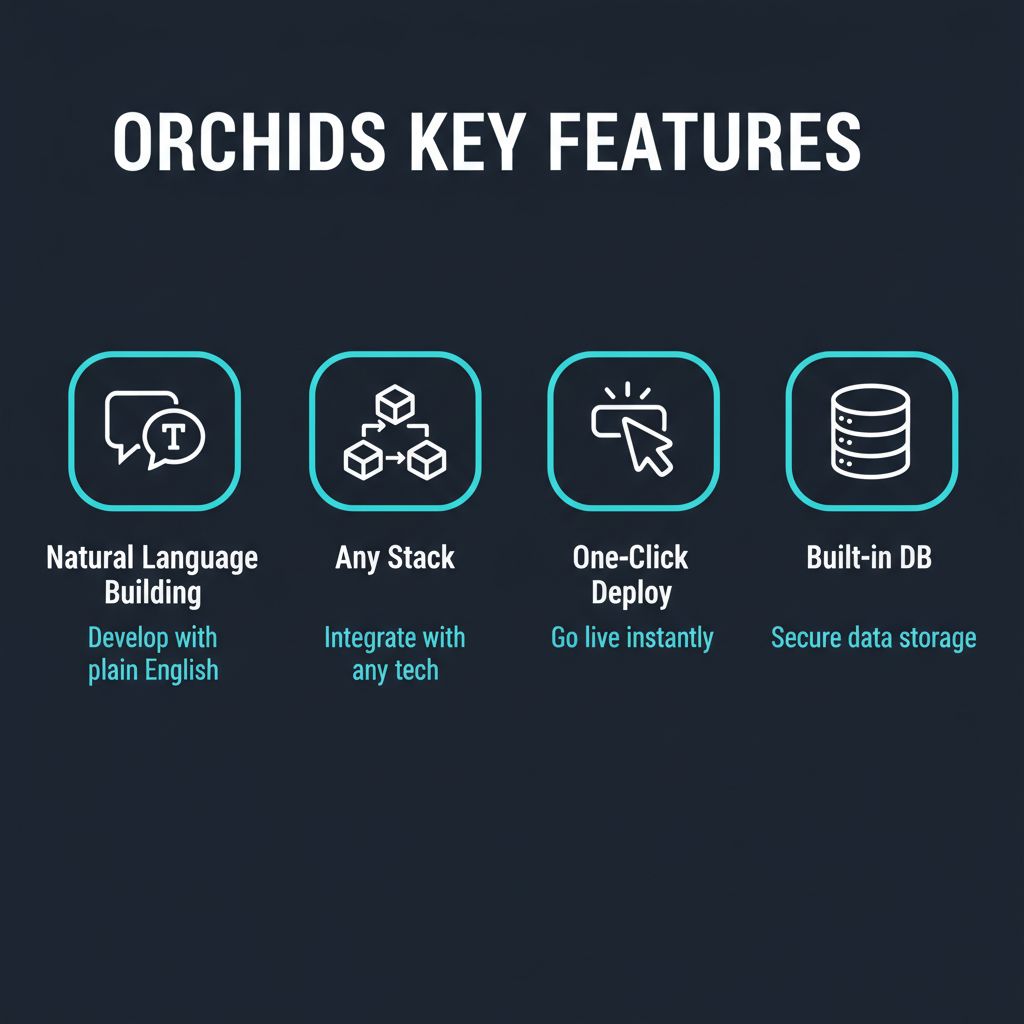
1. Natural Language Building
Describe your app in plain English and watch it build in real-time
2. Any Stack Support
Build web apps, mobile apps, Chrome extensions, Slack bots, and AI agents
3. One-Click Deploy
Deploy instantly to a secure domain with SSL, or export to Vercel, Netlify, or GitHub Pages
4. Built-in Database
Auto-provisioned database with validation, spreadsheet-style editing interface
5. Code Export
Download clean, editable source code anytime — no platform lock-in
6. Real-Time Collaboration
Chat-driven updates trigger instant rebuilds and redeployments
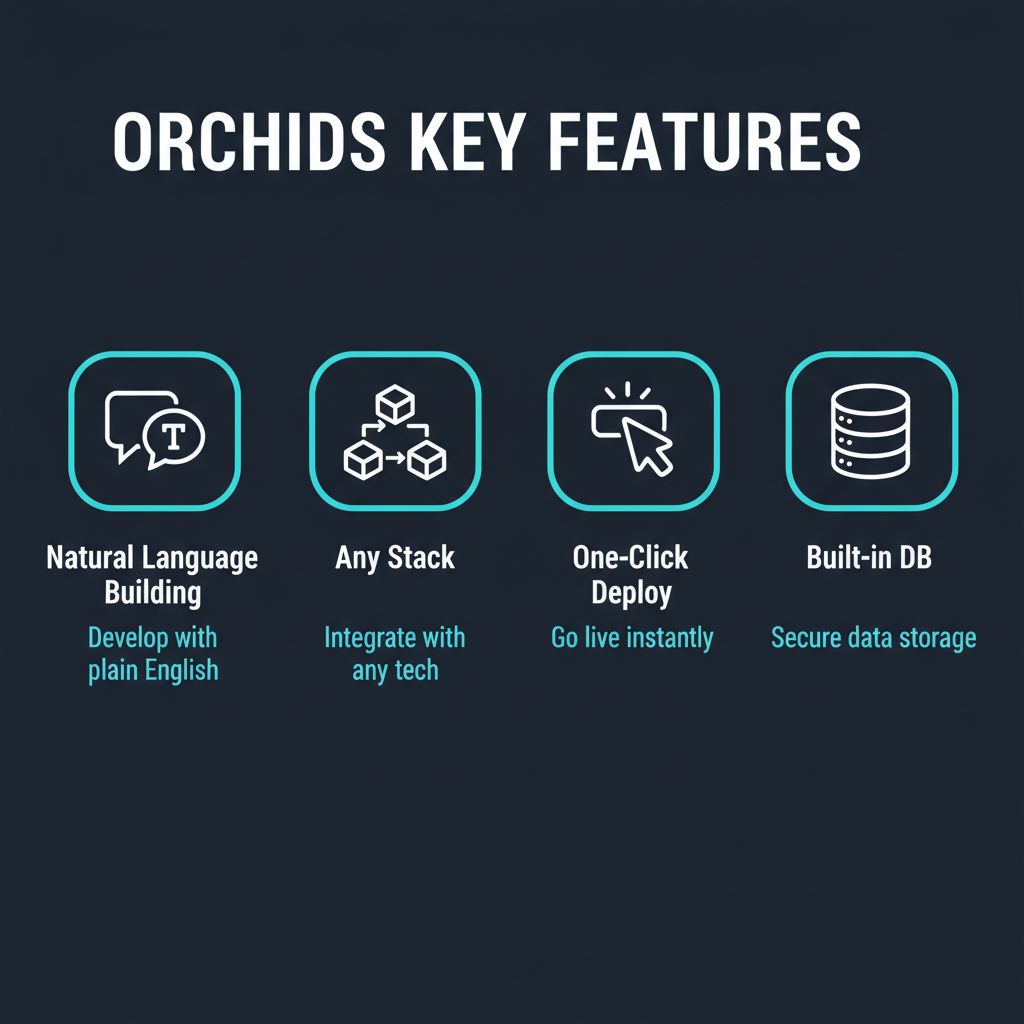
Orchids Key Features Overview

How to Use Orchids: Step-by-Step Guide
Getting started with Orchids is straightforward. Here's a complete walkthrough:
1
Visit https://www.orchids.app and create an account
2
Complete the onboarding process and set up your profile
3
Explore the main dashboard and familiarize yourself with Orchids's interface
4
Try the core feature: Natural Language Building
5
Experiment with additional features like Any Stack Support and One-Click Deploy
6
Review results and adjust settings to optimize your workflow
7
Upgrade to a paid plan if the free tier doesn't meet your needs
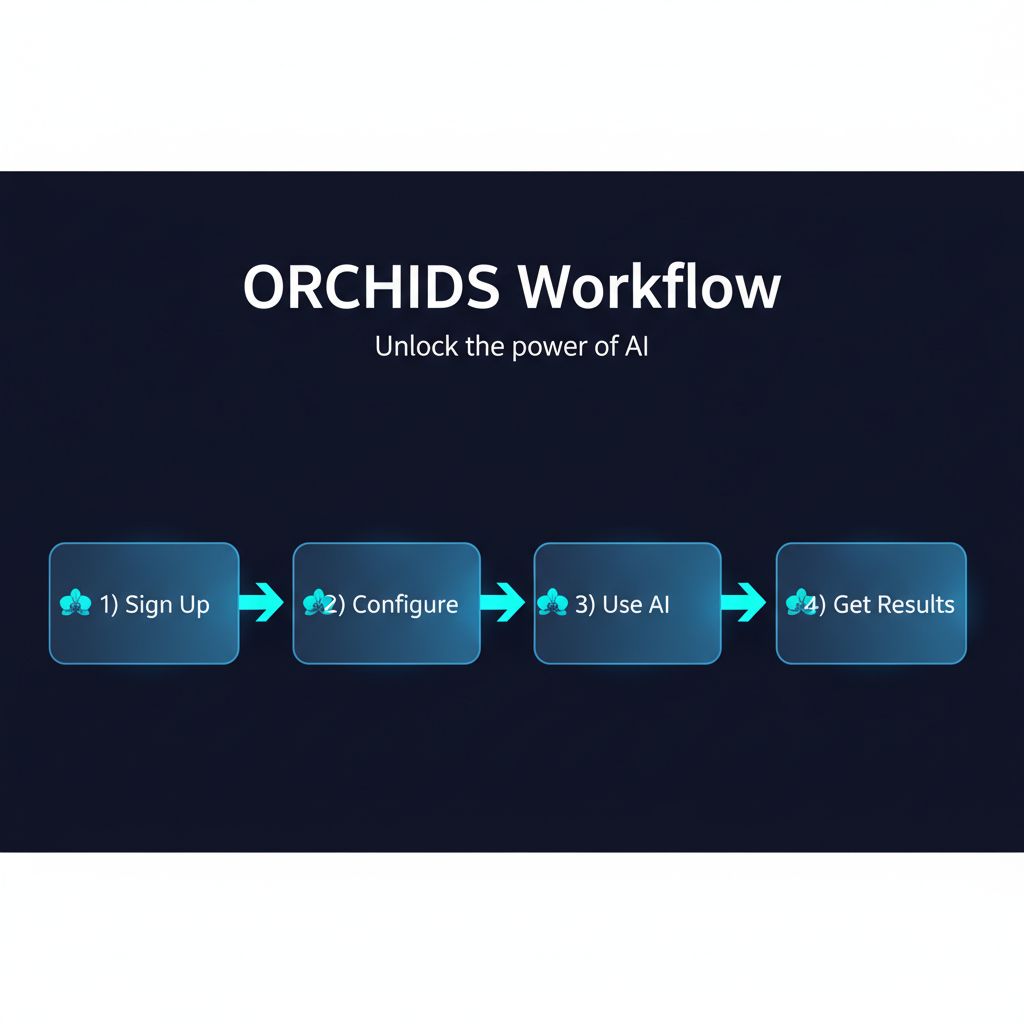
How to Get Started with Orchids
Orchids Pricing Plans
Here's a complete breakdown of Orchids's pricing structure:
Pros and Cons
👍 Pros
- ✓ Generous free tier (100K tokens/day)
- ✓ Supports any stack and app type
- ✓ One-click deployment with SSL
- ✓ No platform lock-in — export code anytime
- ✓ Built-in database provisioning
- ✓ Real-time chat-driven development
👎 Cons
- ✗ Token limits on free tier
- ✗ Complex apps may need manual code refinement
- ✗ Newer platform compared to Vercel/Netlify
- ✗ Learning curve for optimal prompting
Best Orchids Alternatives
If Orchids isn't the right fit, here are the top alternatives worth considering:
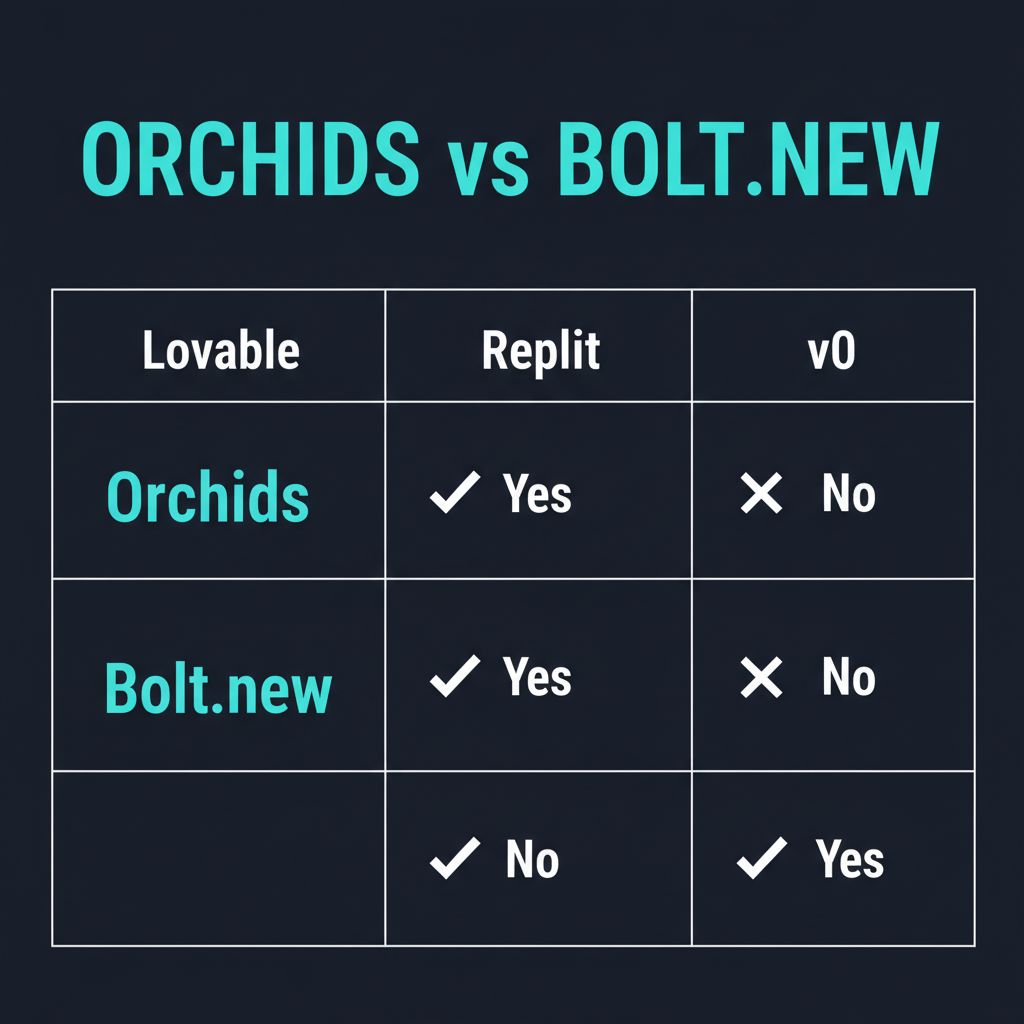
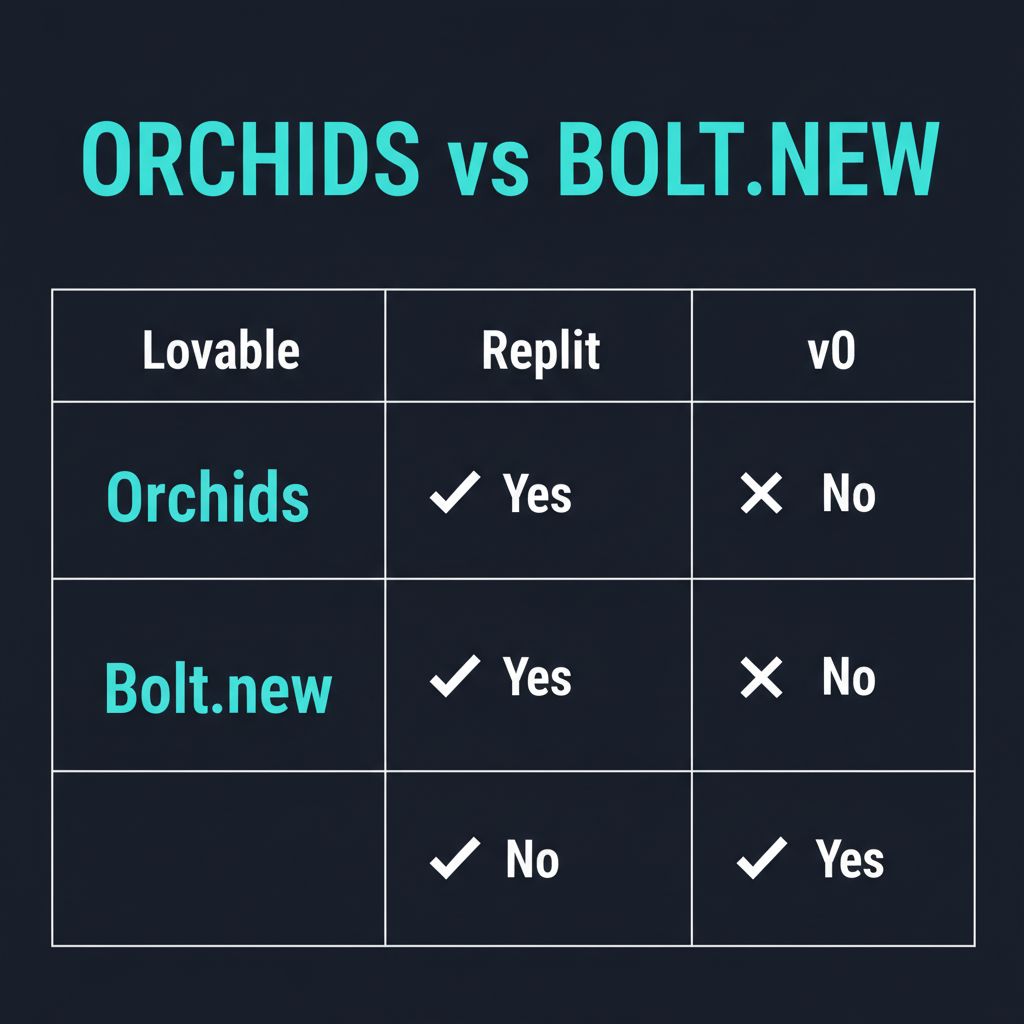
Orchids vs Alternatives Comparison
Final Verdict: Is Orchids Worth It?
★★★★☆
4.5/5
Orchids is arguably the most versatile AI app builder on the market. While competitors focus on web apps, Orchids handles everything from Chrome extensions to AI agents. The generous free tier and code export policy make it risk-free to try. For anyone who wants to build and ship fast, Orchids is a top-tier choice.
Frequently Asked Questions
What is Orchids?
Orchids is an AI app builder that converts natural language prompts into production-ready web projects with one-click deployment.
Is Orchids free?
Yes. The free plan includes 100K tokens/day (up to 500K/month), one deployed site, and community support.
What can I build with Orchids?
Web apps, mobile apps, Chrome extensions, Slack bots, AI agents — virtually anything.
Can I export my code?
Yes. You can download clean source code anytime and self-host or customize it.
How does deployment work?
One click deploys to a secure Orchids domain with SSL. You can also export to Vercel, Netlify, or GitHub Pages.
Does Orchids include a database?
Yes. Orchids auto-provisions a database where you can store data and manage records with a spreadsheet-style UI.
What are credits?
Credits measure AI output — roughly one credit per English word generated.
Can I use my own domain?
Yes. Paid plans support custom domains for deployed applications.
Ready to Try Orchids?
Join thousands of users already using Orchids to transform their workflow.
Get Started Free →This review was last updated on March 21, 2026. PopularAiTools.ai independently reviews AI tools and may earn commissions from qualifying purchases.
Get Premium AI Tool Insights
Subscribe to get weekly curated AI tool recommendations, exclusive deals, and early access to new tool reviews.
Related Tools
V
VideoProc Converter AI
ai-coding

Relia
ai-coding
AI-powered Chrome extension that audits code flow, catches hallucinations in AI-generated code, and flags security vulnerabilities before they ship.

Git AutoReview
ai-coding
Updated March 2026 · 12 min read · By PopularAiTools.ai

Parallel Code
ai-coding
Free open-source desktop app that dispatches 10+ AI coding agents simultaneously across isolated git branches. Supports Claude Code, Codex CLI, and Gemini CLI. Keyboard-first Electron app with diff review workflow and QR code mobile monitoring. macOS + Linux. MIT license.
Related Articles
Suno v6 Intro and Ending Prompts: Unwanted Humming, Long Outros and Cut-Off Lyrics (2026)
Fix the edges of a Suno v6 track: three pasteable intro and outro templates, the documented Exclude field for unwanted humming, the arithmetic behind cut-off lyrics, and when to edit in Studio instead.
Suno v6 Keeps Changing Your Prompt? Variety, Style Influence and Weirdness Explained (2026)
Suno v6 rewrites your style prompt through the new Variety slider, and Suno documents the fix. What Variety, Style Influence, Weirdness and Max Mode each do, with a one-control-at-a-time worksheet.
Suno v6 Rock Prompts: Keep Guitar Riffs and Drums Alive Through the Verse (2026)
Why a strong Suno v6 rock intro turns into an empty verse, and how to fix it with a section-by-section instrument map, the Exclude field, pasteable rock and metal prompts and an A/B rubric.