
Ponder Review 2026: Features, Pricing, Pros & Cons
Updated March 2026 · 14 min read · By PopularAiTools.ai
TL;DR
Ponder represents a genuine evolution in how researchers interact with information. The combination of multi-format ingestion, spatial canvas, and AI-driven knowledge graphs creates a workflow that is fundamentally different from — and arguably superior to — traditional note-taking and literature review tools. The Ponder Agent is particularly impressive, maintaining provenance while synthesizing insights across dozens of sources. The main uncertainty is pricing, as Pro tier costs are not yet public. For academic researchers, analysts, and anyone managing complex information landscapes, Ponder is worth adopting on the free tier immediately. Rating: 4.2/5 Rating: 4.2/5
What is Ponder?
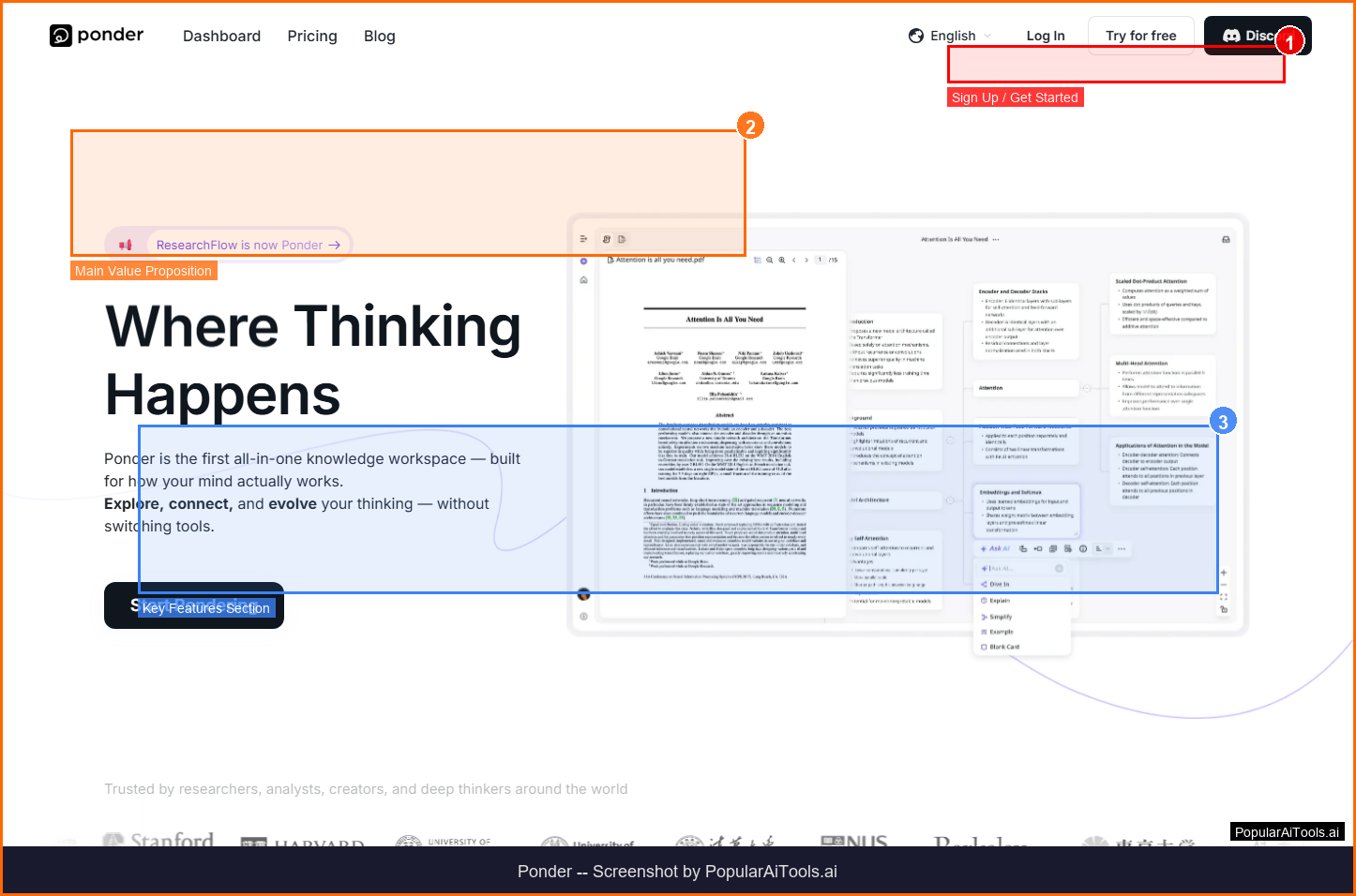
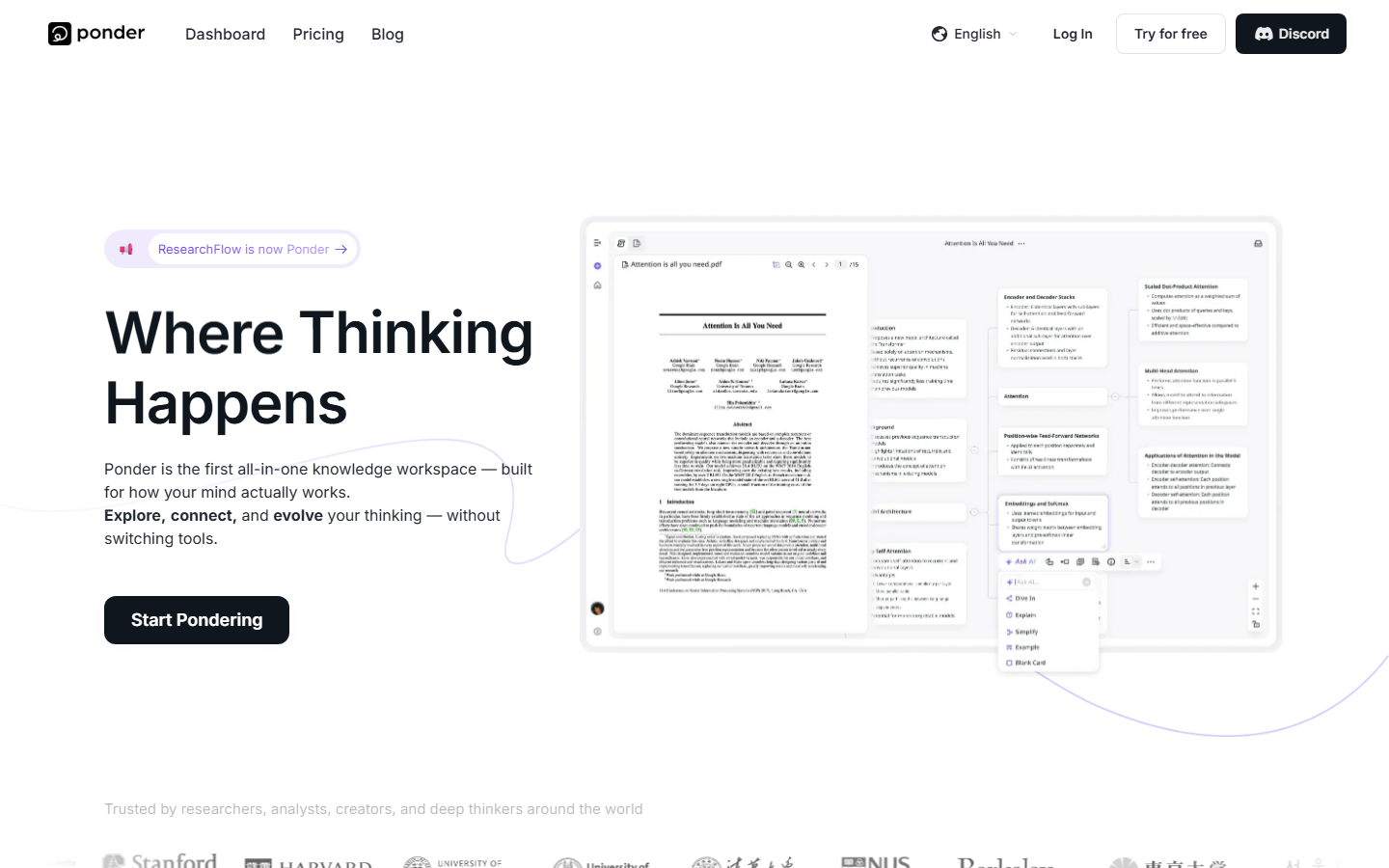
Ponder is an AI-powered knowledge workspace designed for researchers, students, analysts, and anyone engaged in deep thinking. Unlike linear note-taking apps, Ponder combines multi-format document ingestion, an infinite visual canvas, AI-driven knowledge graphs, and a conversational research agent into a single platform. It lets you import PDFs, videos, texts, and web pages, then synthesize insights across all sources with AI that spots connections and blind spots you might miss.
Ponder operates in the AI Research Workspace space, which has seen explosive growth in 2026 as businesses and creators increasingly rely on AI-powered tools to streamline workflows and reduce costs. What sets Ponder apart from competitors is its focused approach to solving specific pain points that users encounter daily.
The platform has gained significant traction with a monthly search volume of 368,090 for its primary keyword, indicating strong market demand and user interest. With Free tier available pricing available, Ponder is accessible to individuals and teams at various budget levels.
Key Features
1. Multi-Format Ingestion
Import PDFs, YouTube videos, web pages, academic papers, and text documents — Ponder processes all formats automatically with metadata extraction
2. Infinite Canvas
Visual workspace where you arrange sources, insights, and connections spatially rather than in linear lists — think digital whiteboard meets research lab
3. Ponder Agent
AI research companion that extracts claims, generates synthesis paragraphs, surfaces contrasting viewpoints, and maintains provenance back to original sources
4. AI Knowledge Graphs
Automatically generates mind maps that extract key concepts, assign semantic tags, and group related excerpts into coherent topical clusters
5. Literature Review Generation
Automatically generates structured literature reviews across multiple sources with citations and cross-references
6. Semantic Search
Find information by meaning, not just keywords — Ponder understands contextual connections across your entire knowledge base
7. Team Collaboration
Real-time project sharing with synchronized annotations and collaborative research workspaces
8. Export Capabilities
Export research as structured reports, mind maps, Markdown documents, or presentation-ready formats
How to Use Ponder (Step-by-Step)
Step 1: Create Workspace
Sign up at ponder.ing and create a new research workspace. The free tier includes limited daily uploads and AI credits.
Step 2: Import Sources
Upload PDFs, paste URLs, link YouTube videos, or add text documents. Ponder extracts metadata and indexes content automatically.
Step 3: Explore with AI
Ask the Ponder Agent questions across your sources. It synthesizes answers with citations, surfaces patterns, and identifies research gaps.
Step 4: Build Knowledge Maps
Use the infinite canvas to arrange insights visually. AI automatically suggests connections between concepts and generates knowledge graphs.
Step 5: Export and Share
Export your synthesized research as reports, Markdown, or mind maps. Share workspaces with collaborators for team projects.
Pricing Plans
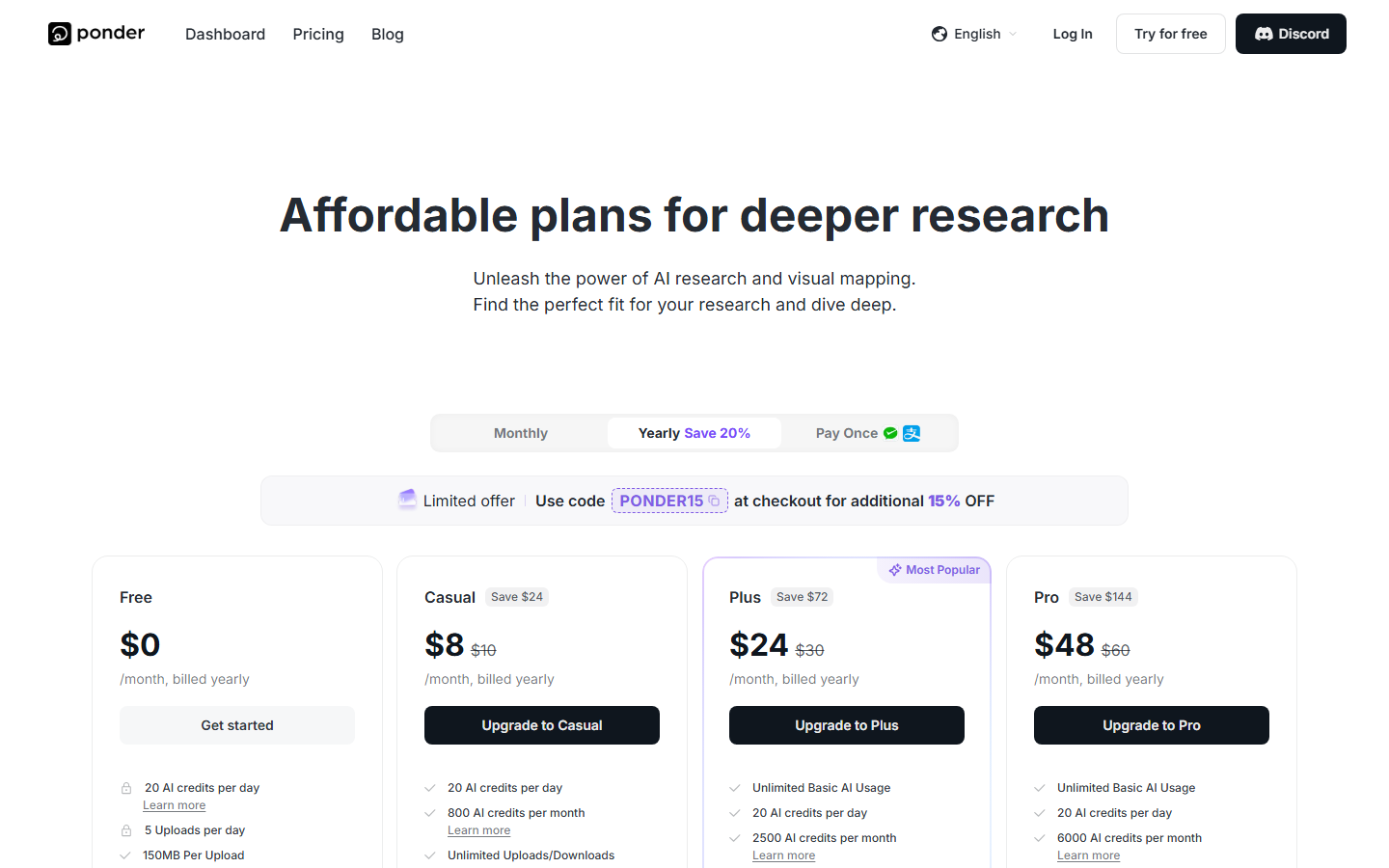
Pricing Summary: Free tier available | Pro plan with expanded AI capabilities | Referral rewards ~$5/invite

Pros and Cons
Pros
- ✓ Infinite canvas approach is superior to linear note-taking for complex research
- ✓ Multi-format ingestion handles PDFs, videos, and web pages in one workspace
- ✓ Ponder Agent maintains source provenance — every insight links back to original material
- ✓ AI knowledge graphs reveal connections humans miss across large document sets
- ✓ Literature review automation saves researchers hours of manual work
- ✓ Semantic search finds information by meaning, not just keyword matching
Cons
- ✗ Pricing for Pro tier not yet publicly disclosed
- ✗ Free tier has limited daily uploads and AI credits
- ✗ Learning curve for the spatial canvas interface
- ✗ Primarily designed for academic and research workflows — less suited for casual note-taking
- ✗ Knowledge graph quality depends on volume and quality of imported sources
Best Ponder Alternatives
Final Verdict
Ponder represents a genuine evolution in how researchers interact with information. The combination of multi-format ingestion, spatial canvas, and AI-driven knowledge graphs creates a workflow that is fundamentally different from — and arguably superior to — traditional note-taking and literature review tools. The Ponder Agent is particularly impressive, maintaining provenance while synthesizing insights across dozens of sources. The main uncertainty is pricing, as Pro tier costs are not yet public. For academic researchers, analysts, and anyone managing complex information landscapes, Ponder is worth adopting on the free tier immediately. Rating: 4.2/5
Our Rating: 4.2/5
Have You Tried Ponder?
Share your experience with the PopularAiTools.ai community. Your review helps other users make informed decisions.
Submit Your ReviewFrequently Asked Questions
Is Ponder free?
Yes, Ponder offers a free tier with limited daily uploads and AI credits. This is sufficient for testing the platform with small research projects. Pro pricing has not been publicly announced yet.
What file types can I import into Ponder?
Ponder supports PDFs, YouTube videos, web pages, academic papers, and plain text documents. It automatically extracts metadata and indexes content for AI analysis.
How does the Ponder Agent work?
The Ponder Agent is an AI research companion that works alongside your thinking process. It can extract claims from documents, generate synthesis paragraphs, surface contrasting viewpoints, and suggest connections — all while maintaining provenance back to original sources.
Can I collaborate with my research team?
Team collaboration features allow real-time project sharing with synchronized annotations. Multiple researchers can work on the same knowledge workspace simultaneously.
What is the infinite canvas?
The infinite canvas is a spatial workspace where you arrange sources, insights, and connections visually rather than in linear lists. It functions like a digital whiteboard designed for research synthesis.
Does Ponder generate citations?
Yes, Ponder maintains source provenance throughout the research process. AI-generated insights include links back to original source material, making citation tracking automatic.
How does Ponder compare to Notion AI?
Ponder is purpose-built for deep research with multi-format ingestion and spatial knowledge mapping. Notion AI is a general-purpose workspace that added AI features. Ponder excels at complex research synthesis; Notion excels at team documentation.
Can I export my research from Ponder?
Yes, you can export research as structured reports, mind maps, Markdown documents, or presentation-ready formats depending on your plan.
Get Premium AI Tool Insights
Subscribe to get weekly curated AI tool recommendations, exclusive deals, and early access to new tool reviews.
Related Tools

GoldMine AI
ai-business
Updated March 2026 · 11 min read · By PopularAiTools.ai
Chronicle 2.0
ai-business
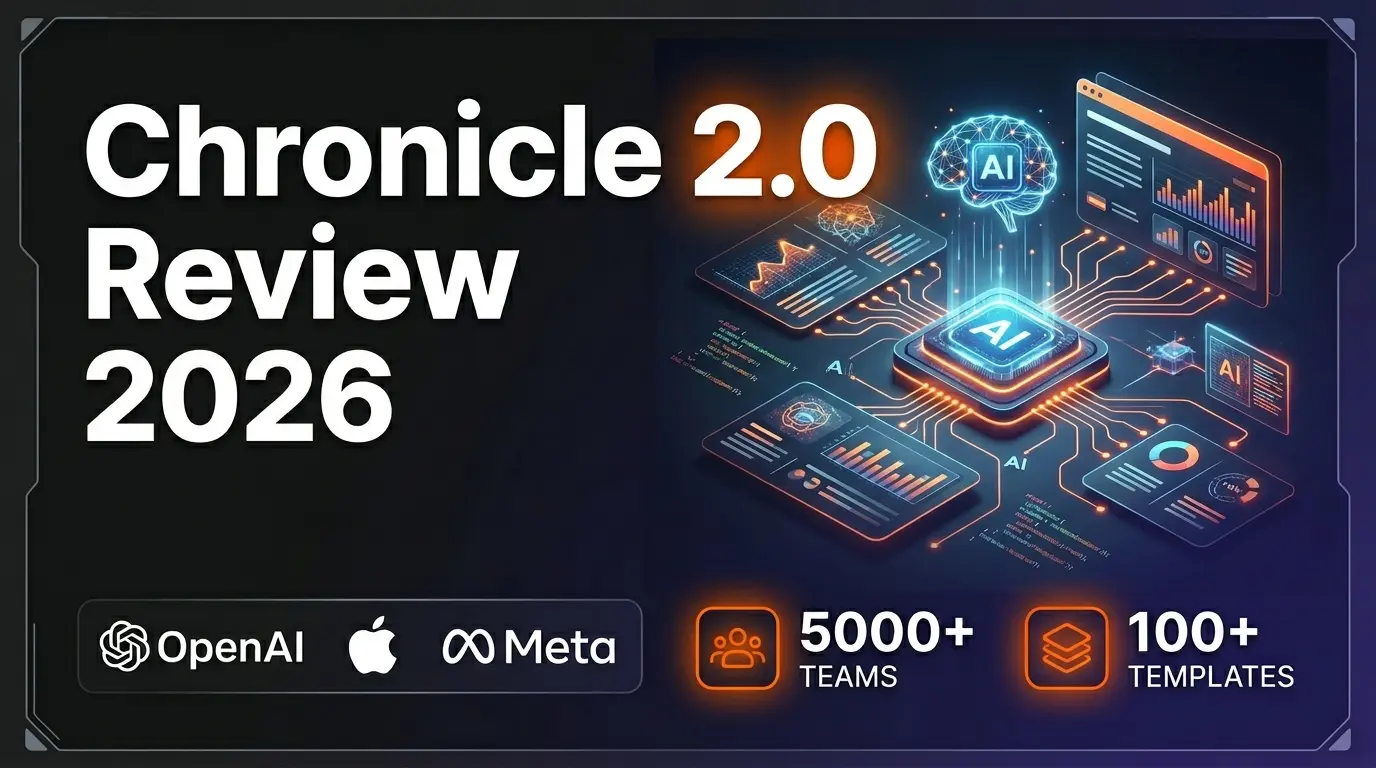
Chronicle 2.0 is an AI-powered presentation maker that converts notes, outlines, and meeting docs into professionally designed slide decks with diagrams, freeform canvas, 100+ designer templates, and 100+ integrations. Trusted by 5,000+ teams including OpenAI, Apple, Meta, Figma, and Vercel.
Lightfield
ai-business
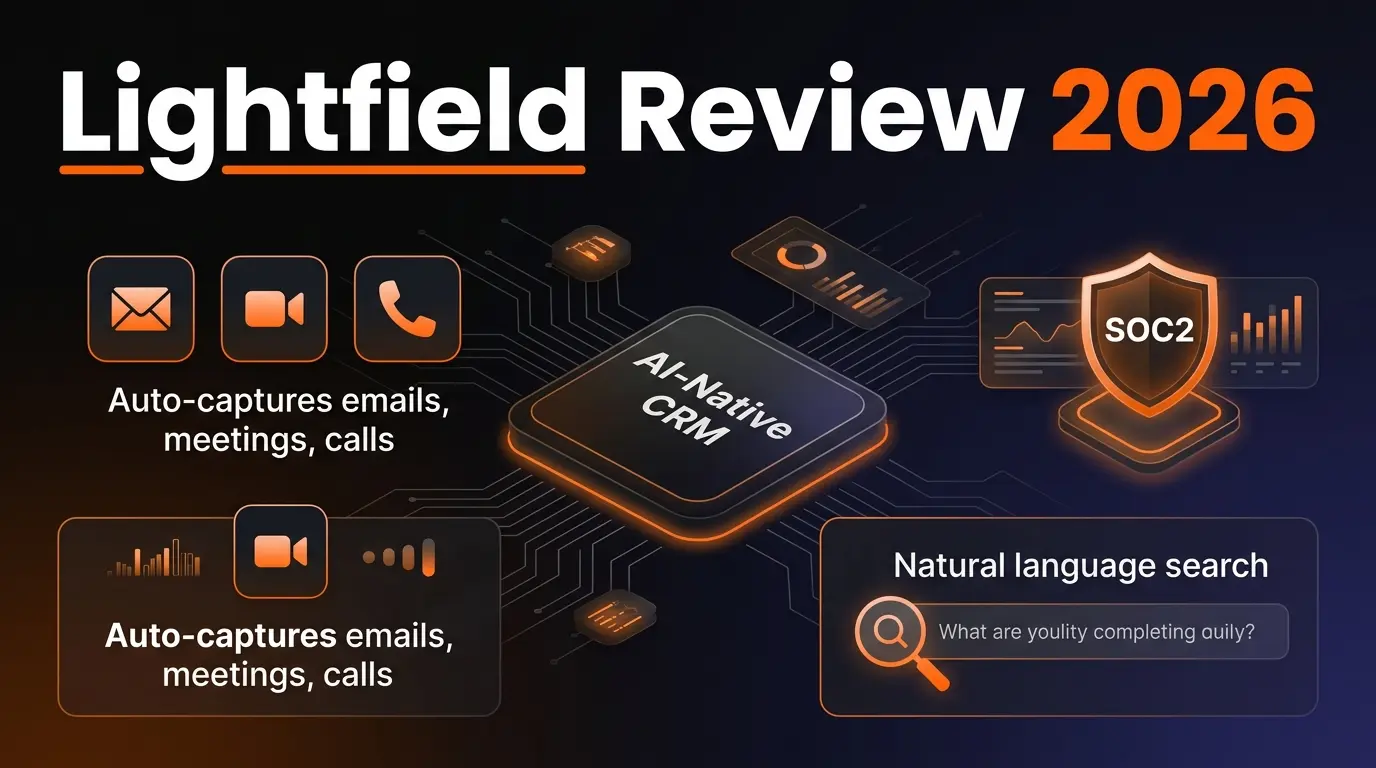
AI-native CRM with complete customer memory. Auto-captures emails, meetings, and calls. Natural language search with source citations. Schema-less data model for startups and high-growth companies.
G
Get Sheet Done
Related Articles
10 Claude Code Skills, Plugins & CLIs to Install on Day One (April 2026)
Starting Claude Code from scratch in 2026? Install these 10 skills, plugins, and CLIs on day one — Codex CLI, Obsidian, Autoresearch, Firecrawl, Playwright, NotebookLM, Skill Creator, RAG-Anything, Google Workspace CLI, and awesome-design-md. Full install commands included.
We Tested 24 AI Models Inside Claude Code: The 2026 Tier List
We swapped 24 different AI models into Claude Code and ran identical tool-call tests on each. Here's the S-tier-to-D-tier ranking, real cost comparison, and the single best Claude Sonnet 4.6 alternative for 2026 — including the GLM 4.6 sleeper pick that matched Sonnet at 15% the cost.
Claude as a Creative Studio: Make Ads, Images, and Video From One Chat (2026)
Claude doesn't generate raster images natively, but in 2026 it's the smartest creative director on Earth — orchestrating Nano Banana 2, Sora 2, Runway, Higgsfield, Remotion, and VEED into a single ad-and-video factory. The full stack, the variant matrix trick, and how to build a YouTube Shorts factory.