
TL;DR — Rectify
Rectify is an all-in-one AI-powered operations platform for SaaS teams that unifies visual debugging, code quality scanning, uptime monitoring, and AI-driven customer support into a single workspace. It captures debugging sessions with automatic console logs, scans GitHub repos for security vulnerabilities, monitors infrastructure across HTTP/TCP/DNS, and uses an AI agent called Quanta to draft support replies with full conversation context.
Table of Contents
What is Rectify?
Rectify is an all-in-one AI-powered operations platform for SaaS teams that unifies visual debugging, code quality scanning, uptime monitoring, and AI-driven customer support into a single workspace. It captures debugging sessions with automatic console logs, scans GitHub repos for security vulnerabilities, monitors infrastructure across HTTP/TCP/DNS, and uses an AI agent called Quanta to draft support replies with full conversation context.

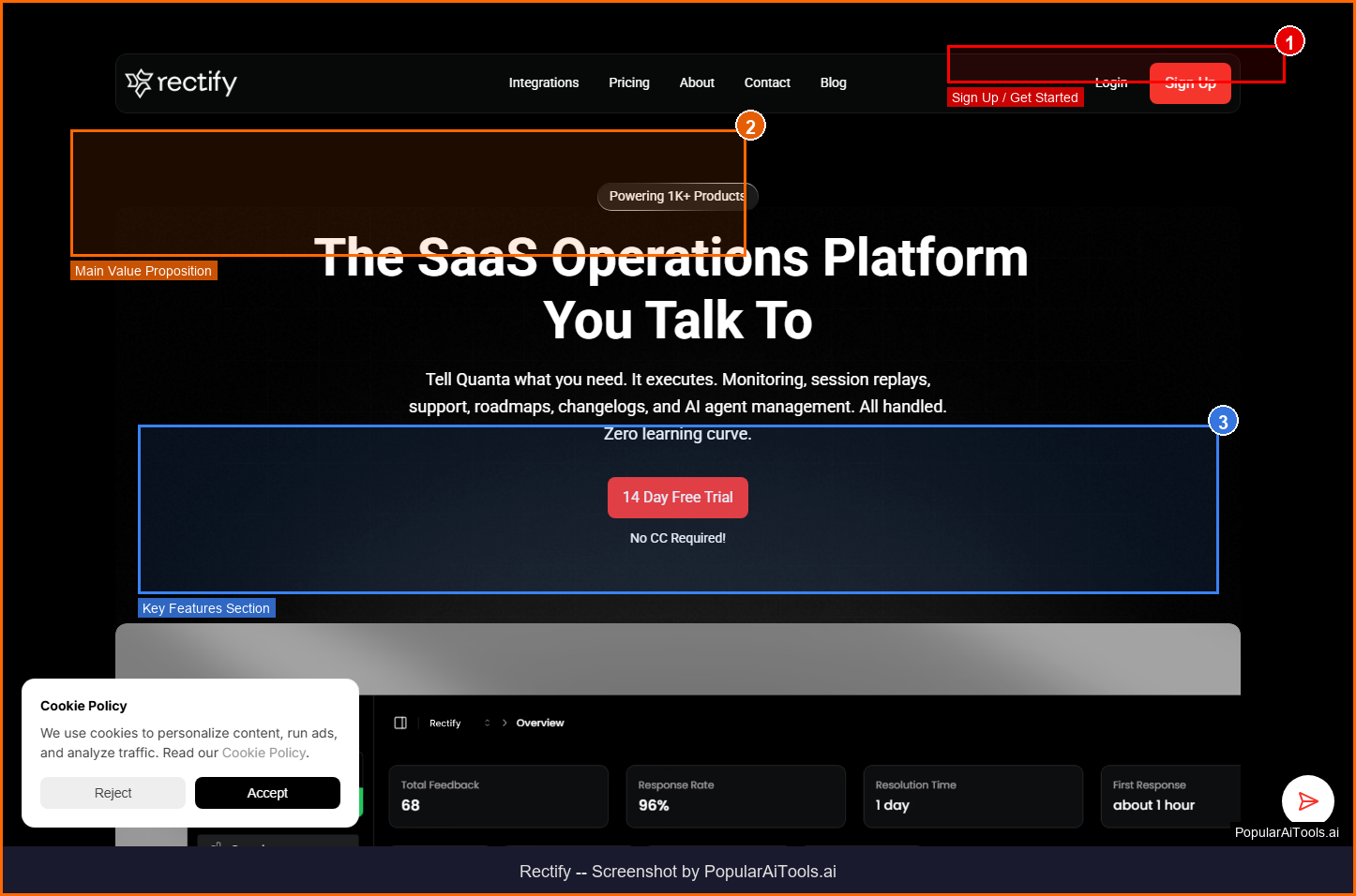
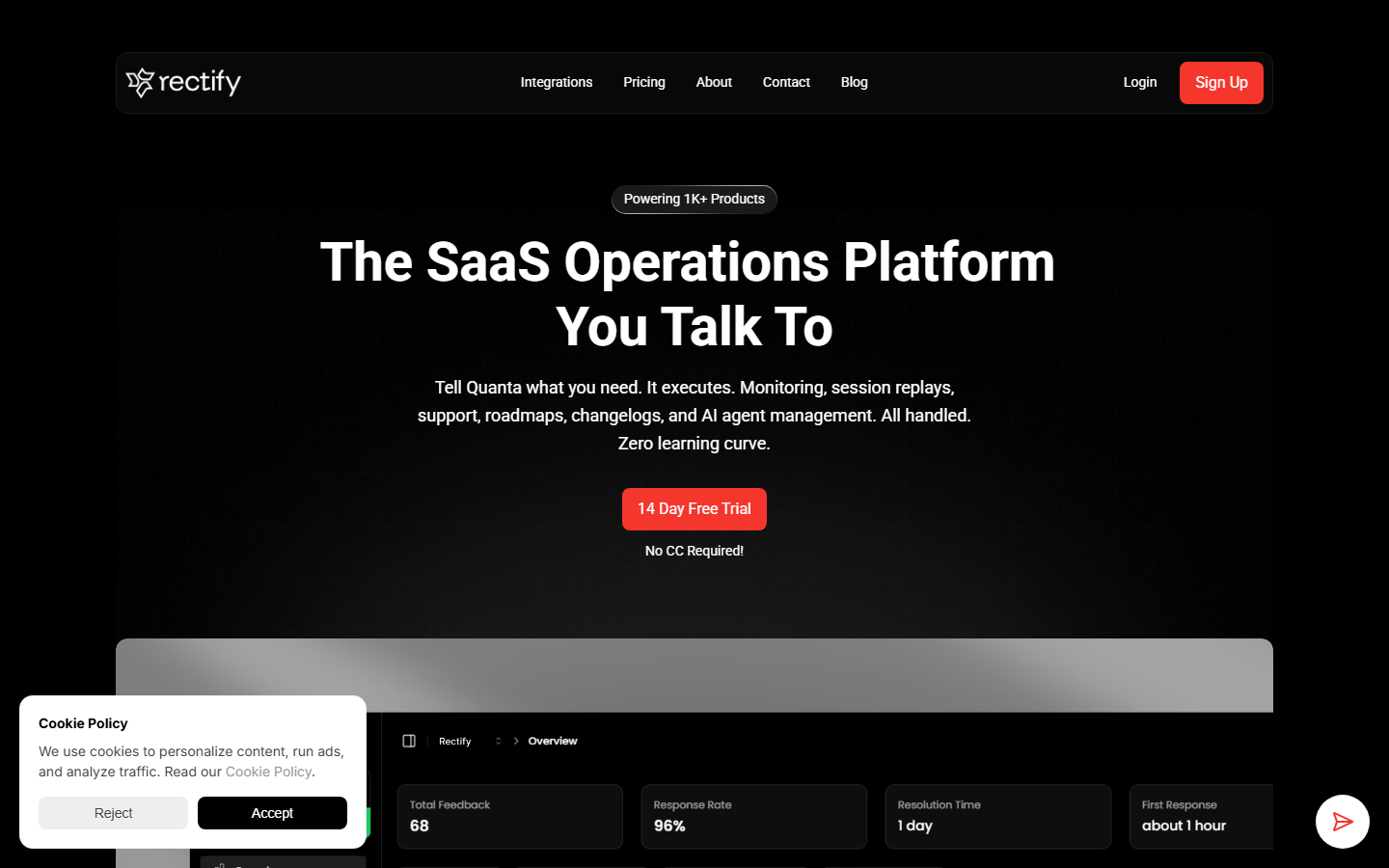
Screenshot of Rectify homepage — captured March 21, 2026 by PopularAiTools.ai
Key Features of Rectify

Visual Debugging
Captures debugging sessions with automatic console logs, network requests, and runtime errors. Annotates issues in real-time to highlight exactly what's broken.
Code Quality Scanning
Scans any GitHub repo on-demand with enterprise-grade static analysis. Flags bugs, security vulnerabilities, and code smells with A-E ratings for maintainability, reliability, and security.
Infrastructure Monitoring
Monitors infrastructure across HTTP/HTTPS, TCP, DNS, and ICMP protocols. Instant alerts via Slack, Discord, email, or webhooks when something breaks.
AI Support Agent (Quanta)
Quanta drafts replies with full conversation context, pulls relevant feedback, and knows when to escalate to humans. Three modes: AI-first, AI-only, or human-only.
Browser Extension
Brings debugging and documentation tools directly into your browser — works with Lovable, Bolt, Replit, v0, and any AI coding assistant.
Session Replay
Records full user sessions with console output, network activity, and UI interactions for post-mortem analysis.
Slack & Discord Alerts
Real-time notifications across your team's preferred communication channels when issues are detected.
Feedback Collection
Built-in user feedback widgets that connect directly to support and debugging workflows.
How to Use Rectify

1
Sign Up
Create a free account at rectify.so. Connect your GitHub repositories to enable code scanning.
2
Install Browser Extension
Add the Rectify browser extension to Chrome or Edge for in-browser debugging and session capture.
3
Configure Monitoring
Set up uptime monitors for your websites, APIs, and services. Choose alert channels (Slack, Discord, email).
4
Enable Quanta AI
Configure the AI support agent with your knowledge base. Choose between AI-first, AI-only, or human-only modes.
5
Review & Debug
Use the unified dashboard to view code quality reports, uptime stats, debug sessions, and customer conversations.

Rectify Pricing
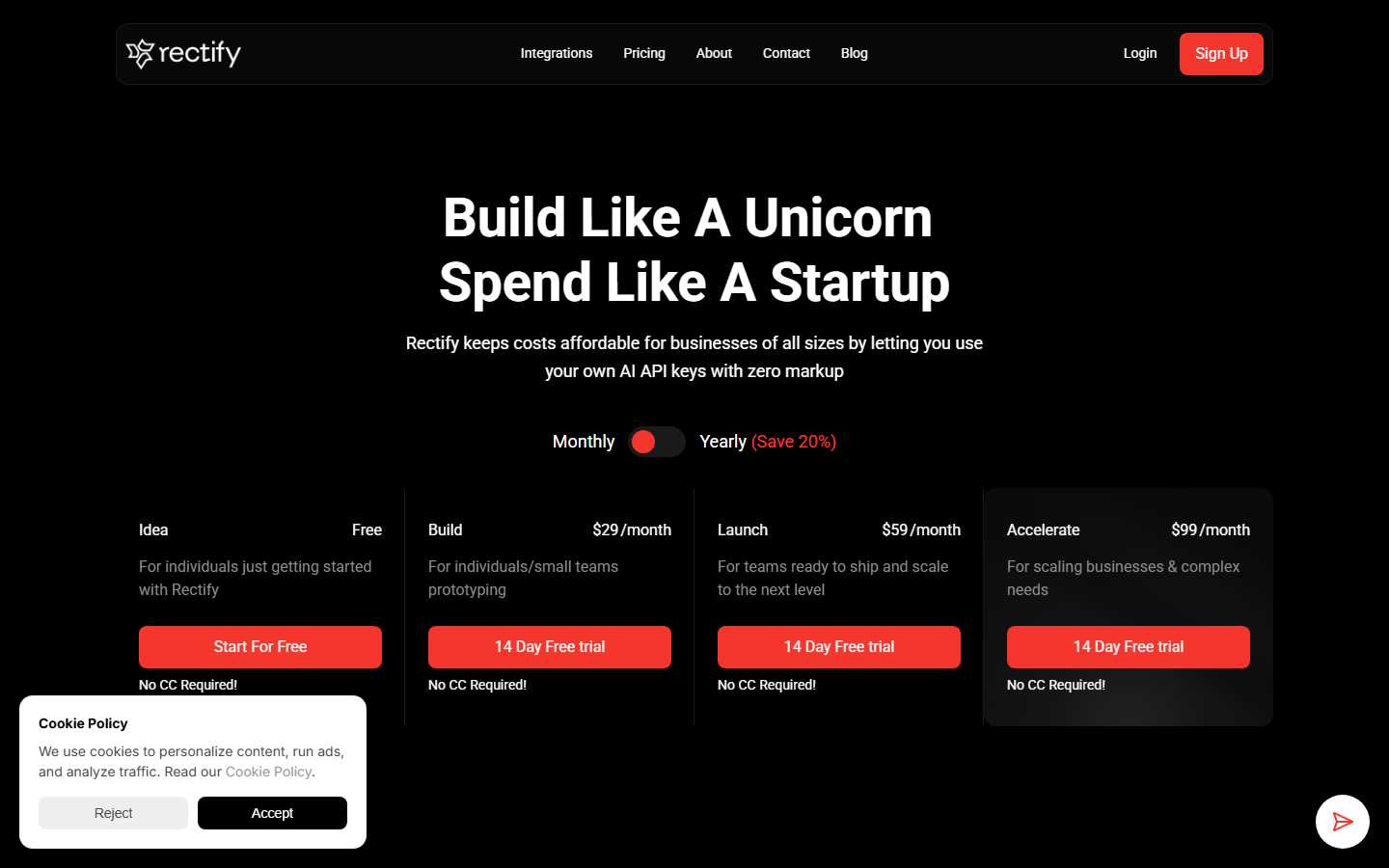
Free tier available | Pro from $49/mo | Enterprise custom

Pros and Cons
✓ Pros
- ✓Unifies debugging, monitoring, code quality, and support in one platform
- ✓Quanta AI agent handles customer support with contextual awareness
- ✓Browser extension works seamlessly with AI coding assistants like Bolt and Replit
- ✓Enterprise-grade code scanning with A-E quality ratings
- ✓Real-time alerts across Slack, Discord, email, and webhooks
- ✓Session replay captures full user sessions for root-cause analysis
✗ Cons
- ✗Pro pricing at $49/mo may be steep for solo developers
- ✗Free tier is limited to 3 repos and 5 uptime monitors
- ✗Quanta AI is only available on paid plans
- ✗Relatively new platform — ecosystem integrations still growing
- ✗No native mobile app for on-the-go monitoring

Rectify Alternatives

Sentry
Best for error tracking and performance monitoring with deeper APM capabilities
LogRocket
Stronger session replay and frontend monitoring with product analytics
UptimeRobot
More affordable dedicated uptime monitoring with generous free tier
Linear
Better issue tracking and project management, but lacks debugging tools
Our Verdict
4.1/5
Rectify is an ambitious all-in-one platform that genuinely reduces tool sprawl for SaaS teams. The combination of visual debugging, code quality scanning, uptime monitoring, and AI-powered support in a single dashboard is compelling. The Quanta AI agent is particularly impressive — it drafts contextually aware support replies that save hours of manual work. The main drawback is the pricing: the free tier is quite limited, and the Pro plan at $49/month is a significant investment for small teams. For growing SaaS companies juggling multiple tools, Rectify can consolidate your stack and pay for itself in time savings. Rating: 4.1/5
Try Rectify Today →
Visit the official Rectify website to get started
Frequently Asked Questions
Is Rectify free to use?
Yes, Rectify offers a free tier that includes visual debugging, code scanning for up to 3 repositories, 5 uptime monitors, and 100 session replays per month. Paid plans start at $49/month for Pro.
What is Quanta in Rectify?
Quanta is Rectify's built-in AI support agent that drafts customer replies with full conversation context. It can operate in AI-first, AI-only, or human-only modes depending on your preference.
Does Rectify work with AI coding tools?
Yes, the Rectify browser extension integrates directly with AI coding platforms like Lovable, Bolt, Replit, and v0, providing debugging capabilities without context switching.
How does Rectify's code scanning work?
Rectify performs on-demand static analysis on any connected GitHub repository, checking for bugs, security vulnerabilities, and code smells. It provides A-E ratings for maintainability, reliability, and security.
What monitoring protocols does Rectify support?
Rectify monitors infrastructure across HTTP/HTTPS, TCP, DNS, and ICMP protocols. It can check websites, APIs, databases, and custom services.
Can I get alerts from Rectify?
Yes, Rectify sends real-time alerts via Slack, Discord, email, and webhooks. You can configure which team members receive alerts and set severity thresholds.
How does Rectify compare to Sentry?
Rectify is broader in scope — it combines debugging, code quality, uptime monitoring, and AI support in one tool. Sentry focuses more deeply on error tracking and APM. Choose Rectify for an all-in-one solution, Sentry for deep error analysis.
Does Rectify offer session replay?
Yes, Rectify records full user sessions including console output, network requests, and UI interactions. Free tier includes 100 replays per month; paid plans offer unlimited replays.
Last updated: March 21, 2026 | Review by PopularAiTools.ai
Get Premium AI Tool Insights
Subscribe to get weekly curated AI tool recommendations, exclusive deals, and early access to new tool reviews.
Related Tools
V
VideoProc Converter AI
ai-coding

Relia
ai-coding
AI-powered Chrome extension that audits code flow, catches hallucinations in AI-generated code, and flags security vulnerabilities before they ship.

Git AutoReview
ai-coding
Updated March 2026 · 12 min read · By PopularAiTools.ai

Parallel Code
ai-coding
Free open-source desktop app that dispatches 10+ AI coding agents simultaneously across isolated git branches. Supports Claude Code, Codex CLI, and Gemini CLI. Keyboard-first Electron app with diff review workflow and QR code mobile monitoring. macOS + Linux. MIT license.
Related Articles
Suno v6 Intro and Ending Prompts: Unwanted Humming, Long Outros and Cut-Off Lyrics (2026)
Fix the edges of a Suno v6 track: three pasteable intro and outro templates, the documented Exclude field for unwanted humming, the arithmetic behind cut-off lyrics, and when to edit in Studio instead.
Suno v6 Keeps Changing Your Prompt? Variety, Style Influence and Weirdness Explained (2026)
Suno v6 rewrites your style prompt through the new Variety slider, and Suno documents the fix. What Variety, Style Influence, Weirdness and Max Mode each do, with a one-control-at-a-time worksheet.
Suno v6 Rock Prompts: Keep Guitar Riffs and Drums Alive Through the Verse (2026)
Why a strong Suno v6 rock intro turns into an empty verse, and how to fix it with a section-by-section instrument map, the Exclude field, pasteable rock and metal prompts and an A/B rubric.