
Thread Deck Review March 2026: Features, Pricing, Pros & Cons
Updated March 2026 · 10 min read · By PopularAiTools.ai
TL;DR
Thread Deck is an AI-powered tool for creating, scheduling, and analyzing Twitter/X threads. The platform helps users write compelling threads from ideas, articles, or topics, with AI that understands thread pacing, engagement hooks, and the Twitter/X format. Thread Deck optimizes each tweet in the thread for engagement, suggests thread structures, and provides analytics on thread performance. It is designed for thought leaders, content creators, and marketers who use threads as a primary content format on X. Pricing model: Freemium. Rating: 3.9/5
What is Thread Deck?
Thread Deck is an AI-powered tool for creating, scheduling, and analyzing Twitter/X threads. The platform helps users write compelling threads from ideas, articles, or topics, with AI that understands thread pacing, engagement hooks, and the Twitter/X format. Thread Deck optimizes each tweet in the thread for engagement, suggests thread structures, and provides analytics on thread performance. It is designed for thought leaders, content creators, and marketers who use threads as a primary content format on X.
Who Should Use Thread Deck?
- Thought leaders building audience through X threads
- Content creators repurposing articles as threads
- Marketers driving engagement on X
- Personal brand builders on Twitter/X
- Writers converting long-form content to social format
Key Features
1. AI Thread Writing
Transform ideas, articles, or topics into well-structured Twitter/X threads. The AI handles pacing, hooks, and tweet-level optimization for engagement.
2. Thread Templates
Pre-built thread structures for common formats including listicles, how-to guides, stories, and opinion threads.
3. Hook Optimization
AI generates and tests opening tweets (hooks) designed to maximize engagement and stop the scroll.
4. Thread Scheduling
Schedule threads for optimal posting times. The AI analyzes your audience behavior to suggest when your threads will get the most engagement.
5. Performance Analytics
Track impressions, engagement rates, follower growth, and virality metrics for each thread. Understand what types of threads resonate with your audience.
6. Article-to-Thread
Convert long-form articles and blog posts into threaded Twitter/X content. Repurpose existing content for the X audience.

How to Use Thread Deck
Step 1: Sign Up or Install
Visit the official Thread Deck website and create your account or download the application. Most plans offer a free trial or free tier so you can explore the platform before committing.
Step 2: Configure Your Workspace
Set up your workspace according to your needs. Thread Deck provides onboarding guides or tutorials to help you get started quickly with the core features.
Step 3: Explore Core Features
Start using the main capabilities of Thread Deck. Take advantage of any templates, presets, or quick-start options to accelerate your workflow and see results faster.
Step 4: Integrate with Your Stack
Connect Thread Deck with your existing tools and workflows. Check for available integrations with popular platforms and APIs to maximize productivity.
Step 5: Scale and Optimize
As you become more familiar with Thread Deck, explore advanced features and settings. Monitor your usage and results to optimize your workflow and determine if upgrading makes sense.
Pricing Plans
Thread Deck offers a free tier for basic thread creation. Premium plans provide scheduling, analytics, and advanced AI features.

Pros and Cons
Pros
- ✓ AI handles thread pacing and engagement optimization
- ✓ Article-to-thread repurposes existing content
- ✓ Hook optimization increases thread engagement
- ✓ Thread templates accelerate creation
- ✓ Analytics show what resonates with your audience
- ✓ Free tier for basic use
Cons
- ✗ Limited to Twitter/X platform only
- ✗ AI-generated threads may need editing for personal voice
- ✗ Free tier has creation limits
- ✗ Thread effectiveness depends on account authority
- ✗ X platform changes may affect functionality
Best Thread Deck Alternatives

Final Verdict: Is Thread Deck Worth It?
Thread Deck is a focused tool for the specific use case of creating engaging Twitter/X threads. For creators and thought leaders who use threads as their primary content format, the AI-powered pacing, hook optimization, and article-to-thread conversion provide genuine value. The analytics help you understand what works so you can improve over time. If threads are a significant part of your content strategy on X, Thread Deck is worth the investment.
Our Rating: 3.9 / 5
Build an AI Tool? Get It in Front of the Right Audience
PopularAiTools.ai reaches thousands of qualified AI buyers monthly.
Submit Your AI Tool →Frequently Asked Questions
Is Thread Deck free?
Thread Deck offers a free tier for basic thread creation. Premium plans provide scheduling, analytics, and advanced features.
Can Thread Deck convert articles to threads?
Yes, paste an article URL or text and Thread Deck converts it into a well-structured Twitter/X thread.
Does Thread Deck schedule threads?
Yes, premium plans include thread scheduling with AI-suggested optimal posting times.
What analytics does Thread Deck provide?
Track impressions, engagement rates, follower growth, and virality metrics for each thread.
Does Thread Deck work with the X API?
Thread Deck uses the X (Twitter) API for posting and scheduling. API availability and pricing from X may affect functionality.
Can I customize AI-generated threads?
Yes, edit any tweet in the thread before posting. Use the AI output as a starting point and add your personal voice.
What thread structures are available?
Templates include listicles, how-to guides, stories, opinion threads, and other proven thread formats.
Does Thread Deck help with hooks?
Yes, the AI generates and tests opening tweets designed to maximize engagement and stop the scroll.

Get Premium AI Tool Insights
Subscribe to get weekly curated AI tool recommendations, exclusive deals, and early access to new tool reviews.
Related Tools

GoldMine AI
ai-business
Updated March 2026 · 11 min read · By PopularAiTools.ai
Chronicle 2.0
ai-business
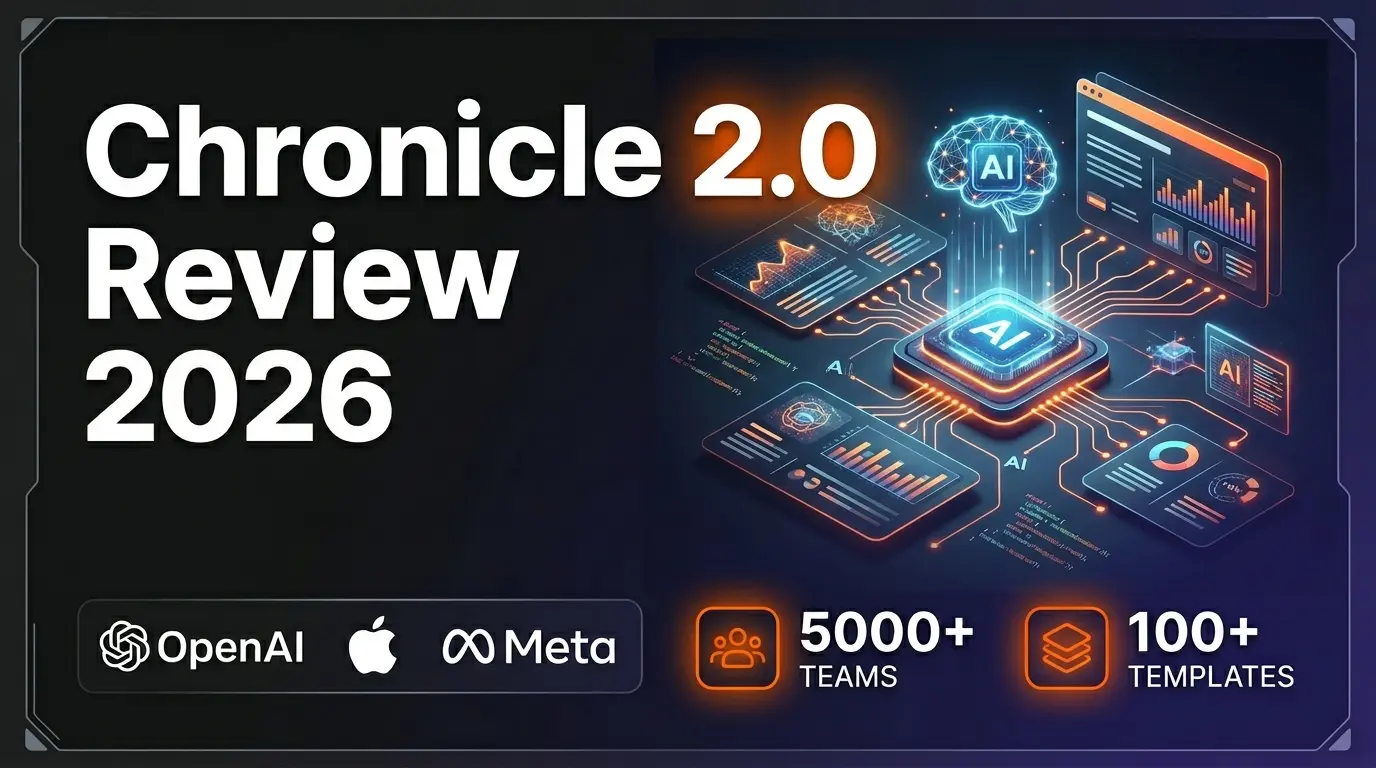
Chronicle 2.0 is an AI-powered presentation maker that converts notes, outlines, and meeting docs into professionally designed slide decks with diagrams, freeform canvas, 100+ designer templates, and 100+ integrations. Trusted by 5,000+ teams including OpenAI, Apple, Meta, Figma, and Vercel.
Lightfield
ai-business
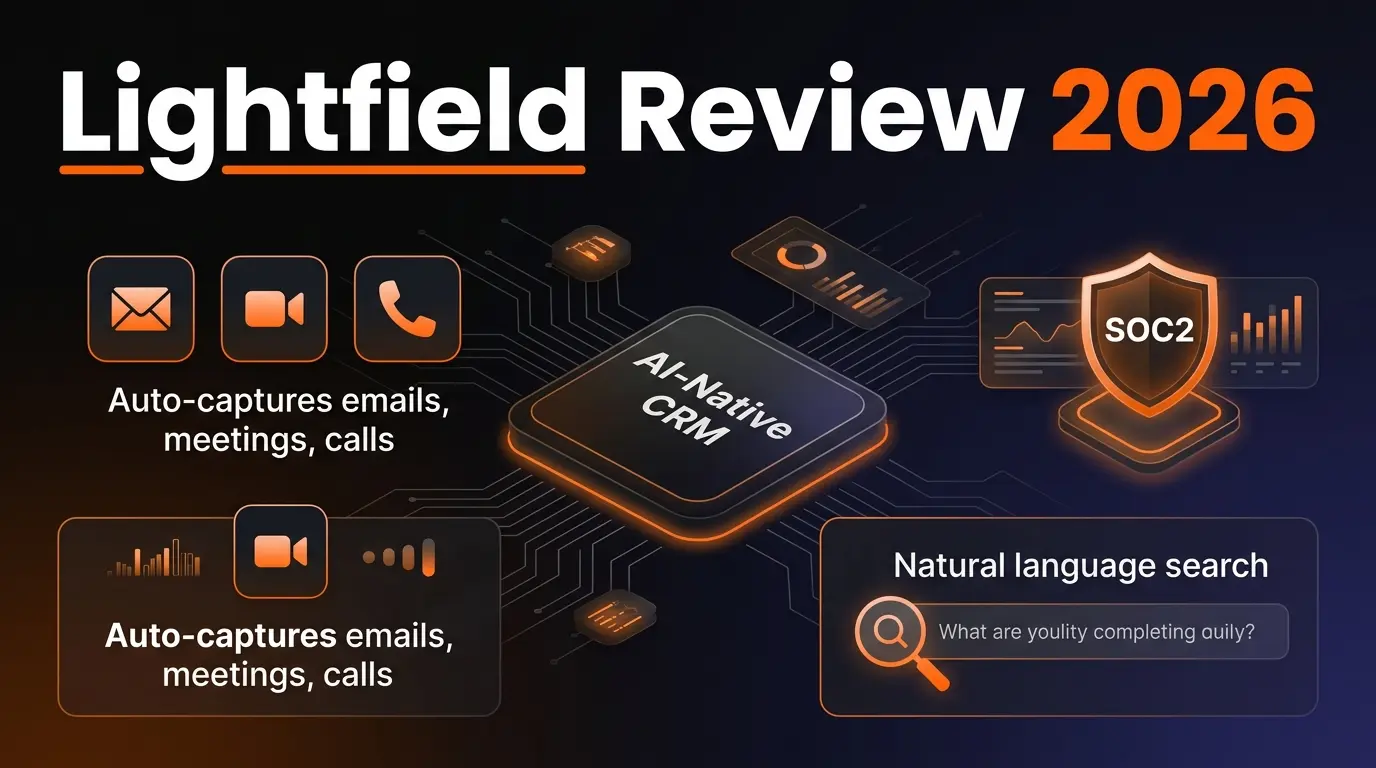
AI-native CRM with complete customer memory. Auto-captures emails, meetings, and calls. Natural language search with source citations. Schema-less data model for startups and high-growth companies.
G
Get Sheet Done
Related Articles
10 Claude Code Skills, Plugins & CLIs to Install on Day One (April 2026)
Starting Claude Code from scratch in 2026? Install these 10 skills, plugins, and CLIs on day one — Codex CLI, Obsidian, Autoresearch, Firecrawl, Playwright, NotebookLM, Skill Creator, RAG-Anything, Google Workspace CLI, and awesome-design-md. Full install commands included.
We Tested 24 AI Models Inside Claude Code: The 2026 Tier List
We swapped 24 different AI models into Claude Code and ran identical tool-call tests on each. Here's the S-tier-to-D-tier ranking, real cost comparison, and the single best Claude Sonnet 4.6 alternative for 2026 — including the GLM 4.6 sleeper pick that matched Sonnet at 15% the cost.
Claude as a Creative Studio: Make Ads, Images, and Video From One Chat (2026)
Claude doesn't generate raster images natively, but in 2026 it's the smartest creative director on Earth — orchestrating Nano Banana 2, Sora 2, Runway, Higgsfield, Remotion, and VEED into a single ad-and-video factory. The full stack, the variant matrix trick, and how to build a YouTube Shorts factory.