
TL;DR — Trace
Trace is a conversational AI calendar and planner app for Apple devices that transforms natural language inputs, voice commands, and even screenshots into organized calendar events and tasks. Powered by GPT and Gemini models, Trace lets you plan your entire day by simply typing or speaking commands, while its AI instantly converts screenshots of invitations, flight itineraries, or meeting details into scheduled events — all with data stored locally on your device.
Table of Contents
What is Trace?
Trace is a conversational AI calendar and planner app for Apple devices that transforms natural language inputs, voice commands, and even screenshots into organized calendar events and tasks. Powered by GPT and Gemini models, Trace lets you plan your entire day by simply typing or speaking commands, while its AI instantly converts screenshots of invitations, flight itineraries, or meeting details into scheduled events — all with data stored locally on your device.

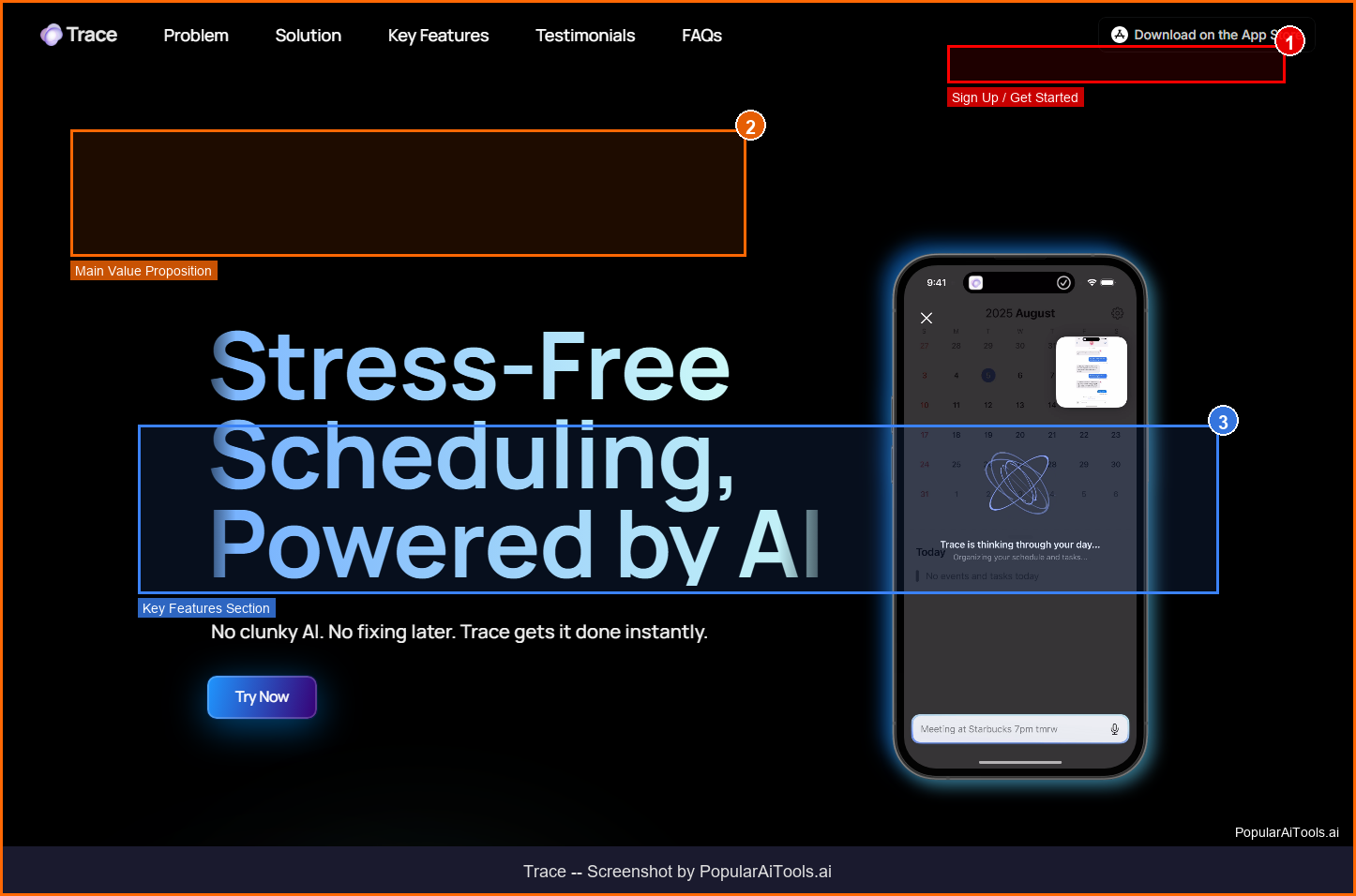
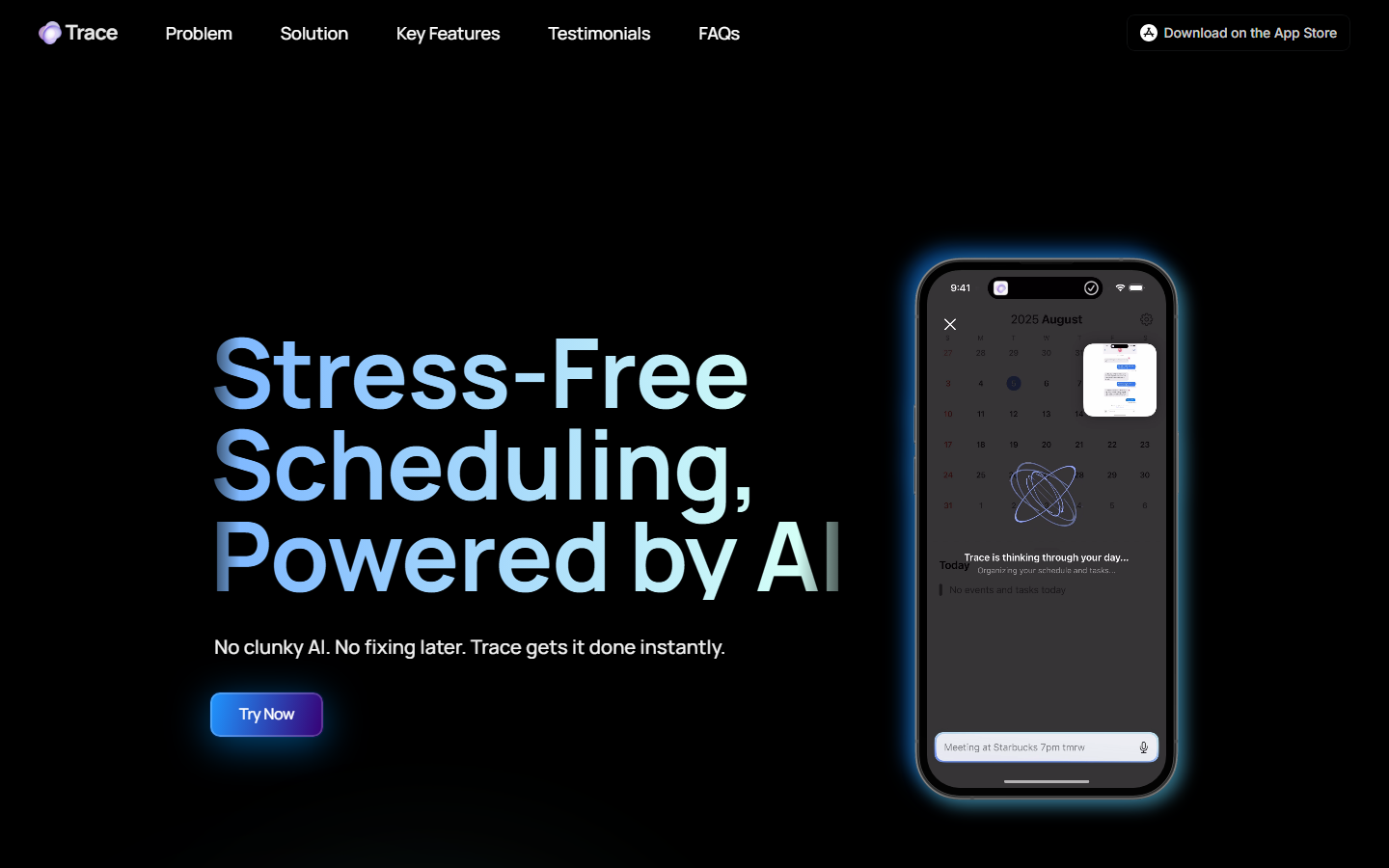
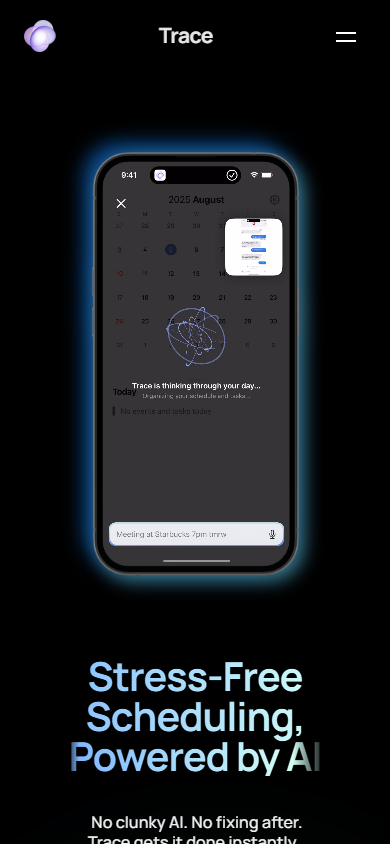
Screenshot of Trace homepage — captured March 21, 2026 by PopularAiTools.ai
Key Features of Trace
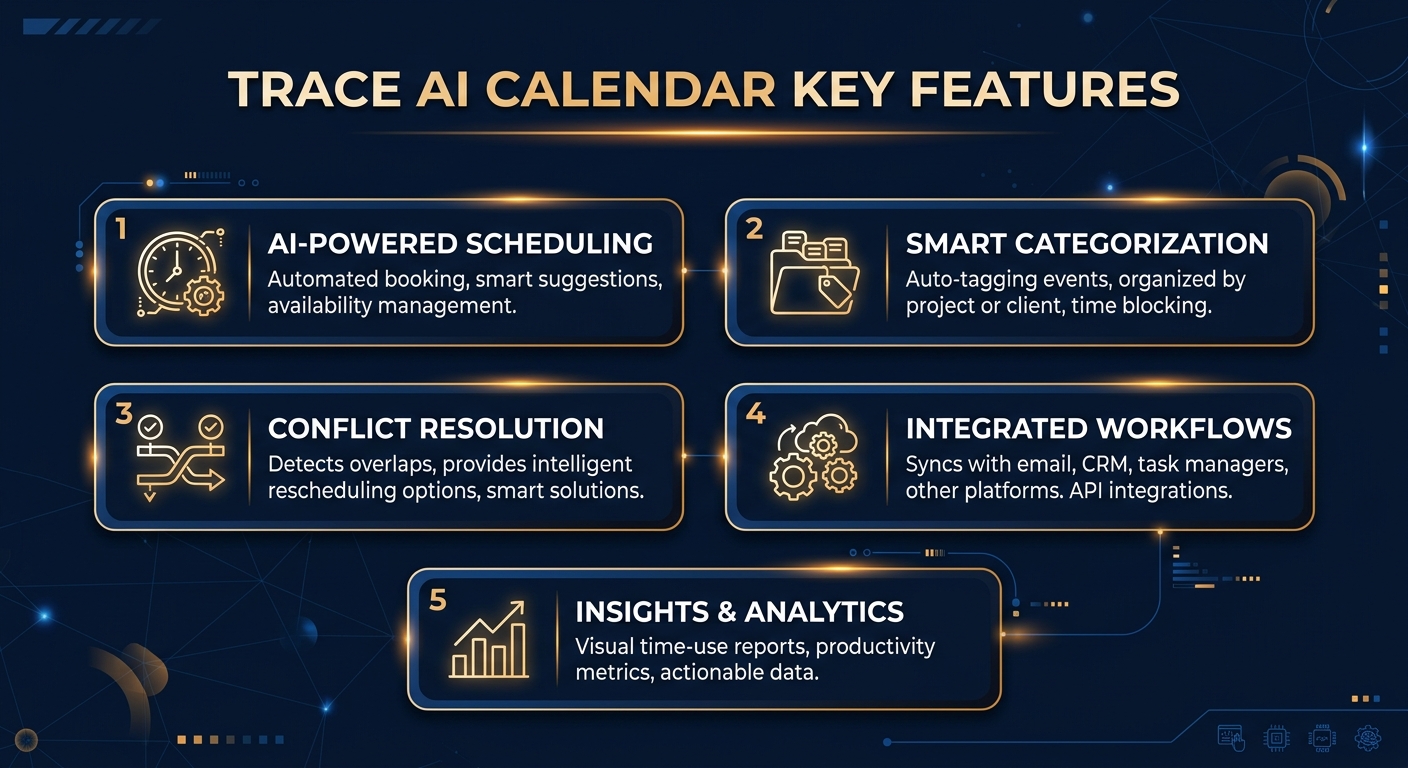
Natural Language Scheduling
Type or speak your schedule in plain English. Trace's AI understands context and creates calendar events with correct dates, times, and details.
Screenshot-to-Schedule
Take a screenshot of a meeting invite, flight itinerary, or event poster and Trace automatically extracts details and creates calendar events.
Voice Commands & Siri
Plan hands-free with voice input and Siri Shortcuts. Just tell Trace what to schedule and it handles the rest.
Multi-Calendar Sync
Syncs with Google Calendar, Outlook, and Apple Calendar. All existing calendars appear automatically in Trace.
AI Task Management
Combines calendar events with to-do lists and reminders in one unified view. AI suggests optimal scheduling for tasks.
Cross-Device Sync
One subscription covers iPhone, iPad, and Mac with iCloud sync keeping everything in perfect alignment.
Local Data Storage
All data is stored locally on your device. Trace prioritizes privacy — your schedule never leaves your phone.
Smart Suggestions
AI analyzes your patterns and suggests optimal times for meetings, focus blocks, and breaks.
How to Use Trace
1
Download Trace
Get Trace from the Apple App Store on iPhone, iPad, or Mac. Create an account or sign in with Apple.
2
Connect Calendars
Trace automatically syncs with Google Calendar, Outlook, and Apple Calendar — no manual setup needed.
3
Schedule with Language
Type or speak your events: 'Meeting with Sarah tomorrow at 2pm' or 'Dentist appointment next Thursday morning.'
4
Use Screenshot Mode
Take a screenshot of any event details and Trace extracts the information to create a calendar entry automatically.
5
Review AI Suggestions
Check Trace's smart scheduling suggestions for optimal task placement and time-blocking throughout your week.

Trace Pricing
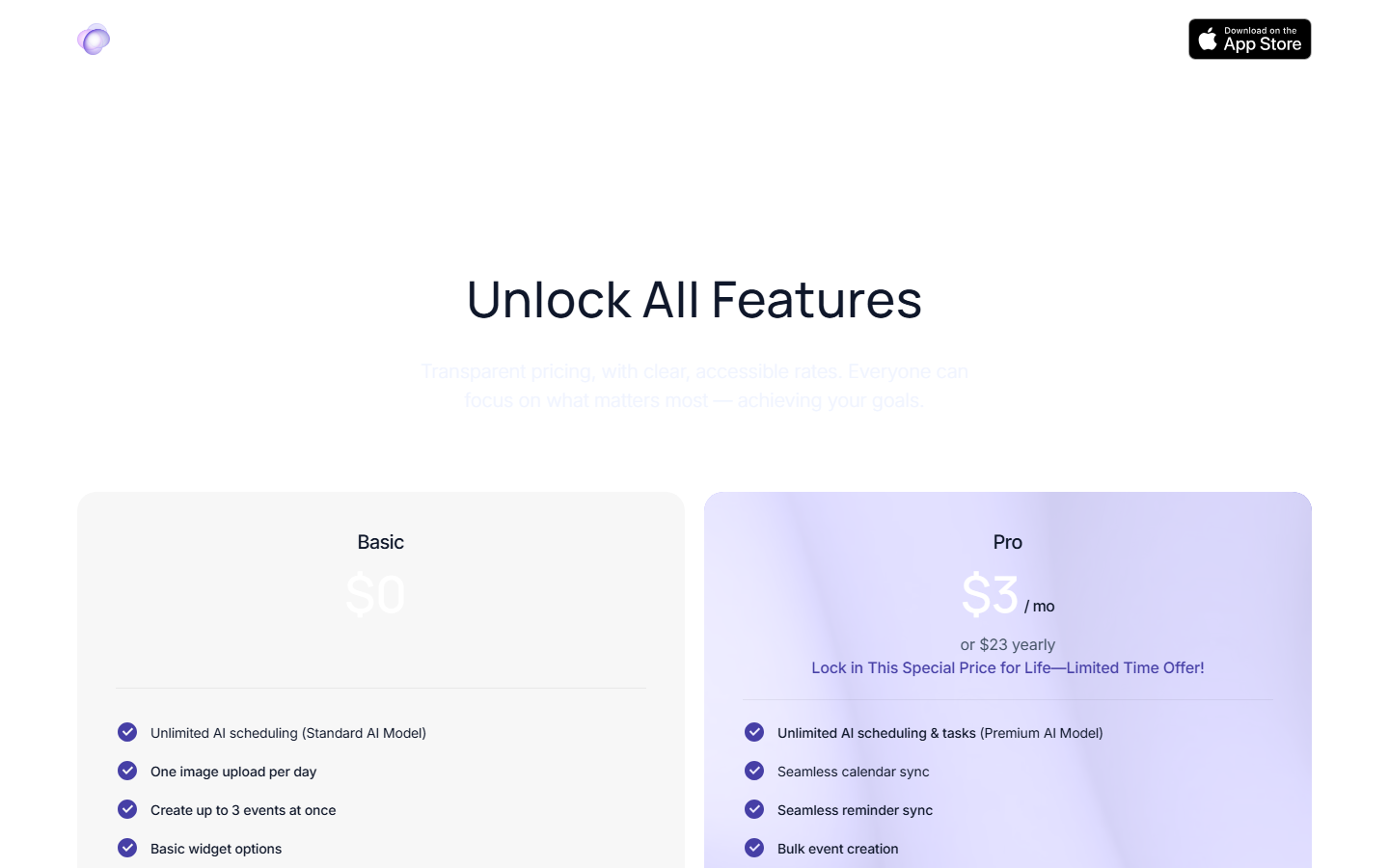
Free tier | Pro subscription (30% off yearly)
Pros and Cons
✓ Pros
- ✓Screenshot-to-schedule feature is genuinely innovative and saves significant time
- ✓Natural language input feels faster than traditional calendar apps
- ✓Multi-model AI (GPT + Gemini) ensures accurate interpretation of inputs
- ✓Local data storage provides strong privacy protection
- ✓Cross-device sync across all Apple devices with one subscription
- ✓Combines calendar, tasks, and reminders in one clean interface
✗ Cons
- ✗Apple-only — no Android or web version available
- ✗Pro features require subscription for full AI capabilities
- ✗Relies on Apple Calendar for sync — no direct Google Calendar API integration
- ✗Relatively new app — some AI interpretations can be imprecise
- ✗No team or shared calendar features
Trace Alternatives
Reclaim.ai
Best for teams needing AI-powered scheduling with Google Calendar integration and habit tracking
Toki
Similar AI calendar concept with broader platform support
Notion Calendar
Better for users already in the Notion ecosystem who want connected scheduling
Fantastical
More mature calendar app with natural language input but less AI automation
Our Verdict
4.3/5
Trace is a delightful AI calendar app that makes scheduling feel effortless. The screenshot-to-schedule feature alone is worth trying — being able to snap a photo of a conference flyer and have it instantly added to your calendar is genuine time-saving magic. The natural language input powered by GPT and Gemini is accurate and fast, and the local data storage shows the developers take privacy seriously. The main limitations are the Apple-only availability and the lack of team features. For individual Apple users who want a smarter, faster way to manage their schedule, Trace is one of the best AI calendar apps available. Rating: 4.3/5
Try Trace Today →
Visit the official Trace website to get started
Frequently Asked Questions
Is Trace AI calendar free?
Yes, Trace offers a free tier with basic natural language scheduling and limited screenshot-to-schedule conversions. The Pro plan unlocks all features including cross-device sync and advanced AI suggestions.
Does Trace work on Android?
No, Trace is currently Apple-only and available on iPhone, iPad, and Mac through the Apple App Store. There is no Android or web version at this time.
How does Trace's screenshot scheduling work?
Take a screenshot of any event information — a meeting invite, flight booking, concert poster, etc. — and Trace's AI extracts the date, time, location, and details to create a calendar event automatically.
Which AI models does Trace use?
Trace uses multiple AI models including GPT and Gemini, each chosen for specific tasks. The models handle natural language understanding, screenshot parsing, and smart scheduling suggestions.
Is my data safe with Trace?
Yes, Trace stores all data locally on your device. Your schedule and personal information never leave your phone. The app is designed with privacy as a core principle.
Can Trace sync with Google Calendar?
Yes, any Google Calendar already added to your Apple Calendar syncs automatically with Trace. The sync happens through Apple's calendar framework.
Does Trace support voice commands?
Yes, Trace supports voice input and Siri Shortcuts for hands-free scheduling. You can speak your events naturally and Trace creates them on your calendar.
How much does Trace Pro cost?
Trace Pro is available as a monthly or yearly subscription. The yearly plan currently offers 30% off. One subscription covers iPhone, iPad, and Mac with no extra cost.
Last updated: March 21, 2026 | Review by PopularAiTools.ai
Get Premium AI Tool Insights
Subscribe to get weekly curated AI tool recommendations, exclusive deals, and early access to new tool reviews.
Related Tools

GoldMine AI
ai-business
Updated March 2026 · 11 min read · By PopularAiTools.ai
Chronicle 2.0
ai-business
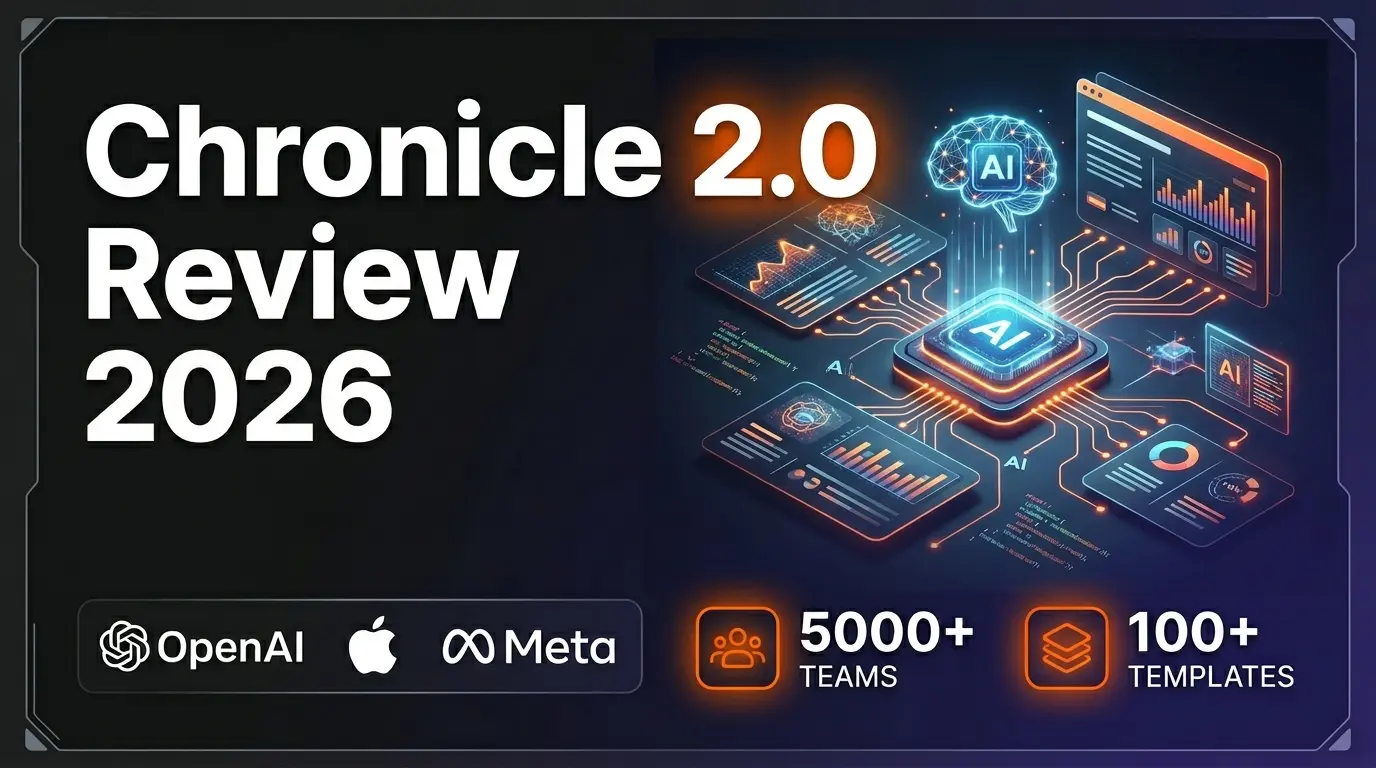
Chronicle 2.0 is an AI-powered presentation maker that converts notes, outlines, and meeting docs into professionally designed slide decks with diagrams, freeform canvas, 100+ designer templates, and 100+ integrations. Trusted by 5,000+ teams including OpenAI, Apple, Meta, Figma, and Vercel.
Lightfield
ai-business
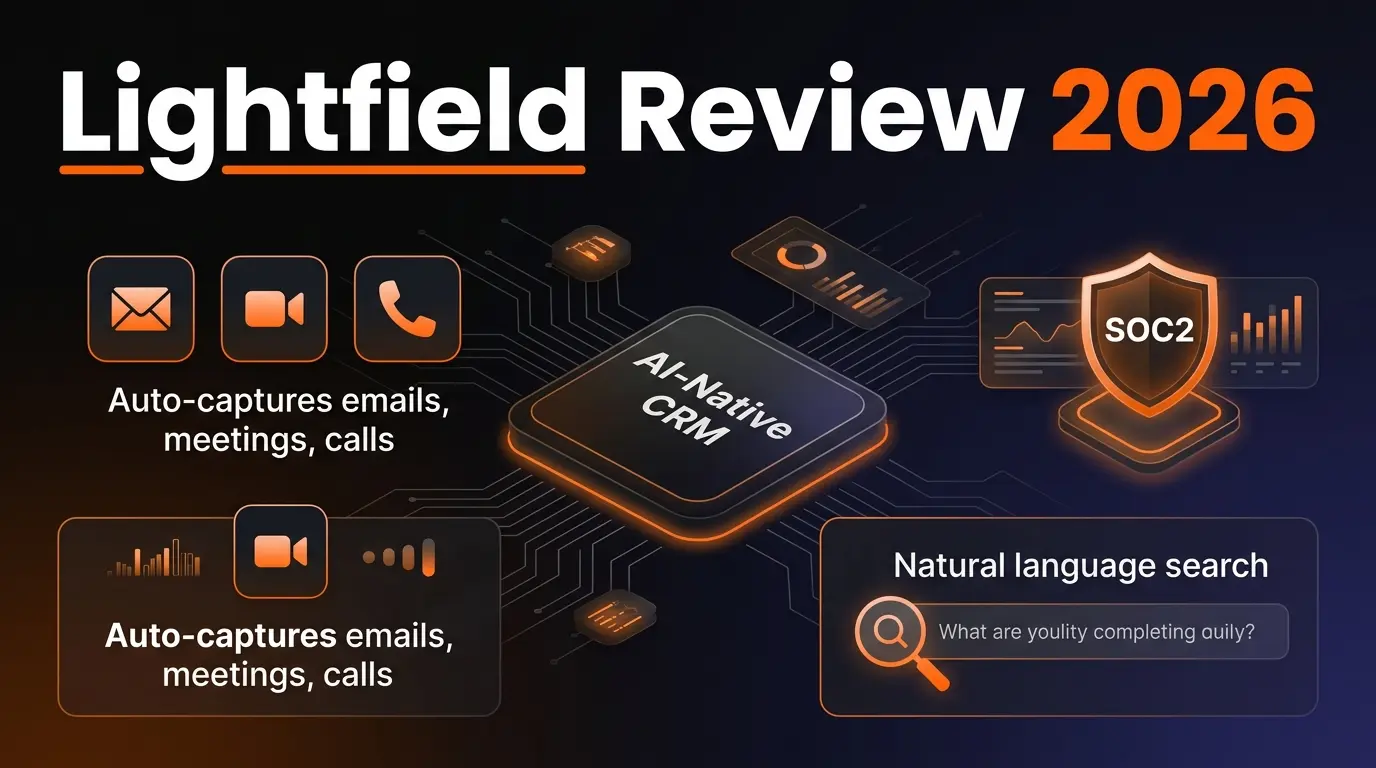
AI-native CRM with complete customer memory. Auto-captures emails, meetings, and calls. Natural language search with source citations. Schema-less data model for startups and high-growth companies.
G
Get Sheet Done
Related Articles
10 Claude Code Skills, Plugins & CLIs to Install on Day One (April 2026)
Starting Claude Code from scratch in 2026? Install these 10 skills, plugins, and CLIs on day one — Codex CLI, Obsidian, Autoresearch, Firecrawl, Playwright, NotebookLM, Skill Creator, RAG-Anything, Google Workspace CLI, and awesome-design-md. Full install commands included.
We Tested 24 AI Models Inside Claude Code: The 2026 Tier List
We swapped 24 different AI models into Claude Code and ran identical tool-call tests on each. Here's the S-tier-to-D-tier ranking, real cost comparison, and the single best Claude Sonnet 4.6 alternative for 2026 — including the GLM 4.6 sleeper pick that matched Sonnet at 15% the cost.
Claude as a Creative Studio: Make Ads, Images, and Video From One Chat (2026)
Claude doesn't generate raster images natively, but in 2026 it's the smartest creative director on Earth — orchestrating Nano Banana 2, Sora 2, Runway, Higgsfield, Remotion, and VEED into a single ad-and-video factory. The full stack, the variant matrix trick, and how to build a YouTube Shorts factory.