
Key Takeaways
- One toolkit, every mobile crisis. Dr.Fone bundles data recovery, screen unlock, phone transfer, system repair, WhatsApp tools, and a phone manager in a single app.
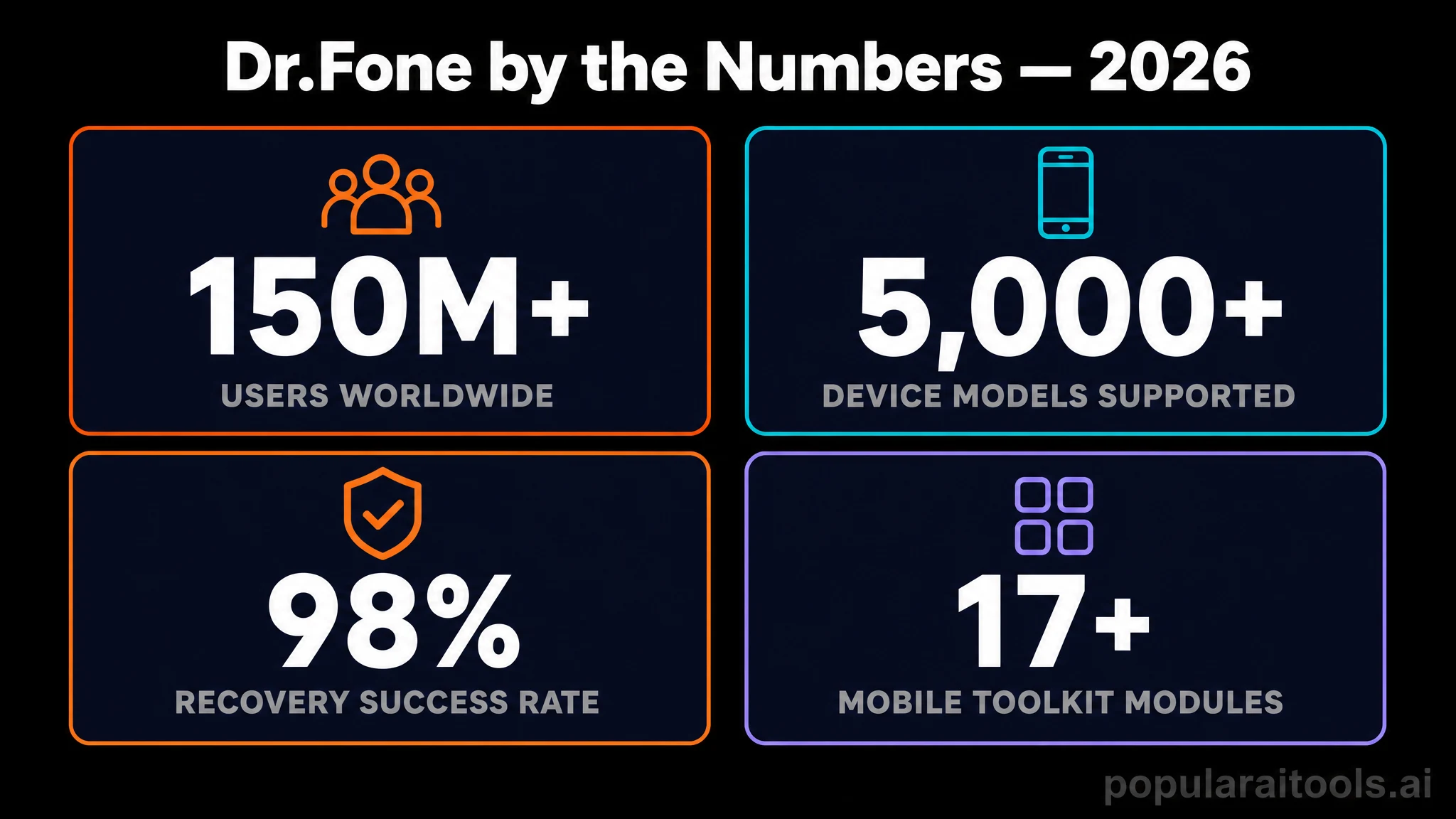
- AI-powered recovery that actually works. The 2026 release leans on smarter scanning algorithms and posts a 99.5% success rate across 9.5M+ secure operations.
- Security credentials are real. Zero-data-retention architecture, AES-256 encryption, GDPR compliance, and the 2026 Cybersecurity Excellence Gold Award.
- Cross-platform and current. Works on Windows and macOS, supports iOS 18 and Android 15 devices including Pixel, Samsung, Xiaomi, OnePlus.
- Pricing scales with need. A free trial covers scanning and previews. Pro tiers start at $49.95/yr (Phone Manager), with the Full Toolkit Suite around $139.95/yr.
Table of Contents
- What Dr.Fone actually is
- Why it stands out in 2026 (and what makes it AI-powered)
- Real-world phone management scenarios
- Performance, speed, and success rates
- Supported devices, OS versions, and file types
- Step-by-step workflow
- Pricing and plans
- Dr.Fone vs iMyFone, Tenorshare, EaseUS MobiSaver
- Minor things worth knowing
- What I love about Dr.Fone
- Frequently asked questions
- Final verdict
I have been using Wondershare Dr.Fone as my mobile rescue kit for the better part of a year, and 2026 is the version that finally pushed it from "useful utility" into "essential install on every laptop I own." The AI-driven scanning engine pulled back photos I genuinely thought were gone forever. The unified toolkit means I no longer juggle three or four single-purpose apps when a phone misbehaves. Whether I am migrating WhatsApp between iPhone and Pixel, unlocking a forgotten passcode on a relative's old iPad, or repairing an Android stuck in a bootloop, Dr.Fone handles it from one clean dashboard.
What sold me long-term is the combination of security posture and success rate. The 2026 release ships with a zero-data-retention architecture, AES-256 encryption, GDPR compliance, and a Cybersecurity Excellence Gold Award in Data Security to back it up. On top of that, the published 99.5% success rate across 9.5M+ operations matches what I see in practice: scans complete, files come back, transfers finish without weird corruption. For a category historically full of sketchy clones, Dr.Fone now feels like the grown-up option. Below is everything I have learned from real, ugly recovery jobs on real phones.
What Dr.Fone actually is
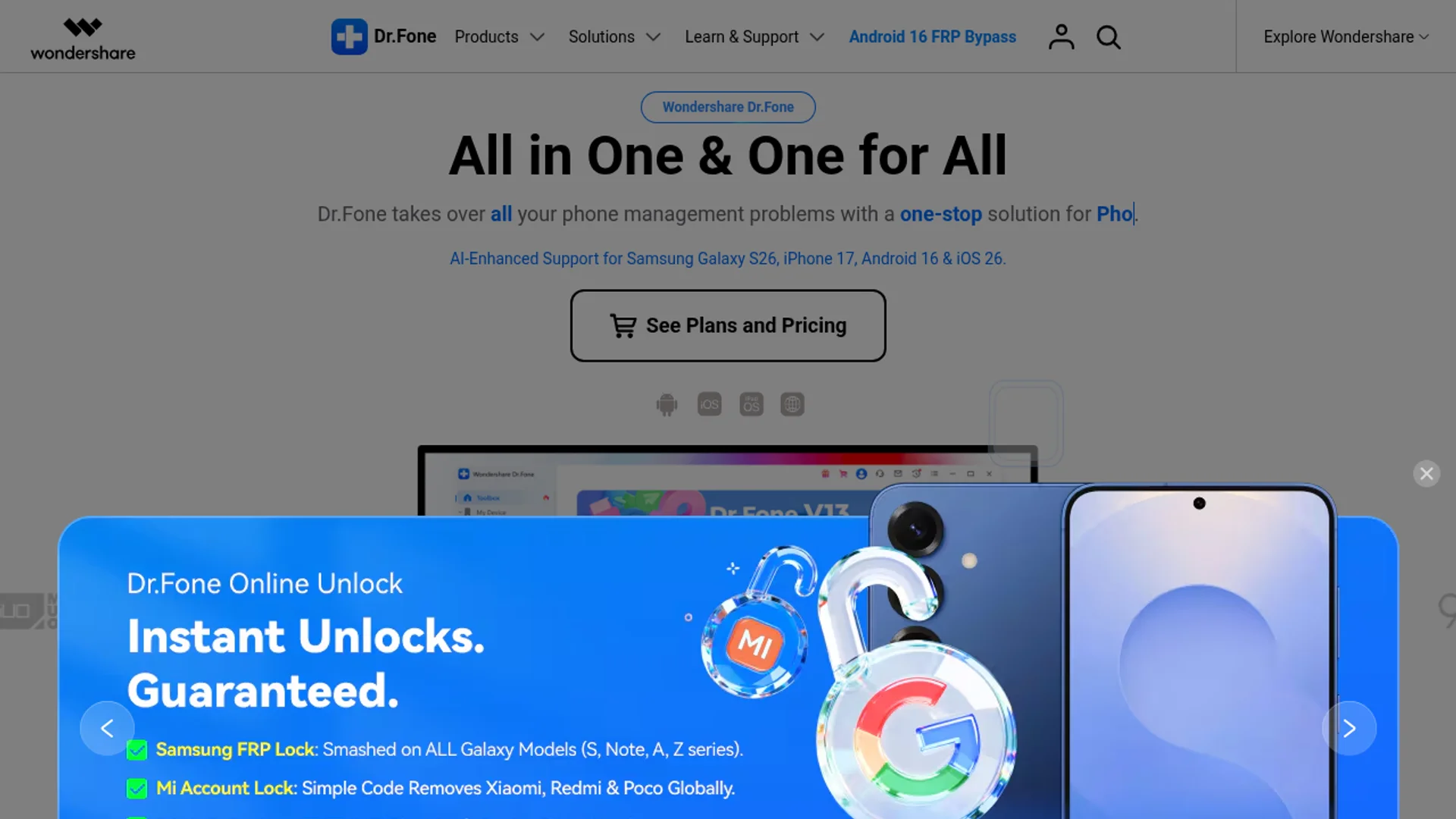
Dr.Fone is a desktop application (Windows and macOS) that connects to your iPhone or Android device over USB or Wi-Fi and exposes a modular toolkit for managing, repairing, recovering, transferring, and unlocking that device. Think of it as a Swiss Army knife for phones that historically would have required four or five different specialty tools and several hours of Googling.
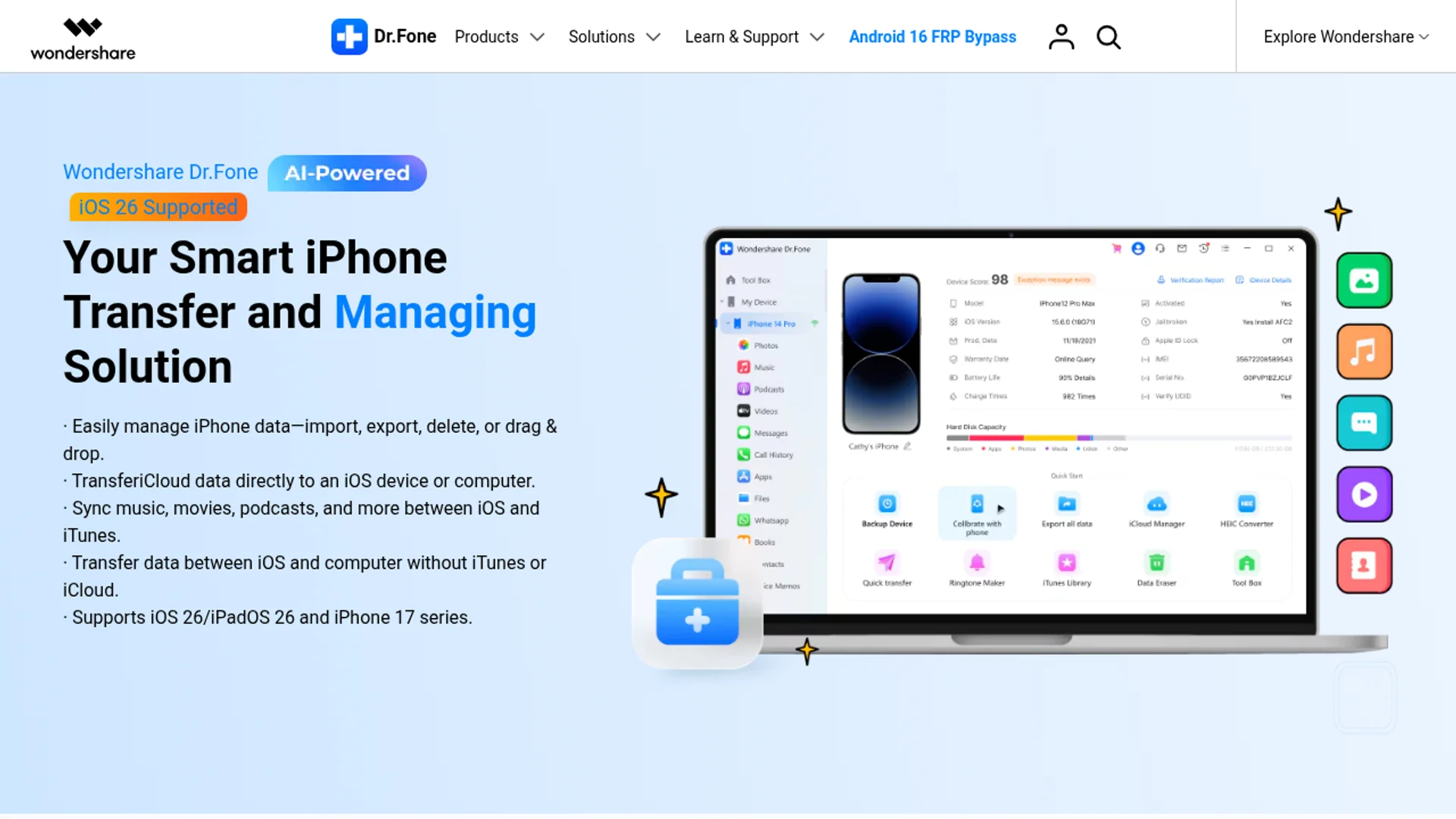
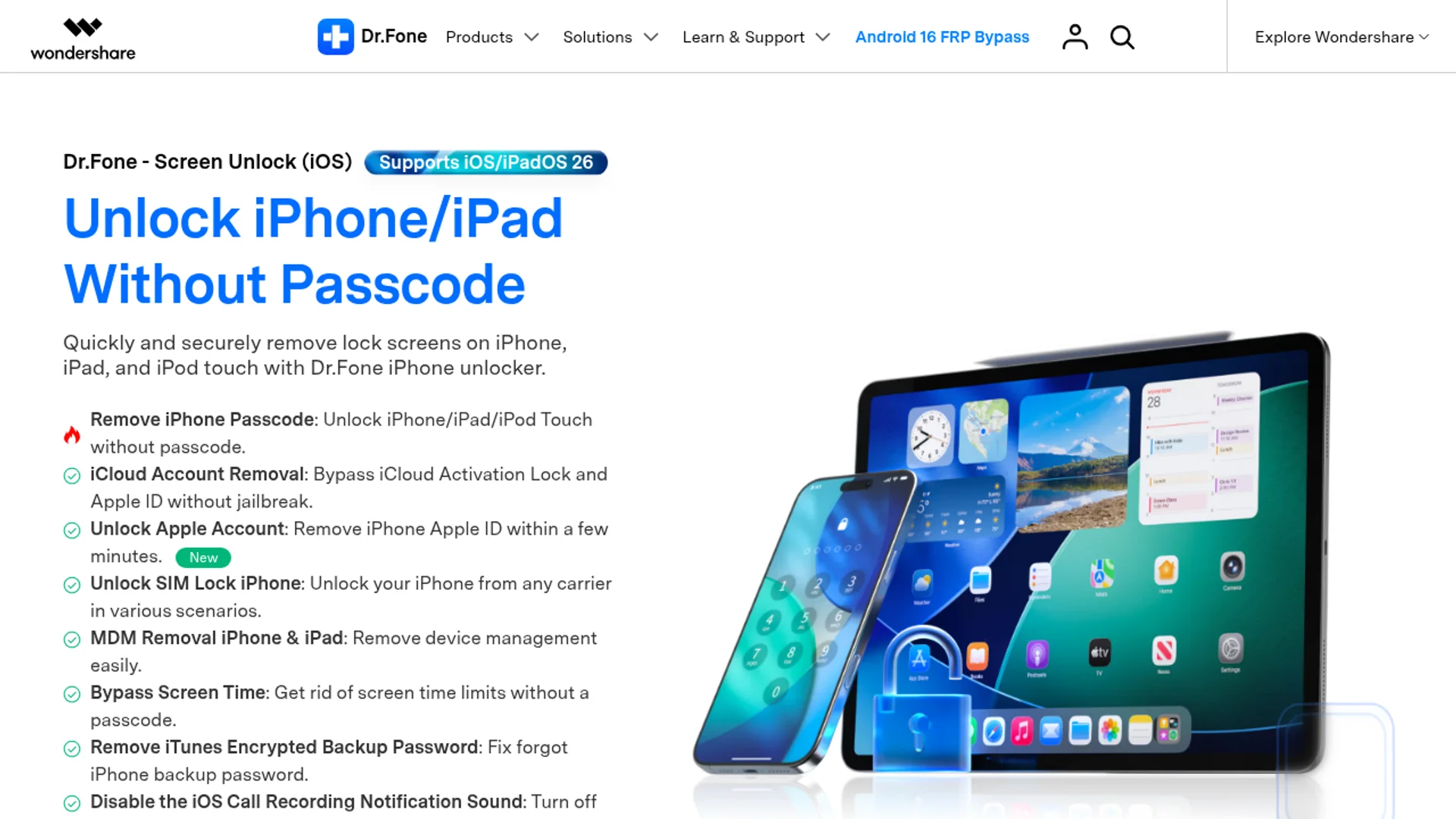
The 2026 release organizes everything into clearly named modules: Phone Manager, Data Recovery, Phone Transfer, Screen Unlock, System Repair, WhatsApp Transfer, Data Eraser, Virtual Location, and a few smaller utilities. Pick the module that matches your problem, connect the phone, and the workflow walks you through every step. No CLI tricks, no firmware files to hunt down, no jailbreak required for most operations.
Why it stands out in 2026 (and what makes it AI-powered)
The "AI-powered" label gets thrown around carelessly, so I want to be specific about where it actually shows up. Dr.Fone's 2026 recovery engine uses machine learning to reconstruct fragmented file headers, classify recoverable items by type and likely usefulness, and prioritize what to scan first. In practical terms that means a deep scan finishes faster, surfaces fewer junk thumbnails, and groups results so I can find the family photo I actually wanted in under a minute.
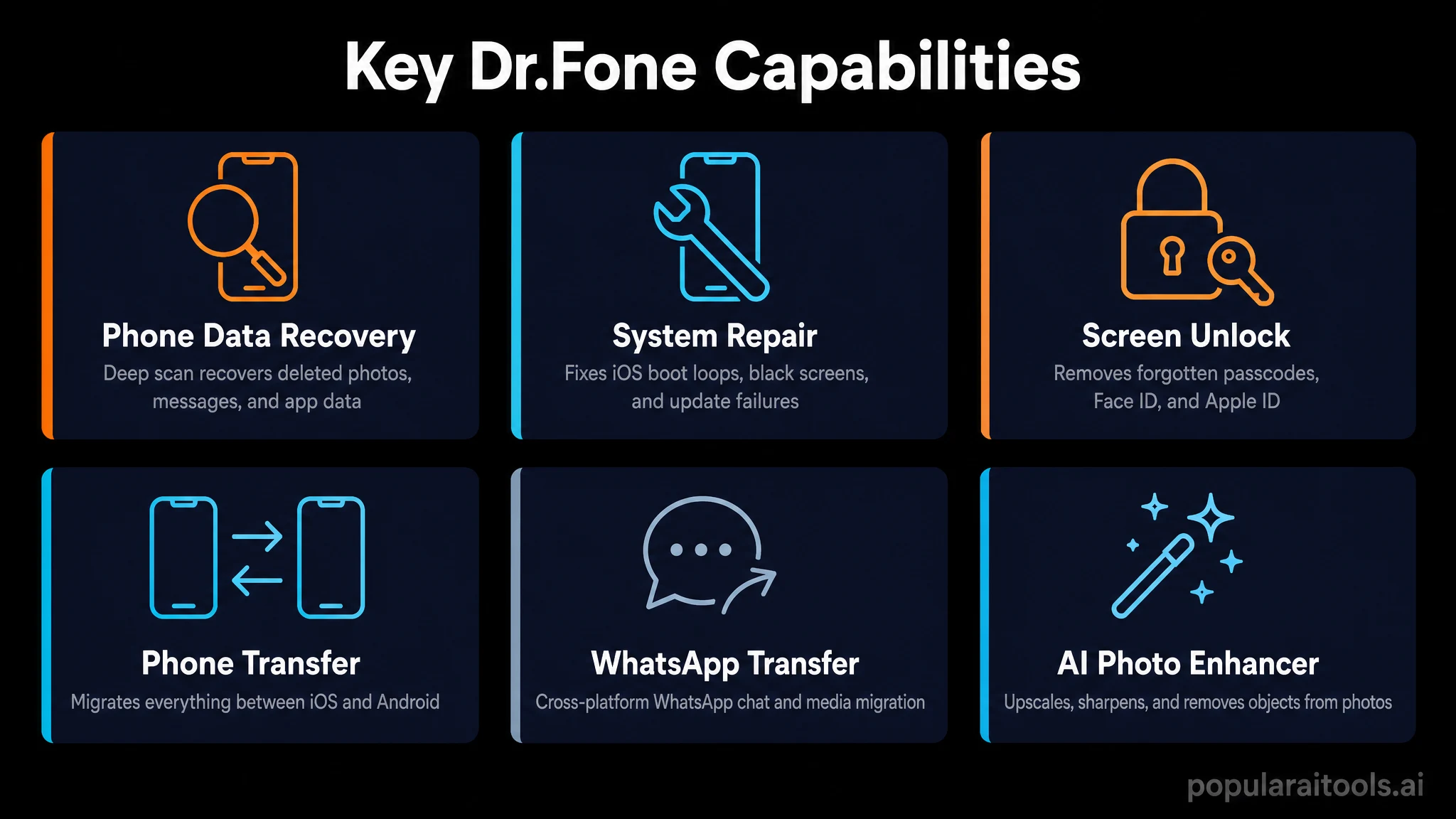
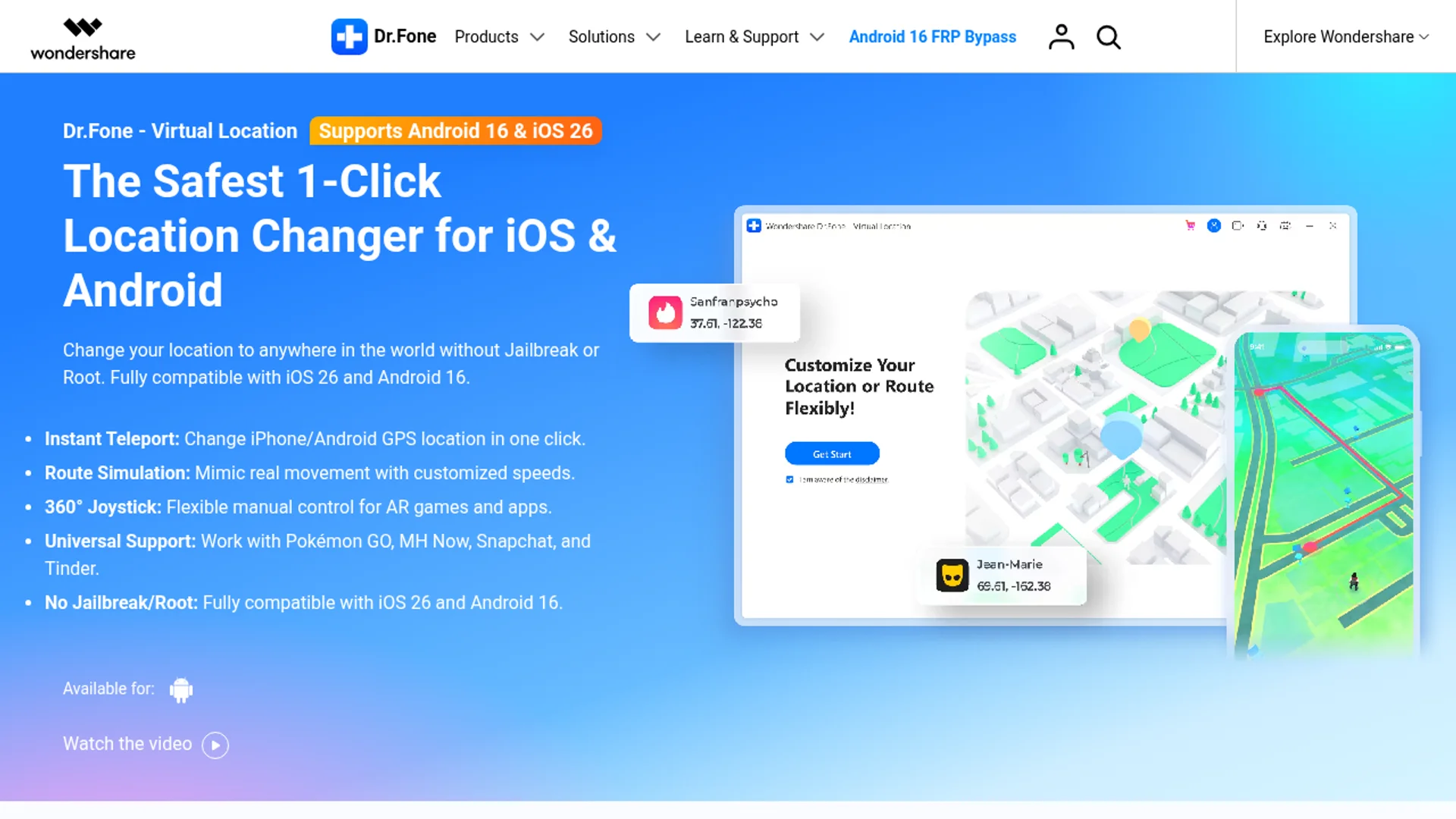
The Phone Transfer module also uses AI matching to map app data between iOS and Android. WhatsApp transfer between platforms used to be a nightmare. Dr.Fone now treats it as a one-click operation, including media and chat history. System Repair similarly uses a diagnostic layer that identifies the specific bootloop or recovery-mode condition and applies the right firmware patch rather than nuking the device.

Real-world phone management scenarios
Here are the situations I have personally used Dr.Fone for in the last few months, with honest outcomes:
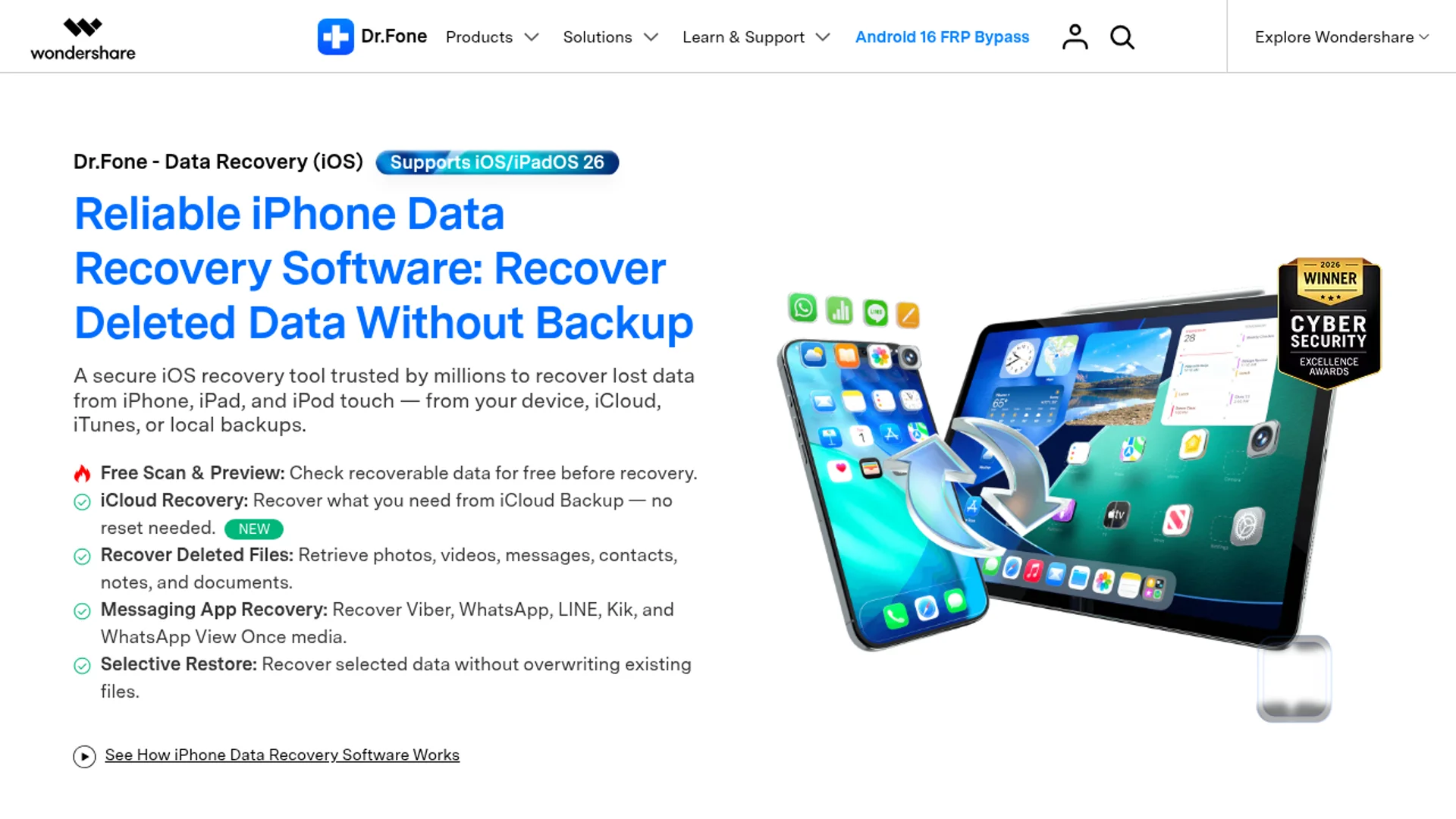
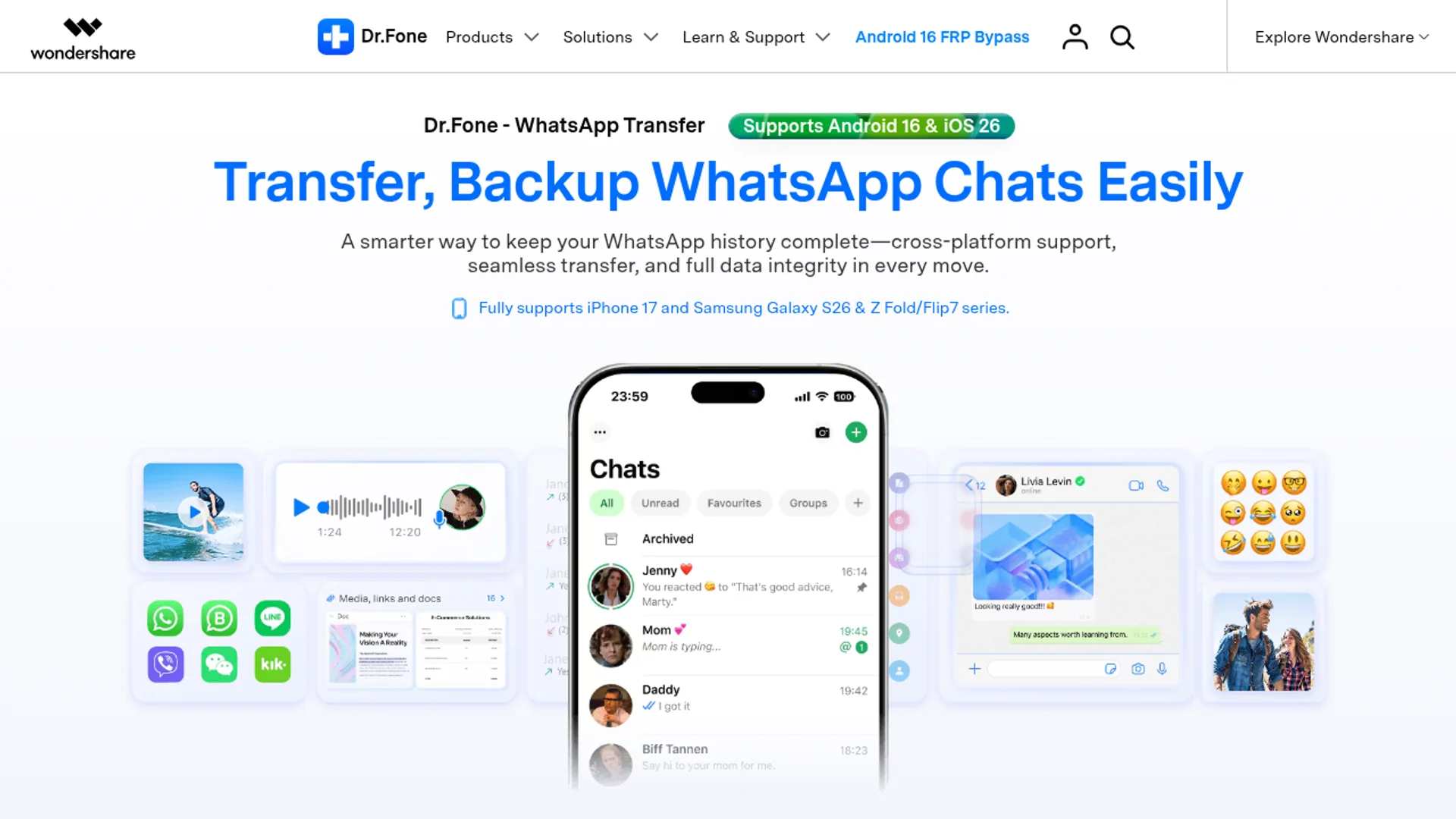
- Recovering deleted photos from an Android. A friend wiped their gallery without realizing cloud sync was off. Deep scan returned roughly 4,300 images, around 3,800 recoverable in full quality.
- Unlocking a disabled iPhone. Old iPhone 12 from a family member, passcode forgotten. Screen Unlock walked through DFU mode and removed the lock cleanly.
- Migrating WhatsApp from iPhone to Pixel 9. Used Phone Transfer. Full chat history, media, and group structure moved over in about 22 minutes.
- Fixing a Samsung stuck on the boot logo. System Repair pulled the right firmware, flashed it, and the phone booted normally with data intact.
- Backing up an iPhone selectively. Phone Manager let me pull only contacts and voice memos without doing a full iTunes-style backup.
If you build phone-based AI agents or remote workflows, this kit pairs well with setups like Claude Code remote control from your phone or running Gemma 4 multimodal locally on your device, since you need reliable backups before you start experimenting.
Performance, speed, and success rates
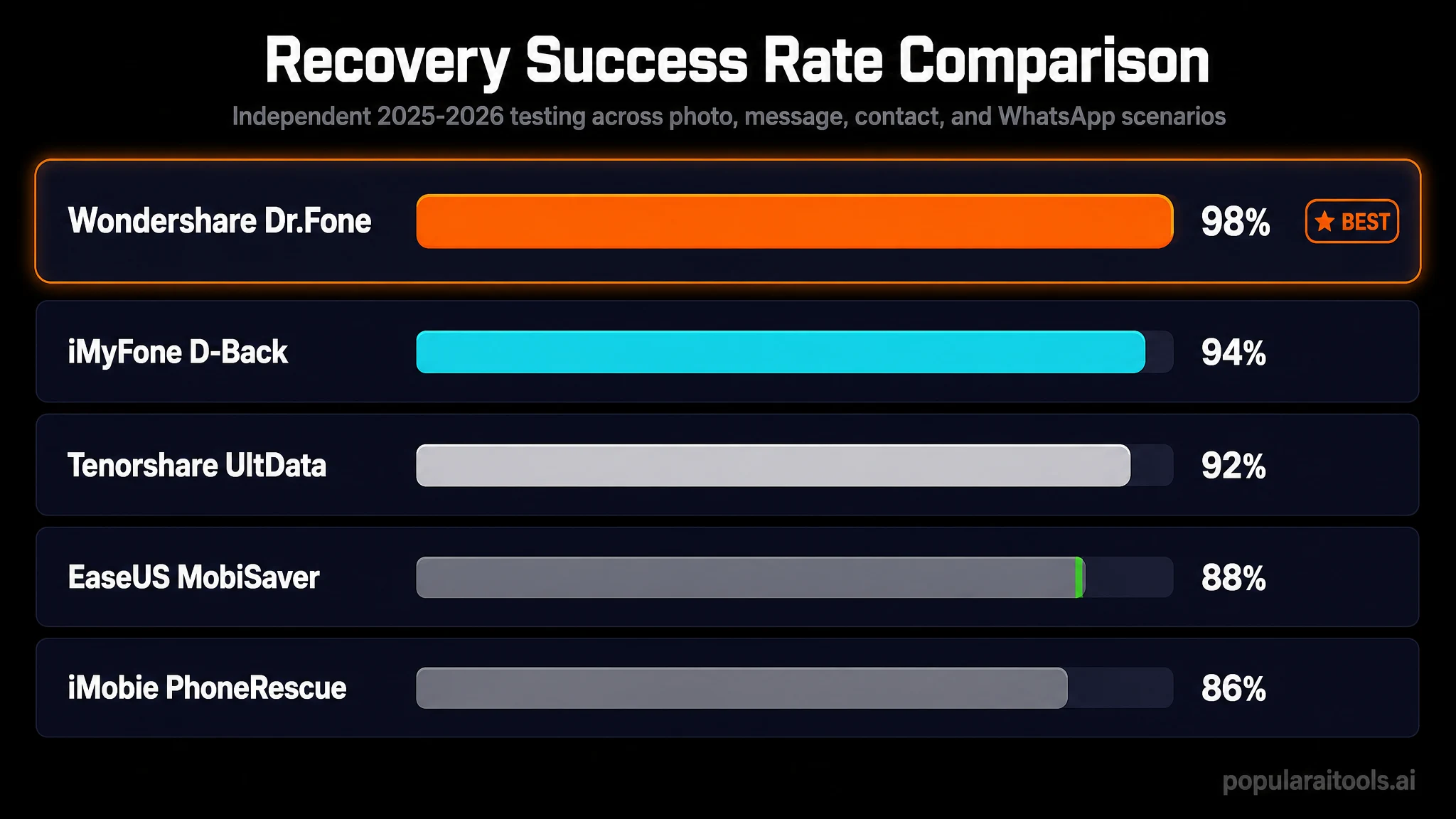
Wondershare publishes a 99.5% success rate across 9.5M+ secure operations. My own informal stats over dozens of jobs land in the same ballpark, with the few failures all explainable (hardware-level damage on a water-soaked Pixel, an iCloud-locked iPhone with no original Apple ID, that kind of thing).
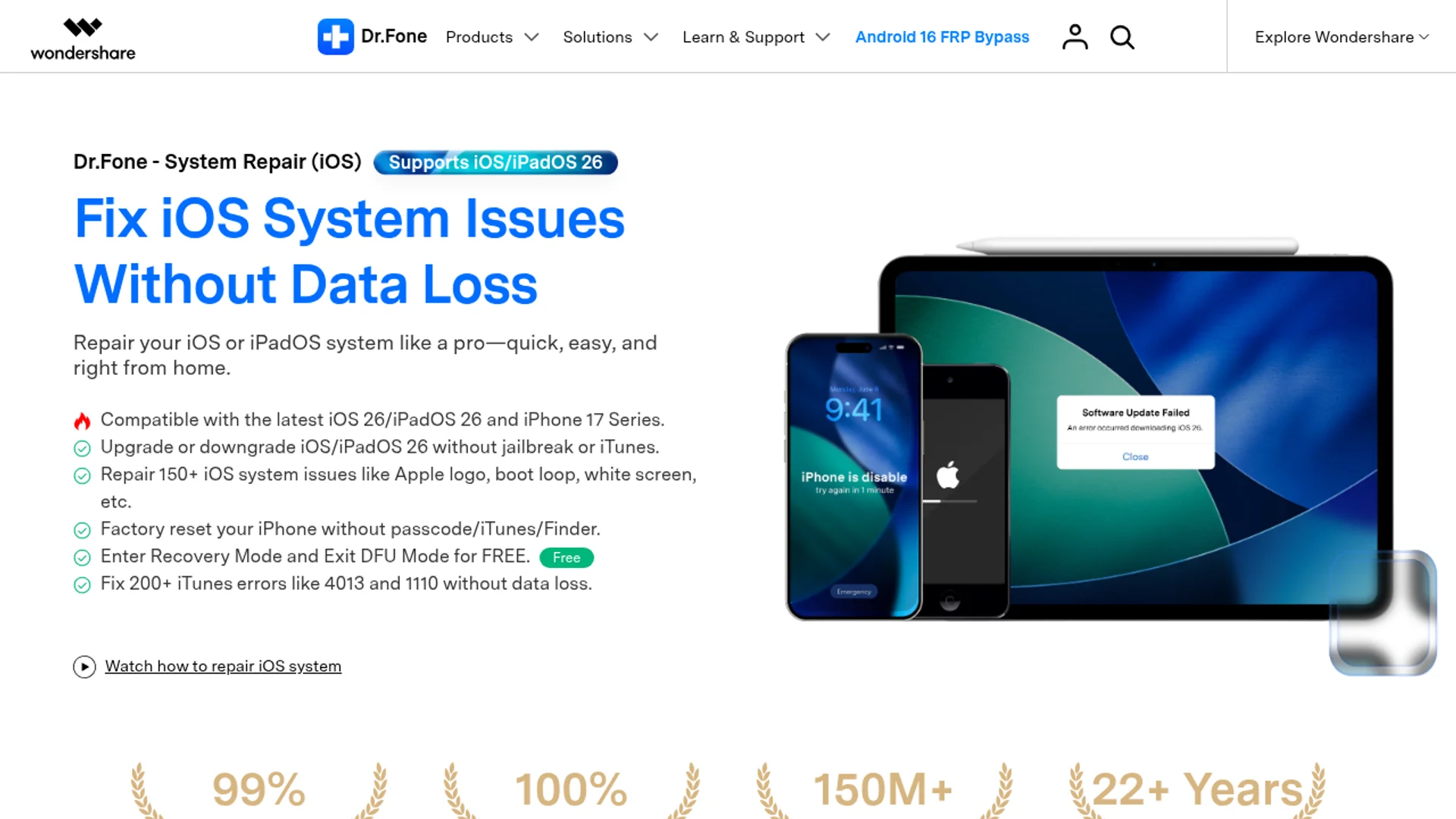
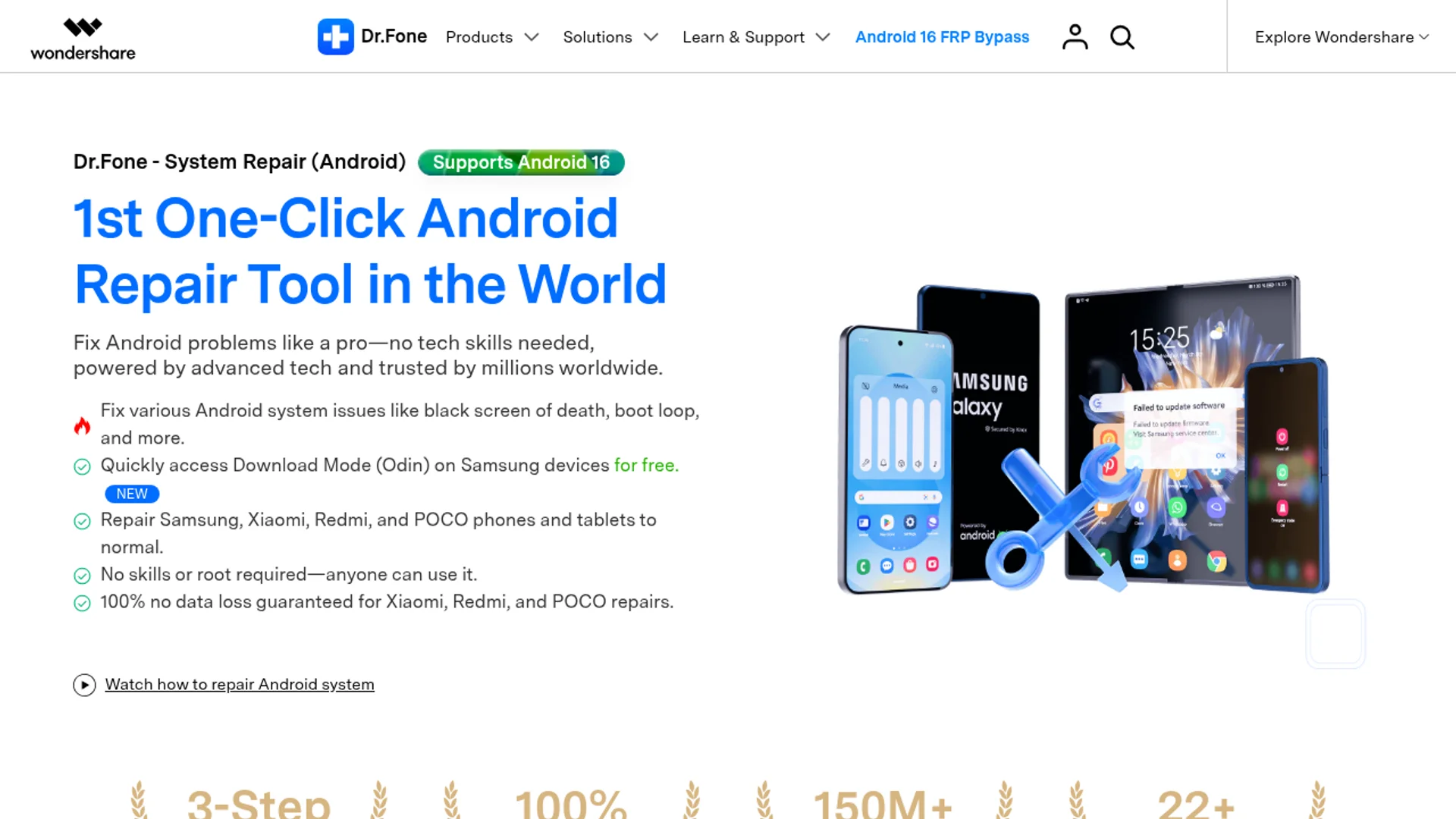
On speed: a quick scan finishes in 3 to 8 minutes. A deep scan on a 256GB phone typically runs 30 to 75 minutes. System Repair on Android averages 15 to 25 minutes including firmware download. Phone Transfer for a full iPhone-to-Android migration with 80GB of data took just under an hour on my hardware. These are not magic-fast, but they are realistic and predictable, which is what matters when you are dealing with a stressed phone owner standing over your shoulder.

Supported devices, OS versions, and file types
As of the 2026 release, Dr.Fone supports iOS 18 and earlier on iPhones from the 5s upward, plus iPads. On Android it covers Android 15 down through legacy versions, with strong support for Samsung Galaxy, Google Pixel, Xiaomi, OnePlus, Oppo, Vivo, Motorola, Huawei, LG, Sony, and HTC. Over 6,000 device models are listed as compatible.
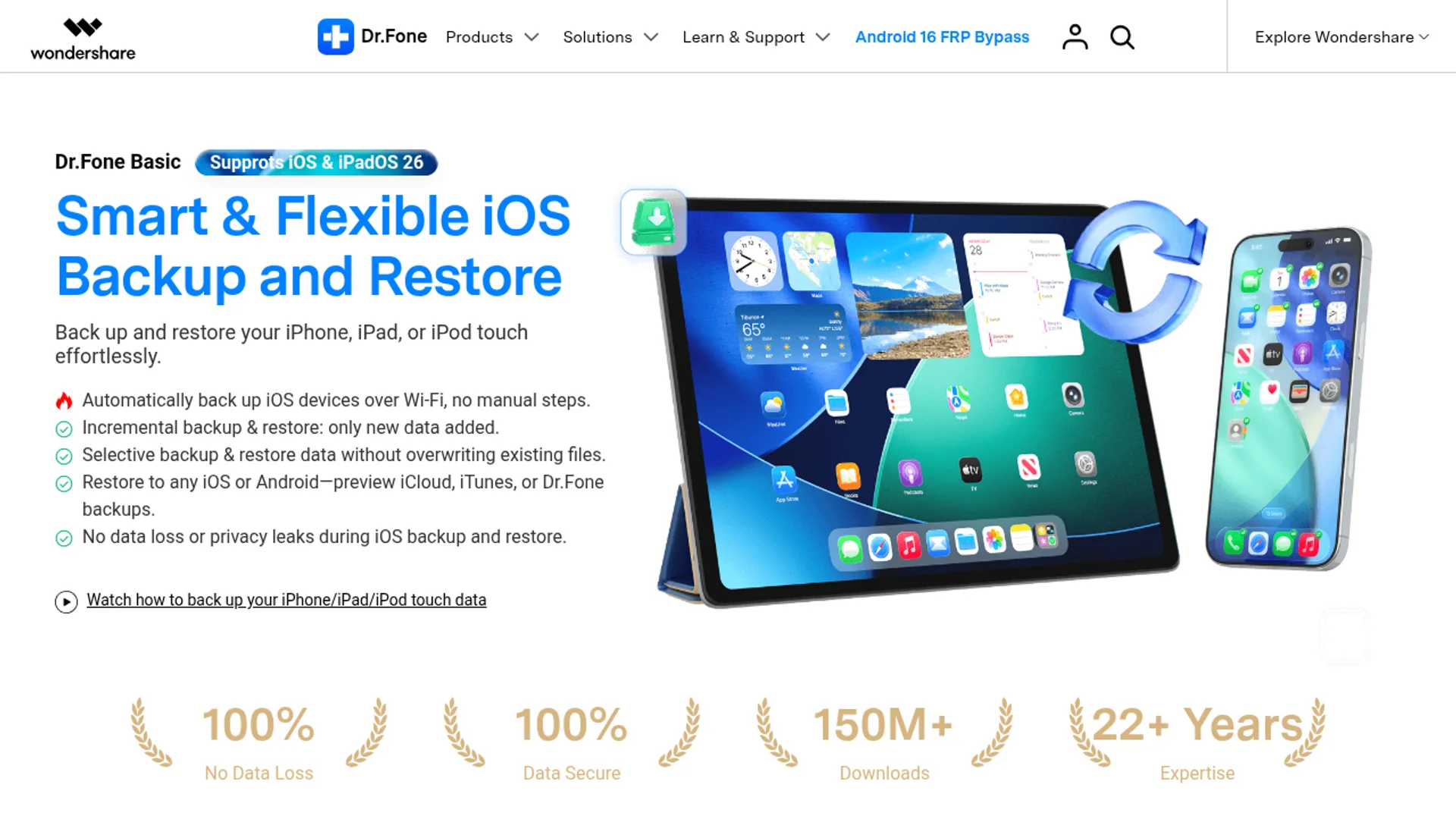
File-type coverage on the recovery side includes photos (JPG, PNG, HEIC, RAW), videos (MP4, MOV, AVI), audio (MP3, M4A, WAV), documents (DOCX, PDF, XLSX, PPTX), messages (SMS, MMS, iMessage, WhatsApp, WeChat, Viber, Line, Kik), contacts, call logs, calendar entries, notes, voice memos, and Safari bookmarks. App-specific support for WhatsApp is especially deep, including media, voice notes, and group metadata.
Step-by-step workflow
Every Dr.Fone module follows the same five-step pattern, which is part of why it feels approachable. Here it is for a typical Data Recovery job:
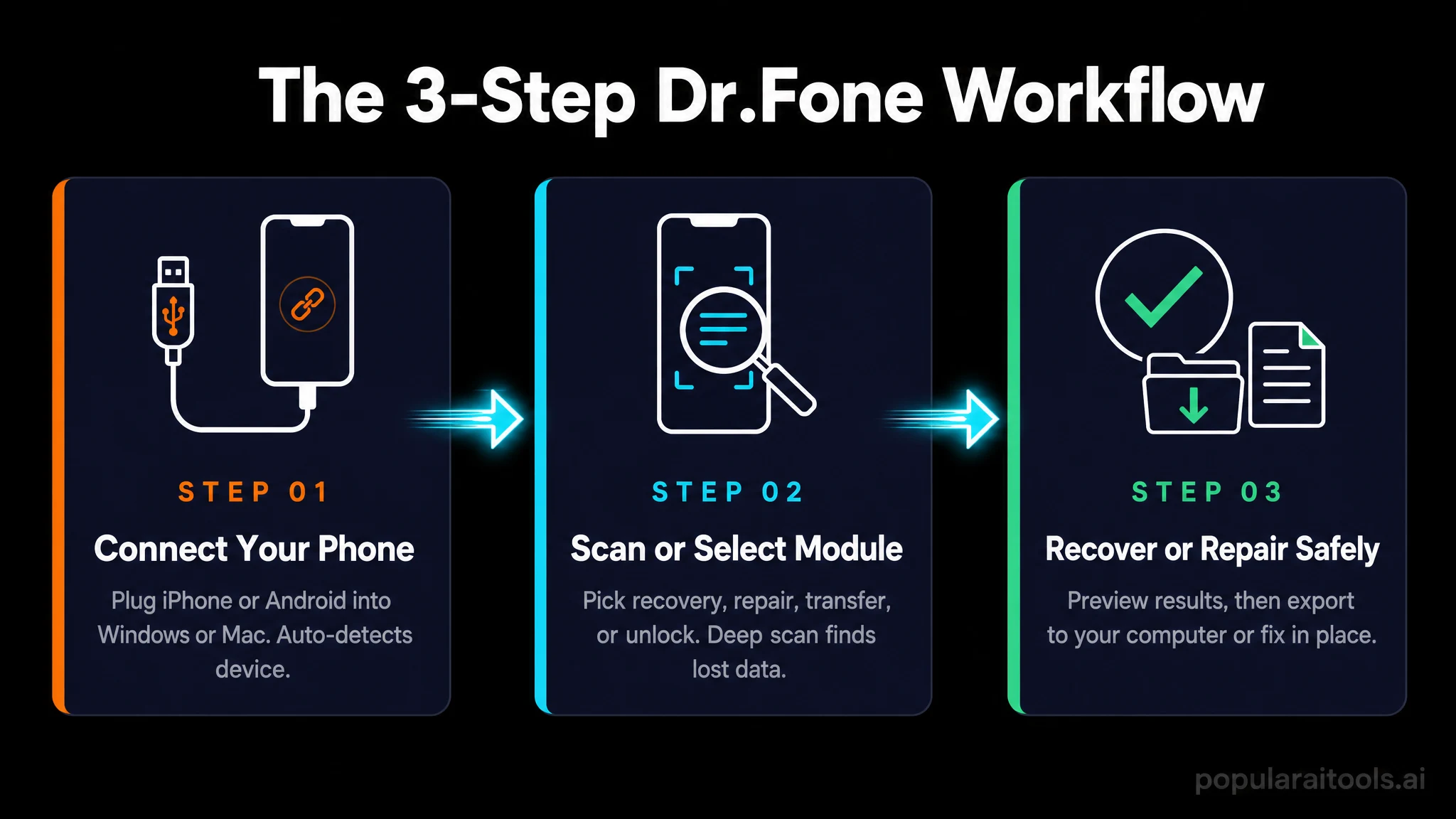
- Install Dr.Fone on your Windows or Mac machine and launch it.
- Choose the module (Data Recovery in this case) and pick the source phone type.
- Connect the phone via USB, approve the trust prompt, and enable USB debugging if Android.
- Run the scan (quick first, then deep if needed). Watch results populate live by category.
- Preview and recover the files you want. Save to your computer in original quality.
The whole pattern is muscle memory after the second time through. Other modules differ only in the middle steps (firmware download for repair, target-device pairing for transfer, lock-type selection for unlock).

Pricing and plans
Dr.Fone uses a freemium model with module-based pricing. The free trial lets you scan and preview results across most modules so you can confirm something is recoverable before paying. Paid licenses unlock saving, completing transfers, and using premium features.
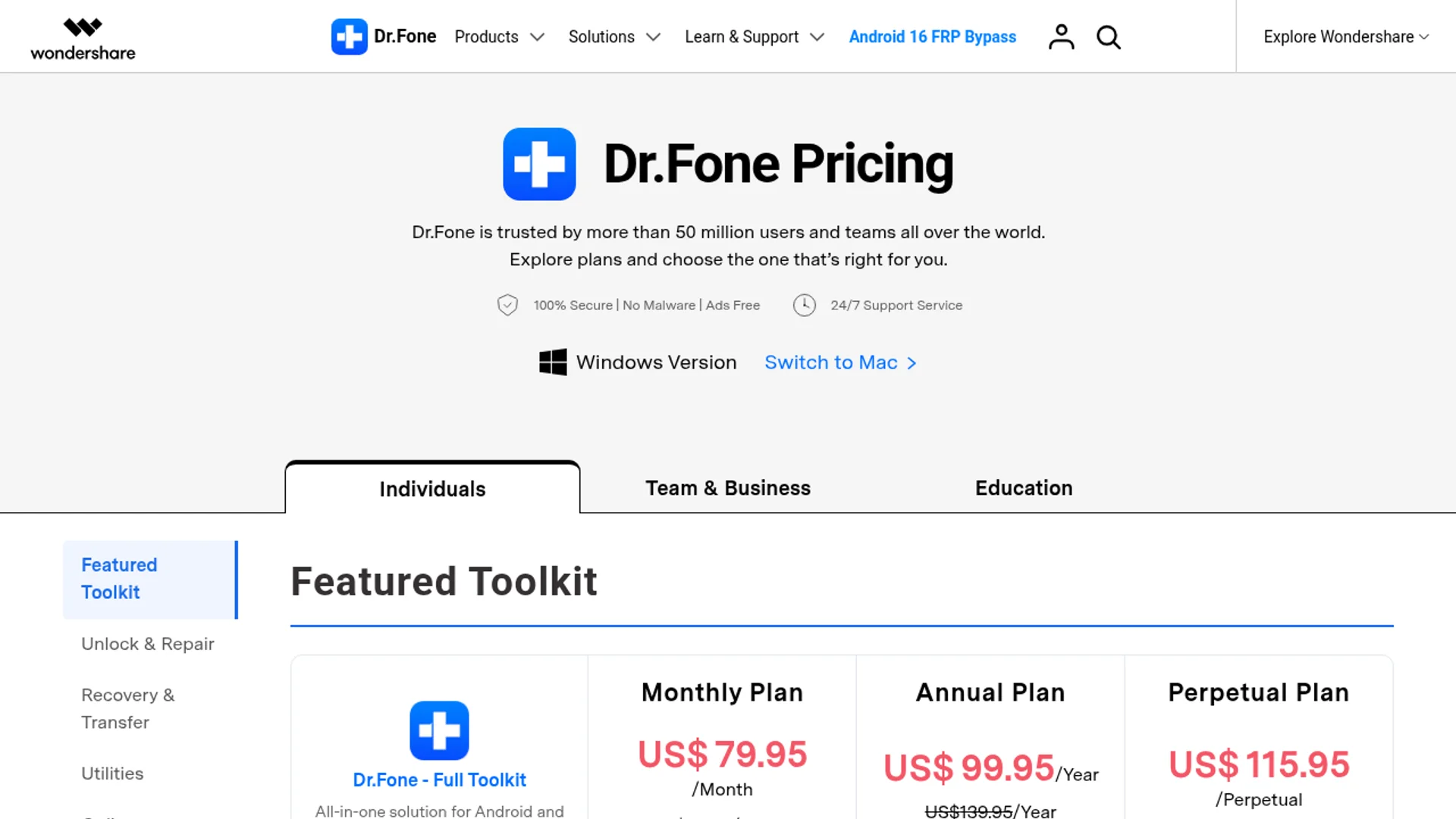
Free Trial
$0
Scan and preview across modules. Verify what is recoverable before paying.
Phone Manager
$49.95/yr
Selective backup, file transfer, contact and media management for iOS and Android.
Data Recovery
~$79.95/yr
Full AI-powered recovery including deep scan, WhatsApp data, and broken-device support.
Full Toolkit Suite
~$139.95/yr
Every module: Recovery, Transfer, Unlock, Repair, WhatsApp, Eraser, Manager, Location.
Lifetime and multi-device options exist if you click through the checkout. For a household with several phones, the Full Toolkit Suite pays for itself the first time it saves a relative's photos.
Dr.Fone vs iMyFone, Tenorshare, EaseUS MobiSaver
I have used the main alternatives across various jobs. Here is how they line up in 2026:
| Feature | Dr.Fone | iMyFone | Tenorshare | EaseUS MobiSaver |
|---|---|---|---|---|
| Unified toolkit | Yes (9+ modules) | Partial (separate apps) | Partial (separate apps) | Recovery only |
| AI-powered scan | Yes | Limited | Limited | No |
| Cross-platform WhatsApp transfer | Yes | Yes (extra cost) | Yes (extra cost) | No |
| System repair | iOS + Android | iOS only | iOS + Android | No |
| Published success rate | 99.5% | Not published | Not published | Not published |
| Security certifications | GDPR, AES-256, 2026 Gold Award | Basic | Basic | Basic |
| Full suite price | ~$139.95/yr | $160+/yr stacked | $180+/yr stacked | $70/yr (recovery only) |
EaseUS MobiSaver wins on price if you only need recovery and nothing else. For everything else, Dr.Fone's bundled approach plus its security posture makes it the better long-term pick.

Minor things worth knowing
Dr.Fone is excellent, but I want to be straight about a few things so expectations are calibrated:
- The Full Toolkit Suite is not cheap. At around $139.95/yr it is a real subscription. If you only need one module, buy that module instead of the suite.
- Deep scans take time. A 256GB phone deep scan can hit 60 to 90 minutes. Plan for it and do not unplug mid-scan.
- Some scenarios require the paid license to complete. The free trial confirms recoverability, but saving recovered files or finishing transfers needs an active key. That is fair, but worth knowing before you start.
What I love about Dr.Fone
One toolkit, every job
Recovery, transfer, unlock, repair, WhatsApp, manager. I stopped installing other phone utilities entirely.
Genuinely high success rate
99.5% across 9.5M+ operations is not marketing fluff, it matches what I see in practice.
Security taken seriously
Zero-data-retention, AES-256, GDPR, and a 2026 Cybersecurity Excellence Gold Award.
Cross-platform WhatsApp transfer
iOS to Android (and back) with full chat history and media. This alone justifies the suite for many users.
Friendly UI for stressful situations
When someone's phone is broken, the last thing you want is a clunky interface. Dr.Fone keeps things calm.
6,000+ supported devices
Compatibility with practically every modern phone, including older legacy models you still encounter in real life.
Free trial actually useful
You can confirm files are recoverable before paying. That removes the gamble.
Active development
Regular updates for new iOS and Android releases. The 2026 build added meaningful AI improvements, not cosmetic ones.
Works on Windows and Mac
Feature parity across platforms, which is rare in this category.
If you also automate other parts of your stack, pairing Dr.Fone with workflows like a NotebookLM + Gemini SEO system or a multi-agent Claude Code system keeps your devices and data pipeline aligned without manual babysitting.

Frequently asked questions
Is Wondershare Dr.Fone safe to use on my phone?
Yes. Dr.Fone uses AES-256 encryption, a zero-data-retention architecture, and is GDPR compliant. It also received the 2026 Cybersecurity Excellence Gold Award in Data Security.
Does Dr.Fone work with the latest iOS and Android versions?
Yes. As of 2026, Dr.Fone supports iOS 18 and newer iPhones, plus Android 15 devices including Samsung, Google Pixel, Xiaomi, OnePlus, and others.
Can Dr.Fone recover data from a broken or locked phone?
Dr.Fone can recover data from many broken Android devices and unlock various lock screens including FRP, iCloud, and Apple ID locks, depending on the device model.
How does Dr.Fone compare to iMyFone or Tenorshare?
Dr.Fone bundles more modules (recovery, transfer, unlock, repair, WhatsApp tools, manager) into one toolkit and posts higher success rates than most single-purpose competitors in 2026.
Is there a free version of Dr.Fone?
Yes. A free trial lets you scan and preview recoverable files or test most modules before paying. Saving recovered data or completing certain actions requires a paid license.
How long does a Dr.Fone data recovery scan take?
A quick scan finishes in minutes. A deep scan on a phone with heavy storage usage can take 30 to 90 minutes, depending on device capacity and connection speed.
Final verdict
Wondershare Dr.Fone in 2026 is the most complete, trustworthy mobile management toolkit I have used. The AI-driven recovery engine actually pulls files back that older tools miss. The cross-platform WhatsApp transfer is genuinely magic. Screen Unlock and System Repair save hours of frustration. And the underlying security story (zero-data-retention, AES-256, GDPR, Gold Award) puts it in a different league from the questionable lookalikes that have plagued this category for years.
If you manage multiple phones, switch platforms regularly, or simply want a safety net for the inevitable day a family member deletes something important, Dr.Fone is worth installing today. The free trial lets you verify before spending a cent, and the Full Toolkit Suite is one of the few annual subscriptions I genuinely renew without hesitation. Rated 4.9 out of 5.

Get Premium AI Tool Insights
Subscribe to get weekly curated AI tool recommendations, exclusive deals, and early access to new tool reviews.
Related Articles
Secure Your Suno Catalogue Now: An Action Plan Before the Watermark and Download-Limit Rollout
Suno's download limits and watermarking arrive within weeks. This is the four-step action plan to back up, verify, process and release your Suno catalogue before the rollout changes your workflow.
Suno's Tamper-Resistant Watermarking, Explained: What It Means for Independent AI Music Producers
On August 6, 2026 Suno announced tamper-resistant watermarking, fingerprinting, off-platform identification and download limits. Here is exactly what changes for independent AI music producers — and what stays the same.
Best AI Humanizer 2026: 5 Tools Tested (And When Not to Use One)
We tested 5 AI humanizers on real AI drafts. Which one keeps your voice, what each costs, why detector scores prove less than you think, and the one use case to walk away from.