Best AI Coding Assistants 2026: We Tested 7 (Here Is Our Ranking)

AI Infrastructure Lead

Key Takeaways
- Cursor is the best overall AI coding assistant for power users who want multi-model flexibility and autonomous agents.
- GitHub Copilot remains the safest pick for teams already embedded in the GitHub ecosystem.
- Claude Code is the standout for developers who prefer working in the terminal with massive context windows.
- Devin is the only tool that can genuinely handle full ticket-to-PR workflows autonomously.
- Pricing ranges from free (Amazon Q) to usage-based (Claude Code, Devin), with most landing at $20/month.
- Every tool on this list made us faster. The right choice depends on where you code, not just how good the AI is.
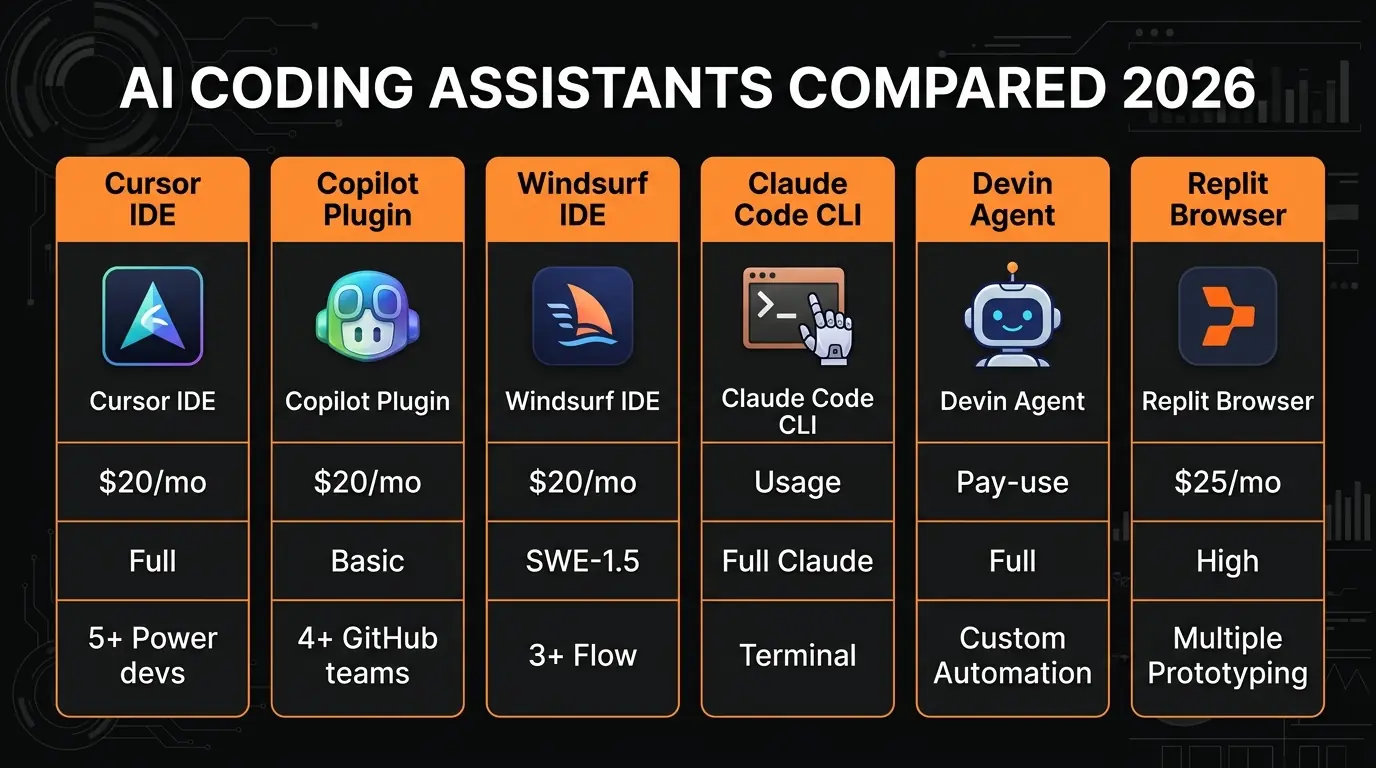
- Quick Comparison Table
- Cursor — Best Overall AI IDE
- GitHub Copilot — Best VS Code Plugin
- Windsurf — Best Cascade Flow
- Claude Code — Best CLI Agent
- Devin — Best Autonomous Agent
- Replit Agent — Best Browser IDE
- Amazon Q Developer — Best AWS Integration
- How We Tested
- Final Verdict: Which One Should You Use?
- FAQ
AI coding assistants went from "helpful autocomplete" to "autonomous software engineer" in about 18 months. By March 2026, there are tools that write pull requests, tools that debug your code while you sleep, and tools that build entire applications from a single prompt.
The problem is not finding an AI coding assistant. It is finding the right one. We spent three weeks testing seven of the most popular options on real projects — a Next.js SaaS app, a Python data pipeline, and a React Native mobile build. We measured speed, accuracy, context handling, and how often we had to fix the AI's work.
Some of these tools genuinely changed how we build software. Others looked impressive in demos but fell apart on anything beyond a TODO app. Here is what we found.
Quick Comparison: All 7 AI Coding Assistants
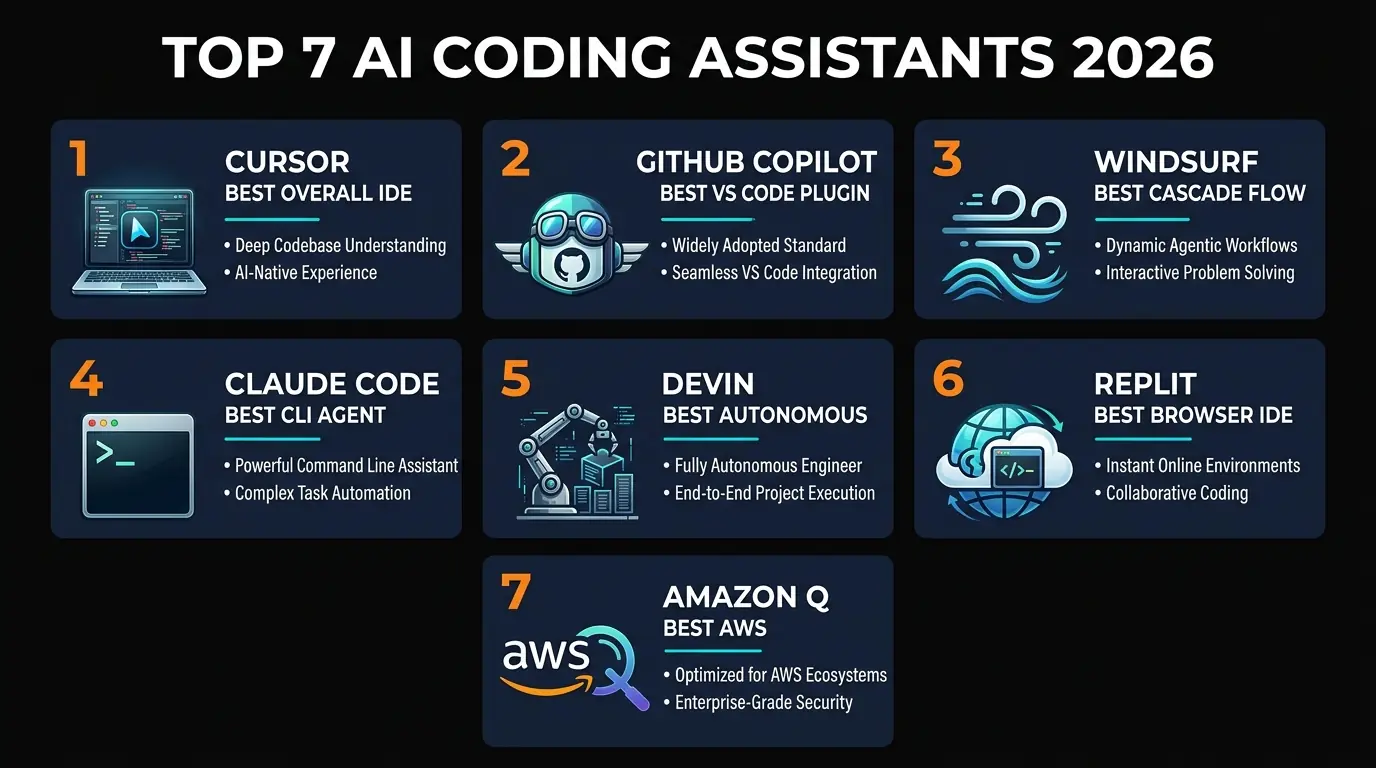
| Tool | Best For | Price | AI Models | Agents | Free Tier |
|---|---|---|---|---|---|
| Cursor | Power users, full IDE | $20/mo Pro | GPT-5.4, Claude 4.6, Gemini 3 | Autonomous + BugBot | Yes (limited) |
| GitHub Copilot | VS Code + GitHub teams | $20/mo Pro | GPT-5.4, Claude 4.6 | Codex agent + PR review | Yes (limited) |
| Windsurf | Flow-aware coding | $20/mo Pro | SWE-1.5, GPT-5.4 | Cascade flows | Yes |
| Claude Code | Terminal-native devs | Usage-based | Claude Opus 4.6 | Full agentic CLI | No |
| Devin | Autonomous task execution | $2.25/ACU | Proprietary | Full autonomy | No |
| Replit Agent | Beginners, prototyping | $25/mo Pro | Multi-model | Full-stack agent | Yes (limited) |
| Amazon Q Developer | AWS shops | Free / $19/mo Pro | Amazon proprietary | Transform + security | Yes (generous) |
Now let us break down each tool in detail.
1. Cursor — Best Overall AI IDE
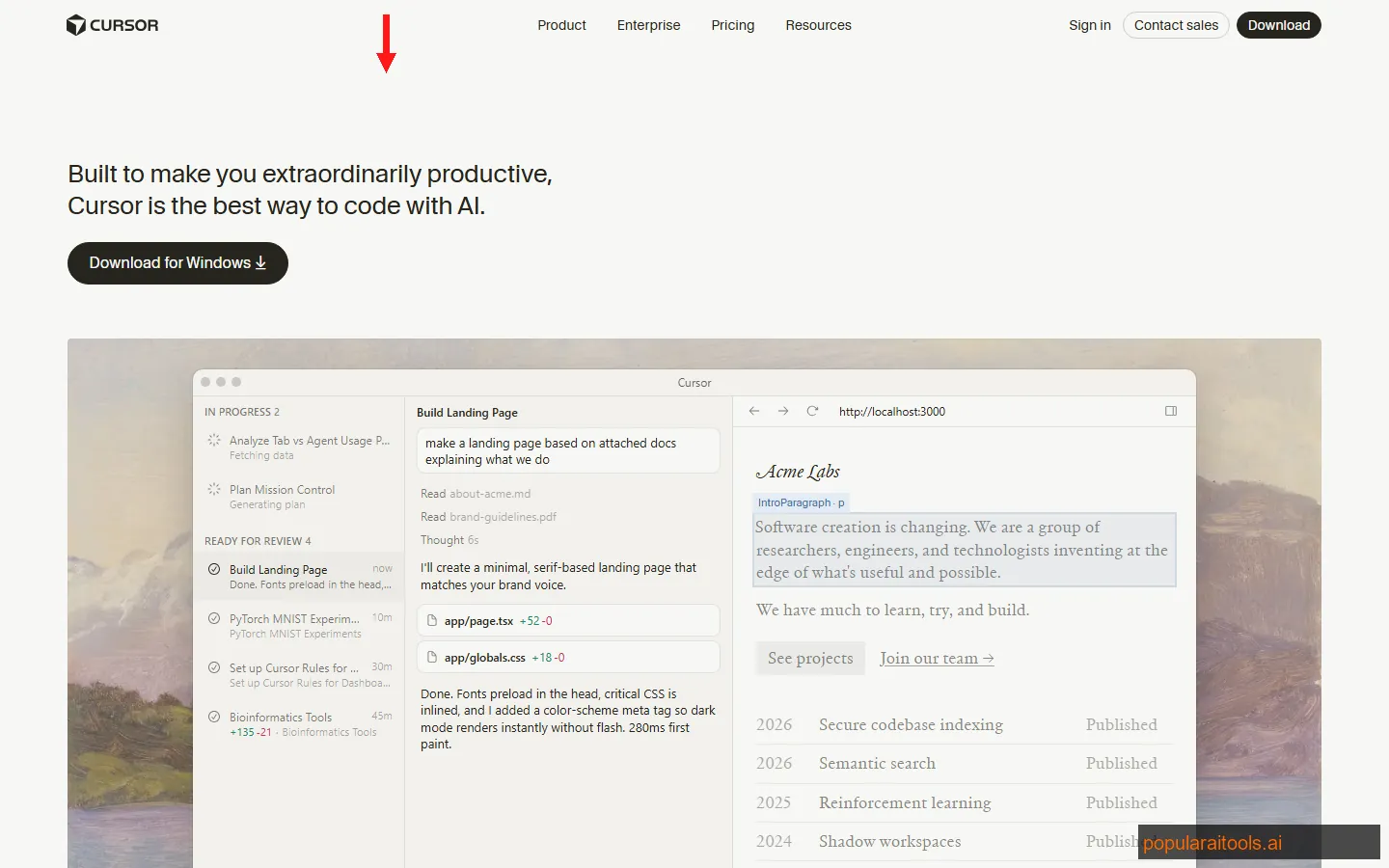
Cursor started as a VS Code fork with a chat panel. In 2026, it is the most complete AI coding environment we have tested. The difference is the agent architecture — Cursor does not just suggest code, it plans, executes, tests, and iterates across multiple files without you touching the keyboard.
The multi-model support is the real differentiator. You can switch between GPT-5.4, Claude 4.6, and Gemini 3 mid-conversation depending on the task. We found Claude 4.6 handled complex refactors best, GPT-5.4 was fastest for boilerplate, and Gemini 3 excelled at understanding visual mockups. Having all three in one IDE eliminates the context-switching tax of running separate tools.
Tab autocomplete deserves its own mention. It predicts multi-line edits with an accuracy that made us double-check it was not reading our minds. After a few hours, it adapts to your patterns and starts suggesting entire implementations that match your coding style. BugBot runs asynchronous code reviews on every commit, catching issues before they reach CI.
Strengths
- + Multi-model flexibility. Switch between GPT-5.4, Claude 4.6, and Gemini 3 per task.
- + Autonomous agents. Plans and executes multi-file changes without manual intervention.
- + Tab autocomplete. The best inline prediction we tested — multi-line, context-aware, learns your style.
- + BugBot code review. Async reviews on every commit catch bugs before CI.
Weaknesses
- - VS Code fork lag. Always a step behind VS Code on extension compatibility.
- - Resource-hungry. Agent mode can spike RAM usage above 4GB on large projects.
- - Learning curve. Getting the most out of agents and model selection takes time.
Pricing: Free tier with limited completions. Pro at $20/month with 500 fast premium requests. Business at $40/month per seat.
Best for: Professional developers who want the most capable all-in-one AI coding environment and are willing to invest time learning its features. Over 50% of Fortune 500 companies now use Cursor — and after testing it, we understand why.
Read our full Cursor AI review for a deeper breakdown of agent mode, model benchmarks, and enterprise features.
2. GitHub Copilot — Best VS Code Plugin
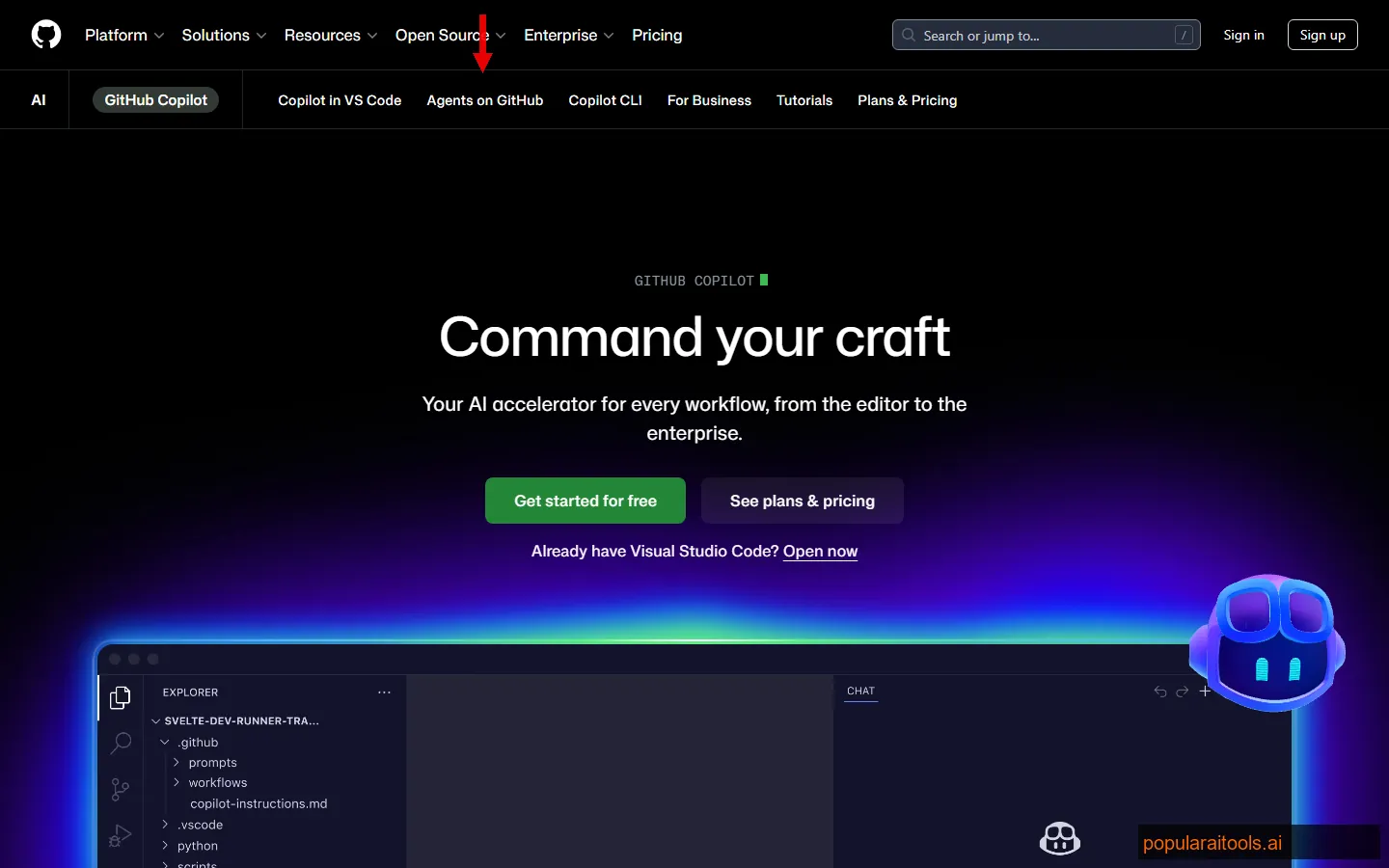
GitHub Copilot's advantage is not that it has the best AI — it is that it has the best integration. If your team lives on GitHub (issues, PRs, Actions, Discussions), Copilot weaves AI into every step of that workflow in a way no other tool can match.
The Codex agent is the headline feature for 2026. Point it at an issue, and it spins up a sandboxed environment, writes the code, runs tests, and opens a PR — all asynchronously. We assigned it 15 GitHub issues ranging from "add a loading spinner" to "refactor the auth middleware." It nailed 11 of them on the first try. The four it missed were complex architectural changes that needed human judgment.
Spaces give Copilot knowledge of your entire organization — wikis, docs, past PRs, team conventions. This means suggestions match your team's patterns instead of generic Stack Overflow patterns. PR reviews are the other killer feature. Copilot reviews every PR with context-aware feedback, catching bugs that traditional linters miss.
Strengths
- + GitHub-native. Issues, PRs, Actions, Spaces — AI woven into every workflow.
- + Codex agent. Async issue-to-PR execution with sandboxed environments.
- + PR reviews. Context-aware code review on every pull request.
- + Massive adoption. Largest user base means the most training data and fastest improvements.
Weaknesses
- - No standalone IDE. You must use VS Code, JetBrains, or Neovim — no dedicated app.
- - Model selection limited. Fewer model options than Cursor — you cannot bring your own keys.
- - Agent mode still maturing. Codex works well but does not match Cursor's depth.
Pricing: Free tier for individual developers. Pro at $10/month (individual) or $20/month per seat (Business). Enterprise at $39/month per seat.
Best for: Teams that use GitHub for everything. If your workflow is issues to branches to PRs to deploys — all on GitHub — Copilot integrates more deeply than anything else.
3. Windsurf — Best Cascade Flow
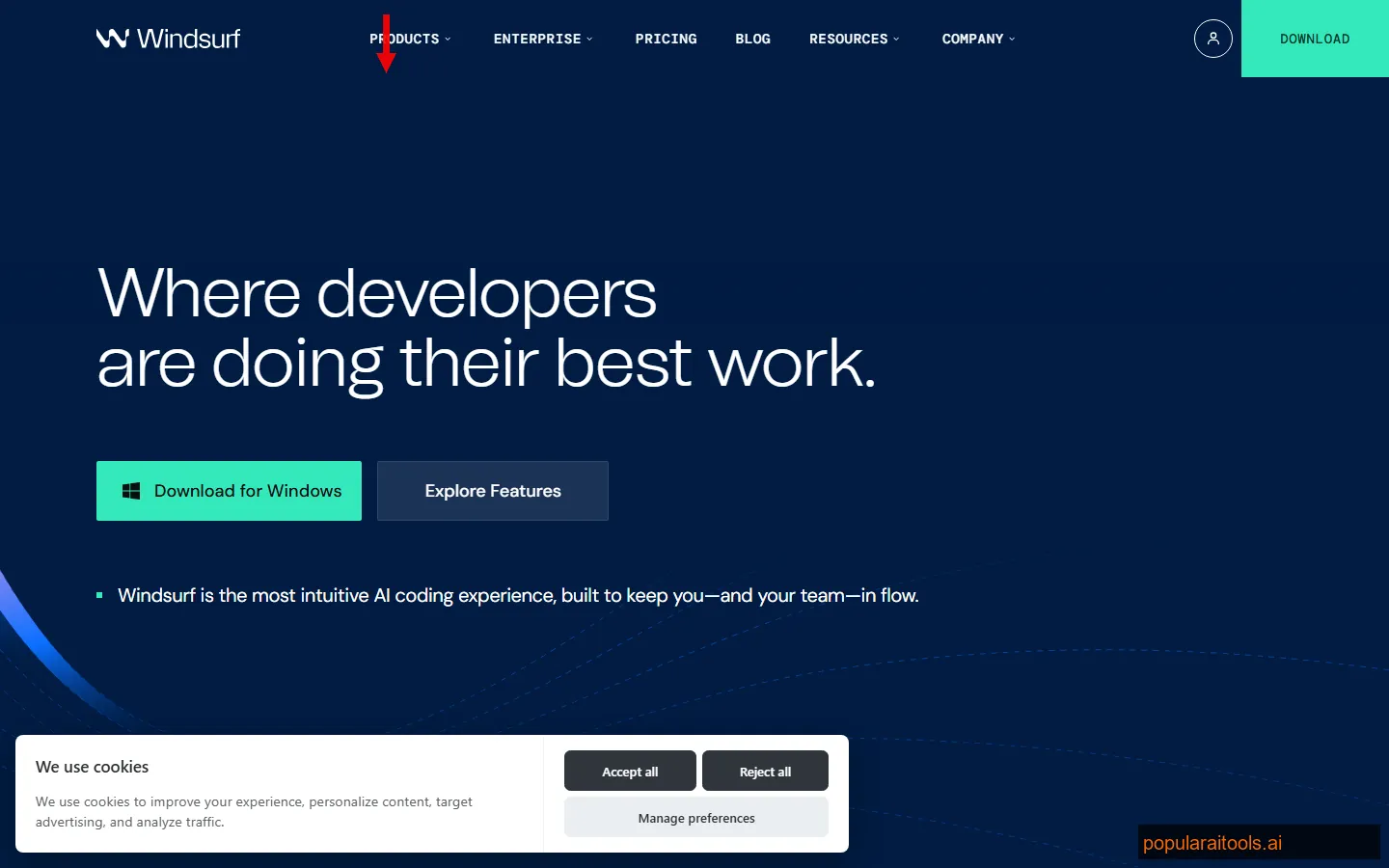
Windsurf (formerly Codeium) rebranded and rebuilt its entire product around one idea: flow-aware AI. The Cascade system watches everything you do — file opens, cursor movements, terminal commands, git diffs — and uses that context to anticipate what you need next. It feels less like a chatbot and more like a colleague who has been pair programming with you all day.
Their proprietary SWE-1.5 model is purpose-built for software engineering tasks. In our testing, it handled multi-file refactors with less hand-holding than GPT-5.4 or Claude 4.6 when running inside Windsurf's context engine. The Fast Context feature indexes your entire codebase locally and retrieves relevant code snippets in under 200ms, which makes chat responses feel instant even on large projects.
Where Windsurf falls short is ecosystem. Cursor has more users, more extensions, and a larger community. If you hit a weird edge case with Windsurf, you are more likely to be on your own. But for raw coding flow, it is the smoothest experience on this list.
Strengths
- + Cascade flow. Tracks your full workflow for context-aware suggestions.
- + SWE-1.5 model. Purpose-built for code, not a general LLM adapted for coding.
- + Fast Context. Sub-200ms codebase retrieval makes it feel instant.
Weaknesses
- - Smaller ecosystem. Fewer community resources and extensions than Cursor or Copilot.
- - Model lock-in. Heavily optimized for SWE-1.5 — other models work but are not as tightly integrated.
- - Brand confusion. The Codeium-to-Windsurf rebrand still causes discovery issues.
Pricing: Free tier with basic completions. Pro at $20/month with unlimited Cascade flows and priority model access.
Best for: Developers who value uninterrupted coding flow over raw feature count. If you have tried Cursor and found it too busy, Windsurf's more focused approach might click.
We go deeper in our Windsurf review, including Cascade benchmarks and comparisons with Cursor's agent mode.
4. Claude Code — Best CLI Agent
Claude Code is the odd one out on this list. While every other tool gives you a graphical IDE or browser interface, Claude Code is terminal-native. You install it via npm, run it in your shell, and interact entirely through text. If that sounds limiting, you have not used it.
The 1 million token context window is the feature that changes everything. We pointed it at a 200-file Next.js project and asked it to refactor the authentication system from NextAuth to Clerk. It read every relevant file, understood the dependency chain, made coordinated changes across 34 files, and ran the test suite — all in one session. No other tool on this list could hold that much context without losing the thread.
Running on Claude Opus 4.6, the reasoning quality is exceptional. It does not just complete code — it explains its decisions, catches edge cases proactively, and asks clarifying questions when the task is ambiguous. The agentic mode lets it run shell commands, edit files, search codebases, and chain multi-step operations. We used it to build entire features from scratch, and the results were production-quality about 80% of the time.
The downside is the learning curve. There is no autocomplete, no inline suggestions, no GUI. You have to be comfortable in the terminal and know how to describe what you want precisely. It is also usage-based pricing, which can get expensive on large sessions.
Strengths
- + 1M token context. Reasons across your entire codebase in a single session.
- + Opus 4.6 reasoning. Best-in-class for complex architectural decisions.
- + True agentic mode. Runs commands, edits files, chains operations autonomously.
- + Terminal-native. No IDE overhead — works wherever you have a shell.
Weaknesses
- - No GUI. Terminal-only workflow is not for everyone.
- - No autocomplete. No inline code suggestions — you interact through conversation.
- - Usage-based cost. Heavy sessions can get expensive without careful management.
Pricing: Usage-based through Anthropic API. No monthly subscription — you pay for what you use. Typical heavy session costs $5-15.
Best for: Senior developers and architects who work in the terminal and need to reason across large, complex codebases. If you spend more time planning and refactoring than writing new code, Claude Code is built for you.
5. Devin — Best Autonomous Agent
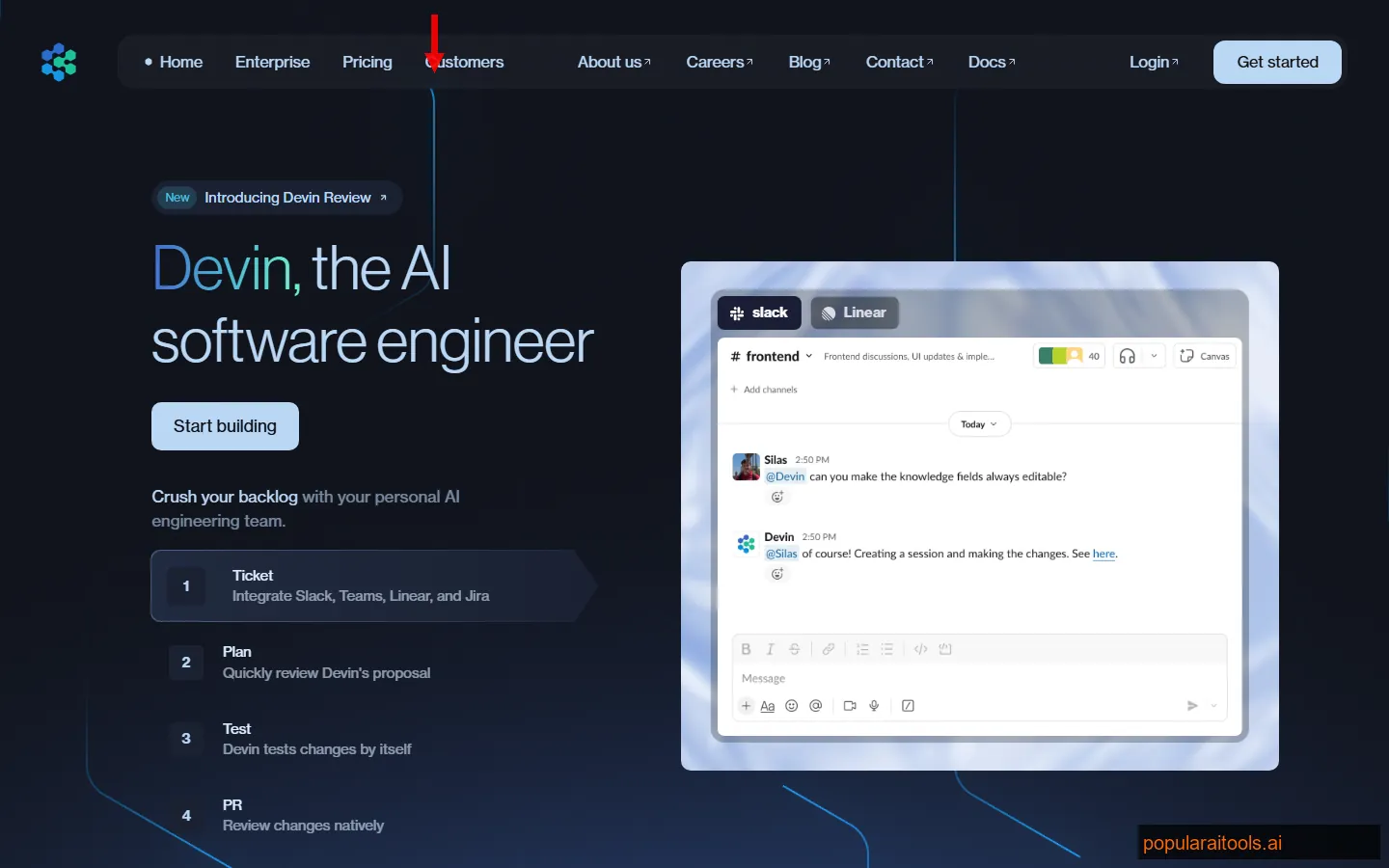
Devin is not a coding assistant in the traditional sense. It is an autonomous software engineer that takes a ticket, understands the requirements, writes the code, tests it, and opens a PR — without you in the loop. You interact with it through Slack, and it asks clarifying questions only when genuinely stuck.
We gave Devin 20 tasks from our actual backlog: dependency updates, bug fixes, API endpoint additions, test coverage improvements, and a small feature build. It completed 14 autonomously with production-quality code. Three needed minor edits. Three it could not solve (all involved complex state management across multiple React contexts).
The codebase learning feature is what separates Devin from agents like Cursor or Codex. Point it at your repo and it builds an internal map of architecture, conventions, and patterns. After learning our codebase, its PRs matched our coding style — variable naming, error handling patterns, even comment style. The 20+ integrations (Slack, Jira, Linear, GitHub, GitLab) mean it slots into existing workflows without disruption.
Strengths
- + Full autonomy. Ticket-to-PR with no human intervention for routine tasks.
- + Codebase learning. Adapts to your team's coding style and conventions.
- + 20+ integrations. Slack, Jira, Linear, GitHub, GitLab — fits into existing workflows.
Weaknesses
- - Cost unpredictability. ACU-based pricing makes budgeting difficult for large teams.
- - Struggles with complexity. Multi-context state management and novel architecture trips it up.
- - Not a pair programmer. It works alone — no inline suggestions or interactive coding.
Pricing: $2.25 per ACU (AI Compute Unit). A typical bug fix costs 1-3 ACU. A feature build can cost 5-15 ACU. Enterprise pricing available for teams.
Best for: Engineering teams with a backlog of routine tasks — dependency updates, bug fixes, test coverage, boilerplate features. Devin turns your backlog into a pipeline. Not ideal for solo developers or greenfield creative work.
For the full breakdown of Devin's capabilities and ROI analysis, see our Devin review.
6. Replit Agent — Best Browser IDE
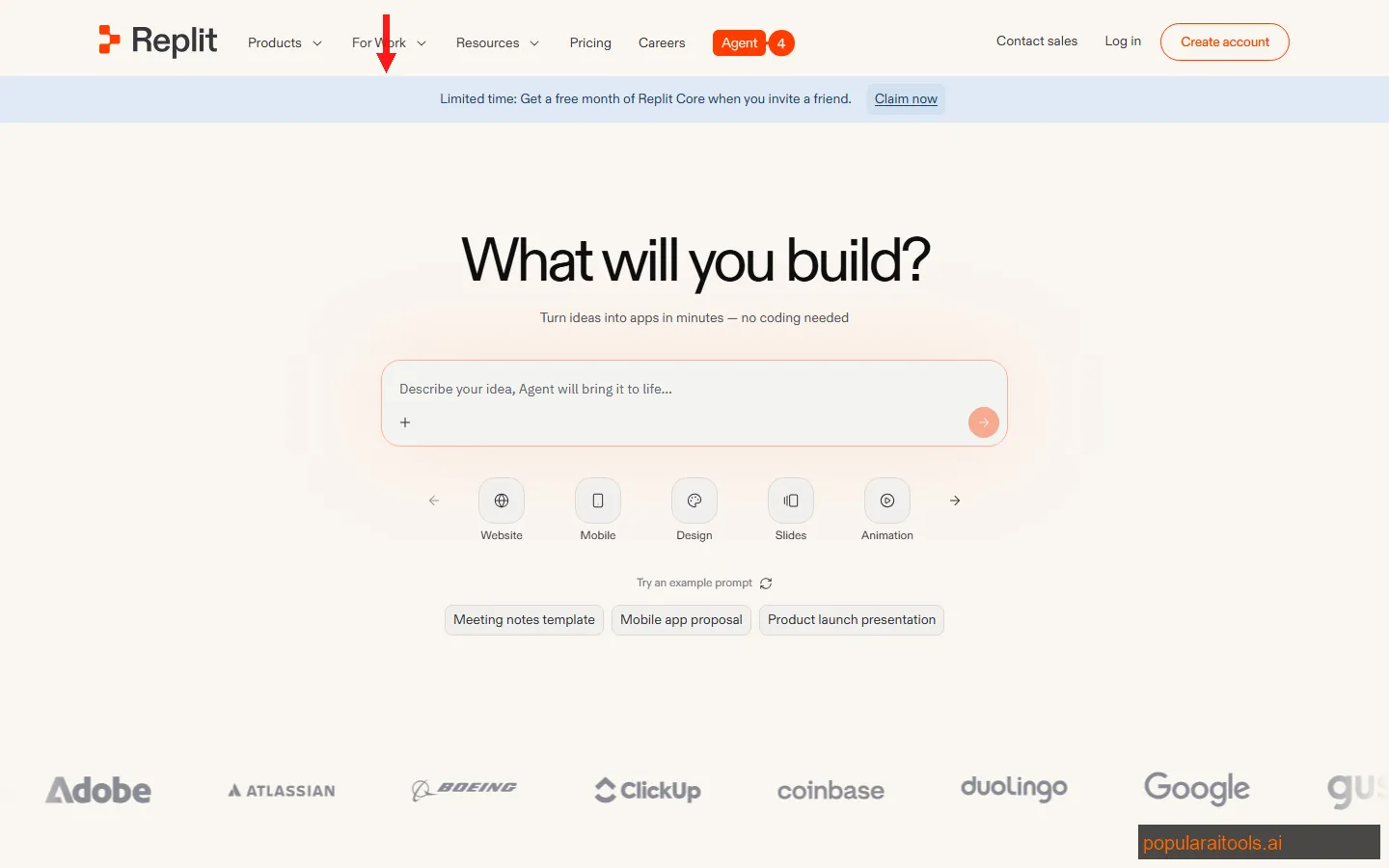
Replit Agent is the fastest path from "I have an idea" to "it is live on the internet." No local setup, no dependencies, no deployment configuration. You describe what you want in plain English, and the agent builds it — frontend, backend, database, and deployment — all within the browser.
We told it to build a bookmark manager with authentication, tags, and search. In under 10 minutes, we had a working app deployed to a public URL. The code was clean enough to iterate on. The multiplayer feature lets multiple people edit the same project simultaneously, which makes it excellent for pair programming sessions or teaching.
The limitation is ceiling. Replit Agent excels at building MVPs and prototypes, but it struggles with complex production requirements — custom build pipelines, microservice architectures, and performance optimization are not its strong suit. You will eventually outgrow it and need to eject to a local development environment.
Strengths
- + Zero setup. Browser-based — nothing to install, configure, or maintain.
- + Instant deploy. Apps go live immediately with built-in hosting.
- + Multiplayer. Real-time collaboration built in — great for teams and teaching.
Weaknesses
- - Low ceiling. Hits limits on complex architectures and production-grade requirements.
- - Pricier than peers. $25/month for Pro is 25% more than Cursor or Copilot.
- - Browser dependency. No offline access — you need a stable internet connection.
Pricing: Free tier with basic features. Pro at $25/month with unlimited AI agent usage, increased compute, and priority support.
Best for: Beginners, students, hackathon participants, and anyone who wants to go from idea to deployed app in minutes. Also great for quick prototyping when you do not want to set up a local dev environment.
Our Replit Agent review covers the full agent capabilities, deployment options, and a head-to-head with Cursor for building a SaaS app.
7. Amazon Q Developer — Best AWS Integration
Amazon Q Developer is the best AI coding assistant you have never heard of. While everyone debates Cursor vs. Copilot, Amazon quietly built a tool that is free, competent, and deeply integrated with the world's most popular cloud platform.
The free tier is genuinely generous — unlimited code suggestions, security vulnerability scanning, and basic agent capabilities at no cost. The Pro tier at $19/month adds full agent mode, higher limits, and administrative controls. For AWS shops, the killer feature is context-aware AWS suggestions. Ask Q to write a Lambda function and it knows your IAM roles, VPC configuration, and existing services. It suggests code that actually works in your specific AWS environment, not generic examples from documentation.
The .NET migration capability is a sleeper feature that enterprise teams should know about. Q can analyze a .NET Framework application and produce a migration plan to .NET 8 with working code changes. We tested it on a legacy ASP.NET app and it handled about 70% of the migration automatically — including dependency updates, API changes, and configuration rewrites.
The weakness is obvious: outside the AWS ecosystem, Q is mediocre. Its code suggestions for generic Python or JavaScript are noticeably worse than Cursor, Copilot, or Claude Code. It is an AWS tool that happens to do general coding, not a general coding tool that happens to support AWS.
Strengths
- + Generous free tier. Unlimited suggestions and security scanning at $0.
- + AWS-native. Knows your IAM, VPC, and services — suggestions work in your actual environment.
- + .NET migration. Automates legacy .NET Framework to .NET 8 upgrades.
- + Security scanning. Built-in vulnerability detection across your codebase.
Weaknesses
- - AWS-dependent value. Generic coding suggestions lag behind Cursor and Copilot.
- - Smaller community. Fewer tutorials, forums, and third-party integrations.
- - Agent mode limited. Not as autonomous as Cursor or Devin for complex multi-file tasks.
Pricing: Free tier with unlimited code suggestions. Pro at $19/month per user with full agent mode and administrative features.
Best for: Teams building on AWS who want a free-to-start AI coding assistant that understands their cloud infrastructure. Especially valuable for enterprise shops running .NET migrations.
How We Tested These Tools
We did not run benchmarks on toy problems. We used each tool on three real projects over three weeks:
- Next.js SaaS app — Full-stack with authentication, Stripe billing, dashboard, and admin panel (~180 files)
- Python data pipeline — ETL jobs processing 2M+ rows daily with error handling and monitoring (~60 files)
- React Native mobile app — Cross-platform app with offline sync, push notifications, and native modules (~120 files)
For each tool, we measured:
Completion Accuracy
How often did the generated code work on the first try without edits?
Context Handling
Could it understand and modify code across multiple files and modules?
Speed
Time from prompt to usable output, including any iteration needed.
Workflow Fit
How well did it integrate into our existing tools and processes?
Final Verdict: Which One Should You Use?
After three weeks of testing, here is our honest recommendation based on who you are:
You want the best all-around AI coding tool — Get Cursor. Multi-model support, autonomous agents, and the best Tab autocomplete we have tested. $20/month is a bargain for what you get.
Your team lives on GitHub — Get GitHub Copilot. The Codex agent and PR reviews make it indispensable for GitHub-native workflows.
You value flow over features — Get Windsurf. Cascade's flow-aware AI is the smoothest coding experience on this list.
You work in the terminal on complex codebases — Get Claude Code. The 1M token context window and Opus 4.6 reasoning are unmatched for large-scale refactors.
You want to automate your backlog — Get Devin. Ticket-to-PR automation that actually works for routine engineering tasks.
You are a beginner or need fast prototyping — Get Replit Agent. Idea to deployed app in minutes, no setup required.
You are all-in on AWS — Get Amazon Q Developer. Free, AWS-native, and the .NET migration feature alone justifies it for enterprise shops.
The good news: you do not have to pick just one. We run Cursor as our primary IDE, use Claude Code for complex refactors, and let Devin handle routine backlog items. The tools complement each other more than they compete.
The era of the "solo AI coding assistant" is over. In 2026, the smartest teams are building AI coding stacks — combining multiple tools for different types of work. Start with the one that fits your primary workflow, and add from there.
Frequently Asked Questions
Build an AI Tool? Get It in Front of the Right Audience
PopularAiTools.ai reaches thousands of qualified AI buyers every month.
Submit Your AI Tool →Recommended AI Tools
played.fm
Sell your music and keep 100%: played.fm is a direct-to-fan store + sync marketplace with 0% commission, no gatekeepers, and no bans — a strong fit for AI musicians.
View Review →OpenCode
The open-source AI coding agent: terminal-first TUI, 75+ model providers, LSP context, subagents, and privacy-first design. Free software, ~180K GitHub stars.
View Review →Exa
The neural web search API for AI agents: embeddings-based retrieval, cited highlights, sub-180ms latency, and an MCP server. 20,000 free requests/month.
View Review →Google Antigravity
Google's agent-first IDE: run a fleet of AI agents from a Manager surface, on Gemini 3 Pro, Claude Sonnet 4.5, or OpenAI models. Free in public preview.
View Review →