Google Stitch 2.0 Review 2026: AI Vibe Design That Actually Works

AI Infrastructure Lead

⚡ TL;DR — Google Stitch 2.0 Review
Google Stitch 2.0 turns plain English (and voice) into polished, high-fidelity UI designs in seconds. We spent a week testing it across web and mobile projects. The AI is genuinely good, collaboration works seamlessly, and the price is unbeatable — it is free. The catch: it is a Google Labs experiment. That means it could disappear tomorrow. Use it, enjoy it, but keep Figma in your back pocket.
📋 Table of Contents
What is Google Stitch 2.0?
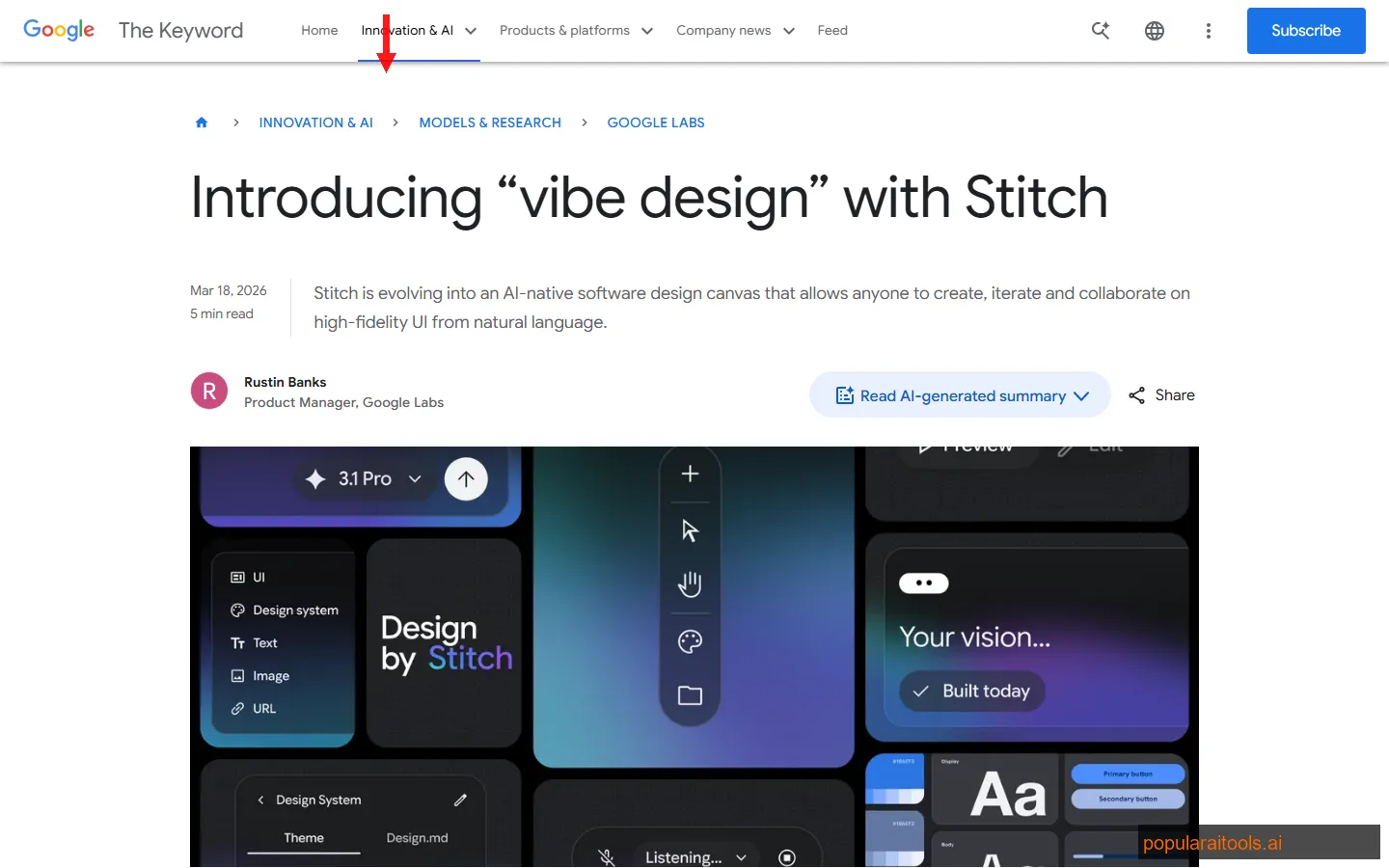
Google Stitch 2.0 is an AI-native UI design platform from Google Labs that lets you create high-fidelity user interfaces using natural language, voice commands, and context-aware AI agents. Launched on March 18, 2026, it racked up 824 upvotes on Product Hunt within days — and for good reason. It makes professional-looking UI design accessible to people who have never opened Figma.
We have been testing Stitch for the past week across three different projects: a SaaS dashboard, a mobile e-commerce app, and a marketing landing page. The tool genuinely surprised us. Describe what you want — "a dark-mode analytics dashboard with a sidebar nav, three stat cards, and a line chart" — and Stitch produces something that looks like a senior designer spent an afternoon on it. In seconds.
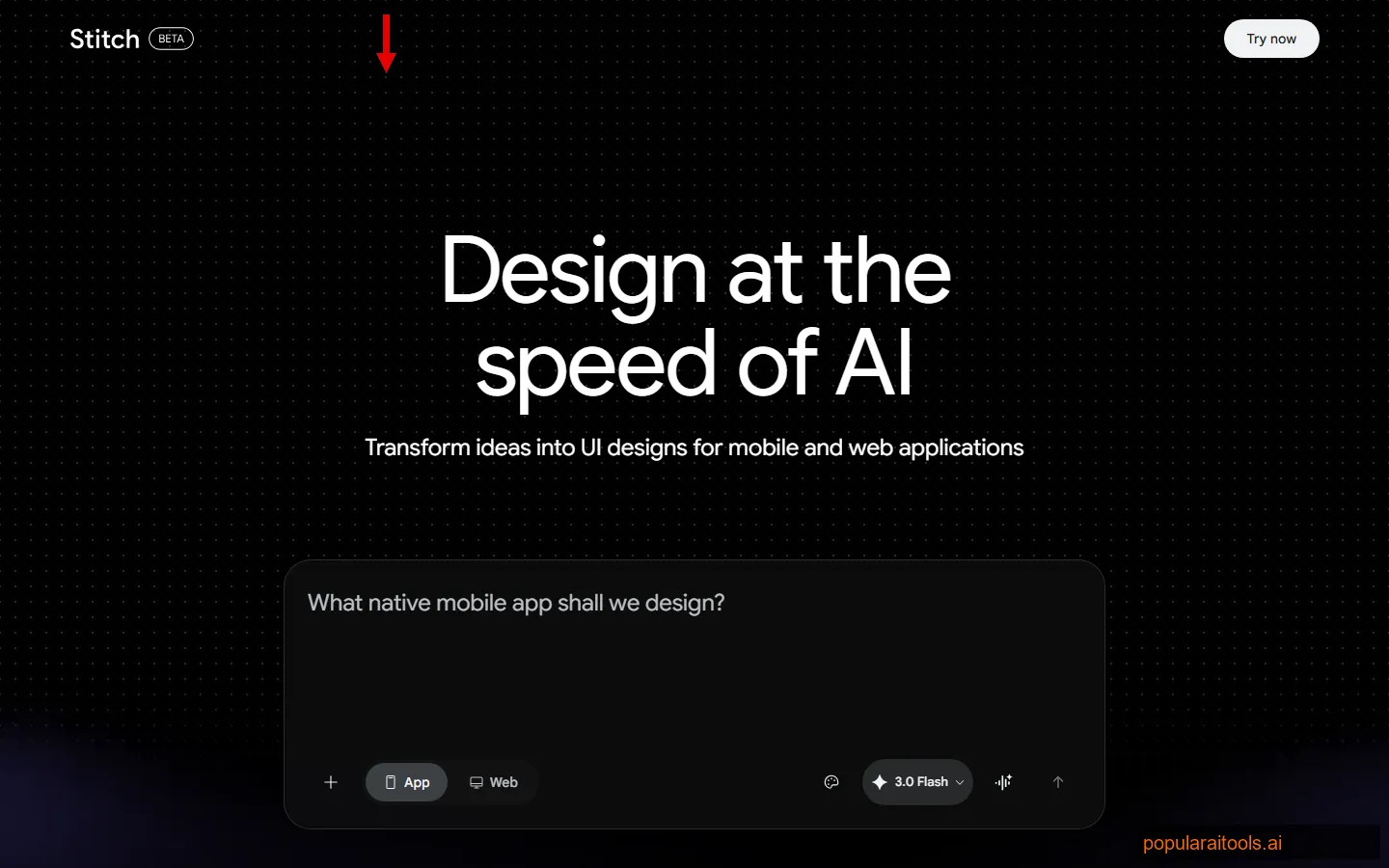
The concept behind Stitch is what Google calls "vibe design" — the idea that you should be able to describe the vibe of an interface and have AI translate that into a concrete, polished design. It is a fundamentally different workflow from traditional design tools. Instead of dragging rectangles and tweaking padding values, you have a conversation with an AI that understands layout, hierarchy, spacing, color theory, and component patterns.
The important caveat: Stitch is a Google Labs experiment. Google Labs is where Google tests ideas that may or may not become real products. Some graduates (NotebookLM became a standalone product). Others get killed (remember Google Stadia?). We will be honest about this throughout the review because it materially affects whether you should invest time learning the tool.
What makes Stitch different from existing AI design assistants is that it was built AI-first from day one. Figma added AI features on top of its existing canvas-based interface. Framer added AI page generation to its visual builder. Stitch started with the assumption that the primary input would be natural language, and everything else was designed around that. The result is a tool that feels qualitatively different to use — less like a design application with an AI sidebar, and more like a design partner that happens to have a visual canvas.
Key Features
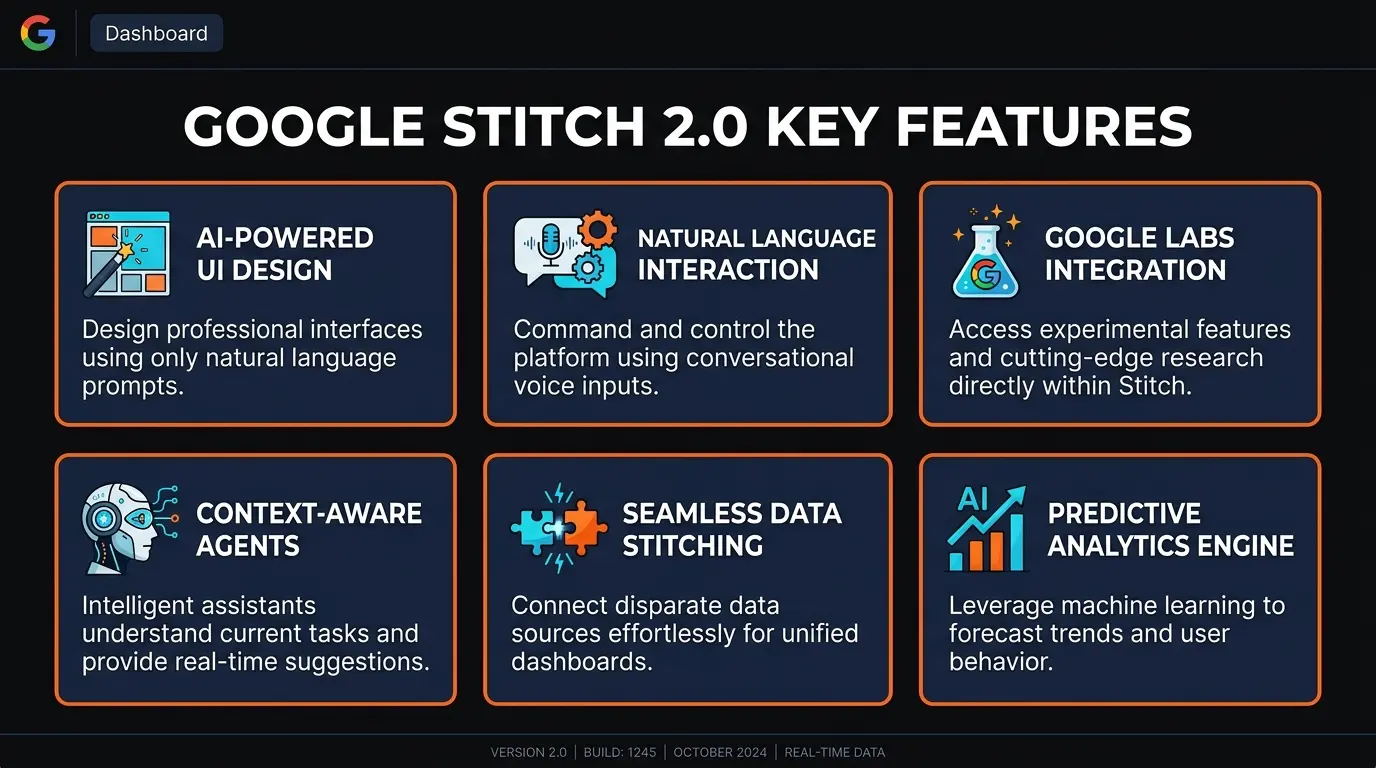
Here are the six capabilities that make Stitch stand out from every other AI design tool we have tested in 2026:
💬 Natural Language Prompting
Type what you want in plain English and get a complete UI layout. "A pricing page with three tiers, a toggle for monthly/annual, and a purple gradient header" produces a production-quality design in under 10 seconds.
🎤 Voice-Driven Design
Speak your design intent out loud. Stitch transcribes, interprets, and generates — hands-free. We used this during brainstorming sessions and it felt like having a designer on speakerphone who works at superhuman speed.
🤖 Context-Aware AI Agent
Stitch remembers your project context across iterations. Ask it to "make the header match the card style from screen 2" and it understands what you mean. The AI maintains design consistency across multiple screens automatically.
👥 Real-Time Collaboration
Multiple people can design simultaneously, just like Google Docs. Comments, cursor tracking, and live updates. This leverages Google's collaboration infrastructure, and it works flawlessly — no sync issues in our testing.
🎨 High-Fidelity Output
Stitch does not produce wireframes or rough sketches. It generates pixel-perfect, production-ready designs with proper spacing, typography hierarchies, and color systems. The output looks like it came from a design agency, not an AI experiment.
📱 Multi-Device Frames
Design for desktop, tablet, and mobile from the same prompt. Stitch adapts layouts, component sizes, and navigation patterns to each device frame. Switch between breakpoints and the AI handles responsive adjustments.
How to Use Google Stitch: Step-by-Step
Getting started with Stitch takes about two minutes. Here is the workflow we recommend after building several projects with it:
Go to stitch.withgoogle.com and sign in with your Google account. No waitlist, no credit card, no approval process. You are in immediately.
Create a new project and choose your device frame — desktop, tablet, or mobile. You can always add more frames later. We recommend starting with desktop and generating mobile variants after.
Type or speak your design intent. Be specific: "A SaaS dashboard with a dark sidebar, user avatar in the top-left, three KPI cards showing revenue, users, and churn, and a line chart below." The more detail you give, the closer the first output will be to what you want.
Stitch generates a complete design. Now refine it: "Move the chart to the right column," "Change the accent color to teal," "Add a notification bell icon to the header." Each instruction builds on the previous state. The AI remembers everything.
Invite team members via email. They can edit in real-time, leave comments on specific elements, and add their own AI prompts. We had three people designing simultaneously and the experience was smooth.
Export design assets, specifications, and style guides. Stitch provides organized output that developers can reference. For turning designs into actual code, pair it with a tool like Cursor AI or v0.dev.
Pro tip: The voice input works best when you think of it as giving instructions to a junior designer. Be direct: "Make the button bigger, move it to the right, and change it to orange." Vague descriptions like "make it pop" produce inconsistent results.
We found the sweet spot is starting broad and refining narrow. Your first prompt should describe the overall layout and purpose. Then use follow-up prompts to adjust specific elements. Trying to specify every detail in a single prompt often produces worse results than an iterative approach. This mirrors how good design actually works — you establish the big picture first, then sweat the details.
One thing worth noting: Stitch handles multi-screen projects well. We created a five-screen onboarding flow by building each screen sequentially, and the AI maintained visual consistency across all of them — same color palette, same component styles, same spacing rhythm. This is where the context-aware agent really shines. Traditional AI design tools tend to treat each generation as independent, which leads to Frankenstein design systems. Stitch avoids this.
Pricing
This is the simplest pricing section we have ever written for a review:
Google Labs Experiment
- ✓ Full access to all features
- ✓ Unlimited projects
- ✓ Real-time collaboration
- ✓ Voice and text input
- ✓ Multi-device frames
- ✓ Export capabilities
Google Stitch is completely free because it is a Google Labs experiment. There are no paid tiers, no credit card required, and no usage limits that we encountered during a week of testing. You sign in with your Google account and get full access.
The honest take on "free": Free is great, but Google Labs experiments can be shut down at any time. Google has done this before — remember Jamboard? Google Domains? If you build your entire design workflow around Stitch, you are accepting the risk that Google could sunset it with 90 days notice. For casual use and rapid prototyping, this does not matter. For production design systems, keep your source of truth in Figma.
Pros and Cons
Strengths
- ✓ Genuinely free. No freemium bait-and-switch. Every feature is available at zero cost — collaboration, voice, export, everything. No other AI design tool at this quality level is free.
- ✓ Output quality is exceptional. The designs look professional. Proper spacing, consistent typography, logical hierarchy. We showed Stitch outputs to a designer friend and she thought they were made in Figma.
- ✓ Voice input is a real feature, not a gimmick. We used it during brainstorming sessions and it genuinely sped up the ideation phase. Describing layouts verbally while looking at a whiteboard felt natural.
- ✓ Context-aware iteration. The AI remembers your project state. You can reference previous screens and elements without re-explaining. This is where Stitch beats every other AI design tool we tested.
- ✓ Collaboration works seamlessly. Google's real-time infrastructure means multiple designers can work simultaneously without conflicts. It just works — which is more than we can say for some paid tools.
Weaknesses
- ✗ Google Labs experiment — could disappear. This is the elephant in the room. Google has killed products with larger user bases than Stitch. Building critical workflows on a Labs experiment is a gamble.
- ✗ No plugin ecosystem. Figma has thousands of community plugins. Stitch has none. No icon libraries, no design system integrations, no handoff tools. You get what Google built — nothing more.
- ✗ Limited fine-grained control. You cannot adjust individual pixel values, kerning, or micro-interactions the way you can in Figma. The AI handles most layout decisions, which is great for speed but frustrating when you need precision.
- ✗ No direct code export. Stitch produces designs, not code. If you want to go from prompt to deployed website, tools like v0.dev or Framer are more direct. You will need a separate step to translate Stitch designs into code.
- ✗ Design system support is shallow. You cannot import existing brand tokens, component libraries, or style guides the way you can in Figma. Every project starts from a generic baseline. This makes it impractical for teams with established design systems.
Stitch vs Figma AI vs Framer vs v0.dev: Full Comparison
We have used all four of these tools in production this year. Here is how they compare in March 2026:
| Feature | Google Stitch 2.0 | Figma AI | Framer | v0.dev |
|---|---|---|---|---|
| Type | AI-native design tool | Design platform + AI | Visual site builder + AI | AI code generator |
| Pricing | Free (Labs) | $15-75/editor/mo | Free-$30/mo | Free-$20/mo |
| NLP Prompting | Excellent — core input | Good — AI sidebar | Good — AI page gen | Excellent — prompt-first |
| Voice Input | Yes — built-in | No | No | No |
| Code Export | No — design only | Dev mode specs | Yes — live sites | Yes — React/Next.js |
| Collaboration | Excellent — Google-tier | Excellent | Good | Limited |
| Plugin Ecosystem | None | Thousands | Growing | None |
| Best For | Fast prototyping, non-designers | Professional design teams | Marketing sites, landing pages | Developers who want UI code |
The bottom line: Stitch wins on price (free) and accessibility (anyone can use it). Figma AI wins for professional design teams who need depth, plugins, and design systems. Framer wins if you want AI-generated designs that are also live websites. v0.dev wins for developers who want React/Next.js code, not design files — if you are already using Cursor AI for development, v0.dev integrates more naturally into a code-first workflow.
The question is really about where you sit on the design-to-code spectrum. Stitch is best at the "idea to design" stage. If you need "idea to deployed website," look at Framer or v0.dev instead.
Final Verdict
Google Stitch 2.0 is the most impressive AI design tool we have tested that you can use right now for free. The vibe design concept is not just marketing — it fundamentally changes how fast you can go from idea to polished UI mockup. In our testing, we created designs in minutes that would have taken hours in traditional tools.
The voice input is not a gimmick. The collaboration is Google-tier reliable. The AI's understanding of design principles — hierarchy, spacing, color theory, component patterns — is genuinely good. When we described a "clean fintech dashboard with a sidebar and data tables," Stitch produced something we would have been comfortable showing to a client.
But we cannot ignore the risks. This is a Google Labs experiment. Google has a well-documented history of shutting down products that users love. There is no plugin ecosystem, no design system import, and no code export. Professional design teams will not replace Figma with Stitch — the feature gap is too wide for production workflows.
Who should use Stitch: Product managers who need to communicate ideas visually. Founders building MVPs who cannot afford a designer. Developers who want UI mockups before writing code. Marketing teams who need landing page concepts quickly. Anyone who thinks "I know what I want but I cannot design it" — Stitch was built for you.
Who should skip it: Professional design teams with established Figma workflows and design systems. Anyone who needs pixel-perfect control over every detail. Teams that require long-term tool stability for mission-critical projects. If you need code output, use v0.dev or Framer instead.
At 4.4 out of 5, we are rating Stitch high for what it does — but docking it for the Labs experiment uncertainty and the lack of professional-grade features. If Google promotes Stitch to a full product with plugin support and design system import, this easily becomes a 4.7. For now, treat it as the best free rapid prototyping tool available and keep your production work in Figma.
Build an AI Tool? Get It in Front of the Right Audience
PopularAiTools.ai reaches thousands of qualified AI buyers.
Submit Your AI Tool →Frequently Asked Questions
Recommended AI Tools
played.fm
Sell your music and keep 100%: played.fm is a direct-to-fan store + sync marketplace with 0% commission, no gatekeepers, and no bans — a strong fit for AI musicians.
View Review →OpenCode
The open-source AI coding agent: terminal-first TUI, 75+ model providers, LSP context, subagents, and privacy-first design. Free software, ~180K GitHub stars.
View Review →Exa
The neural web search API for AI agents: embeddings-based retrieval, cited highlights, sub-180ms latency, and an MCP server. 20,000 free requests/month.
View Review →Google Antigravity
Google's agent-first IDE: run a fleet of AI agents from a Manager surface, on Gemini 3 Pro, Claude Sonnet 4.5, or OpenAI models. Free in public preview.
View Review →