
MemoryLane Review 2026: Features, Pricing, Pros & Cons
Updated March 2026 · 11 min read · By PopularAiTools.ai
TL;DR
MemoryLane records your Mac screen into a searchable timeline and uses AI to detect repetitive patterns, then generates privacy-focused automations. Screenshots are analyzed and immediately deleted -- only text summaries are stored locally on your device. The standout feature is its MCP integration with Claude Desktop, letting you query your entire screen history and generate automations through natural conversation. It is an early-stage tool with a novel approach to personal automation, but limited to Mac users. Rating: 4.1/5

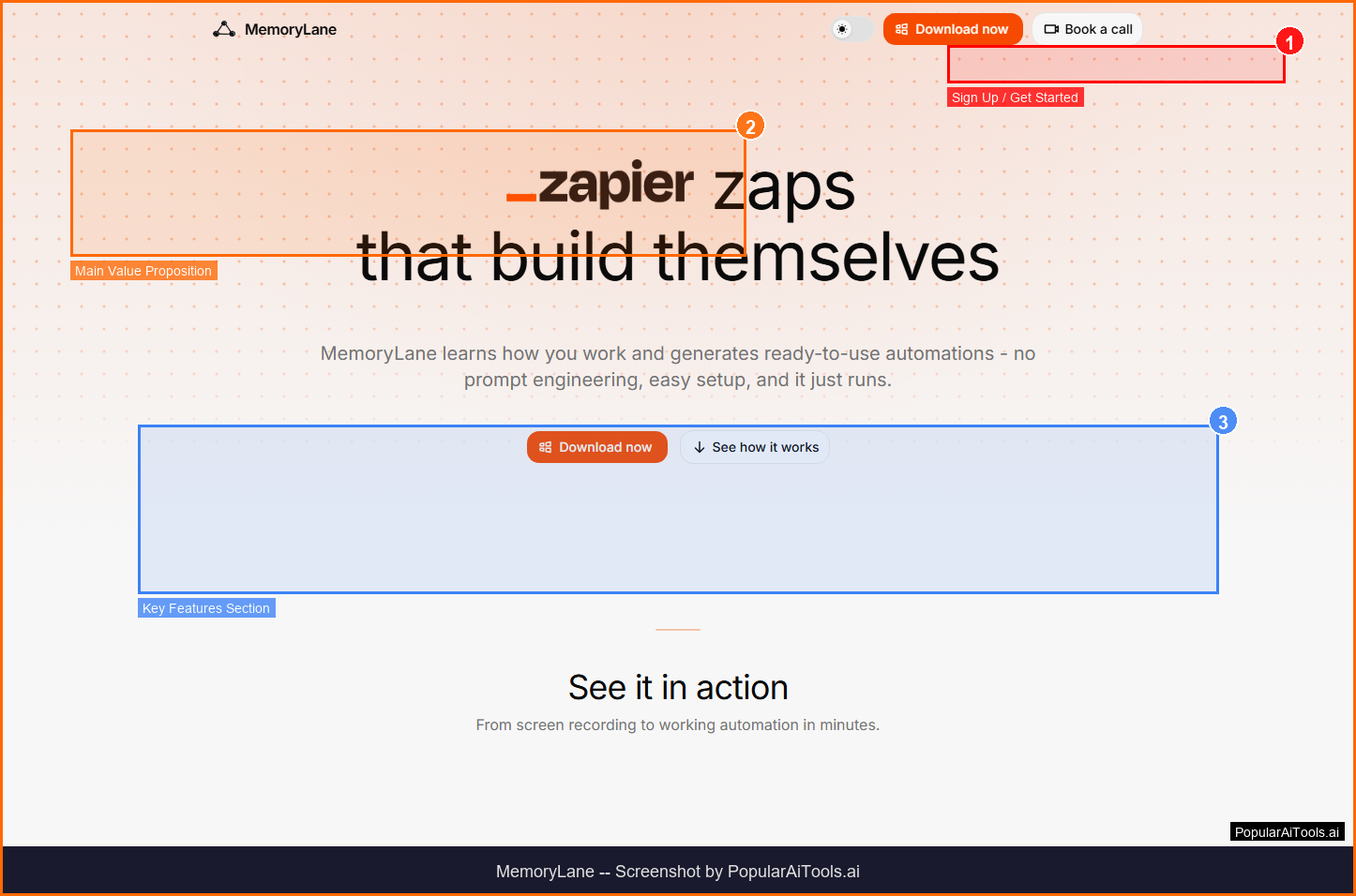
The MemoryLane homepage — key features and navigation highlighted
What is MemoryLane?
MemoryLane is a Mac application that quietly records your screen activity, builds a searchable timeline of everything you do, and uses AI to identify repetitive patterns that can be automated. Think of it as a privacy-first Rewind alternative that goes beyond search and into automation.
The privacy model is the key differentiator: screenshots are captured, sent to your configured AI model endpoint for summarization and OCR, then immediately deleted. Only short text summaries and OCR extracts are kept in a local SQLite database on your machine. MemoryLane never sees your data, and you choose your own AI provider (OpenRouter by default, or a custom endpoint like local Ollama).
The most compelling feature is the MCP (Model Context Protocol) server that connects directly to Claude Desktop. Once connected, Claude can access your full timeline of screen activity. Pre-built skills turn weeks of observed behavior into working automations with a single command -- no prompt engineering required.

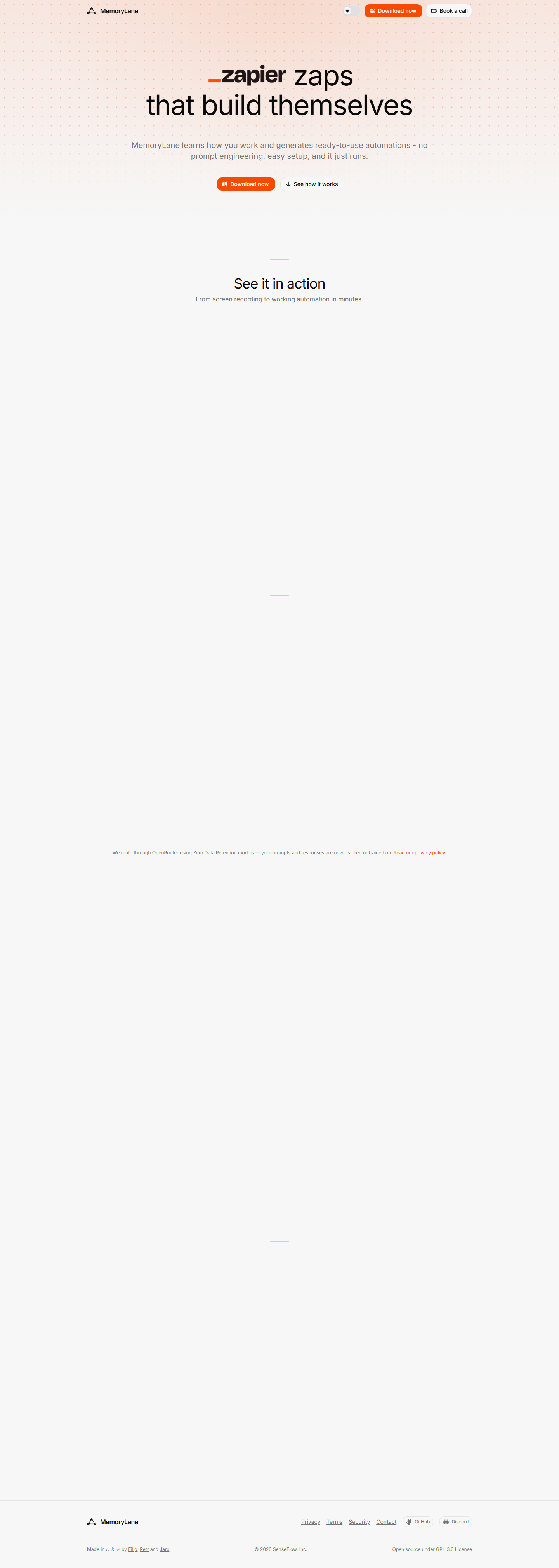
MemoryLane key features overview
Key Features
1. Screen Recording Timeline
Continuously captures your screen activity and builds a searchable, chronological timeline of everything you do on your Mac.
2. Privacy-First Architecture
Screenshots are analyzed then immediately deleted. Only text summaries are stored locally in a SQLite database on your device. Your data never leaves your machine.
3. Claude Desktop MCP Integration
Runs an MCP server that connects directly to Claude Desktop, giving Claude access to your full screen activity timeline for queries and automation generation.
4. Automatic Pattern Detection
AI analyzes your screen activity to detect repetitive workflows and patterns that could be automated, saving you time on recurring tasks.
5. Pre-Built Automation Skills
Pre-built skills generate working automations from observed behavior with a single command. No prompt engineering or coding required.
6. Choose Your AI Provider
Use OpenRouter by default, or configure any custom endpoint including local Ollama for complete data sovereignty.
7. One-Click Installation
Installs like any Mac app and connects to Claude with one click. No complex setup or technical configuration needed.
8. Local-Only Data Storage
All data stays in a local SQLite database on your machine. No cloud sync, no external data transfers, no third-party access.

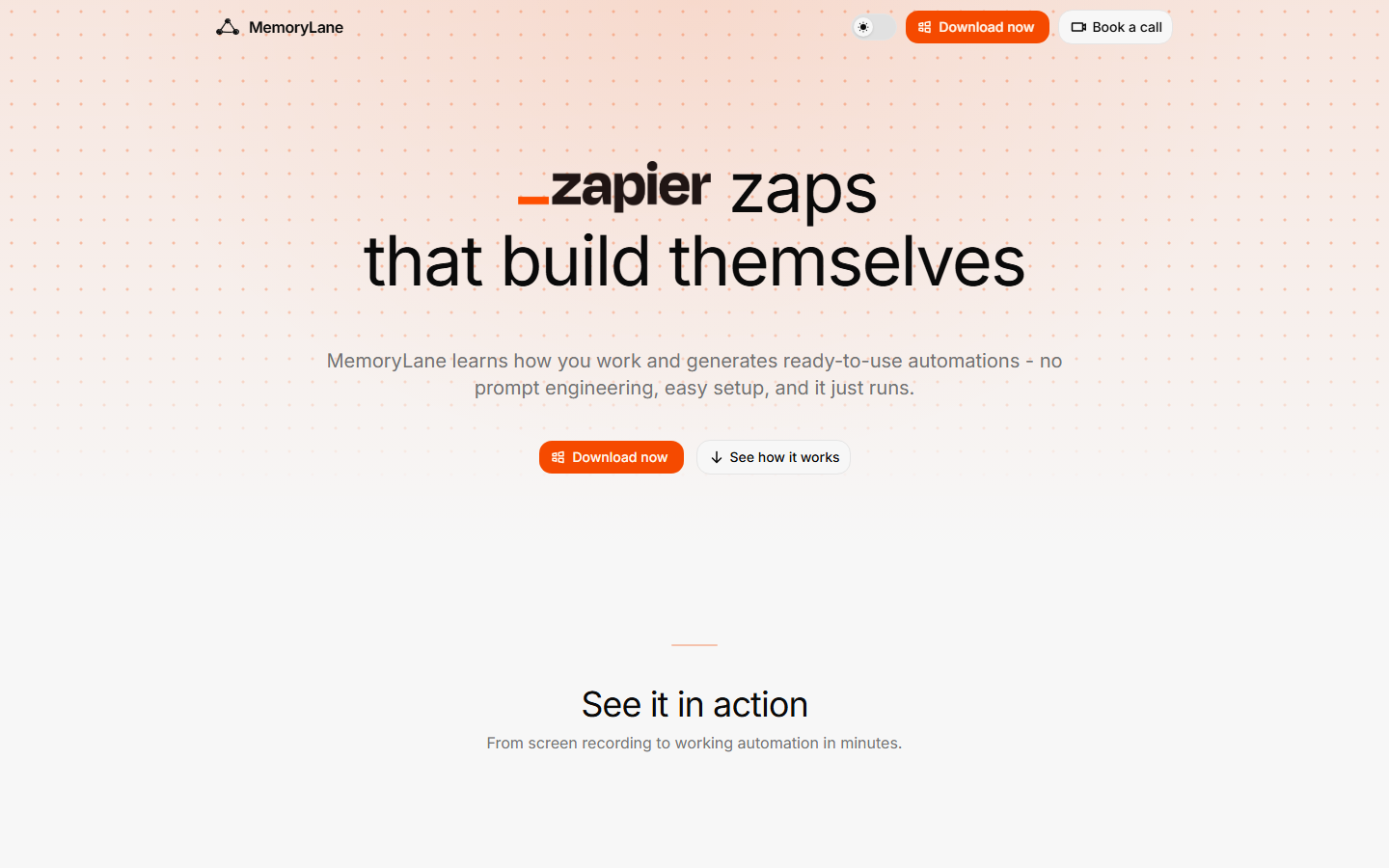
MemoryLane homepage (March 2026)
How to Use MemoryLane (Step-by-Step)
Step 1: Install on Mac
Download MemoryLane from trymemorylane.com and install it like any standard Mac application.
Step 2: Configure AI Provider
Choose your AI model endpoint -- OpenRouter by default, or configure a custom endpoint like local Ollama for maximum privacy.
Step 3: Connect to Claude Desktop
Click to connect MemoryLane to Claude Desktop via MCP. Claude can now access your screen activity timeline.
Step 4: Let It Run
MemoryLane quietly records your screen activity in the background, building a searchable timeline of summaries.
Step 5: Generate Automations
Ask Claude to identify repetitive patterns and generate automations, or use pre-built skills with a single command.

How MemoryLane works — step by step
Pricing Plans
Pricing Summary: Free to use | Open source on GitHub | Choose your own AI provider (costs vary)

MemoryLane pricing overview
Pros and Cons
Pros
- ✓ Privacy-first design: screenshots deleted after analysis, only text stored locally
- ✓ MCP integration with Claude Desktop enables powerful natural-language automation
- ✓ Open source on GitHub for full transparency and community contributions
- ✓ Pre-built skills generate automations with zero prompt engineering
- ✓ Choose your own AI provider including local Ollama for complete data sovereignty
- ✓ One-click installation and Claude connection with minimal setup
Cons
- ✗ Mac-only with no Windows or Linux support
- ✗ Requires Claude Desktop for the most powerful features
- ✗ Early-stage tool with potential stability and performance issues
- ✗ AI provider costs (OpenRouter etc.) are separate and can add up with heavy use
- ✗ Limited documentation and community support for troubleshooting

MemoryLane compared to alternatives
Best MemoryLane Alternatives
Final Verdict
MemoryLane is a novel tool that bridges the gap between screen recording and automation generation. The privacy-first approach -- deleting screenshots and storing only text summaries locally -- addresses the biggest concern users have with tools like Rewind. The Claude Desktop MCP integration is genuinely powerful, enabling natural-language queries and automation generation from your screen history. It is early-stage software best suited for Mac power users who want to automate repetitive workflows while maintaining data sovereignty.
Our Rating: 4.1/5
Have You Tried MemoryLane?
Share your experience with the PopularAiTools.ai community.
Submit Your Review
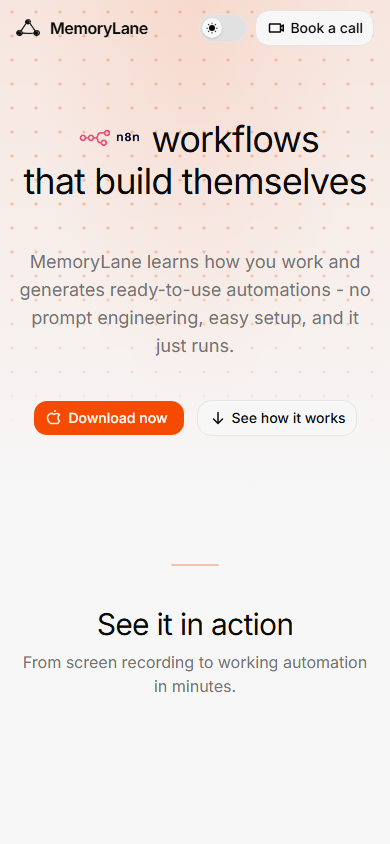
MemoryLane mobile experience (March 2026)
Frequently Asked Questions
Is MemoryLane free?
Yes, MemoryLane is free and open source. However, you will need an AI provider for analysis (OpenRouter or similar), which has its own costs.
Does MemoryLane store my screenshots?
No. Screenshots are analyzed for text extraction and summarization, then immediately deleted. Only text summaries are stored in a local SQLite database.
Does MemoryLane work on Windows?
No, MemoryLane is currently Mac-only. There is no Windows or Linux version available.
Do I need Claude Desktop?
Claude Desktop is recommended for the full automation experience via MCP integration, but MemoryLane can work with other AI providers for basic screen timeline features.
Is my data sent to the cloud?
By default, screenshots are sent to your configured AI endpoint for analysis, then deleted. Text summaries stay on your device. You can use local Ollama for fully offline operation.

Get Premium AI Tool Insights
Subscribe to get weekly curated AI tool recommendations, exclusive deals, and early access to new tool reviews.
Related Tools

Droidrun
ai-automation
Open-source AI framework that lets LLM agents control Android and iOS apps via native accessibility APIs. 91.4% success rate, €2.1M funded.
M
Manus AI
ai-automation
Autonomous AI agent platform that executes complex multi-step tasks — browses the web, writes code, creates files, and works in the background without guidance.
R
Renamer.ai
ai-automation
AI-powered file renaming tool that uses OCR to read document content and automatically generates meaningful file names. Supports 30+ file types and 20+ languages.

MuleRun
Related Articles
Suno v6 Intro and Ending Prompts: Unwanted Humming, Long Outros and Cut-Off Lyrics (2026)
Fix the edges of a Suno v6 track: three pasteable intro and outro templates, the documented Exclude field for unwanted humming, the arithmetic behind cut-off lyrics, and when to edit in Studio instead.
Suno v6 Keeps Changing Your Prompt? Variety, Style Influence and Weirdness Explained (2026)
Suno v6 rewrites your style prompt through the new Variety slider, and Suno documents the fix. What Variety, Style Influence, Weirdness and Max Mode each do, with a one-control-at-a-time worksheet.
Suno v6 Rock Prompts: Keep Guitar Riffs and Drums Alive Through the Verse (2026)
Why a strong Suno v6 rock intro turns into an empty verse, and how to fix it with a section-by-section instrument map, the Exclude field, pasteable rock and metal prompts and an A/B rubric.