Hermes AI Agent: How to Build and Automate Anything (Full Setup Guide)

AI Infrastructure Lead
⚡ Key Takeaways
- Hermes Agent is the only open-source AI agent with a built-in learning loop — it creates skills from experience, improves them during use, and builds a persistent model of who you are.
- Runs on a $5 VPS with 20+ LLM providers, 47 built-in tools, and 662+ community skills.
- Not tied to your laptop — message it from Telegram, Discord, Slack, WhatsApp, Signal, or 10+ other platforms while it works on a remote server.
- Setup takes under 5 minutes — one curl command to install, one wizard to configure, and you're chatting.

What Is Hermes Agent?
Hermes Agent is a self-improving, open-source AI agent built by Nous Research — the lab behind the Hermes, Nomos, and Psyche model families. We installed it on a cheap VPS, connected it to Telegram, and let it run for two weeks. The difference between day one and day fourteen was striking: it had learned our deployment patterns, built custom skills for our recurring tasks, and started anticipating what we needed before we asked.
This isn't another chatbot wrapper or a coding copilot chained to an IDE. Hermes is an autonomous agent that lives on your server, remembers what it learns, creates skills from experience, and reaches you wherever you are — Telegram, Discord, Slack, WhatsApp, Signal, or plain CLI. It runs on hardware as modest as a $5/month VPS, or as powerful as a GPU cluster. And it's completely free under the MIT license.
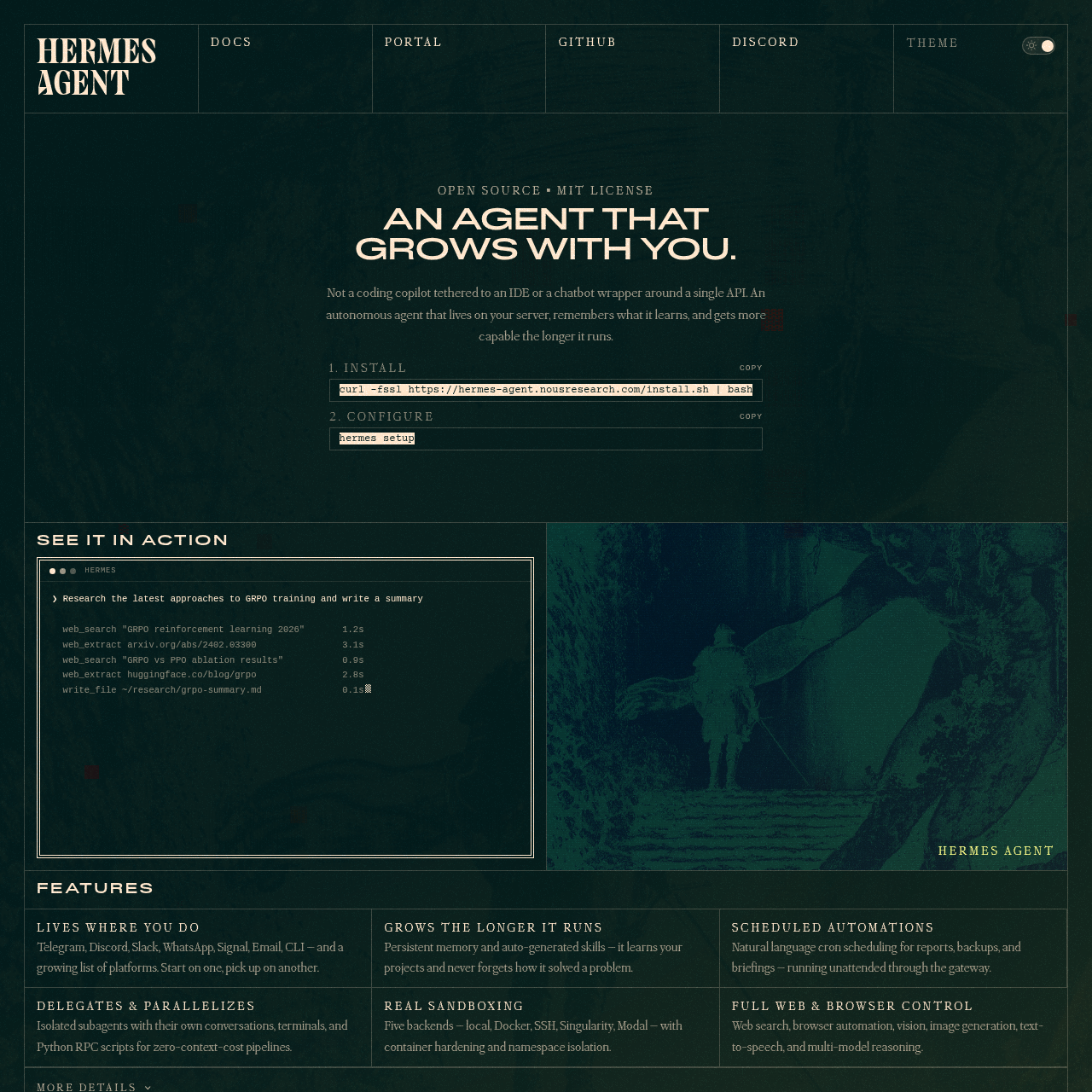
What makes Hermes genuinely different is the closed learning loop. Most AI agents treat every conversation as a fresh start. Hermes creates skills from complex tasks it completes, improves those skills during subsequent use, periodically nudges itself to persist important knowledge, and uses full-text search across past conversations for cross-session recall. After a few weeks of regular use, your Hermes instance knows your codebase, your deployment quirks, your preferred commit message format, and which tools you reach for first.
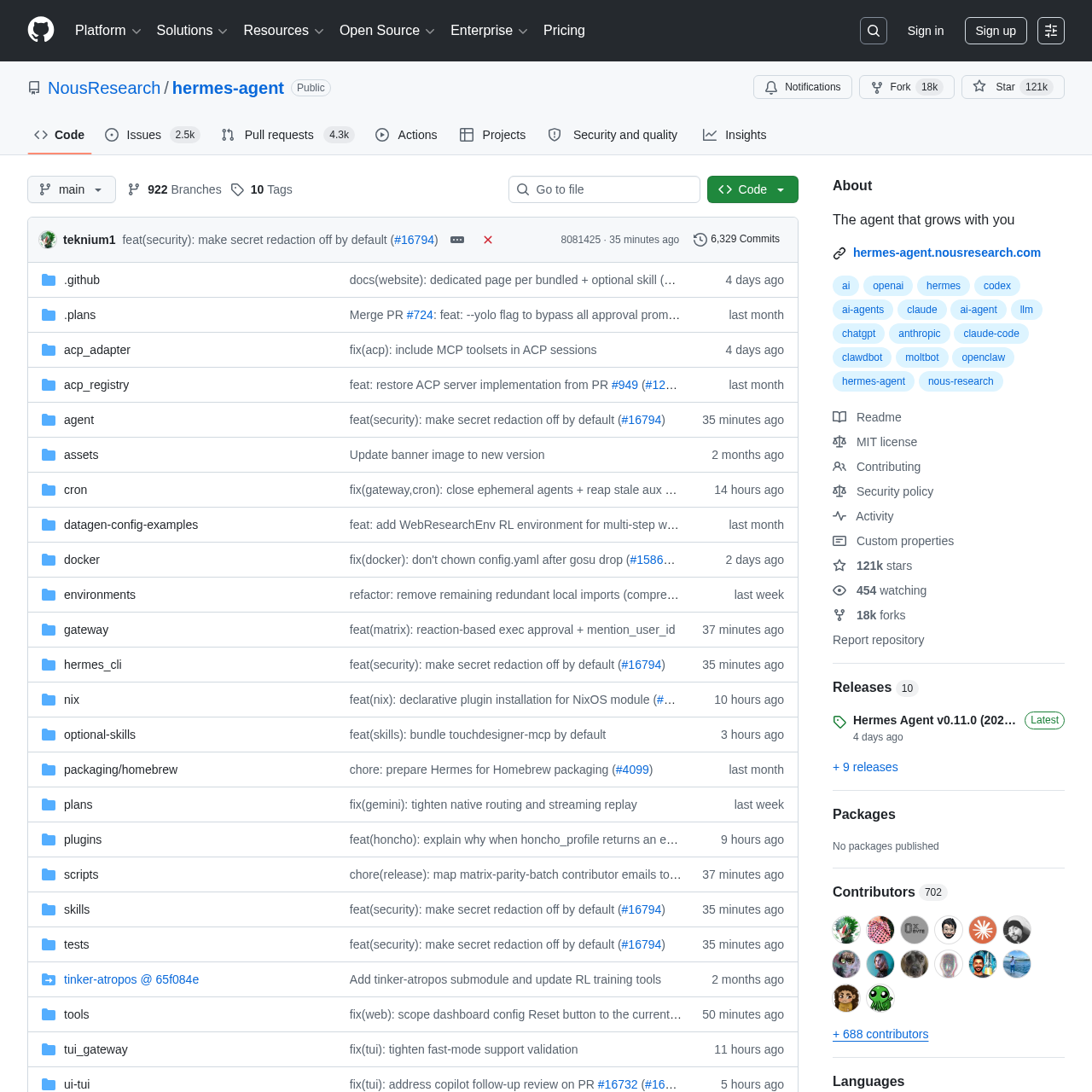
Since its launch on February 25, 2026, Hermes has crossed 100,000 GitHub stars and accumulated over 1,000 merged pull requests. The community has built 662+ skills across 4 registries, and the project supports 20+ LLM providers out of the box — from Nous Portal and OpenRouter to Claude, GPT, DeepSeek, and self-hosted models via Ollama.
How to Install Hermes Agent
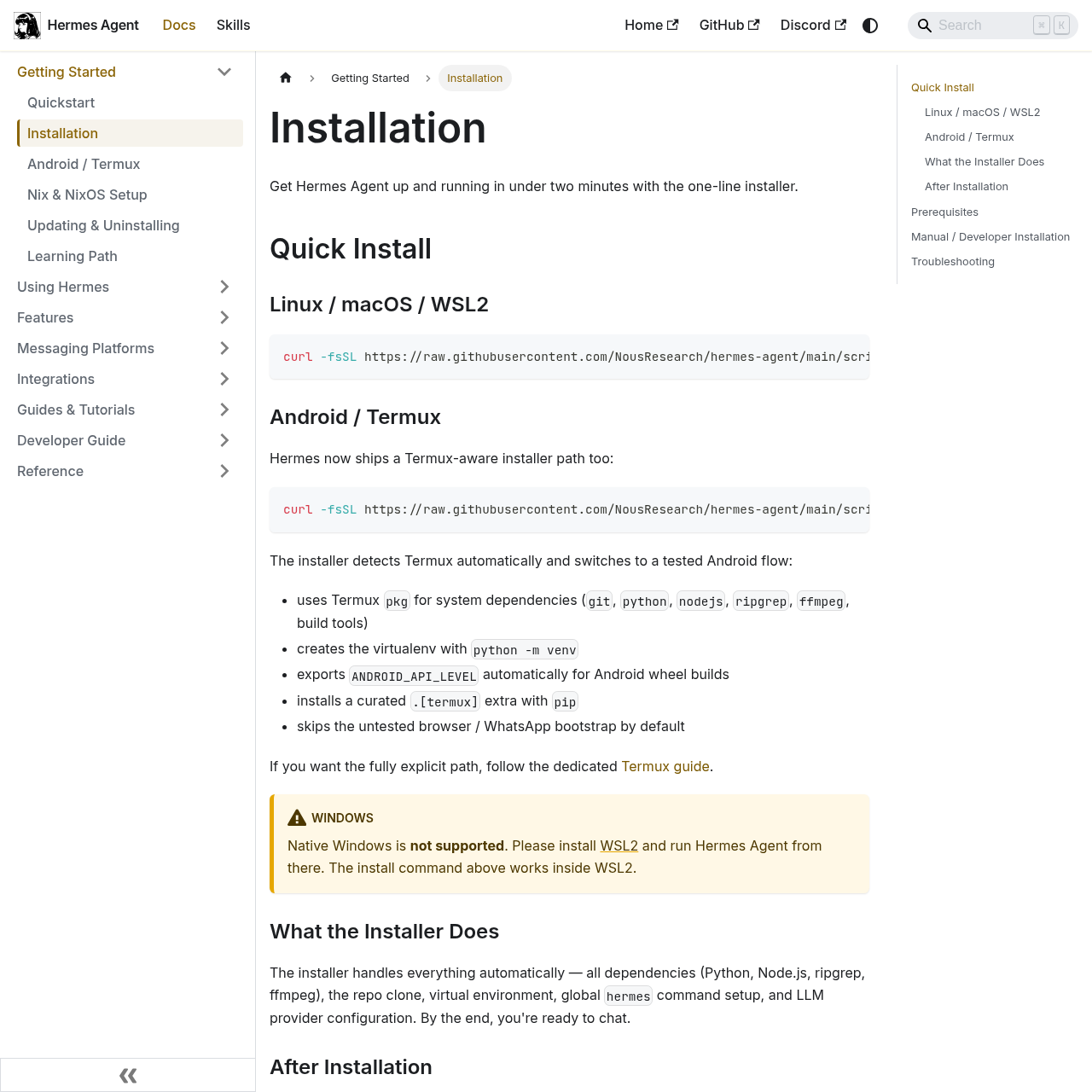
Installation is a single curl command. We had it running in under 60 seconds on a fresh Ubuntu VPS:
curl -fsSL https://raw.githubusercontent.com/NousResearch/hermes-agent/main/scripts/install.sh | bash
source ~/.bashrc
hermes setup
That last command — hermes setup — launches an interactive wizard that walks you through provider selection, model configuration, and gateway setup. It works on Linux, macOS, WSL2, and Android via Termux. Windows users need WSL2 first.
The provider selection is where it gets interesting. Hermes supports 20+ LLM providers with zero lock-in — switch anytime with hermes model:
One requirement: your model needs at least 64K tokens of context. Most hosted models (Claude, GPT, Gemini, Qwen, DeepSeek) clear that easily. If you're running a local model through Ollama, set -c 65536. If you want a free local model purpose-built for agent work, check out Hermes 4 35B — the free local AI model built for agents.

Your First Conversation
After setup, just type hermes — or hermes --tui for the modern terminal UI with mouse selection and modal overlays. You'll see a welcome banner showing your model, available tools, and loaded skills.
We recommend starting with something specific and verifiable:
"Check my current directory and tell me what looks like the main project file."
If Hermes replies, uses a tool (terminal, file read), and the conversation continues for more than one turn — you're past the hard part. Now verify that sessions persist by quitting and running hermes --continue. You should land right back where you left off.
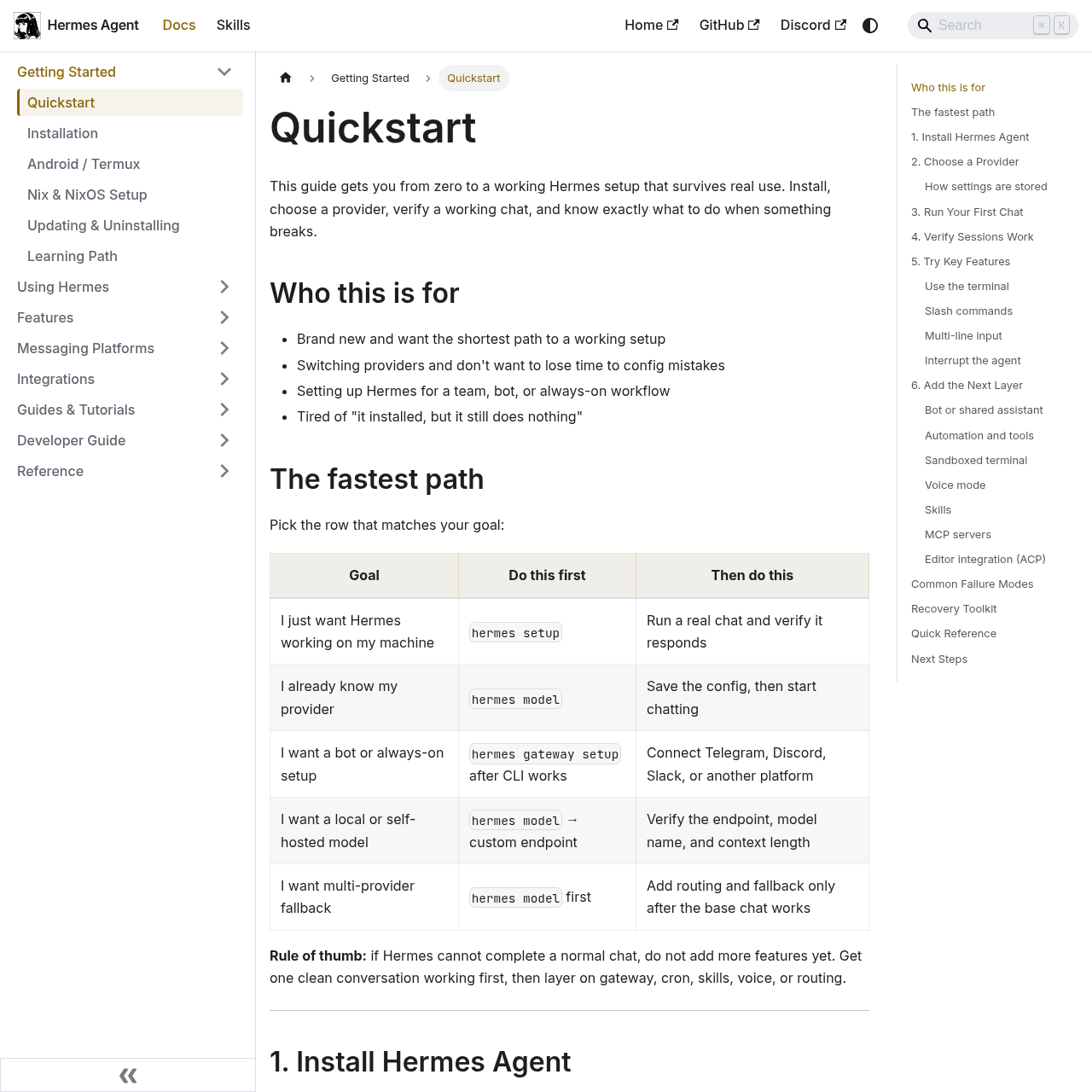
The slash command system is extensive. Type / to see an autocomplete dropdown: /tools lists available tools, /model switches models on the fly, /personality pirate gives it a new voice, and /save exports the conversation. If the agent is taking too long, just type a new message — it interrupts and pivots to your new instruction.
The Memory System That Changes Everything
This is where Hermes separates from every other agent we've tested. Most AI agents start from zero every session. Hermes has a multi-level memory architecture that compounds over time:
Persistent Memory (MEMORY.md)
Agent-curated facts that survive across sessions. Hermes periodically nudges itself to persist important knowledge — you don't have to tell it to remember.
User Modeling (USER.md)
Honcho dialectic modeling builds a deepening profile of who you are — your preferences, patterns, and working style. Gets more accurate the longer you use it.
Cross-Session Search
FTS5 full-text search across all past conversations with LLM summarization. Ask "what did we decide about the database schema last week?" and it finds it.
Procedural Skills
After completing complex tasks, Hermes autonomously creates reusable skills. These skills self-improve during subsequent use — they literally get better.
The practical difference is real. After three weeks, our Hermes instance running on a $5 VPS knew our codebase, our deployment quirks, our preferred commit message format, and which tools we reach for first. We didn't teach it any of that — it learned by working alongside us.
Many users are also connecting Hermes to Obsidian as a long-term knowledge backbone. The pattern: Hermes handles its own working memory (what it needs immediately), while an Obsidian vault stores the deeper reference material — project docs, research notes, architecture decisions. The agent reads from an entry point file (obsidian/AGENT.md) and navigates from there on demand. If you're interested in AI agent memory systems, we covered a related approach in our Open WebUI + Hermes Agent setup guide.
Building Multi-Agent Teams
Hermes doesn't just run as a single agent. It can spawn isolated subagents — each with their own conversation, terminal session, and tools. This is where things get powerful for complex workflows.
Say you need to refactor a codebase while simultaneously researching API documentation and running tests. Instead of doing these sequentially, you tell Hermes to delegate: one subagent handles the refactor, another reads the docs, a third runs the test suite. Results get aggregated back to the primary agent with zero context cost — the subagent conversations don't eat into your main context window.
You can also write Python scripts that call tools via RPC, collapsing multi-step pipelines into zero-context-cost turns. The execute_code tool lets Hermes write and run Python that interacts with its own tool system programmatically. We used this to build a pipeline that pulls data from three APIs, transforms it, and posts the result to Slack — all in one turn.
If you've worked with multi-agent systems before — we wrote about the concept in our multi-agent Claude Code setup guide — Hermes takes a simpler approach. No complex orchestration framework. Just spawn a subagent, give it a task, and let the main agent coordinate.

Messaging Gateway: Telegram, Discord & More
The gateway is what transforms Hermes from a local CLI tool into an always-on assistant you can reach from anywhere. Run hermes gateway setup and connect one or more platforms:
The killer feature here is cross-platform conversation continuity. Start a conversation on your laptop CLI, continue it from Telegram on your phone during lunch, and pick it up again on Discord when you're at your desk. Same session, same context, same memory.
Voice is supported too. Send a voice memo on Telegram and Hermes transcribes it using Whisper (local, free). Discord voice channels work for real-time spoken interaction. We covered a similar multi-platform agent approach in our Multi-Agent Claude Code + Telegram guide.
Combine the gateway with scheduled automations and you get an agent that works while you sleep. Write cron jobs in natural language — "every morning at 8am, summarize my GitHub notifications and send them to Telegram" — and Hermes handles the rest. Daily reports, nightly backups, weekly audits, all running unattended through the gateway.
The Skills Hub: 662+ Reusable Workflows
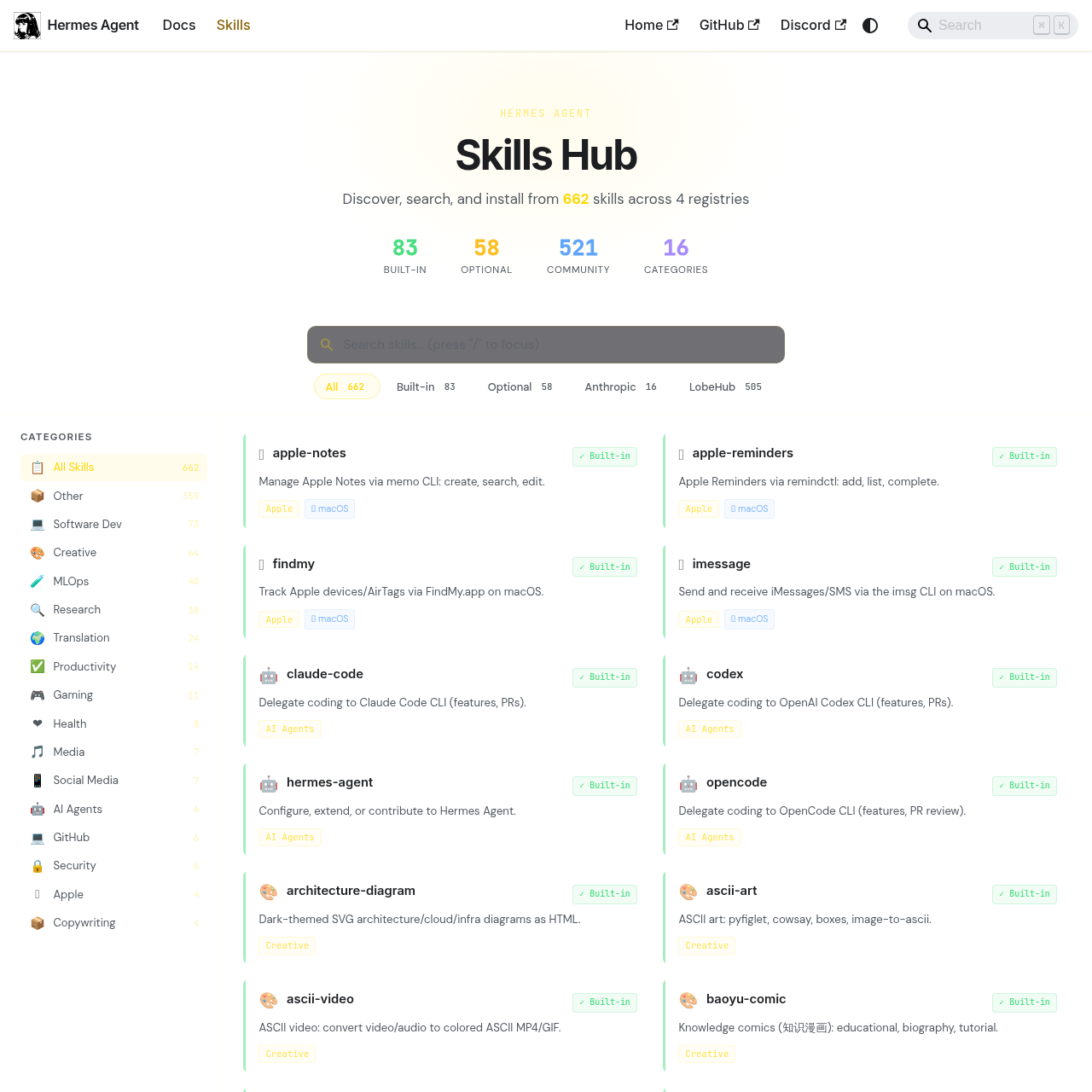
Skills are Hermes's procedural memory — reusable workflows the agent creates from experience or installs from the community. The Skills Hub has 662+ skills across 83 built-in, 58 optional, and 521 community-contributed, organized into 16 categories.
Installing a skill is one command:
hermes skills search kubernetes
hermes skills install openai/skills/k8s
Skills are compatible with the agentskills.io open standard, which means they're portable across agent platforms. Categories span everything from software dev and MLOps to creative work, research, and social media. Some highlights we found useful: claude-code (delegates coding to Claude Code CLI), hermes-agent (configures and extends Hermes itself), and architecture-diagram (renders SVG infra diagrams from HTML).
Hermes also supports MCP (Model Context Protocol) integration. Add any MCP server to your config and Hermes gains access to those tools — GitHub, databases, Notion, whatever your MCP server exposes. If you're new to MCP, we have a comprehensive skills and plugins guide that covers the pattern.

Hermes Agent vs OpenClaw
This is the comparison everyone asks about. Both are open-source, self-hosted, and share a lot of surface-level features. The real difference is center of gravity:
| Feature | Hermes Agent | OpenClaw |
|---|---|---|
| Core Identity | Agent-first runtime | Gateway-first platform |
| Self-Improving Skills | ✓ Built-in learning loop | Partial — manual skills |
| Memory System | Multi-level + user modeling | Markdown-based memory |
| Messaging Platforms | 15+ | 8+ |
| Sandbox Backends | 6 (incl. serverless) | 3 |
| Best For | Self-improving automation | Chat-first team assistant |
| Price | Free (MIT) | Free (MIT) |
Hermes is agent-first. It centers on the agent's own learning loop — self-improving skills, multi-level memory, autonomous knowledge persistence. The gateway exists to let you reach the agent, not the other way around.
OpenClaw is gateway-first. It centers on a long-lived messaging gateway with explicit routing, channel bindings, and workspace separation. The agent capabilities exist inside that gateway model.
If your priority is an agent that becomes more capable over time — Hermes has the clearer story. If your priority is a persistent assistant you can message across channels through one operational hub — OpenClaw has the clearer story. Coming from OpenClaw? Hermes has a built-in migration tool: hermes claw migrate imports your settings, memories, skills, and API keys automatically.
For a broader view of autonomous agent options, see our Factory AI review and SuperSet parallel agents review.
- Open WebUI + Hermes Agent: Build Your Own Self-Hosted ChatGPT (2026)
- Build a Multi-Agent Claude Code System in 2026 (Full Walkthrough)
- Hermes 4 35B: The Free Local AI Model Built for Agents (2026)
- 12 Ways to Use Claude Like a Power User (Complete Guide)
- Claude Code 100% Free in 2026: The Complete Setup Guide
Frequently Asked Questions
hermes model.Recommended AI Tools
played.fm
Sell your music and keep 100%: played.fm is a direct-to-fan store + sync marketplace with 0% commission, no gatekeepers, and no bans — a strong fit for AI musicians.
View Review →OpenCode
The open-source AI coding agent: terminal-first TUI, 75+ model providers, LSP context, subagents, and privacy-first design. Free software, ~180K GitHub stars.
View Review →Exa
The neural web search API for AI agents: embeddings-based retrieval, cited highlights, sub-180ms latency, and an MCP server. 20,000 free requests/month.
View Review →Google Antigravity
Google's agent-first IDE: run a fleet of AI agents from a Manager surface, on Gemini 3 Pro, Claude Sonnet 4.5, or OpenAI models. Free in public preview.
View Review →